








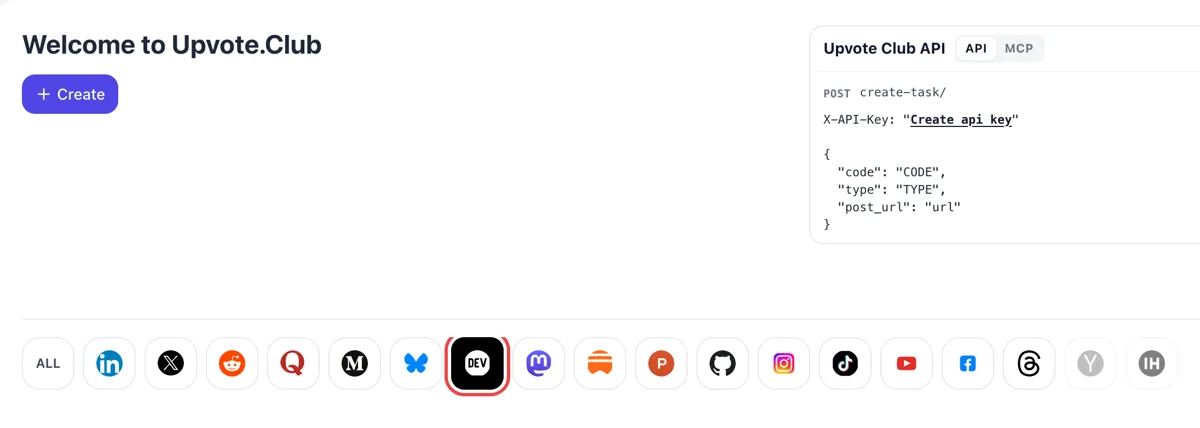
Sign in and click DEV in the network row
On the Upvote.Club welcome screen, sign in using Google or Apple and choose the DEV Community icon. Create then opens a request aimed at one of your published articles, so have the post live before you begin.
Paste a public Dev.to post link and let community members leave the heart reaction, so your article opens with visible approval.
Working with any agent




POSTcreate-task/
{
  "social_network_code": "DEVTO",
  "type": "LIKE",
  "post_url": "https://dev.to/username/article-title-123",
  "actions_required": 10
}
Trusted by 88,000+ community members
We are a community of people who help each other grow their personal brand on social media. How It Works Our top priority is a zero-bot policy. We are maintaining a clean and safe community with real people. A variety of GEOs and interests are available inside our community.
Every like is left by a community member using their own DEV account, so the count on your article reflects people who opened the page.
The blog has practical posts about titles, tags and the first hour after publishing, written for developers who would rather write code than study social media. Each one ends with a short checklist you can reuse.
A Google or Apple sign-in is all it takes to open an account, and you can test the effect on a single post before you plan a routine.
The help center describes the heart as the default reaction that shows appreciation for an article or the author. It is the one almost every reader knows, so a number next to it reads clearly even to someone who just arrived from a search. Its meaning is understood without any explanation.
Reaction buttons sit at the top left corner of an article. A visitor sees the count before reading a line, and a post that already carries hearts feels worth ten minutes of attention, particularly when the topic is a new tool.
Community posts on DEV note that reactions feed into how a post is ranked on the front page. A fresh article with early hearts has a better chance of staying visible while developers scroll through their feed in the first hours.
Two posts of similar quality can get very different hearts because of the title alone. After a push of likes, compare how many visitors scroll on, and you will see whether the promise in your headline matches the first paragraph. Change one thing at a time to keep the test clean.
Developers comment more readily on a post that others have appreciated. Hearts lower the barrier for the first question or correction, and the discussion section becomes a place where you can show the depth of your knowledge.
Writing for DEV is easier to keep up when each post gets some reaction. Hearts in the first hours give a new author a reason to write the next article, and a regular rhythm is what builds an audience.
On the Upvote.Club welcome screen, sign in using Google or Apple and choose the DEV Community icon. Create then opens a request aimed at one of your published articles, so have the post live before you begin.
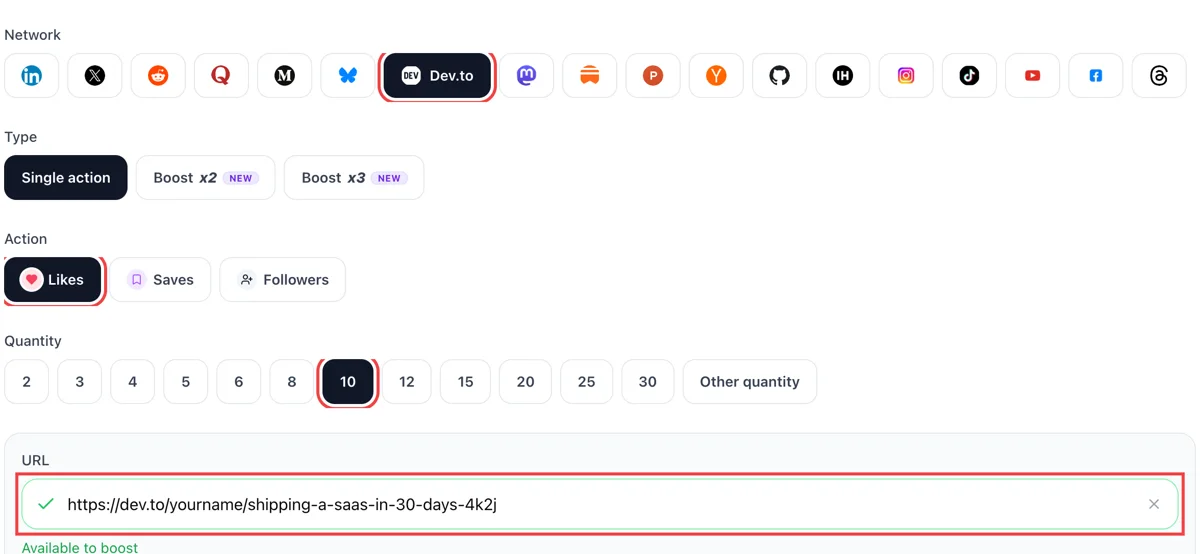
Choose likes, copy the public address of the article from your browser and paste it in the field until the green check appears. Pick the number of hearts you want the post to show under its title.
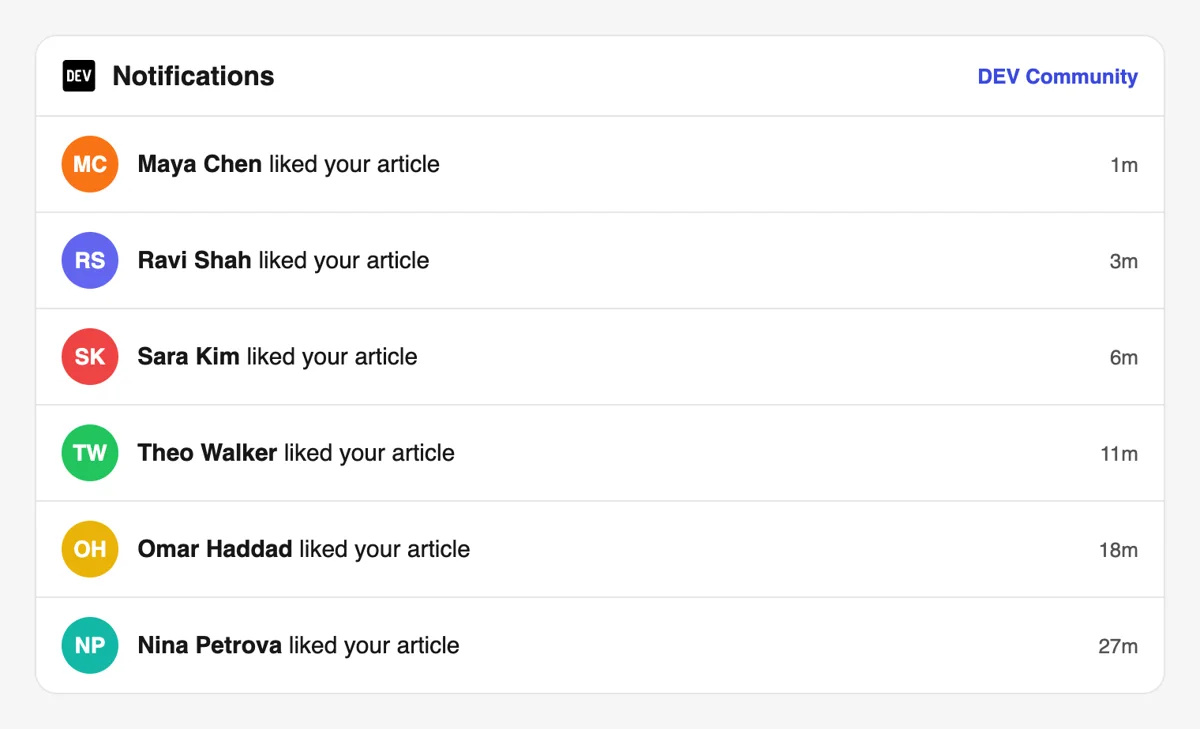
Readers react from their own DEV accounts. Your notifications list lines such as someone reacted to your post, each with a small minutes-ago label, so you can open them and say thanks in the comments.
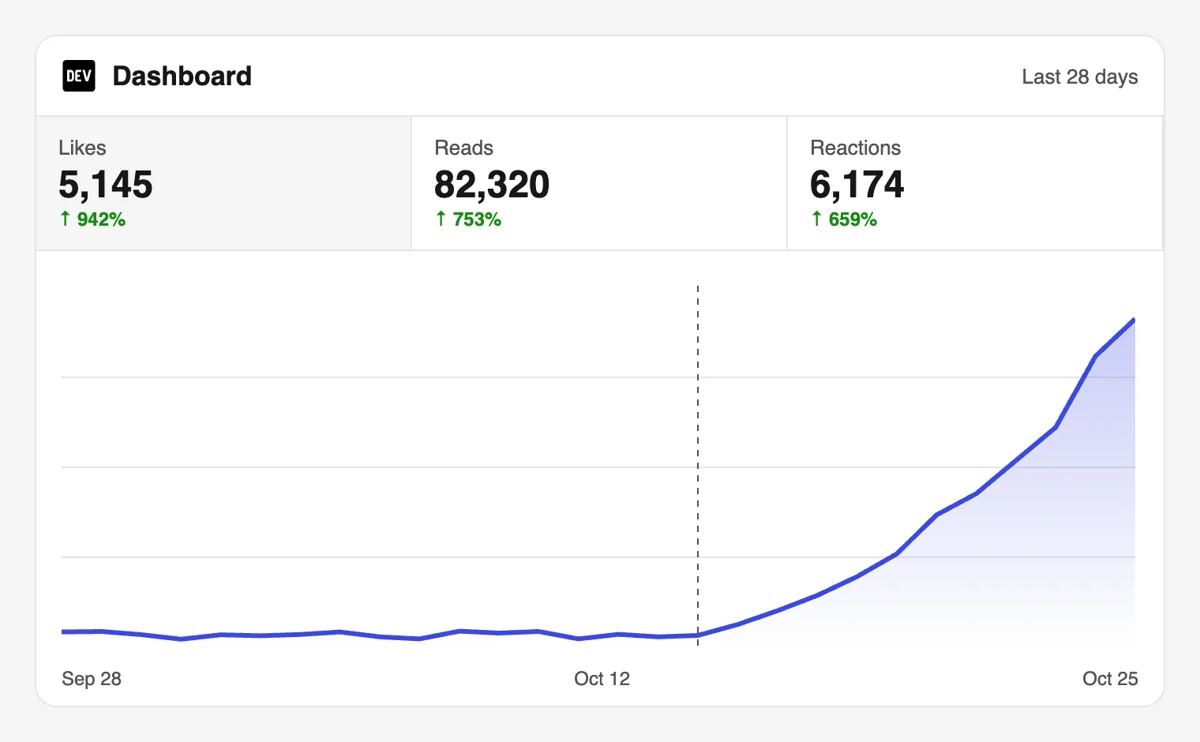
The DEV dashboard shows reactions next to page views for each article. A post with a visible heart count tends to get more clicks from the tag feed, which you can compare with your earlier posts.
If you publish with a CI job or an AI assistant, create like requests through the API or MCP connectors right after the post goes live. The DEV section lists the article URL parameter. Heart requests for DEV in the API
Get 5 free Dev.to likes every 24 hours. Upgrade only when you need more.
Free
Forever
What's included
$59/ year
Billed annually
What's included
$0/ first 3 days
After $49 / month
What's included
Unlimited tasks per day. Unlimited connections to social media accounts. Pin your post at the top.
Promote posts to verified users. API access. Unlimited engagement actions per day.
Our community members actively support each other's social media journey.
Join 88,000+ creators, brands, founders, and marketers already growing their audience
likes on Dev.to push your articles way up in the feed
Dec 25, 2024
used this for my technical deep dive post, reads went up noticeably after 👏
Mar 18, 2024
real likes from actual developers, not fake accounts
Jul 11, 2024
fast and legit, exactly what my Dev.to content needed
May 21, 2025
been posting on Dev.to to grow my audience as a founder and this gave it real momentum
Jan 19, 2024
FAQ
A like is the heart reaction, which the help center calls the default way to show appreciation for an article or its author. Other reactions exist for special cases, such as the unicorn for exceptional work, but the heart is the one most readers use.
Yes. Handled correctly, it works, and upvote.club is the tool that does the handling correctly. Community members open your public post and leave the heart from their own accounts, so the count under your title grows and your article starts with visible approval.
It gives growth for the whole profile. Posts with hearts look worth reading, they hold attention longer in the feed and they bring more profile visits. With the right tool, upvote.club, even a new author can see that effect on the first post.
The unicorn is still listed in the DEV help center as the reaction for exceptional articles, next to wow, well done and hot take. This page is about the heart, which is the default reaction, but a good article can collect several different reactions.
Community write-ups say reactions count toward how a post is surfaced in the feed, and DEV publishes a weekly list of top posts. The exact formula is not public, so treat likes as one of several signals alongside tags, comments and time on page.
Check how your own posts behave over a few weeks before you judge the effect.
As early as you can, because a new post is most visible in the first hours. Send the link to colleagues right after publishing and add the community push at the same time. A later push can still help older tutorials that you have updated.
Solve one specific problem, show working code, and write a title that names the result. Reply to every comment, read other posts in your tags and react to the ones you value. Developers who see your name often will start opening your articles.
Short posts on a narrow problem usually do better than long surveys.
A single friendly line at the end is enough. Say what you hope the reader took away and invite them to react if it helped. Repeating the request in every section distracts from the code, and developers tend to skip posts that read like an ad.
For a first post, often yes. Ask your team and your community on a chat channel. It costs your own time and does not repeat reliably, which is why writers add upvote.club for the posts where their circle has gone quiet.
No. Reciprocity is yours to choose, and nothing is tracked against you. Use your hearts on articles that helped you, because that is the habit that makes the community pleasant to write in.
Hearts you give to others also put your profile name in front of their authors, which brings the occasional visit back to your own posts.
The public link of the live article. Sign in with Google or Apple, paste the link and choose likes. If you want help with many posts at once, the API page explains how to submit requests from your own tools.
Likes and reactions are private from the outside. Another member cannot browse what you liked. The author of the post, though, gets the information: it is sent as a short-lived notification and also kept as a permanent list on the post's stats page. So a like is feedback for the writer and not a public badge for the reader. When a like push from upvote.club lands on your article, the count under the post rises for everyone, and the list on your stats page gives you a private record of the names. Use it to decide whom to read and reply to.
The dashboard opens with totals for page views, reactions and comments, followed by a list of your published and draft posts with the same figures for each. The analytics view charts readers, new followers and reactions over a chosen stretch of time. Look at the per-post figures to spot the article that earned the most hearts, then compare what it had in common with the others: the tag, the length, the opening paragraph. After a like push from upvote.club, the dashboard totals are the quickest place to confirm the count moved.