








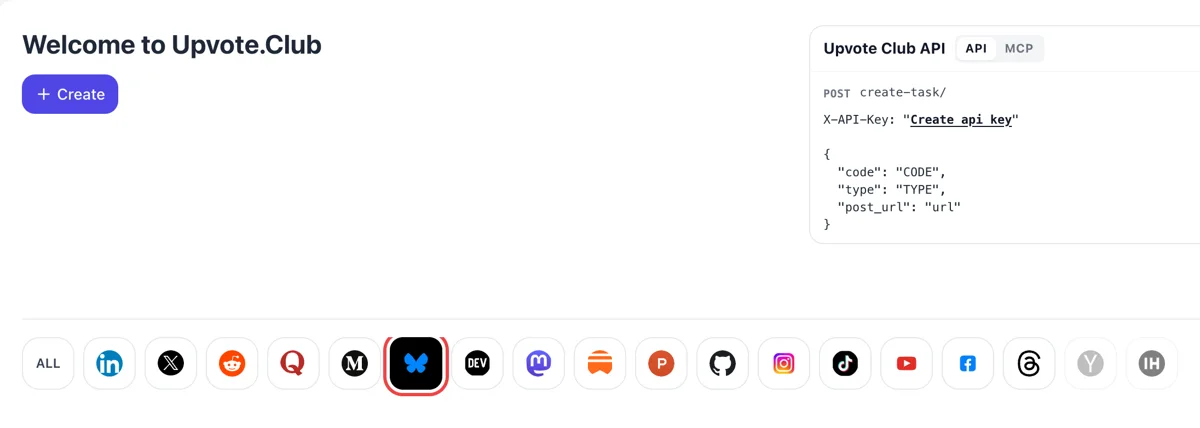
Open the dashboard, choose Bluesky
Arrive at upvote.club and enter with a Google or Apple login. After Create, select the butterfly in the network row. The first request costs nothing, and one login stays valid across all supported networks.
Send the link of a public Bluesky post to the community and see hearts arrive from their own accounts.
Working with any agent




POSTcreate-task/
{
  "social_network_code": "BLUESKY",
  "type": "LIKE",
  "post_url": "https://bsky.app/profile/username.bsky.social/post/123456",
  "actions_required": 10
}
Trusted by 88,000+ community members
We are a community of people who help each other grow their personal brand on social media. How It Works Our top priority is a zero-bot policy. We are maintaining a clean and safe community with real people. A variety of GEOs and interests are available inside our community.
Each heart comes from a member's own Bluesky profile, which means the like list under your post shows ordinary accounts that anyone can open and read through.
Upvote.club works from the address of your public post. Nothing about your account settings is requested, and you decide what to post and when.
Written guides on the blog cover how to word a Bluesky post so that readers give it a heart and then stay for the replies.
A post at zero looks untested. A few hearts in the first stretch tell the next reader that others stopped here, which makes a click or a reply a little more likely. It is a small push and it compounds.
Anyone can open the likes under a Bluesky post and see who gave them. Each name links to a profile, so hearts from active accounts send small amounts of curiosity back to the person who liked.
Some feeds on the network surface posts that collect hearts quickly. You cannot control which feed notices a post, but early reactions give it a chance that a silent post never gets.
A liked post draws more of the same behavior. Readers who see agreement are more willing to add a reply, a repost or a bookmark of their own, so hearts tend to open the door for the slower reactions.
With a similar starting number on each post, you can compare topics and formats fairly. Differences in replies and saves then tell you which idea landed with readers, and which post only had good timing.
One login covers every supported network. Use hearts on a short text post, an image, a link card or a video, and compare how each format holds up over the week.
Arrive at upvote.club and enter with a Google or Apple login. After Create, select the butterfly in the network row. The first request costs nothing, and one login stays valid across all supported networks.
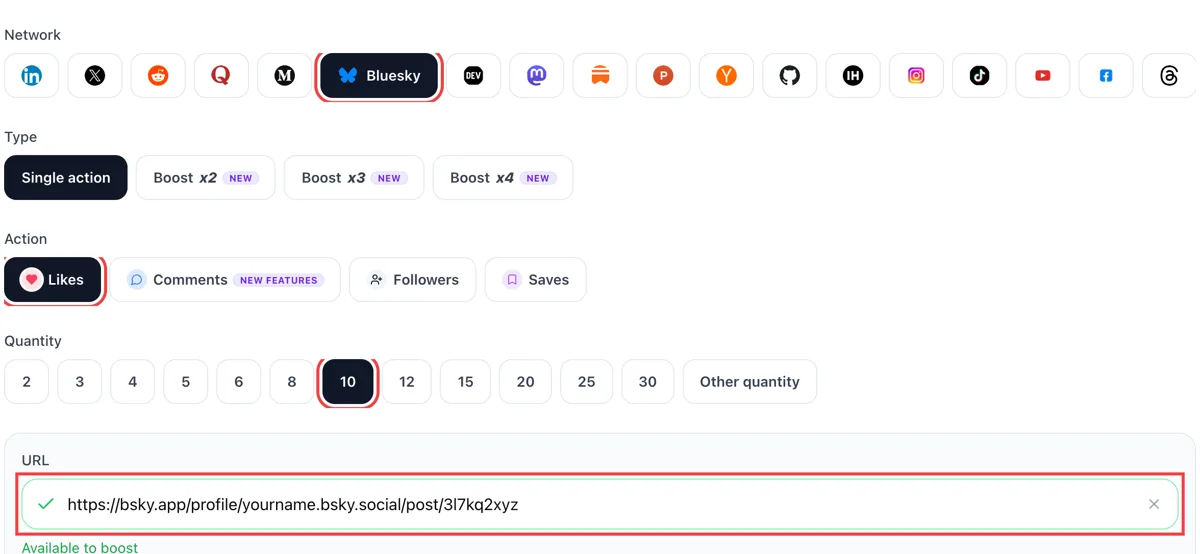
Switch the action to hearts, enter a quantity and paste the public link of the Bluesky post. A green tick confirms the post loaded, so the form knows exactly which post should collect the likes.
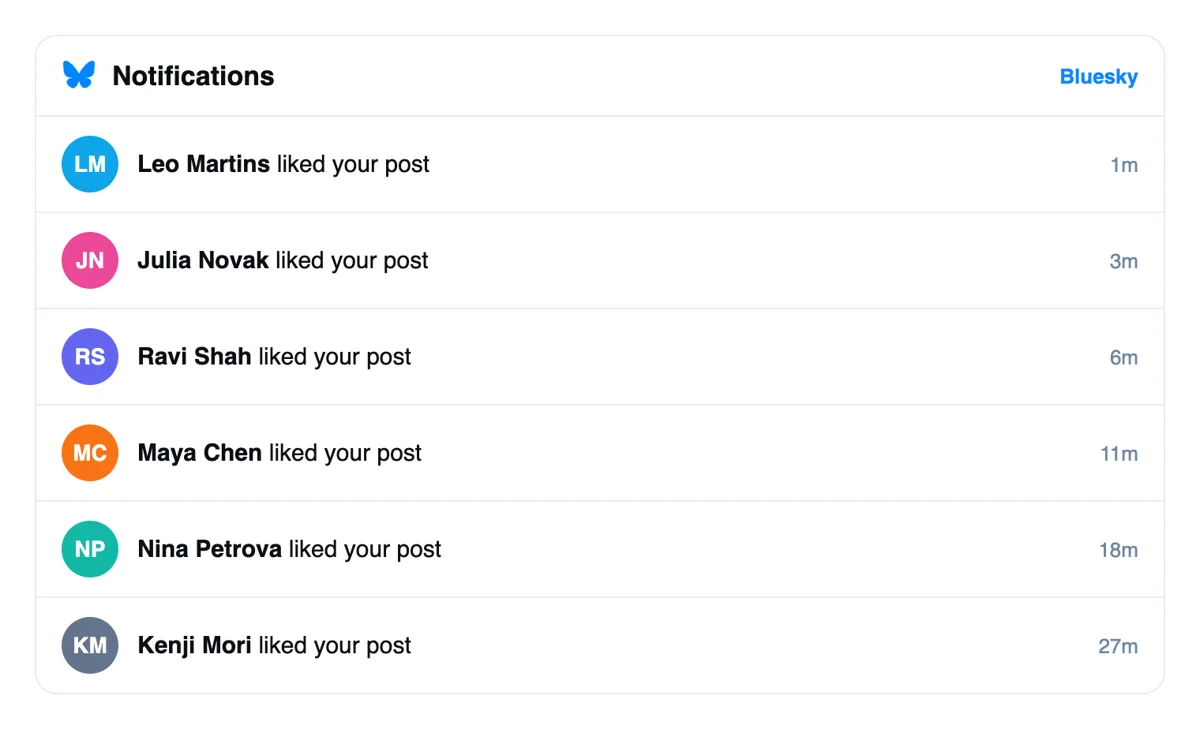
Every heart is given from a different member's profile and appears in your Notifications tab as a like on the post. Several likes on one post are bundled, which keeps the list short and legible.
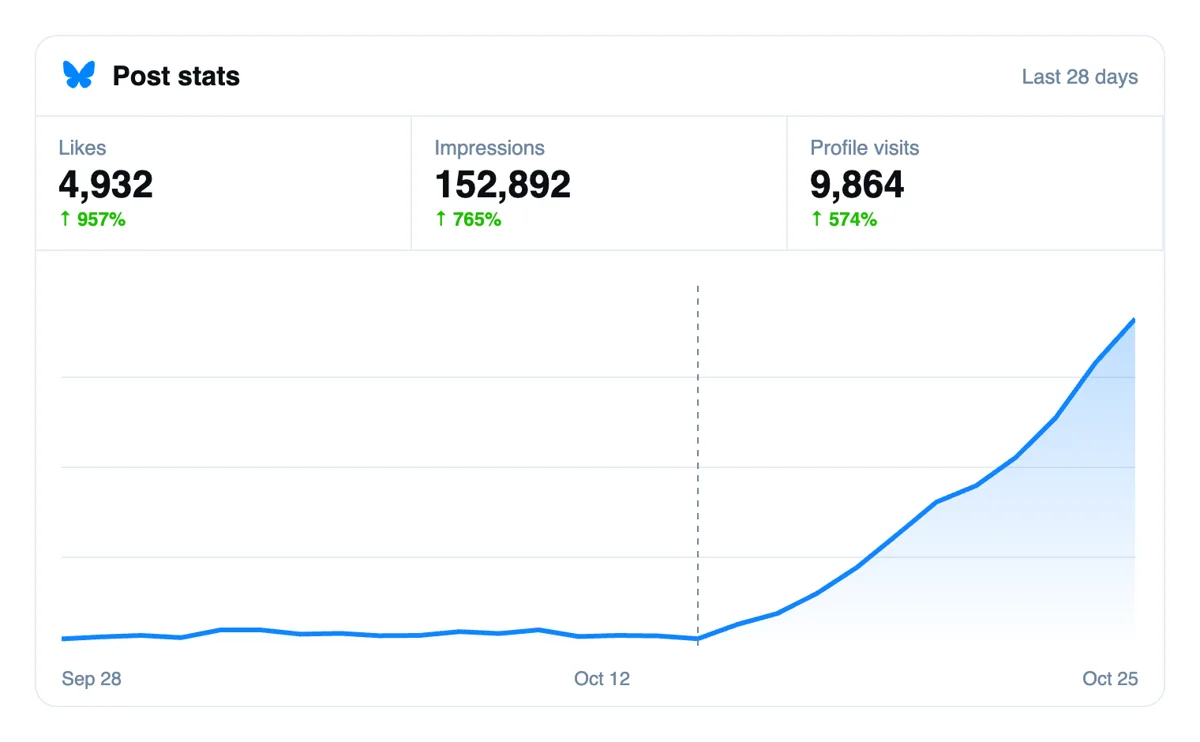
Open the post and read the number beside the heart icon; select it to see the names. In the following days, set the count and replies against a post that got no push to judge the difference.
Bluesky hearts can also be requested by script, since the API takes them, and MCP connectors let an AI assistant do it. If you publish often, hand over your links and the hearts arrive just as they do from the form. Bluesky hearts by API
Get 5 free Bluesky likes every 24 hours. Upgrade only when you need more.
Free
Forever
What's included
$59/ year
Billed annually
What's included
$0/ first 3 days
After $49 / month
What's included
Unlimited tasks per day. Unlimited connections to social media accounts. Pin your post at the top.
Promote posts to verified users. API access. Unlimited engagement actions per day.
Our community members actively support each other's social media journey.
Join 88,000+ creators, brands, founders, and marketers already growing their audience
likes came in fast, happy with the result 🔥
Apr 22, 2024
good service for Bluesky, works as expected
Mar 9, 2024
used this to boost my startup announcement post on Bluesky
Jan 9, 2025
legit likes from real accounts, no bots 👌
Jun 1, 2025
FAQ
Yes, when they are done right, and upvote.club does them right. Hearts are visible on the post, appear in the like list and trigger a notification for you. Writing a clear, specific post is still what decides whether people keep reacting after the first few.
Yes. Anyone can open the list of accounts that liked a post, and every like is stored as public data. The Likes tab on a profile is visible only to its owner in the official app, though third-party apps may show it. If you want a private mark on a post, use a save instead, covered on the saves page.
Open the post on its own screen and select the like count under it. The list shows every account that gave a heart, newest first. Your Notifications tab also groups likes by post. If a like seems to be missing from a notification, check the like list, which is the complete record.
Go to your profile and open the Likes tab. It lists the posts you have liked, newest first. The tab appears only on your own profile in the official app. Nobody else can open it there, although the underlying data can be read by other tools.
Short posts with one clear idea, images with good alt text and short videos are common winners. Link cards often collect fewer hearts and more saves. Test two or three formats over a week, keep the topic constant and compare. A photo, a plain text post and a link card on the same subject make a fair trio. Your own audience matters more than any general rule.
Early in a post's life, while it is still near the top of your followers' Following timeline. A first group of hearts then gives the post its start. Adding them days later still shows on the like count, though the early window is when new readers are most likely to arrive and react.
There is no threshold to hit. A believable count is one that fits your audience, so a profile with a few hundred followers looks natural with a dozen or two hearts on a good post. Match the number to your usual range and focus on getting the comments underneath. If your best posts normally reach twenty hearts, aim near that on a launch post and let the rest come from readers.
It usually means the post is agreeable and does not ask for anything. End with a question or a clear invitation, and answer anyone who writes. For a push, replies from community members can start the thread so strangers feel free to join.
It helps a little. Each like notifies the author, and accounts you react to sometimes check your profile. Replies do that job better. A habit of leaving a thoughtful reply instead of a heart on a handful of posts a day brings more visitors to your own page.
Yes, and it costs only your time. A message to colleagues works well as a one-off burst, though who responds depends on who is online that hour. Upvote.club gives you a steadier group of community members who react from their own profiles. Use your circle for the posts that matter most and the community for the rest.
Any link that opens for anybody without signing in. Ordinary Bluesky posts are public by default, so most work untouched. Use the share menu to copy the address, and test it in a private browser window if you want to be sure.
No. You do not owe a like to the specific accounts that reacted to your post, and nobody keeps score. Like what you enjoy and ignore the rest. Your own timeline is better when it holds posts you chose, and your hearts mean more to the authors when they are honest. There is no exchange rate to keep in mind.
A hashtag makes a post findable by topic. Selecting a tag opens a menu to see or mute posts on that subject, and topic feeds can pick up tagged posts. One relevant tag is plenty, since a long row of them reads awkwardly in a text-first feed. Hearts and tags work side by side: when hearts arrive through upvote.club on a post tagged for its subject, people browsing that subject land on a post that already looks liked, which makes it easier for them to add their own. Write the tag as a normal word in the sentence when you can.
Yes, a heart works on any public post, whatever it carries. A Bluesky post holds either images or a video, never both, and each image has a field for alt text. Alt text describes the picture for readers who cannot see it and gives the post more words to be found by. Paste the link of the post itself, not the link to the image file, when you create the request. The hearts then show up on the post, in its like list and in your notifications, exactly as they do for a text-only post.