








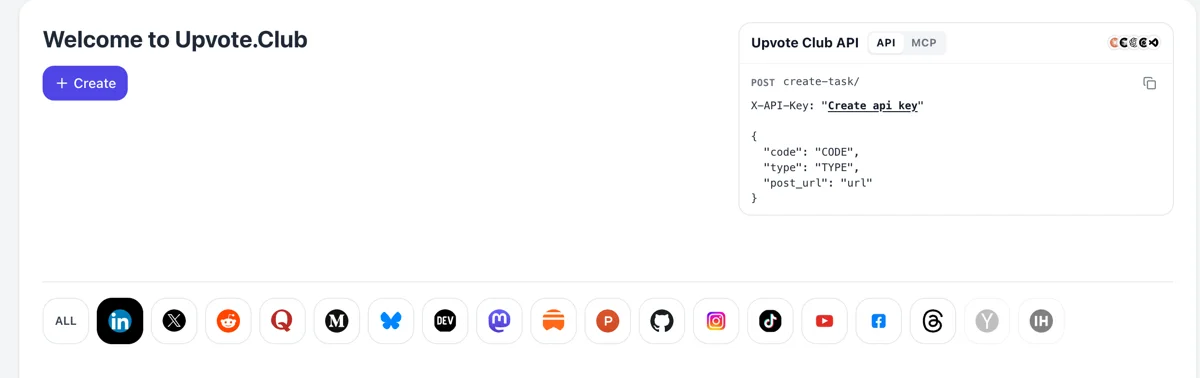
Come in through the Mastodon logo
Arrive at upvote.club, log in with Google or Apple and hit Create. The elephant sits in the row of logos. Beginning costs nothing and the account stays valid for every other network too.
Give a public Mastodon post to the community and let people answer under it from their own accounts.
Working with any agent




POSTcreate-task/
{
  "social_network_code": "MASTODON",
  "type": "BOOST",
  "post_url": "https://mastodon.social/@username/123456789",
  "actions_required": 10
}
Trusted by 88,000+ community members
We are a community of people who help each other grow their personal brand on social media. How It Works Our top priority is a zero-bot policy. We are maintaining a clean and safe community with real people. A variety of GEOs and interests are available inside our community.
Each reply is written by a member's own Mastodon account, so the thread under your post shows regular names, avatars and posting histories that anyone can open.
Mastodon passes replies between servers on its own. Members answer from their home instance and the reply appears under your post the way any outside reply would.
Google or Apple sign-in is all you need to begin. Paid plans exist for later, and blog guides explain how to write posts that bring useful answers.
People join Mastodon to converse, and threads are how that happens. A post with replies under it signals that discussion is welcome there, which is what many readers look for before they write anything themselves.
A reply written on one instance appears under your post on another. A thread can gather voices from several communities, which makes your post a meeting place and not a note stuck to one server.
A reply shows on the home feeds of people who follow both the replier and you. Each answer puts your post in front of an audience you did not have yesterday.
The expanded post shows a threaded view. A reader who opens it finds names, short answers and your own replies stacked in order. That reads as an attended page, which helps new visitors decide to stay. Strangers judge a thread in a few seconds, so the first screen is what counts.
Someone who takes time to answer has already read your post carefully. Many open the profile afterwards, which is why replies often lead to follows more reliably than quick stars. A short reply from you on their account's own post can help that along.
Replies tell you what readers understood and what they missed. A handful of answers to a draft idea can show whether it deserves a full thread or a longer article. Writing the answers down in a note file gives you material for the next post.
Arrive at upvote.club, log in with Google or Apple and hit Create. The elephant sits in the row of logos. Beginning costs nothing and the account stays valid for every other network too.
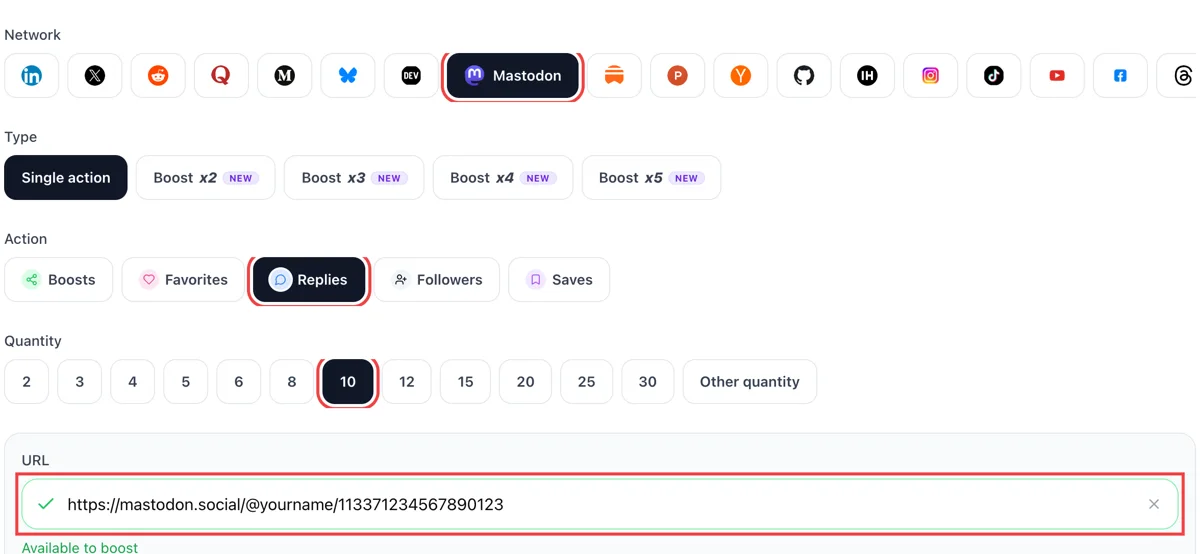
Select replies as the action, decide how many you want and add the address of your Mastodon post. Green in the field means the thread opened and your toot is queued up.
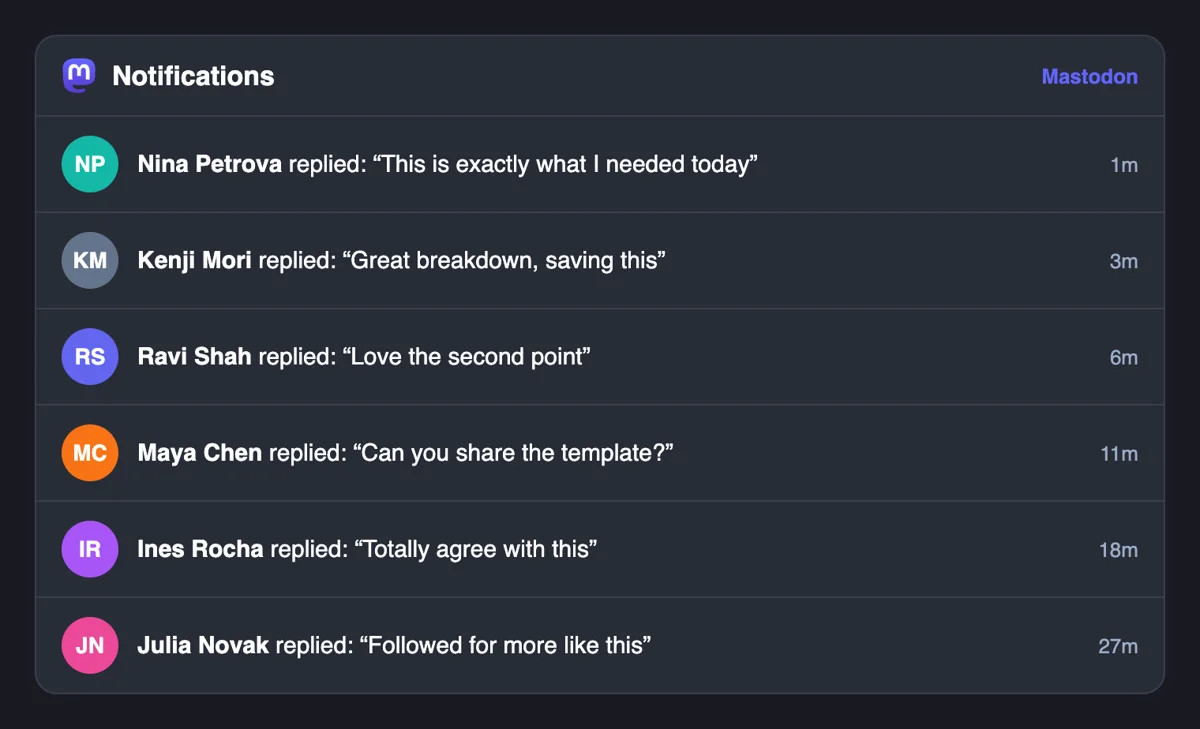
Replies are written from separate accounts and land in your Notifications column as mentions of your post. Open one, answer it and carry the discussion on from your own profile, where followers will see it.
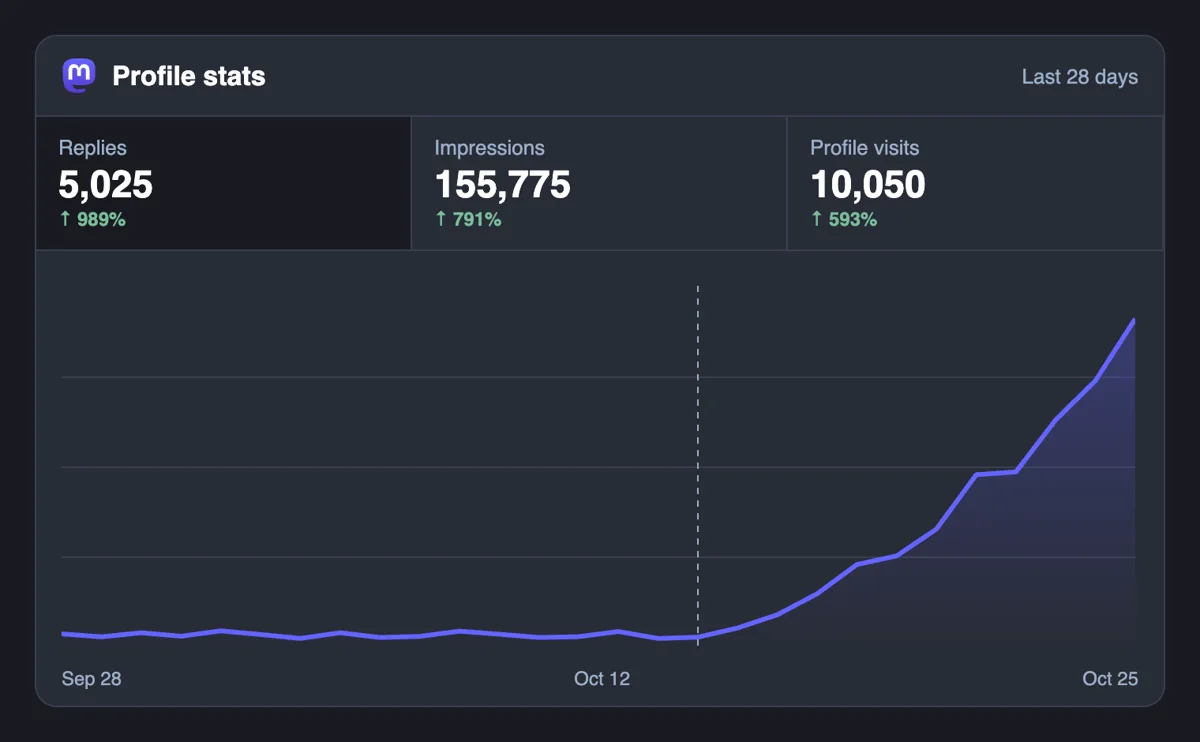
Open the post and read what sits beneath it. A conversation with several voices attracts passers-by, and the reply count tends to keep climbing once the thread looks alive to timeline readers.
Developers can post Mastodon reply requests to the API, and a connected assistant can do likewise over MCP. Give it your toot links, then keep the form for posts that deserve a closer look. Mastodon replies over API
Get 5 free Mastodon replies every 24 hours. Upgrade only when you need more.
Free
Forever
What's included
$59/ year
Billed annually
What's included
$0/ first 3 days
After $49 / month
What's included
Unlimited tasks per day. Unlimited connections to social media accounts. Pin your post at the top.
Promote posts to verified users. API access. Unlimited engagement actions per day.
Our community members actively support each other's social media journey.
Join 88,000+ creators, brands, founders, and marketers already growing their audience
replies on Mastodon make your posts feel like real conversations
Oct 21, 2025
used this for my startup announcement, sparked genuine discussion after 💬
May 26, 2025
real replies from actual users, exactly what I needed
Jan 1, 2025
FAQ
Yes, when they are done right, and upvote.club is the tool that does it right. Replies make a post read like a discussion, put it on the home feeds of the repliers' followers and give later visitors a reason to join in. A post that asks for a view gets more of them than one that only announces.
Your server fetches replies from other servers when you open a post, and that can take a moment, longer on a busy thread. Refresh after a short wait. Some replies never load, including those on followers-only posts, private mentions and posts from servers that require authorization.
Only for followers who follow both you and the person you answered. A new post that starts with an @mention is not a reply, so it appears for all your followers. Visibility of the reply does not change this. Knowing the rule helps you decide when to answer in public and when to write a fresh post.
Ask something concrete and make answering easy. Post in the hours your followers are online, add a hashtag that a topic community follows, and reply to others in your niche so people know your name. Thanking each replier helps, because people write again to authors who answer.
A reply attaches to a specific post and appears in its thread. A mention is a new post that tags an account and notifies it. A mention that opens a post goes to all your followers' feeds, while a reply goes only to those following both parties. Choose by whether you want the thread or the audience.
Use them when the topic calls for one, such as heavy news or spoilers, and as a subject line for a long post. A collapsed post hides its body until a reader opens it. Replies to such posts still work. Do not hide ordinary posts behind a warning, since that lowers the chance of anyone answering.
Short, with a concrete answer in the first line. Five hundred characters is a ceiling, and most good replies use a fraction. If the answer needs more, split it into a thread of replies to yourself. Links count as twenty-three characters, so adding a source does not cost much space.
As many as fit your normal range. Three or four thoughtful replies under a modest post read as healthy, and thirty one-liners on a quiet account do not. Start small, watch whether strangers add to the thread and let the conversation grow on its own after that. Compare against your best earlier thread to set a sensible target.
No. Answer the ones where you have something to add and star the others. Nobody keeps score, and a short, honest answer to two replies beats a rushed answer to ten. If someone asks a direct question, answer that one first, since an unanswered question is the quickest way to end a thread.
Public or Quiet public, since members arrive through the link and a followers-only post limits replies to followers. Open the address in a private browser window to confirm that anyone can read it. If you posted with the wrong setting, write a fresh post with the right one, because old posts cannot be made public again after the fact.
Answer calmly and keep the thread public. Disagreement shows that the post mattered enough to argue with, and readers often trust an author who thanks a critic and concedes a fair argument. Mute or block accounts that turn abusive. Your replies set the tone for everyone who joins afterwards, so treat the first few as an example.
Use the notification preferences. Mastodon can drop alerts from people you do not follow or from people who do not follow you, and it can email you only the types you choose. The notifications column also filters by type, so mentions sit apart from favorites and boosts. A thread that has gathered many replies is easier to answer when you read mentions only, from top to bottom, and reply to the ones that add something. Replies that come in through upvote.club land in the same column, so a filter set once keeps the discussion in one place.
Yes. Mastodon lets you edit a post whenever you like, saves earlier versions in a history anyone can open, and sends a notice to accounts that boosted or interacted with it. Replies stay attached to the post, so a small correction does not break the thread. A wording change that alters the meaning is another matter, because the people who answered may no longer be answering the text you now show. In that case add a reply of your own that explains the update, so the earlier answers still make sense.