








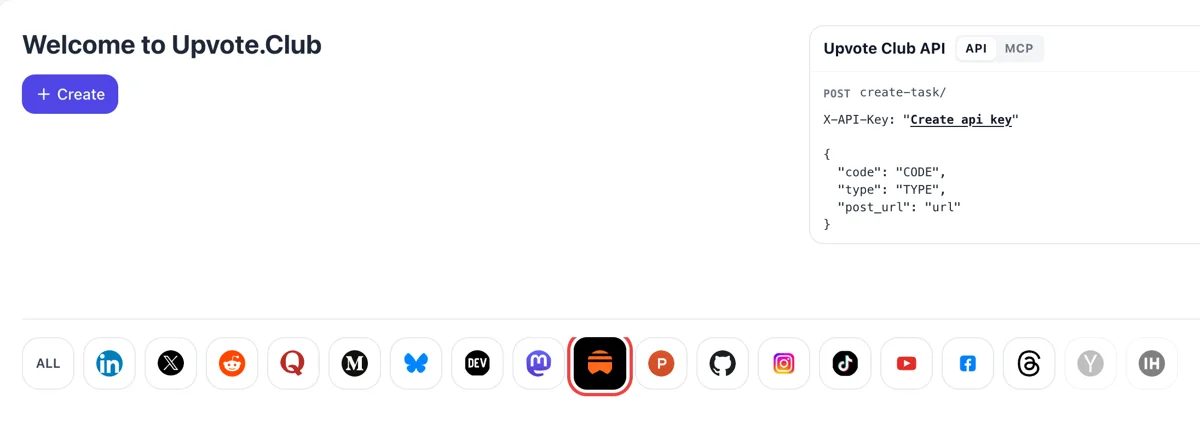
Sign in and click the Substack icon
After a Google or Apple sign-in the network row appears. Choose Substack, press Create, and a like request opens for a long post or a short note from your feed.
Collect hearts on a public Substack post or note from community members who use their own accounts.
Working with any agent




POSTcreate-task/
{
  "social_network_code": "SUBSTACK",
  "type": "LIKE",
  "post_url": "https://username.substack.com/p/article-title",
  "actions_required": 10
}
Trusted by 88,000+ community members
We are a community of people who help each other grow their personal blog in Substack. Our community top priority is a no Bots, No AI. We are maintaining a clean and safe community with Substack creators. A variety of Substack GEOs and interests are available How It Works
Hearts come from members whose Substack profiles have names, photos and activity, so the likes on your post appear next to accounts a visitor can open and inspect.
Substack tells you by email, Activity notification or push when a like arrives, so you can watch each heart land and confirm for yourself that it happened.
Blog guides walk through the stats table, show how to add the Likes column and explain how to compare hearts with views across several issues. Each guide is short and written for authors.
A heart is the lightest reaction on Substack, so a post with several of them reads as liked at a glance. Visitors who arrive from a note or a link get a sign of approval before they have read a word. That first impression costs the author nothing to earn.
Reading activity such as post likes is visible to the people who follow the person who liked. When a community member hearts your issue, that activity can reach readers outside your own circle.
Someone who sees a like notification can click through to the profile behind it. Those visits are small, but a profile with a clear bio and a few notes turns some of them into follows.
A like works on any public post or note, including last month's. Use it to give a strong back-catalogue piece a second look, since visitors who browse your archive judge each page on what they see.
Add the Likes column to your dashboard posts table and sort by it. You see which headlines and topics earned hearts, and that shows what to write next better than a hunch.
Hearts ask nothing of the community beyond a click, so they suit a first test. Start there, watch what changes on the post, then add comments or restacks when you want a different effect.
After a Google or Apple sign-in the network row appears. Choose Substack, press Create, and a like request opens for a long post or a short note from your feed.
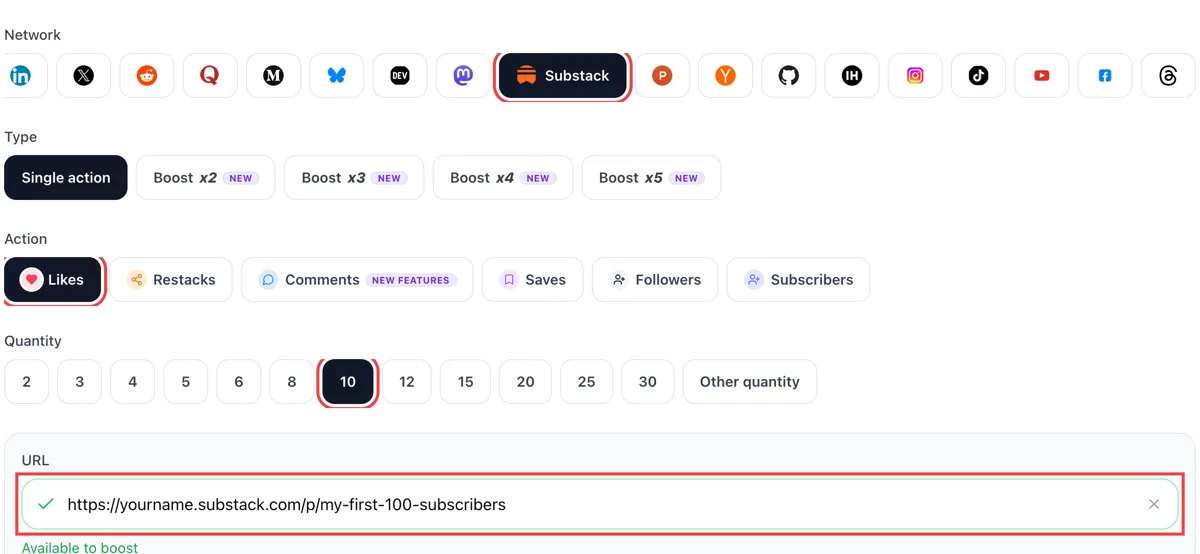
Pick likes, then copy the public link of the post or note from Substack into the form. Wait for the green check. Next choose how many hearts the piece should show under its title or in the Notes feed.
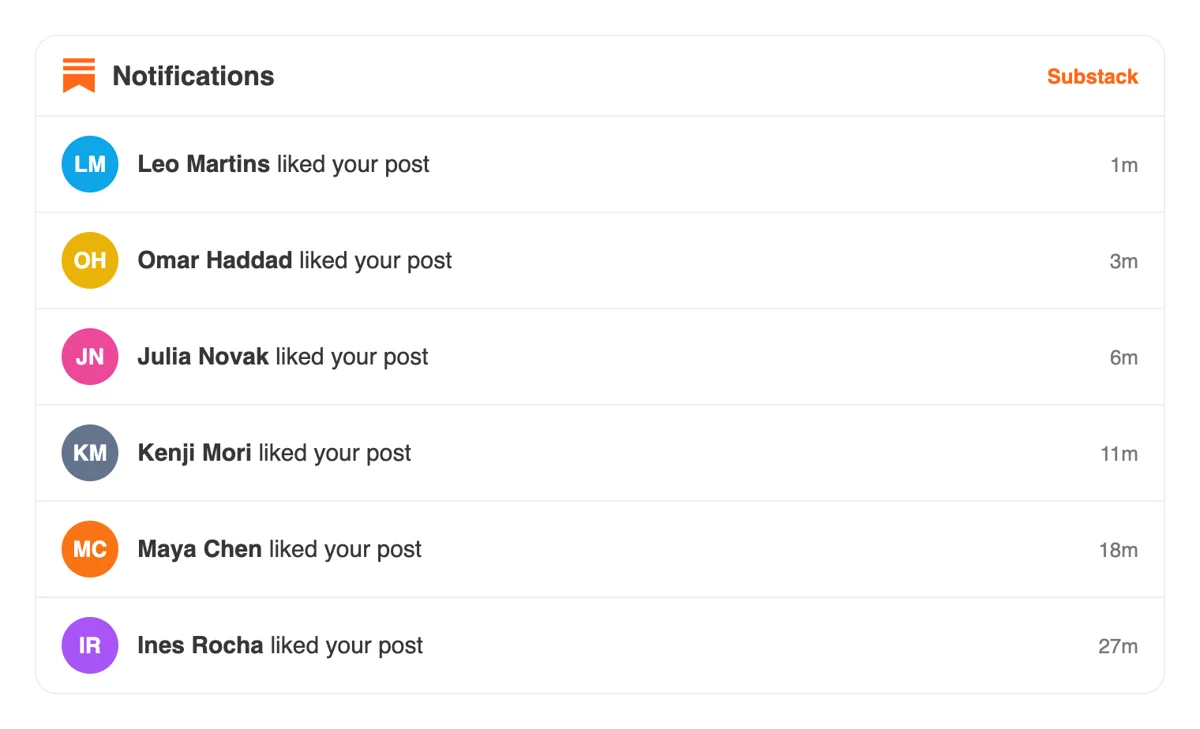
Likes come from members' own Substack profiles, and the notifications tab shows each heart as it lands. Click through to meet writers whose topics overlap with yours and who might read you later.
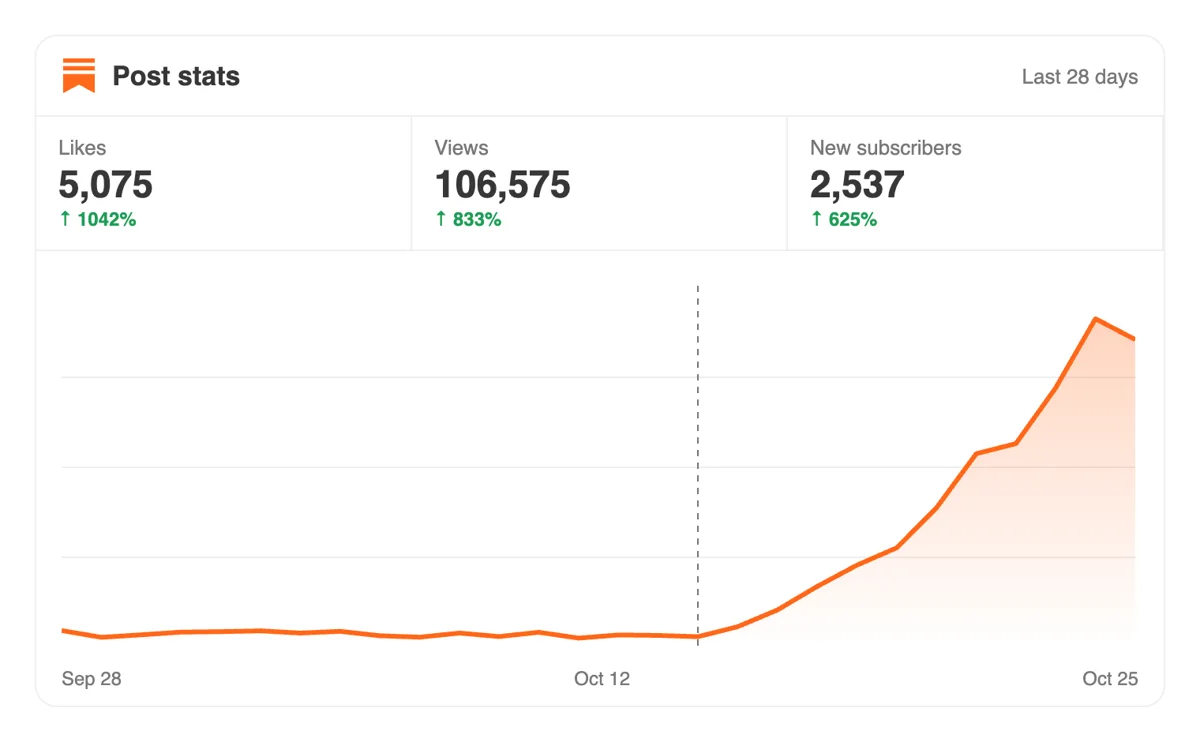
On the Stats page, set views and shares of the post next to earlier ones. Hearts shape how a piece spreads inside the app, so reach often grows once the like count has gone up.
Each new post can get a like request through the API or MCP connectors the moment it is published. The Substack chapter lists the link parameter and the amount field. Substack like requests in the API
Get 5 free Substack likes every 24 hours. Upgrade only when you need more.
Free
Forever
What's included
$59/ year
Billed annually
What's included
$0/ first 3 days
After $49 / month
What's included
Unlimited tasks per day. Unlimited connections to social media accounts. Pin your post at the top.
Promote posts to verified users. API access. Unlimited engagement actions per day.
Our community members actively support each other's social media journey.
Join 88,000+ creators, brands, founders, and marketers already growing their audience
FAQ
Write something a reader can react to in one breath, such as a clear opinion, a useful list or a short story, and share it in Notes soon after sending. For a first batch of hearts, give the address to upvote.club and members like the piece from their own accounts.
Open the post's stats in the Substack app and read the Performance tab, which counts likes, comments and restacks. On the web, the posts table can show a Likes column once you add it under Display. An email and an Activity notification also arrive whenever someone hearts a post.
Yes, handled with care, and upvote.club is the tool built to handle it with care. Hearts give a post visible approval, and the activity can show in the feeds of people who follow whoever liked. The writing carries the result, so make the piece worth liking first.
Growth for your account, with the right tool. A post with hearts looks welcomed, visitors from notes stay longer and your stats table shows which pieces earn approval. It is a modest tool for a specific job and works best next to regular publishing.
Treat it as one tool among several.
Likes are tied to profiles, and reading activity such as post likes shows up for the followers of whoever liked. Your profile also lists your own likes. That is why hearts from complete profiles are useful, since each one links to an account a visitor can open.
Your own likes appear on your profile, so keep them to writing you would stand behind.
Both use the same heart, but notes live in the Notes feed and posts live on your publication. Likes on a note help that note travel through the feed. Likes on a post help the issue look liked once a reader opens it from email or the web.
Pick the one that matches where your readers find you.
There is no fixed number, so compare each issue with your own history. If your last five issues earned a handful of hearts and this one earned more, it did its job. Judge by the trend in your posts table and by the replies readers write.
Some authors also note the day of the week, since a Tuesday issue and a Saturday issue are read differently.
It helps. Reading activity shows to the followers of the person who liked, so hearts you give to writers in your niche can introduce your profile to their circle. Combine that habit with a clear profile page and you gain visits without extra effort.
Trying it costs nothing, with a Google or Apple login. Paid plans exist for people who need more, and liking posts by others is not required in exchange. A single piece is enough for a first look at how hearts change the way a post appears.
Hearts are given from the members' own accounts, so anyone must be able to open the address. A post readable by every visitor is fine as it stands. A paid issue should go out through its public preview, or you can use a free note from the same week.
Yes, via the API and MCP connectors. Scripts and AI assistants can start a round of likes with no website visit, so each issue can ask for its hearts as it goes out. The API page explains how to connect, and the same connection serves the other responses.
Yes. Likes show on a reader's profile unless the reader switches off the Your likes toggle in profile settings. A reader who did this still adds to the total number under your post but does not appear on the list of names. On free posts, anyone can open the list and see the profiles that liked. On paid posts only paying subscribers see other paying subscribers. So the total is the number most people look at. Likes from upvote.club raise that total, and the visible names on the list make the post look like it has an audience.
Yes. In your publication's Settings, open Notifications and turn on Likes on your posts. You will get an email for each like, and the likes also show in the Activity section of your account. Community features must be switched on first, because that toggle controls comments, likes and restacks together. Stay with the setting for the first days after publishing, since it shows how a post lands. When a like push from upvote.club arrives, the email stream tells you the moment it began. After that you can turn the setting off if the volume grows.