








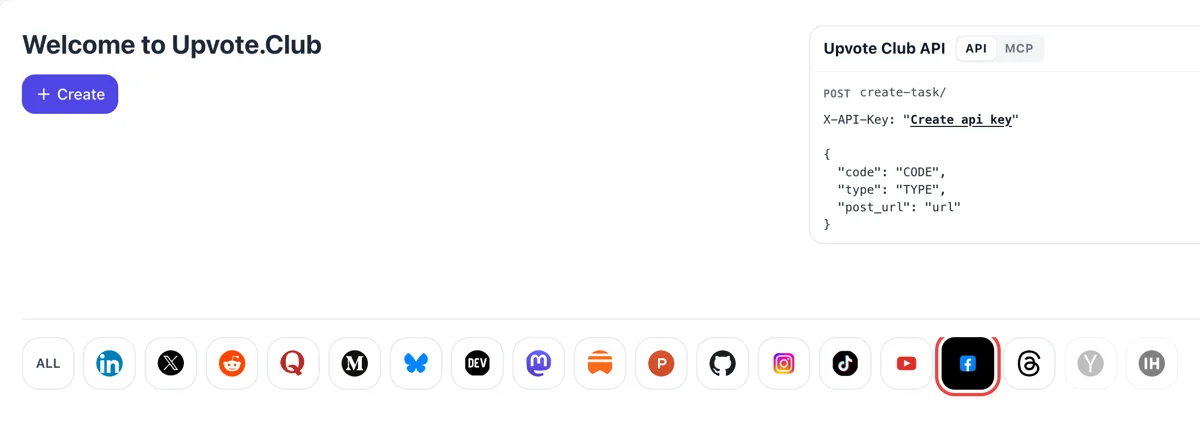
Use Google to open the Facebook form
Log in with Google on the Welcome to Upvote.Club page, press Create and click the Facebook logo among the networks. The form opens with wording for comments. Pages and personal timelines both work.
Submit a public Facebook post and the community leaves comments under it.
Working with any agent




POSTcreate-task/
{
  "social_network_code": "FACEBOOK",
  "type": "LIKE",
  "post_url": "https://www.facebook.com/share/p/1ABCxyz",
  "actions_required": 10
}
Trusted by 88,000+ community members
We are a community of people who help each other grow their personal brand on social media. How It Works Our top priority is a zero-bot policy. We are maintaining a clean and safe community with real people. A variety of GEOs and interests are available inside our community.
Each comment is typed by a person with a personal Facebook profile who read your post, so the thread reads like ordinary discussion between readers.
You hand over a post address and nothing else. The login for the service itself is Google or Apple, and your Facebook credentials never come into it.
The blog collects post formats that bring out comments on Facebook, from two-option polls to short stories, so you can keep a thread going without the service.
People rarely write the first comment under a post, but they join once a few are there. An opening round of comments lowers that barrier and turns a lone post into a place where visitors expect a conversation.
Meta states that its feed models predict how likely a post is to spark a conversation or back and forth discussion. Comments are the clearest evidence of that, so a post with a live thread has more to show the system.
On large Pages and profiles, Facebook sorts comments by relevance and puts friends, verified accounts and comments with likes and replies first. A comment that people respond to rises, so well-written opening comments stay visible. Short, on-topic comments that others like or answer tend to hold the top slots longer than generic remarks.
Meta's own ranking notes list whether a comment asks a question or invites a response as a signal. A post that asks something and gets a first answer shows readers what kind of reply is welcome.
Facebook is where neighborhood groups, hobbyists and small shops talk to each other. Comments from people in your topic area make a Page look like part of that conversation and not a billboard.
Comments show the exact words your readers use, and those words are often better than the ones you would have picked. Collect the questions people ask under a post, and you have the outline for the next post, a Live session or an FAQ.
Log in with Google on the Welcome to Upvote.Club page, press Create and click the Facebook logo among the networks. The form opens with wording for comments. Pages and personal timelines both work.
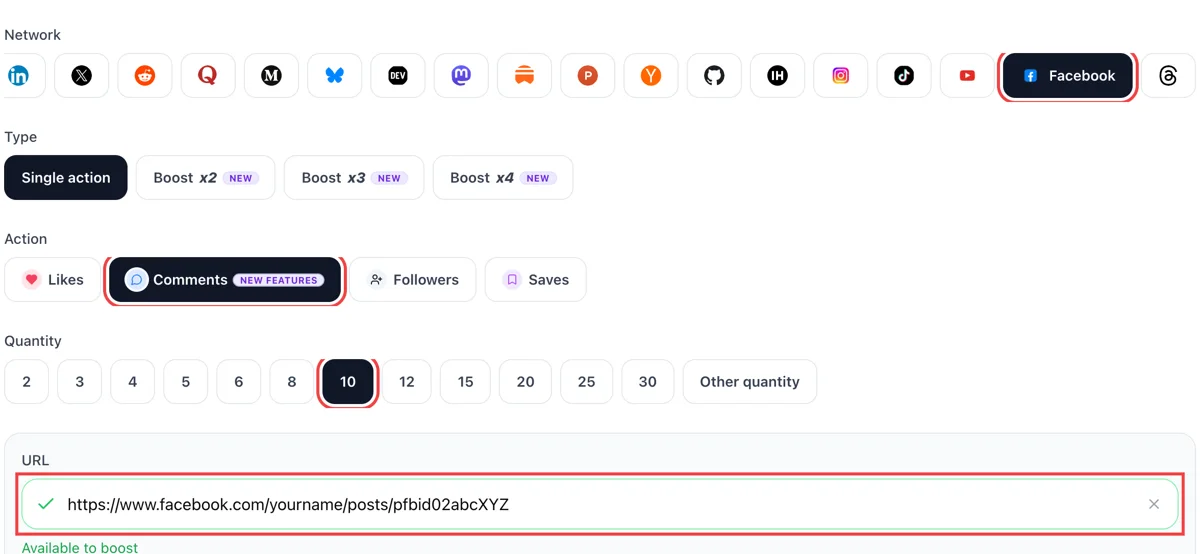
Switch the action to comments and paste the public address of your Facebook post. Once the tick shows, choose how many comments you would like waiting under it.
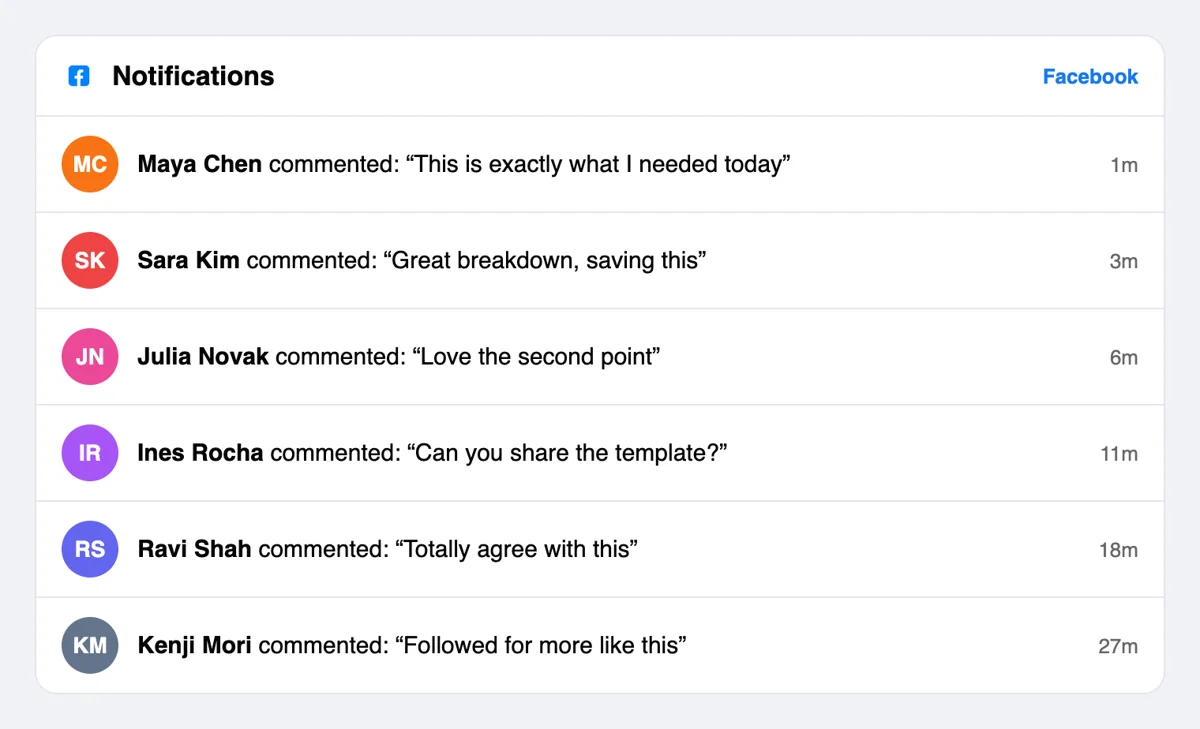
The bell on Facebook lists entries like commented on your post, each labeled a few minutes ago. Opening one takes you straight to the thread to reply. It is a quick way to greet each visitor by name.
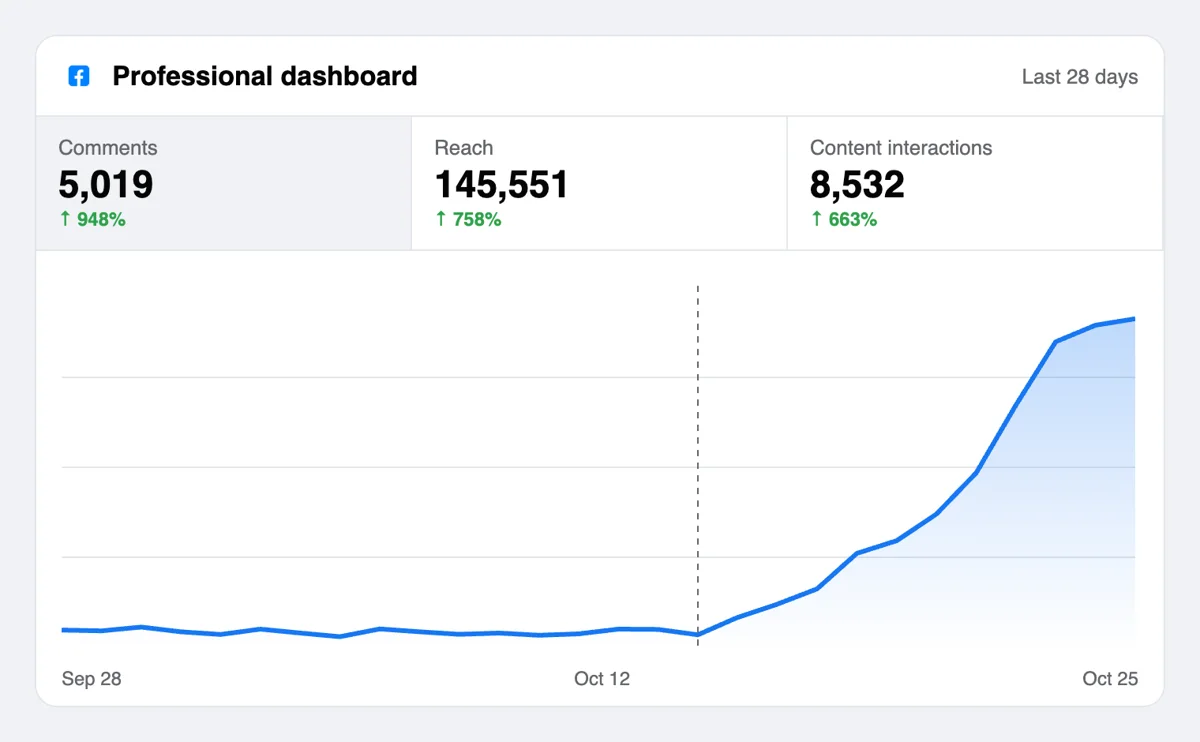
The comment counter under your post climbs, and Meta Business Suite shows reach and reactions for it. A busy thread gives later readers a reason to add their own view. Photos and videos with lively comments are shown to friends of those who wrote them.
If you run several Pages, comments can be requested from a script or an AI assistant over the MCP connectors. The format for Facebook is in the docs, along with the link types a post can have. See the Facebook comment call in the API docs
Get 5 free Facebook comments every 24 hours. Upgrade only when you need more.
Free
Forever
What's included
$59/ year
Billed annually
What's included
$0/ first 3 days
After $49 / month
What's included
Unlimited tasks per day. Unlimited connections to social media accounts. Pin your post at the top.
Promote posts to verified users. API access. Unlimited engagement actions per day.
Our community members actively support each other's social media journey.
Join 88,000+ creators, brands, founders, and marketers already growing their audience
real comments that actually match the post vibe, not random stuff 👍
Nov 14, 2025
Facebook comments boosted my post reach way more than likes alone
Feb 8, 2025
used this for my business page and engagement went up noticeably
Oct 5, 2024
fast delivery, legit comments from real accounts ✅
Jun 23, 2024
been sharing startup updates on FB and comments finally make it feel like a real conversation
Apr 30, 2024
FAQ
They do when the post gives people something to say, and Upvote.club is the tool designed for that. A first round of relevant comments shows visitors that a discussion exists, and Meta says its ranking tries to predict which posts spark conversation. A post with a question and a few opening answers keeps going far longer than one with an empty section.
They give your account a voice that visitors can see. Comments make a Page look attended to, show you what your audience cares about and help later posts start with readers already talking. With Upvote.club the opening voices come from the community, so growth appears as a living thread that you can join.
On posts from Pages and profiles with many followers, Facebook may show the most relevant comments first. Meta lists friends' comments, comments from verified accounts and comments with the most likes and replies as the ones placed higher. Relevance to the post and whether a comment invites replies also matter, so thoughtful opening comments tend to stay visible.
As a Page manager or a profile owner you can change the order you see: newest, all comments or most relevant. This changes your own view and not what others see. If comment ranking is turned off on your Page, comments display in time order.
Posts that ask a narrow question. Asking a local audience which place they would pick, or asking followers for their own result, brings replies. Posts that only announce something give readers nothing to add. Write the question first and give it a plain, friendly tone. Photos of a place, a product or an event work well because everyone has an opinion about what they see.
A reaction is one press and costs a reader nothing. A comment is a sentence that others read and answer. Reactions make a post look liked, and comments make it look discussed. Many posts benefit from both, and the like page covers the reaction side.
Reply to the first several, starting with the ones that ask something, and keep the tone conversational. Meta notes that how often an author replies is among the signals in comment ranking. Replies show later readers that the thread is attended to, which makes them more likely to leave their own.
Never. Nobody keeps a tally, and you owe no favor to the specific members who wrote on your post. Comment on other posts only when you have something to add. A thoughtful remark on a related Page also gets your name seen by that Page's readers.
Only if the post and your settings allow it. Public posts on a Page are open to everyone. On a personal profile, you choose who can comment on public posts, so check that setting before you add the link. A closed setting leaves no space for outside comments.
Members can only open what the audience setting allows. A friends-only post stays closed to them, so switch it to Public from the audience menu, check the comment setting, then copy the address from the Share option. Posts on a Page are open from the start.
There is an API and a set of MCP connectors, so a script or an AI assistant can place comment requests whenever you publish. Teams that draft posts in a shared document often wire this up once, then never copy a Facebook address by hand again.
Starting costs nothing. Pick a Google or Apple login, drop in one post address and see what answers arrive. If the thread suits you, paid plans are there for heavier use, and the same login reaches every other network in the service.
The analytics section of Meta Business Suite splits results between followers and non-followers, and between organic and paid. Open Overview, pick Posts, and read the Content interactions figure with that breakdown switched on. A rising non-follower share means the post is reaching beyond your audience. After comments from Upvote.club arrive, look at the same split for that post and for an earlier post without them. Use a fortnight as the range so the result reflects a pattern and not a single busy day.
Follower analytics in Meta Business Suite need at least 100 followers who are not also your friends before they show anything about your audience. After that you see net followers, which is new followers minus unfollows, and estimated top countries and cities. Until the threshold is reached, rely on post-level views and interactions. Comments collected through Upvote.club show up in those post-level figures from the first day. Note the figure on the day you start, then compare it after two weeks, and keep the exact dates beside it.