








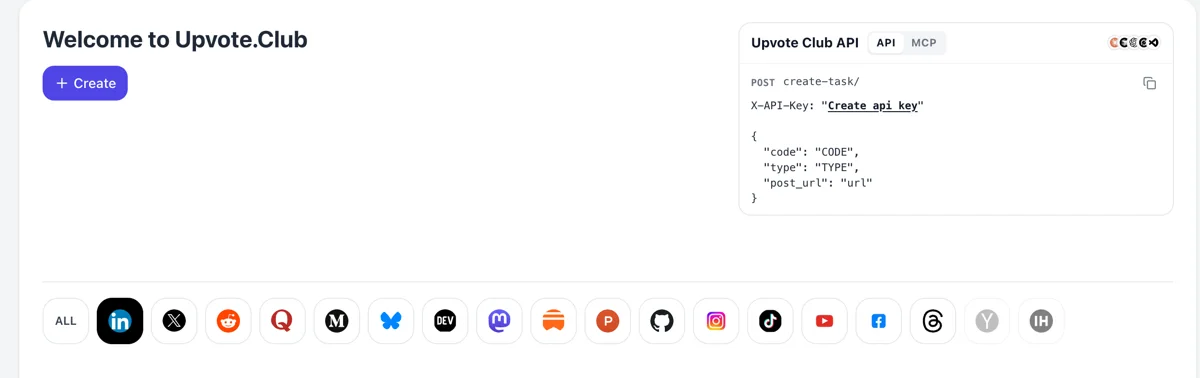
Sign in and pick the elephant
Reach upvote.club, log in with Google or Apple and choose Mastodon after Create. It costs nothing to start, and the single account you hold opens every other network too.
Give a public Mastodon post to the community and watch it land in other people's bookmark lists.
Working with any agent




POSTcreate-task/
{
  "social_network_code": "MASTODON",
  "type": "BOOST",
  "post_url": "https://mastodon.social/@username/123456789",
  "actions_required": 10
}
Trusted by 88,000+ community members
We are a community of people who help each other grow their personal brand on social media. How It Works Our top priority is a zero-bot policy. We are maintaining a clean and safe community with real people. A variety of GEOs and interests are available inside our community.
A save is made by a member's own Mastodon profile and lands in that person's private bookmarks, next to whatever else they keep for later.
Bookmarks send no notification, so your timeline and alerts stay quiet. The only thing used from you is the post's public address, and your settings stay untouched.
Guides on the blog explain how to write reference posts that readers keep, from a descriptive first line to a closing note worth returning to.
Mastodon timelines move on fast. A bookmark pulls a post out of that flow and into a personal list, so a guide or a resource you wrote last week can still be opened in a month by someone who kept it. A resource that keeps being reopened builds a quiet reputation for its author over time.
Bookmarking sends no notification and shows nothing to the author. People use it when they want a post for themselves without announcing it, which is why a save says something a star does not.
Bookmarks suit posts with a second use: step lists, links worth reading later, tool recommendations, a thread that sums up a topic. If your posts teach something, saves match how people actually use them.
Because saves are quiet, they show up in your habits and not in a count. Give a post a few of them and watch whether replies and follows rise later. That tells you which topic readers return to. Over a month of posts the habit gives you a rough map of your most durable subjects.
On servers with full-text search, a person can look through their own bookmarks for a phrase. A saved post is simple to find again, even when the reader forgot who wrote it.
Reach upvote.club, log in with Google or Apple and choose Mastodon after Create. It costs nothing to start, and the single account you hold opens every other network too.
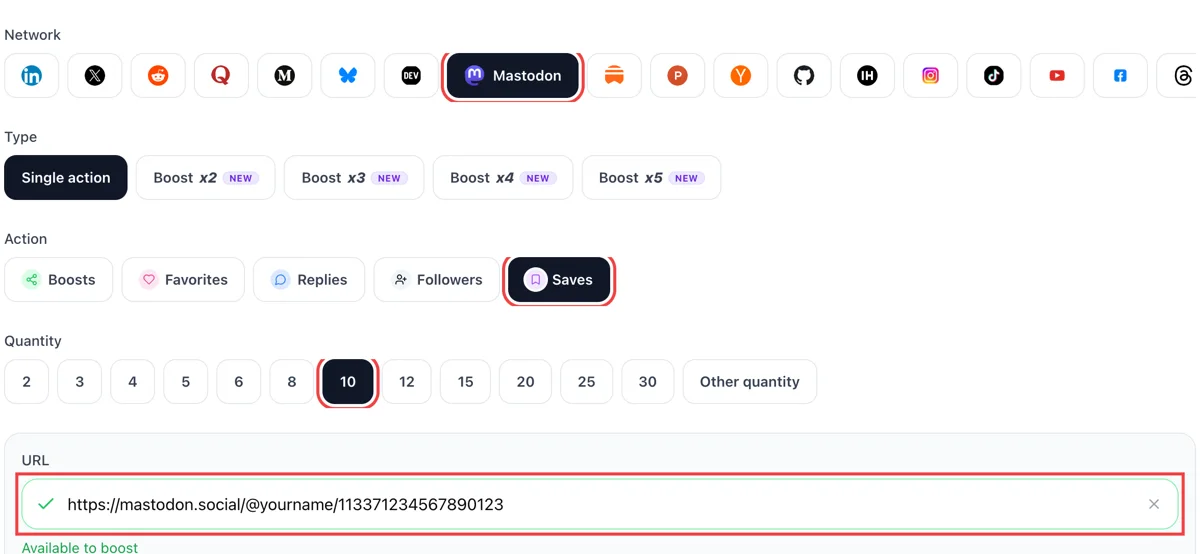
Set bookmarks as the action and enter a quantity. Add your Mastodon post's address. A green mark beside the field confirms the page opened and the toot can be bookmarked.
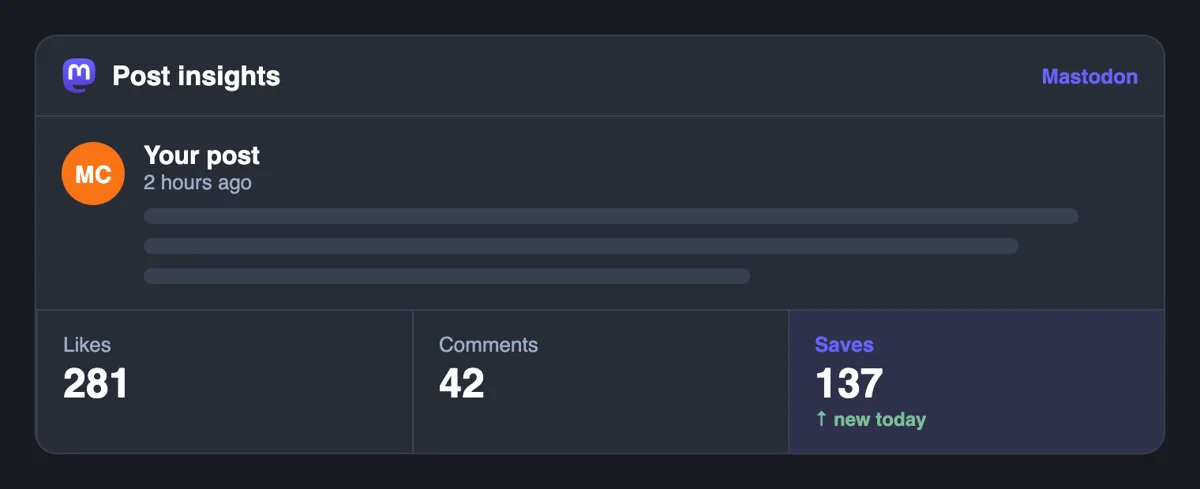
Mastodon keeps a bookmark visible only to the person who made it, so none appears in your Notifications column. The effect shows later, in the stars, boosts and replies that a kept post picks up from other readers.
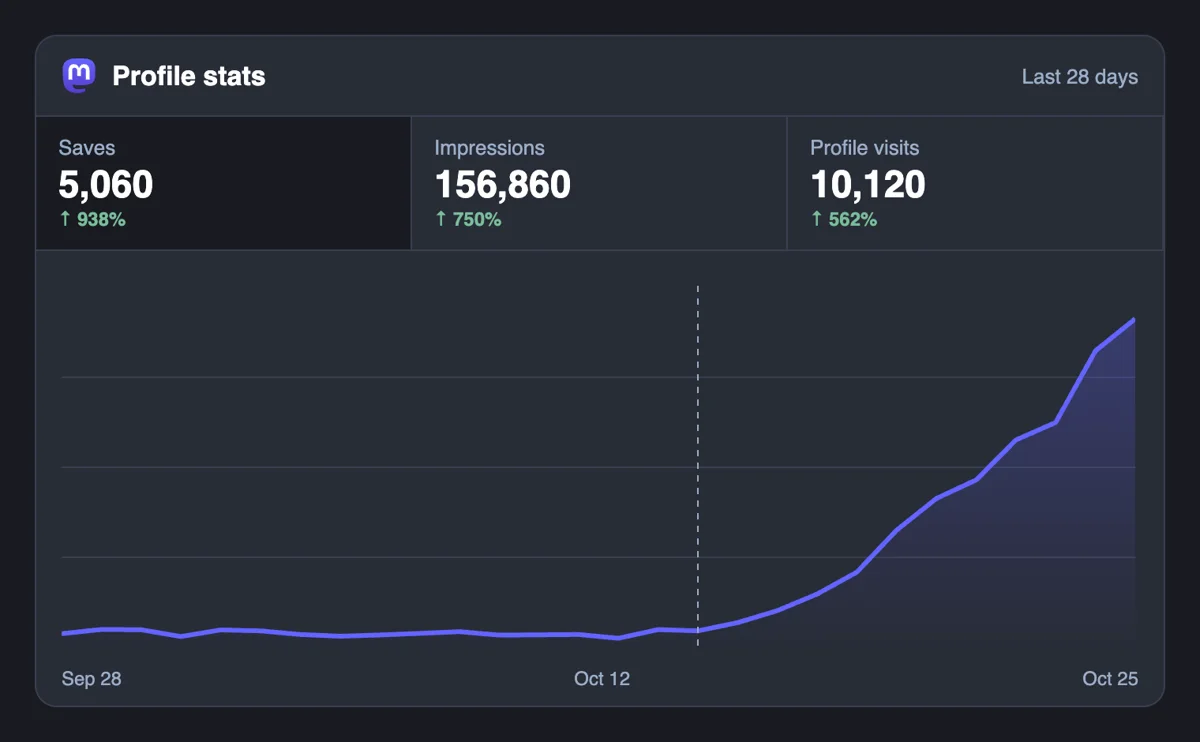
A bookmarked post is one people mean to come back to. Follow its star, boost and reply counters over the next days and note which toots readers choose to keep for later.
Bookmarks are reachable from code too: the API takes them, and an MCP-connected assistant can send them once it has your toot links. Meanwhile you keep writing. Mastodon bookmarks via API
Get 5 free Mastodon saves every 24 hours. Upgrade only when you need more.
Free
Forever
What's included
$59/ year
Billed annually
What's included
$0/ first 3 days
After $49 / month
What's included
Unlimited tasks per day. Unlimited connections to social media accounts. Pin your post at the top.
Promote posts to verified users. API access. Unlimited engagement actions per day.
Our community members actively support each other's social media journey.
Join 88,000+ creators, brands, founders, and marketers already growing their audience
saves on Mastodon are an underrated signal of content quality
Feb 2, 2025
used this for my best technical post, visibility improved noticeably
Feb 5, 2024
real saves, fast delivery, no complaints 🔖
Apr 11, 2024
solid service for anyone serious about growing on Mastodon
Jan 23, 2025
Mastodon saves are slept on by most people building there
May 18, 2025
FAQ
Yes, when they are done right, and upvote.club is the tool that does it right. A save is a private bookmark, so its effect is quiet: the post stays in readers' libraries and gets reopened later. It works best on posts with a lasting use, and it pairs well with the louder reactions that bring first readers.
Yes. A bookmark is added to a private list without generating a notification, so the author is not told. Other people cannot browse it. Bookmarks sit on the reader's home server alongside their account, and the reader can clear any of them whenever they like.
A favorite sends the author a notification and shows appreciation. A bookmark sends nothing and exists to keep the post for the reader. People star what they enjoyed and bookmark what they will need again. The favorites page covers the first.
If your server has full-text search switched on, yes. It covers your own posts, favourites, bookmarks and mentions, and a library prefix narrows the search to posts you have interacted with. Without it, you can still scroll the bookmarks list. Ask your server admin whether search is on.
In the official apps, open your profile menu and choose Bookmarks. On the web, the list sits in the side column or the mobile menu, depending on your server's interface. Third-party apps place it in their own menus. Newest bookmarks usually appear first.
Yes. Quiet public posts stay out of live feeds and public search, but anyone holding the link can open and bookmark them. Choose it when you want a post shared directly with a group and not displayed in the wider feeds. For saves from outside that group, use Public.
Tutorials, link roundups, tool recommendations, templates and threads that sum up a topic. Posts that depend on the moment, such as jokes, get stars and little else. If you want saves, write for the person who will search for the answer next month, and describe images in alt text.
You cannot see bookmarks directly. Watch for later replies, new followers and visits to older posts in the weeks after. A post that keeps pulling readers back is probably being kept. Pin it to your profile if it is your strongest reference piece.
Yes. A reference post with a few saves, a handful of stars and a reply or two looks like what a useful post attracts. Add replies after the first saves if you want the thread to show some discussion as well.
Members reach your post through its link, so it has to open for anyone. Public and Quiet public both work, and the link is all that matters. Followers-only posts are invisible to outsiders, which means people beyond your followers cannot bookmark them. Switch the visibility on a new post before you share it.
No. You owe nothing to the members who saved your post, and nobody can see who did, so there is no list to settle. Use your own bookmarks for the things you plan to read again. A short, honest personal library is more useful than a long one you never open, so keep it light and clear it out from time to time.
Sometimes it does. If an author deletes a post, copies of it disappear from the places that fetched it, and a bookmark that linked to it loses its content. Posts that stay online keep working as bookmarks for as long as you leave them in the list. That is one more reason to leave the strongest reference posts up and pin them to your profile.
Write the post a person would search for next month. State the answer in the first lines, number the steps, add alt text and a descriptive hashtag, and link a source when you have one. Post it yourself from your phone. A closing line such as 'save this for later' is natural on Mastodon and costs nothing.
They serve opposite sides. A bookmark is a private reader's note, set with the ribbon icon and shown only to the person who made it. A pin is the author's choice: up to five public posts can be featured at the top of the profile through the post menu. A post that readers bookmark is one they want to return to, so it is usually a guide, a list or a useful link. When bookmarks arrive through upvote.club on a post you also pin, the page shows its best work first and the post gets kept by readers as well.
Bookmarks are silent by design. Mastodon adds a bookmarked post to the reader's private list without generating any notification, while favorites and boosts do create one, and the notifications column has separate filters for them. As an author you cannot see saves arriving. What you can see is the effect around them: more visits to the post, replies that quote its details and favorites from people who came back later. A post that keeps drawing revisits over weeks is usually the one readers have bookmarked.