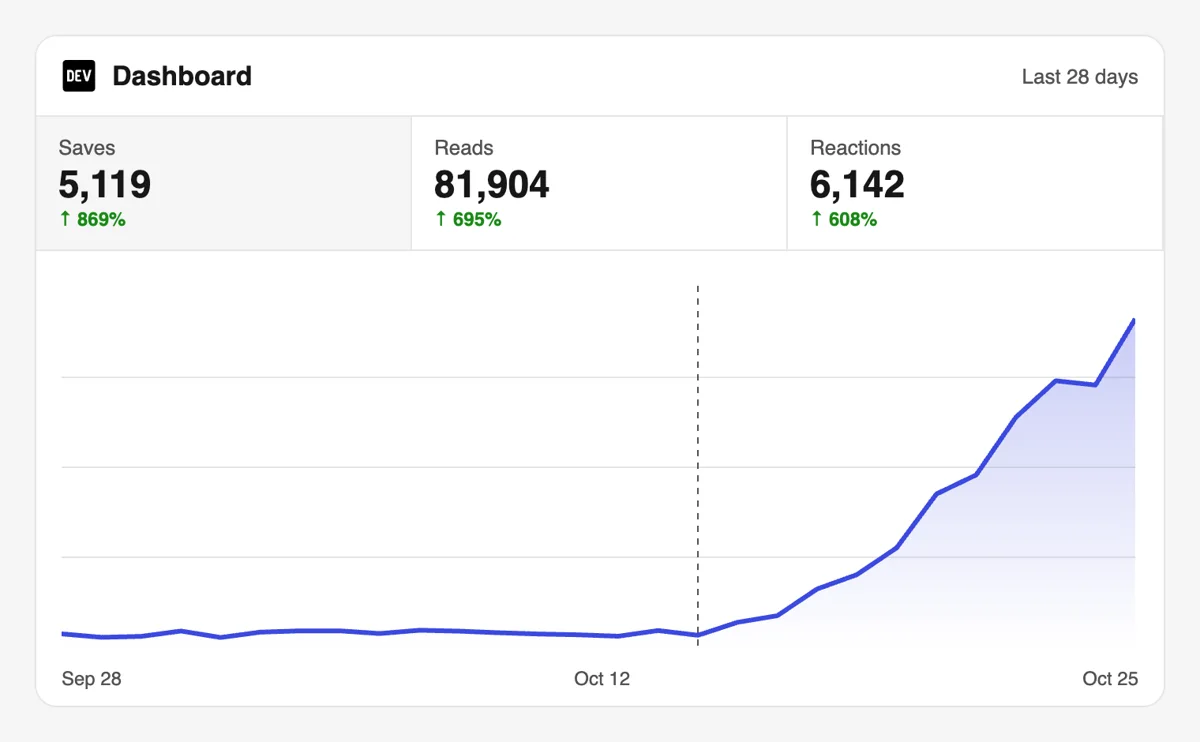
Get your DEV tutorials bookmarked into reading lists

Share a public Dev.to post and community members bookmark it, a sign that your guide is worth keeping close to the editor.

Drop the link here to get 5 Free Dev.to Saves

Upvote Club API

Try the API

Working with any agentClaudeCursorChatGPTGrokVS Code

POSTcreate-task/

{
  "social_network_code": "DEVTO",
  "type": "LIKE",
  "post_url": "https://dev.to/username/article-title-123",
  "actions_required": 10
}
Upvote Club community members

Trusted by 88,000+ community members

We are a community of people who help each other grow their personal brand on social media. How It Works Our top priority is a zero-bot policy. We are maintaining a clean and safe community with real people. A variety of GEOs and interests are available inside our community.

Bookmarked from personal accounts

Each save comes from a community member signed in to their own DEV account, so the post lands in a reading list that belongs to a developer.

Writing guides for reference posts

On the blog you can learn how to structure a tutorial, label code and keep it current so that it earns bookmarks over many months.

Try it on a single guide

A Google or Apple sign-in is free. Pick your most useful tutorial, send the link and watch how a save differs from a heart on your dashboard.

Why a bookmark matters on DEV

Posts kept for the day they are needed

The bookmark button collects posts to read later and keeps them in the reader's dashboard. Developers bookmark what they expect to use on a project, so a save says your post solved something they will meet again. Readers return to such posts while they build.

A second visit that a like cannot create

A heart is given once, but a bookmarked tutorial gets reopened when the reader starts the job it describes. That return visit is where a person reads your code carefully, copies a snippet and notices your profile. Treat each save as a visit that is already scheduled.

Perfect for reference-style writing

Setup guides, configuration walkthroughs, command lists, comparison tables and troubleshooting steps all fit a reading list. If your archive has that kind of post, saves are the signal that matches it, and older posts can keep gathering them. They also work well when linked from a series index.

A quiet quality marker

Community members note that a bookmark combined with a reaction suggests the reader actually went through the post. A save beside the hearts makes your article look useful and not just pleasant, which carries weight with new visitors.

Evidence of what your audience needs

If one guide collects several times more bookmarks than your other posts, you have found a topic that your readers return to. Write the follow-up, update the original and link them together.

Reading lists reach beyond one feed

A bookmark lives in the reader's dashboard, not in a feed that moves on. Your post stays reachable, with its tags and your name beside it, long after the day it was published. That makes evergreen posts lasting assets.

Where a bookmark goes after you share the link

Sign in and open the DEV network

Sign in and open the DEV network

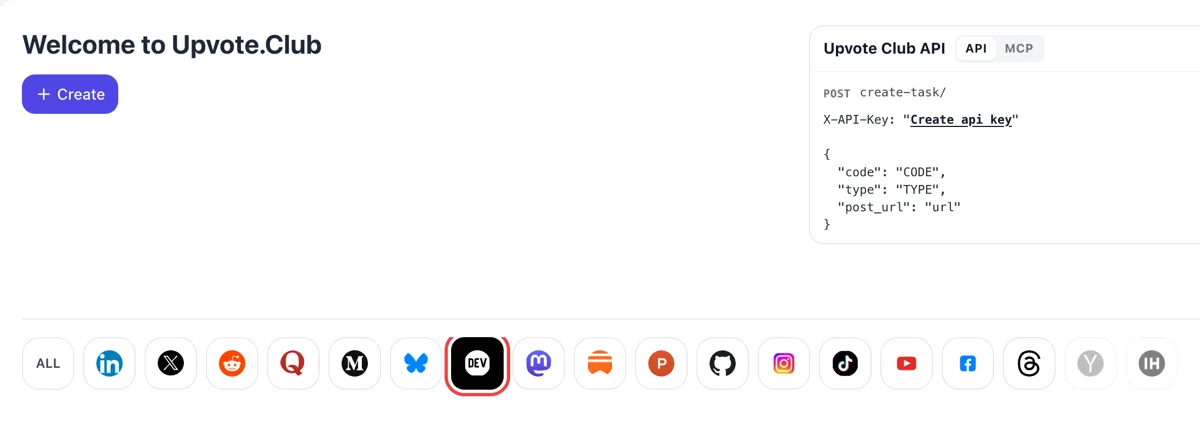
Sign in with Google or Apple on the Welcome to Upvote.Club dashboard and click the DEV icon. After it highlights, press Create to describe what should happen to your article, ideally a tutorial that stays useful for months.
Pick saves and paste the post link

Pick saves and paste the post link

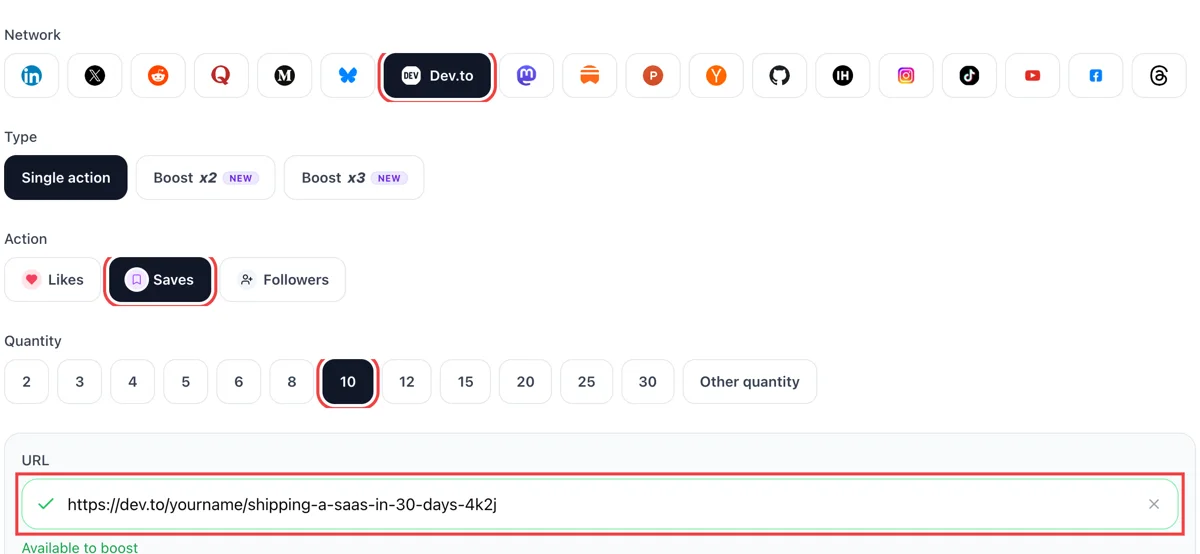
Choose saves, paste the public link of the DEV tutorial into the field and wait for the green check. Then choose how many readers should bookmark it into their reading list, keeping the number in line with the age of the post.

Bookmarks surface in your DEV notifications

Bookmarks surface in your DEV notifications

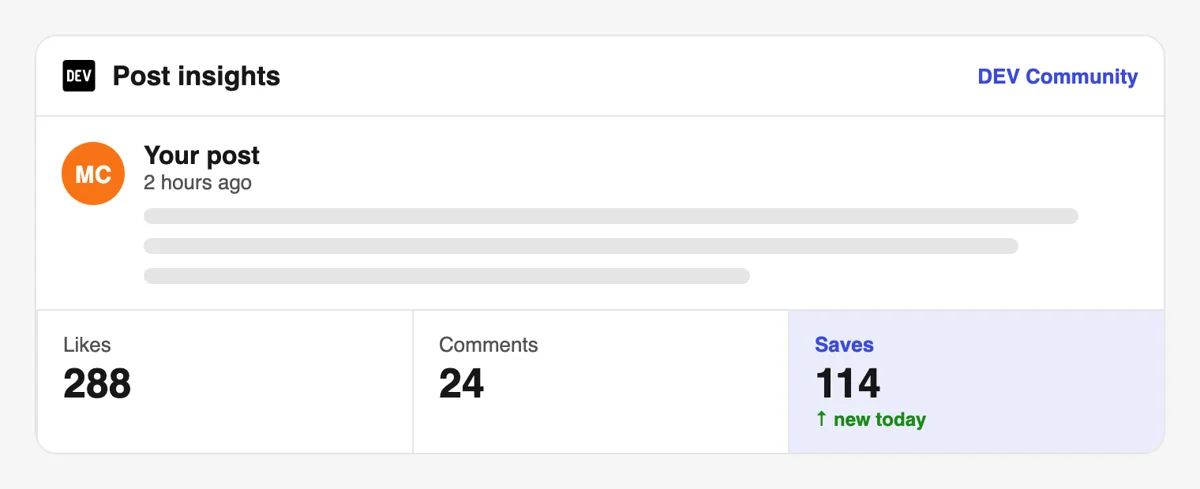
People save from their own accounts, and the activity appears among your DEV notifications with minutes-ago stamps next to the reactions. You see which tutorial draws the most attention and which one gets passed over.

Compare saved posts in your dashboard

Compare saved posts in your dashboard

Open the DEV dashboard and sort your articles by reactions and views. Tutorials that get bookmarked keep earning views weeks later, so judge them over a longer window than a launch week.

Bookmark a whole library through the API

If you keep dozens of guides, queue save requests from a script or an assistant over MCP connectors. The DEV chapter explains the post address field and how to send a list of articles in one go. Bookmark calls for DEV in the API

Pricing

Get 5 free Dev.to saves every 24 hours. Upgrade only when you need more.

FREE

Free

Forever

Start free

What's included

  • New240+ free social media tools included
  • Create 1 task every 24 hours
  • Get 5 free Dev.to saves every 24 hours
  • 0% discount on task creation

MEMBER

$59/ year

Billed annually

Start free

What's included

  • New240+ free social media tools included
  • Unlimited tasks per day
  • Up to 1000 Dev.to saves every month
  • 0% discount on task creation
  • Pin your post at the top
  • Promote posts to verified users
  • API access
  • Long Form Comments
  • Meaningfull comments
  • Long-time view
  • Promote tasks to verified users
  • Unlimited social media accounts
  • Unlimited engagement actions per day
  • Cancel anytime — no questions asked
  • Same-day charge refund

MATE

$0/ first 3 days

After $49 / month

Start free

What's included

  • New240+ free social media tools included
  • 3 Days Free Trial
  • Unlimited tasks per day
  • Up to 1000 Dev.to saves every month
  • 40% discount on task creation
  • Pin your post at the top
  • Promote posts to verified users
  • API access
  • Pin your post at the top
  • Long Form Comments
  • Meaningfull comments
  • Long-time view
  • Promote tasks to verified users
  • Unlimited social media accounts
  • Unlimited engagement actions per day
  • Cancel anytime — no questions asked
  • Same-day charge refund

Unlimited tasks per day. Unlimited connections to social media accounts. Pin your post at the top.

Read more

Promote posts to verified users. API access. Unlimited engagement actions per day.

Join a Community

Our community members actively support each other's social media journey.

Join 88,000+ creators, brands, founders, and marketers already growing their audience

Upvote Club community members

Developers on what bookmarks showed them

4.3(6 reviews)

saves on Dev.to signal that your content has lasting value to developers

Jan 15, 2026

got saves on my tutorial post, traffic kept coming in for days after

Jul 31, 2024

real saves from real Dev.to users, clean delivery 🔖

Jul 20, 2025

used this for our open source docs post, distribution improved noticeably

Aug 15, 2024

fast and legit, fair service for Dev.to growth

Feb 4, 2024

Dev.to saves are the most underrated metric on the platform

May 5, 2025

FAQ

Dev.to saves and reading lists, answered

What does the bookmark do on Dev.to?

Clicking the bookmark button on an article adds it to your reading list, so you can read it later. The DEV help center says posts stay in your dashboard, and you reach them from the profile menu under Reading List. It is the platform's own way to save a post.

Can I get saves on my DEV posts here?

Yes. With correct execution it works, and upvote.club is the tool that executes it correctly. You share the public link, community members bookmark the post from their own accounts, and the number climbs. A useful tutorial then keeps collecting bookmarks long after the first push.

What do saves give my account?

They give growth that lasts. A bookmarked post is reopened, the reader sees your profile again, and a guide with many saves looks like a trusted resource. Used with upvote.club, your reference posts start building that reputation from the first week.

Which posts earn the most bookmarks?

Practical ones: installation steps, configuration examples, command reference lists, comparisons of two tools and fixes for common errors. People bookmark what they plan to use. Opinion posts and announcements get hearts, but they are rarely kept in a reading list.

Is a save the same as a reaction on DEV?

They sit together near the top of the article, but they do different things. A reaction states a feeling, while a bookmark keeps the post. Some readers do both, and that combination suggests they went through the whole piece.

A post with plenty of both reads as something developers found worth keeping, which is a good first impression for a stranger.

How do I write a post that people bookmark?

Solve a single problem end to end, show the final working state first, number the steps and keep each code block short. Add a recap at the bottom with the commands in order, so a reader can return to it quickly later.

Should I ask readers to bookmark?

A sentence such as keep this handy for your next setup is fine at the end. Better still is a post that obviously deserves it. Developers bookmark with their own needs in mind, so telling them when the guide will be useful helps.

How do saves differ from likes and followers?

A like approves, a save keeps, and a follow subscribes to you. Tutorials benefit most from saves, series from follows, and discussion posts from likes. Mixing them gives a profile that looks complete.

Add a short line at the top of each tutorial that links to related posts.

Can I update a bookmarked post later?

Yes, and you should when a tool changes. Readers who saved it come back to a post that is still correct, which builds trust. A note near the top saying when you last updated the steps tells visitors they can rely on it.

Do bookmarks help in search or in the feed?

Community articles suggest all reactions, bookmarks included, feed into how DEV ranks posts, though the formula is not published. A well-kept tutorial can also keep bringing readers from web search, so the lasting value is in the audience, not only the feed.

Do I have to bookmark posts of the people who saved mine?

No. You can walk away from the exchange without settling anything. Bookmark what you want to read later, and your own reading list becomes a useful library.

Many authors save a handful of posts each week and revisit them on weekends.

What link should I send, and can I automate it?

Send the public address of the live article after signing in with Google or Apple. If you maintain many guides, the API page explains how to submit save requests from your own tools or an AI assistant.

Start with one guide, read the result on your dashboard and then decide how many more to send.

Can I archive a post in my DEV reading list?

Yes. The reading list lets you archive posts you no longer need while keeping them retrievable later. You reach it from your profile icon, under Reading List, and a post gets there when the reader presses the bookmark button on the article or Save in the list view. For an author, it helps to remember how this looks from the other side: every bookmark is a reader promising themselves to return. A save push from upvote.club puts your tutorial on more of those private shelves, which is where long reference posts earn their repeat visits.

How do readers find a saved DEV post again among hundreds?

The reading list supports search and filtering, and posts can be moved to an archive so the active list stays short. It sits in the left sidebar of the home page and under the profile menu. That is good news for a reference post, because a bookmarked tutorial can be pulled up by a keyword months later, long after it left the feed. Give your title and headings the words a developer would type into that box. A save push from upvote.club puts the post into more of those searchable lists.

Do you have an API for Dev.to?

Yes! We are the only service on the market that provides a full API for Dev.to engagement. You can automate creating and tracking tasks for Dev.to through our REST API. This is perfect for agencies managing multiple clients, influencers who need consistent engagement, or developers building custom integrations via OpenClaw or similar platforms. View Dev.to API documentation.