








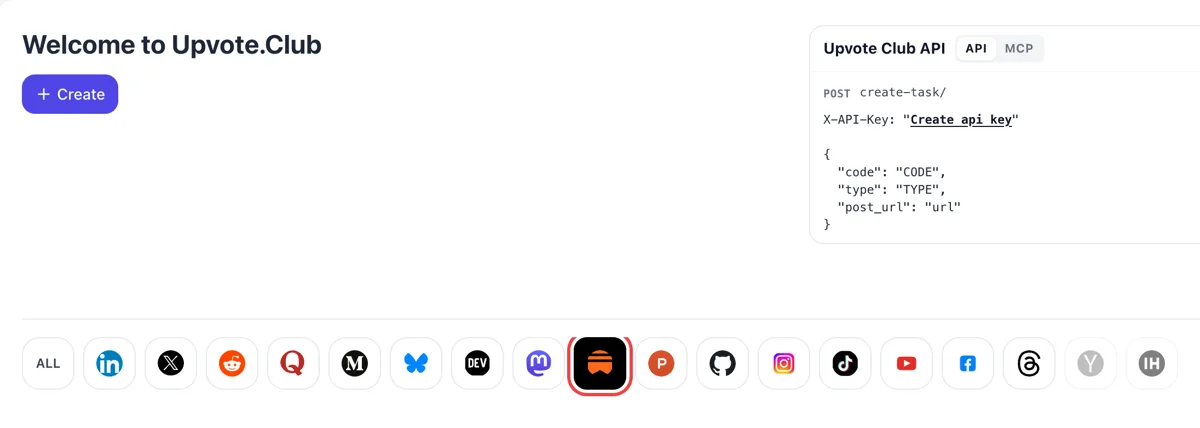
Sign in and choose the Substack icon
Log in on the Upvote.Club start page with Google or Apple and click Substack in the network row. Create brings up the form where a comment request for one of your posts is set up.
Give a public Substack post its first discussion: community members write under it from their own profiles.
Working with any agent




POSTcreate-task/
{
  "social_network_code": "SUBSTACK",
  "type": "LIKE",
  "post_url": "https://username.substack.com/p/article-title",
  "actions_required": 10
}
Trusted by 88,000+ community members
We are a community of people who help each other grow their personal brand on social media. How It Works Our top priority is a zero-bot policy. We are maintaining a clean and safe community with real people. A variety of GEOs and interests are available inside our community.
Each comment responds to the text of your issue, so the thread reads as readers reacting to a piece. You will not find a row of identical lines pasted under the post, which keeps the section useful to everyone who scrolls through it.
Commenters appear with their own Substack names and photos. Hovering a name opens a profile, so visitors who check who is talking find an account with a history.
The blog has short guides on answering readers, opening a thread with a question and using comments as topics for later issues, written for newsletter authors.
Readers rarely write the first comment. When a post already has a few replies, the next reader sees that talking is normal here and adds a line of their own. One opening exchange often decides whether a thread grows.
People who read to the end scroll straight into the comments. A section with voices in it tells a new visitor that the issue landed with someone, and that impression shapes whether they subscribe or close the tab.
Every comment gives you a reason to reply, and your reply is visible to the commenter and to everyone reading. Answering is the cheapest way to show readers that a person writes this newsletter and reads what comes back.
Your dashboard posts table has a Comments column you can add beside views and likes. Compare issues that drew replies with issues that did not, and you learn which topics get readers talking.
A comment that asks about one detail in your piece shows you where readers wanted more. Use those questions as the seed for the next issue or for a follow-up note, and the section becomes a source of topics.
You get an email and an Activity notification when someone comments, so each reply lands in front of you as it happens. That makes it easy to answer within the first hours, when the post is still on readers' screens. Reply from the app on your phone if you are away from your desk.
Log in on the Upvote.Club start page with Google or Apple and click Substack in the network row. Create brings up the form where a comment request for one of your posts is set up.
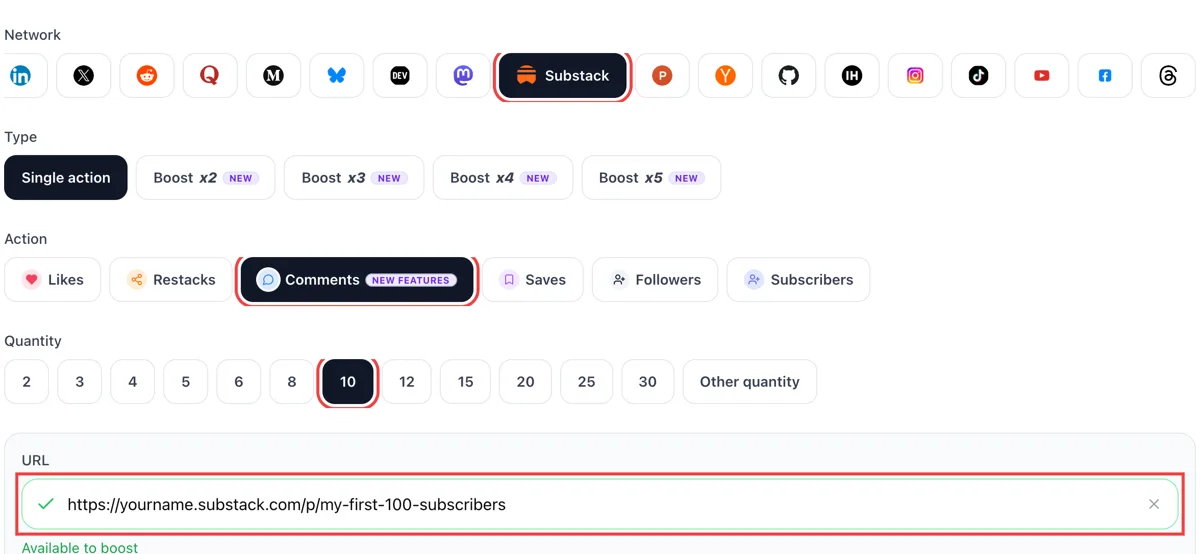
Set comments as the action, then paste the public link of the issue. The green check confirms the address. Decide how many comments should sit under it, and make sure comments are switched on for that post.
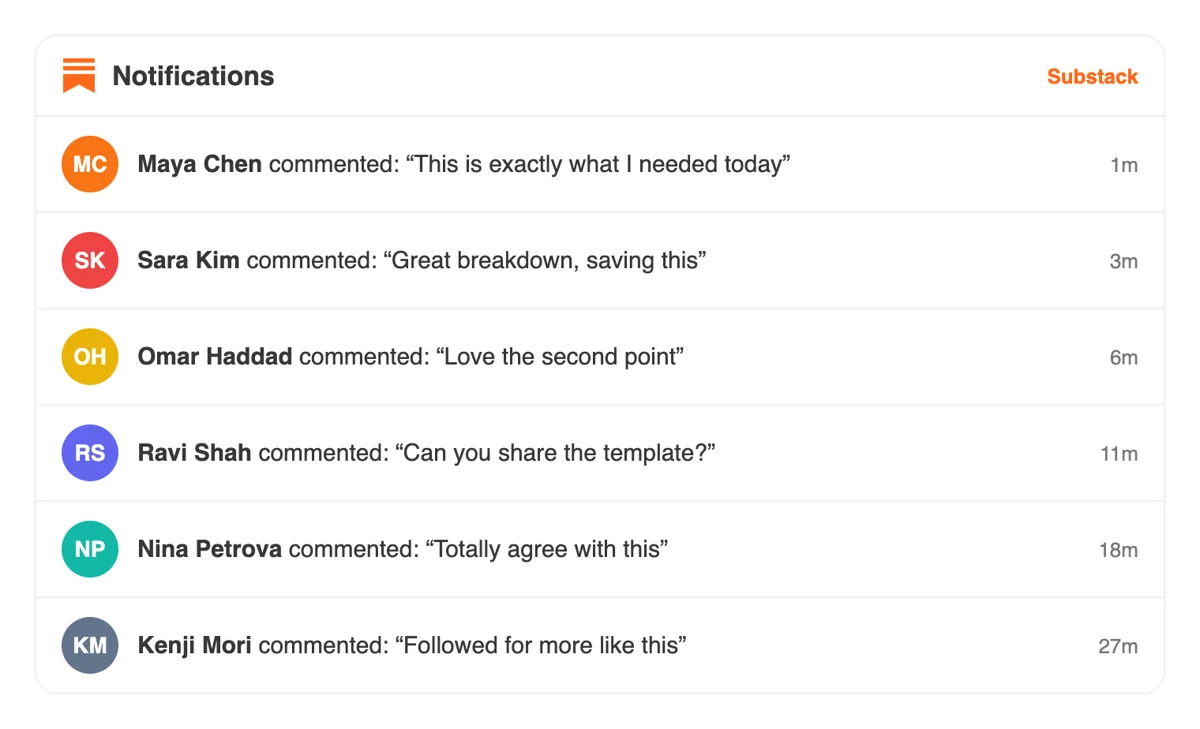
Writers and readers type their comments from accounts of their own, and your notifications list each new comment under the post. Open one to reply from the thread itself and keep the exchange going.
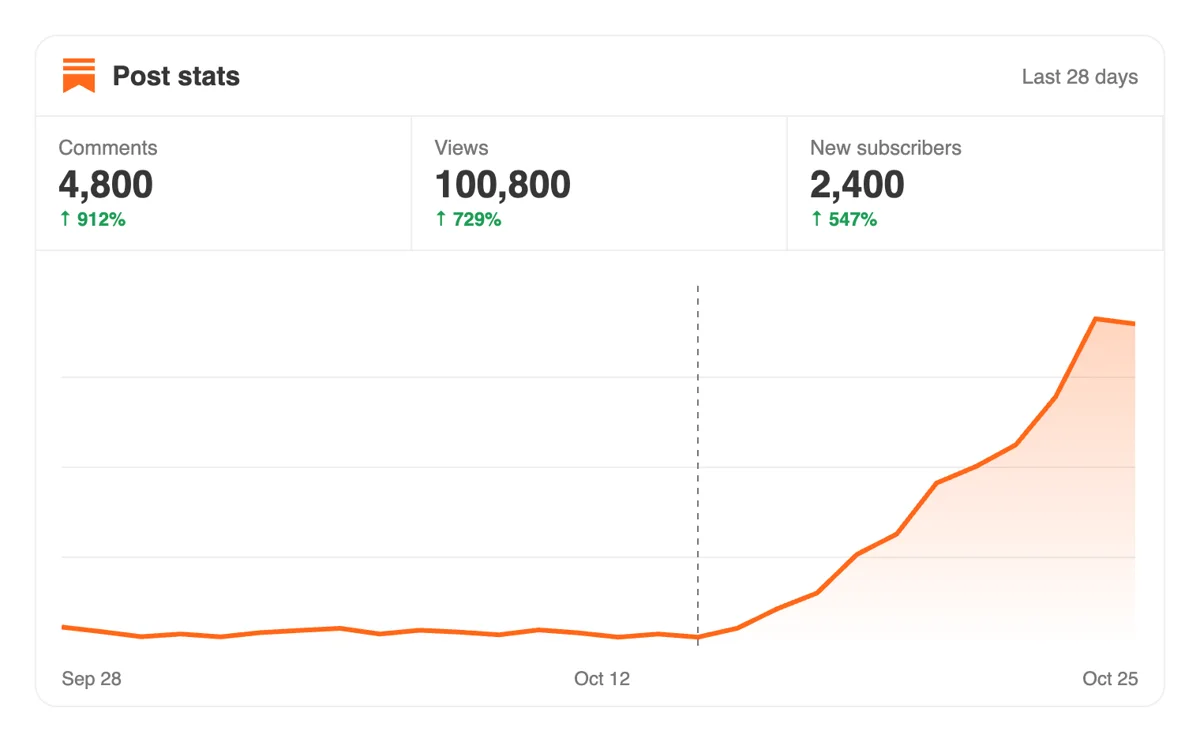
The Stats tab of Substack lists views per post. An issue with an active thread invites other subscribers to add their view, which tends to show up as extra views in the days after the discussion starts.
Several newsletters to run. A comment request can come from code, or from an AI assistant over MCP. The docs chapter on Substack names the post link field and what a comment request can carry. Substack comment calls in the API
Get 5 free Substack comments every 24 hours. Upgrade only when you need more.
Free
Forever
What's included
$59/ year
Billed annually
What's included
$0/ first 3 days
After $49 / month
What's included
Unlimited tasks per day. Unlimited connections to social media accounts. Pin your post at the top.
Promote posts to verified users. API access. Unlimited engagement actions per day.
Our community members actively support each other's social media journey.
Join 88,000+ creators, brands, founders, and marketers already growing their audience
comments on Substack make your newsletter feel like a real community
Dec 28, 2024
used this for my founder newsletter, readers started engaging way more after 💬
Jun 20, 2025
real comments from actual Substack readers, not generic spam
Feb 11, 2026
solid service for anyone building a paid newsletter and needing early social proof
Sep 24, 2025
FAQ
End each issue with one concrete question a reader can answer in a sentence, and reply to every early comment so the thread feels attended. To start the first thread sooner, hand the post address to upvote.club and members write under it from their own profiles.
Yes. Handled properly, outside comments do their job, and upvote.club is the tool for handling them properly. A post with replies looks discussed, which invites genuine readers to add their own thoughts. The issue still has to deserve the conversation, because good content keeps people replying.
Growth for your newsletter, with the right tool. Comments give a new issue its first discussion, you get replies to answer, and visitors reading to the bottom see a publication with an audience. Over several issues that habit makes the comment section something readers expect to find active.
Open the post and scroll to the comments, or use the Discussion tab in the Substack app, which groups comments, restacks and quotes. You also receive an email and an Activity notification for each comment, as long as those notifications are turned on in your settings.
On the web version of a post, readers can switch between a Comments tab and a Restacks tab. Comments are replies written directly under your issue. Restacks show how others shared the post in Notes. If you want the second kind of activity, the restack page covers it.
Short, specific replies that mention something in the text work best, such as a reaction to one example or a question about a step. They show new readers that the issue was read, and they give you an easy opening to reply with more detail.
Yes. As the publisher you can remove specific comments from the discussion under your post, and you can also turn comments off in the Community section of your settings. Most authors leave the section open and answer what arrives.
Taking a comment down does not touch likes or restacks, so the rest of the activity on the post stays exactly as it was.
The first hours matter most, because a fresh issue is on readers' screens in email and the app. Send your link to upvote.club when you publish, then stay near your notifications so you can reply while visitors are still reading.
A short reply from you within the first hour keeps the thread moving.
Yes. A thoughtful comment under a writer in your niche puts your profile in front of everyone reading that thread, and a few of them follow the link to your publication. Pair that habit with comments on your own issues so the two feed each other, and aim for two or three considered comments a week.
Trying it costs nothing: use your Google or Apple login. Paid plans exist for people who want more. Commenting on other people's posts is not a condition, so you receive replies without owing any. Most authors try a single issue and read the thread before deciding whether to repeat it.
The address has to open for anyone who holds it, and a post that every visitor can read works as it is. For a paywalled issue, use the public preview address, since commenters can only answer what they can read. A draft cannot receive comments, so publish first and share afterwards.
Your own tooling can do this. Through the API or an MCP connector, a script or an AI assistant can ask for comments as an issue goes live. Setup notes sit on the API page, and one connection covers the other response types too.
Yes, per post. When the post audience is Everyone, you can let any reader comment, limit comments to free or paid subscribers, or switch them off completely. Paid-only posts allow comments only from paid subscribers, and a founding-members post limits them to that group. A reader without a Substack profile is asked to create one before commenting. These controls let you decide how open the conversation is before you ask for it. With an open post, comments arriving through upvote.club sit among the replies of your regular readers, which makes the discussion look full from the first scroll.
A thread is a post type meant for conversation. Choose Thread from the New post menu, add a title and a prompt, and pick the audience. Threads show a chat icon next to the title, and any reader with a Substack profile can reply when the thread is set to Everyone. You can embed one inside a regular post by removing comments from the thread address. A thread suits a question that invites many short answers. A comment push from upvote.club fills the first replies under that prompt, and your own readers find it easier to add the next one.