








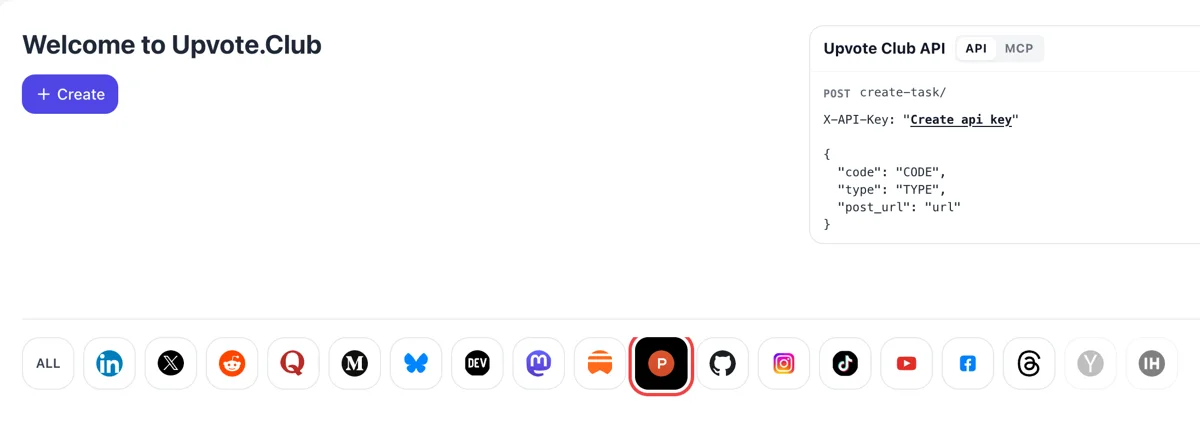
Sign in and select Product Hunt
The dashboard says Welcome to Upvote.Club. Sign in with Google or Apple, click the Product Hunt icon so it lights up, and press Create to start a request aimed at your launch page or your maker profile.
Paste a public Product Hunt link and choose the response your profile or launch needs, from followers to upvotes.
Working with any agent




POSTcreate-task/
{
  "social_network_code": "PRODUCTHUNT",
  "type": "UPVOTE",
  "post_url": "https://www.producthunt.com/posts/product-name",
  "actions_required": 10
}
Trusted by 88,000+ community members
We are a community of people who help each other grow their personal brand on social media. How It Works Our top priority is a zero-bot policy. We are maintaining a clean and safe community with real people. A variety of GEOs and interests are available inside our community.
Followers, upvotes and comments come from members who keep their own Product Hunt profiles, so the names on your launch page link to accounts that visitors can open.
Comments talk about the product itself and do not repeat one line, so the thread under your first comment reads as people reacting to what you built.
Blog guides cover profile preparation, the first comment, answering visitors during launch day and what to post in the forum afterwards.
People who follow a maker or a product get updates when something new ships, and a maker's followers receive an email if the launch is featured on the homepage. A follower list is an audience you already hold on launch morning.
Every launch page has a comment thread, and the maker's first comment sits right under the gallery. Replies to it turn a listing into a discussion, which tells a visitor that people are looking at the product and talking.
The homepage leaderboard moves during the day with upvotes, comments, time since launch and other signals. More activity early in the day gives a launch a better chance to be seen while the board is still forming.
After launch day, your listing stays alive as a product page, the permanent home of the product. Followers, comments and upvotes collected on launch day remain attached to it and welcome later visitors.
The platform advises building a profile before launching: comment, upvote and follow makers you admire. A profile with a few weeks of activity and followers reads as a person, which makes later launches easier to trust.
Every product has its own forum, and each thread notifies the product's followers. A growing follower list gives every update you post a ready audience, long after the launch itself is over, and keeps the forum from feeling empty.
A maker with no history launches into silence. Followers, a few comments and early upvotes give a first launch the look of a product that someone already cares about, which helps when the audience is still small.
The dashboard says Welcome to Upvote.Club. Sign in with Google or Apple, click the Product Hunt icon so it lights up, and press Create to start a request aimed at your launch page or your maker profile.
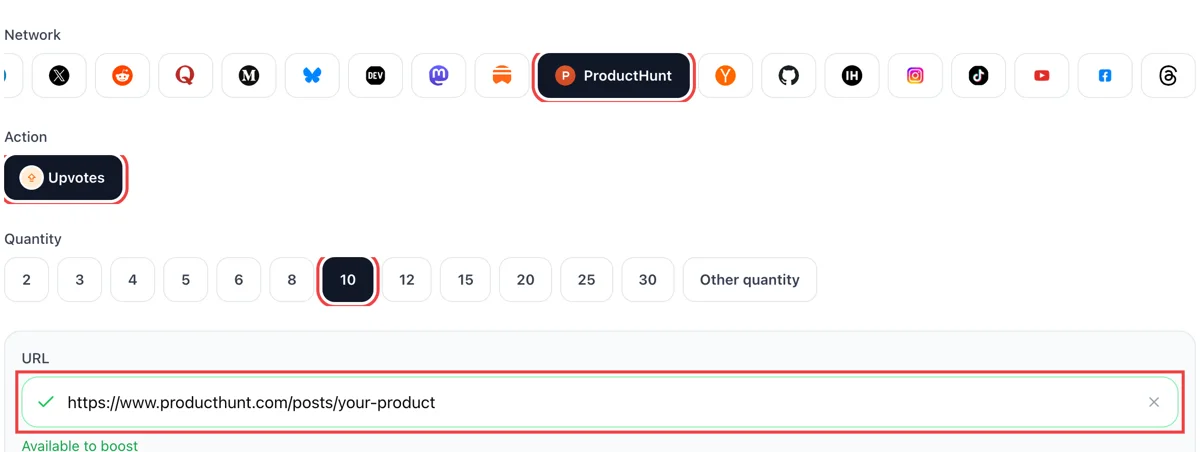
Decide between upvotes, comments or follows. Copy the Product Hunt link of your launch or maker page, drop it into the form and wait for the green tick. Then set a quantity that fits the community you already have on the site.
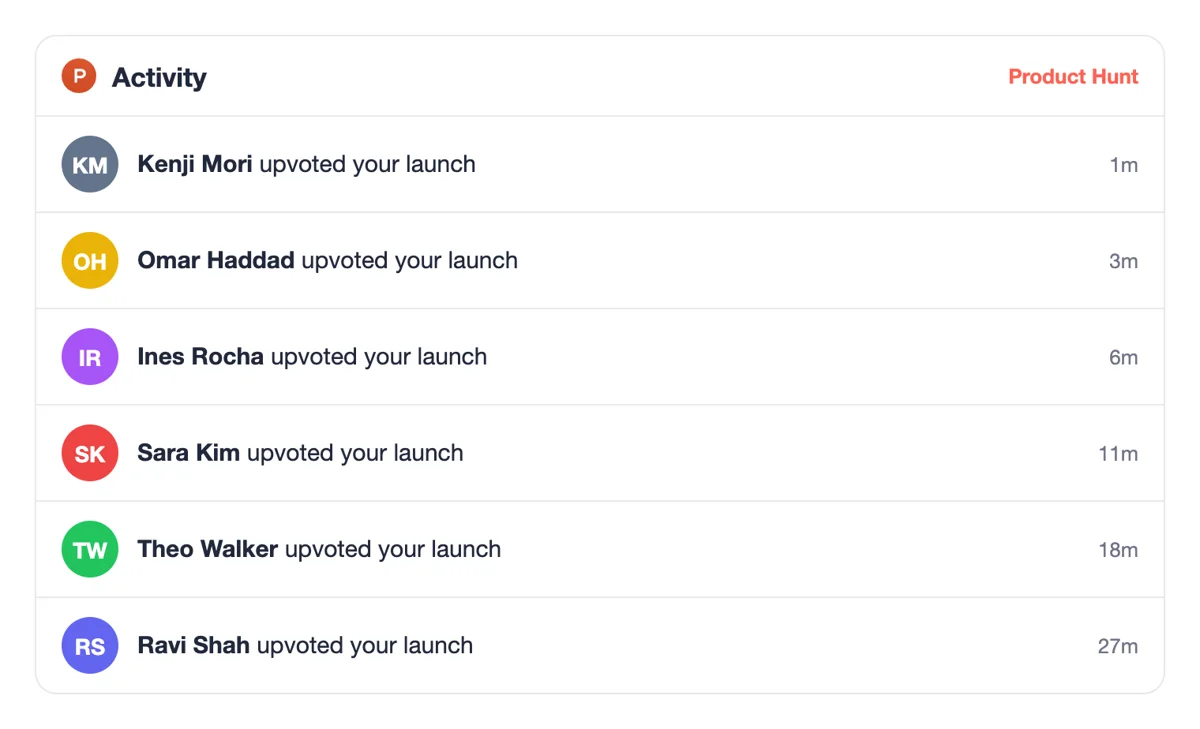
Members respond from their own Product Hunt accounts. Each upvote, comment or follow lands in your notifications, so you can answer visitors while the launch is still near the top of the page and people are reading it.
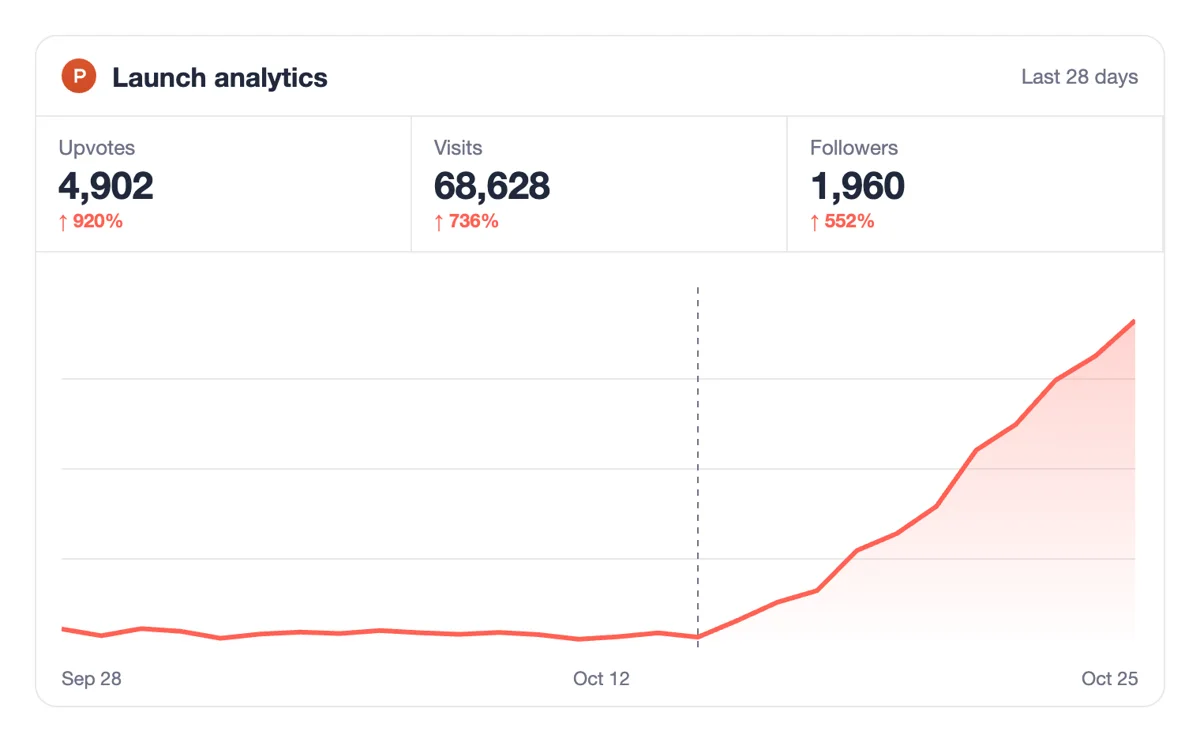
The launch page and your maker dashboard show upvotes, comments and the day's ranking. Compare them with the visit numbers on your own site to see how much of the launch turned into real visits.
Teams that launch often can create the same requests from code or an AI assistant using the API and MCP. The Product Hunt chapter explains the launch link field and how to run a request on a schedule. Product Hunt requests in the API
Get 5 free ProductHunt upvotes every 24 hours. Upgrade only when you need more.
Free
Forever
What's included
$59/ year
Billed annually
What's included
$0/ first 3 days
After $49 / month
What's included
Unlimited tasks per day. Unlimited connections to social media accounts. Pin your post at the top.
Promote posts to verified users. API access. Unlimited engagement actions per day.
Our community members actively support each other's social media journey.
Join 88,000+ creators, brands, founders, and marketers already growing their audience
FAQ
Join in before you launch: comment on products you like, follow makers and post in forums. Add a maker byline so your comments link to your product. To lengthen the list faster, ask community members to follow you through upvote.club, and keep posting updates so followers have a reason to stay.
Tell the story of what you are building in every comment.
Following lets a person subscribe to a product and receive updates whenever it launches something new. A maker's followers also get an email if the launch is featured on the homepage. That makes the follower list a direct line to people who already like the product.
Followers also see what you ship next without you chasing them.
It works when it is done properly, and upvote.club is built for exactly that. Followers, upvotes and comments give a launch page visible life while the leaderboard is moving. The product still has to earn the attention, because originality and a clear edge are what keep people reading.
Treat the activity as a starting push, and keep replying to visitors yourself.
A bigger audience for your profile and launches. You get a follower list ready before launch day, a comment thread with replies in it and upvotes that suggest a product people noticed. The rest depends on the product and the story you tell around it.
Introduce yourself and your team, say what makes the product different and tell the story behind building it. Ask for feedback on something specific. The first comment sits under the gallery, and visitors read it before anything else on the page.
Use plain language, as if explaining the product to a friend. Mention one limit or lesson, because honest detail earns more replies.
Position depends on upvotes, comments, time since launch and other signals, and the exact formula is not shared. A launch with fewer upvotes can sit above one with more. The editorial team also chooses which launches are featured on the homepage, so the listing itself matters.
Check the dashboard during the day and reply to comments as they come in. Read the editorial notes on featuring before you finalize your listing.
Weeks before launch. Product Hunt's own launch guide suggests setting up an account early, commenting, upvoting products you like and following makers you admire. Register under your own name, since people connect with a person more easily than with a company profile.
Spend a little time every day in the community, and your profile builds itself. Small, regular steps count for more than one big push.
Every product has a forum, and a thread you post there notifies all followers of that product. The posts are public and connected to your name, so they also add to your search footprint. Use them for updates, questions and short stories from the build.
Reply to each comment so the thread keeps moving.
Begin with followers if launch day is weeks away, since they carry over to every update. Move to upvotes as the launch approaches, and add comments once your first comment is live. Test one at a time. Between launches, followers keep working, so that response is never wasted.
Yes. Asking your team, friends and colleagues to follow, upvote and comment is a normal way to begin and costs only time. The limit is the size of your circle. A community that responds on request fills in once your own contacts have done their part.
Ask them early, before the launch is live, so they know when to show up.
Yes. Begin with your Google or Apple login and a first round that costs nothing. Paid plans exist for makers who want more, and no member expects a favour back. A small round on your profile shows how the page reacts before launch week.
It does. Members respond from their own accounts, so the product page, launch page or profile has to load for anyone with the link. A scheduled launch that is not yet live cannot receive upvotes, so wait until it opens. Open the page in a signed-out window to check.
Yes. Scripts and AI assistants reach the same responses through the API and MCP connectors, so a team can start a round without opening the website. Setup lives on the API page. Keep the checklist short so each step is easy to repeat.
Yes. You can schedule a launch from tomorrow up to 30 days ahead, and save it as a draft at any time. Every launch goes live at 12:01 AM Pacific on its date and runs for the full day until midnight Pacific. Scheduling early gives you time to tell your community the date, and a teaser page lets interested people ask to be notified when you go live. This is also the window to build followers, which is where upvote.club fits: a follow push before launch day puts more people on the notification list for your page.
Following a product means getting updates whenever it launches something new. Every thread posted in a product's own forum notifies all of that product's followers, and a maker's followers get an email if the launch reaches the homepage. A thread in a general forum grows your personal profile, while the product's Follow button sits on the product's own pages, so check which one you are building. Followers gathered through upvote.club before launch day are on that notification list, which is the audience that arrives in the first hour.