








Get in and choose Threads
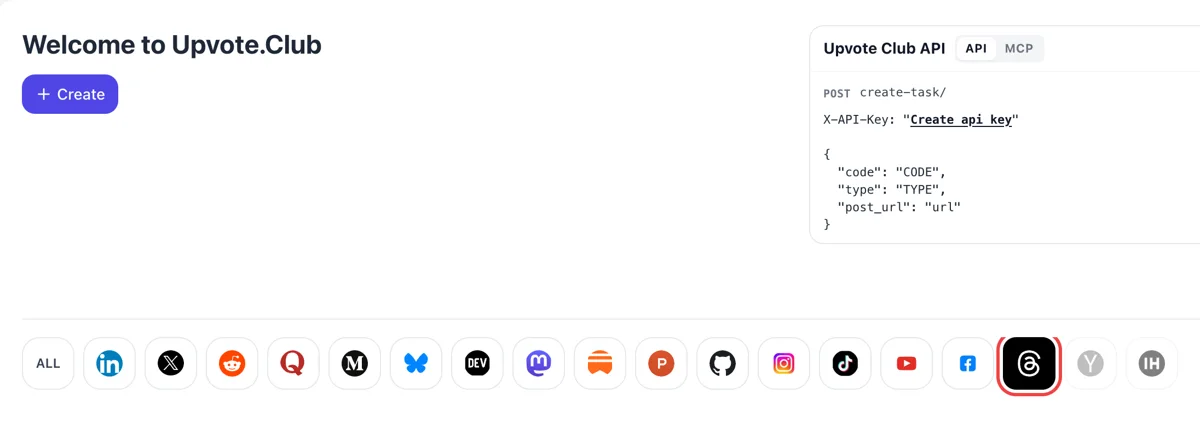
One Google or Apple login is all the dashboard wants. Threads sits in the network strip beneath Create, and picking it prepares a form for one conversation, with replies listed among the actions.
Send the link to a Threads post and the community replies beneath it, one member after another.
Working with any agent




POSTcreate-task/
{
  "social_network_code": "THREADS",
  "type": "LIKE",
  "post_url": "https://www.threads.com/@username/post/123456789",
  "actions_required": 10
}
Trusted by 88,000+ community members
We are a community of people who help each other grow their personal brand on social media. How It Works Our top priority is a zero-bot policy. We are maintaining a clean and safe community with real people. A variety of GEOs and interests are available inside our community.
Each reply under your Threads post is written by a community member using a personal profile, with a name and photo, so the section reads as ordinary readers talking.
The request needs the public address of one post. Your Threads settings, your drafts and your direct messages are not part of the form, and you pick the post that gets replies.
The blog has short pieces on opening lines, questions that draw answers and how to reply to readers, which keeps a thread worth reading after the first responses arrive.
Meta reports that replies account for almost half of the views on Threads. A reply puts your post in front of the replier's own circle, so each one is a small distribution channel as well as an answer.
Among the predictions Meta lists for each viewer is the chance that they will write a reply. Posts that collect replies match what the system looks for, and posts that start conversations are the ones Meta says it recommends.
Meta also tracks time spent on a post's own page, where the replies live. A section with a few lively answers gives readers something to read after the post itself, which adds minutes that a silent post does not collect.
Few readers like to answer into an empty section. When two or three replies already sit under a post, the next reader feels invited, and the thread begins to grow on its own pull instead of the push you gave it.
Replies show visitors an account that talks with its readers. That is a reason to follow, since people on Threads come for conversation, and a profile with active threads looks more worth following than one that only broadcasts.
Meta's feed notes count how many posts an author makes, replies included. Answering your first commenters adds to that count and keeps the thread moving while readers are still on the page.
One Google or Apple login is all the dashboard wants. Threads sits in the network strip beneath Create, and picking it prepares a form for one conversation, with replies listed among the actions.
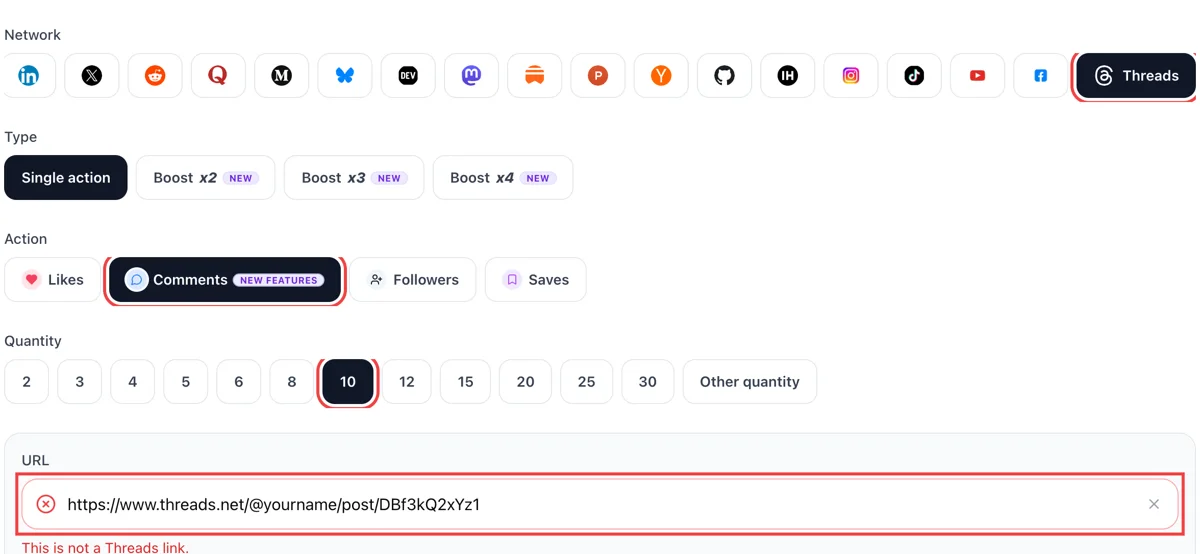
Open the three dots on the post, copy its link, switch the action to replies and paste the address. Put in a quantity and wait for the tick to turn green, the sign that the link is public.
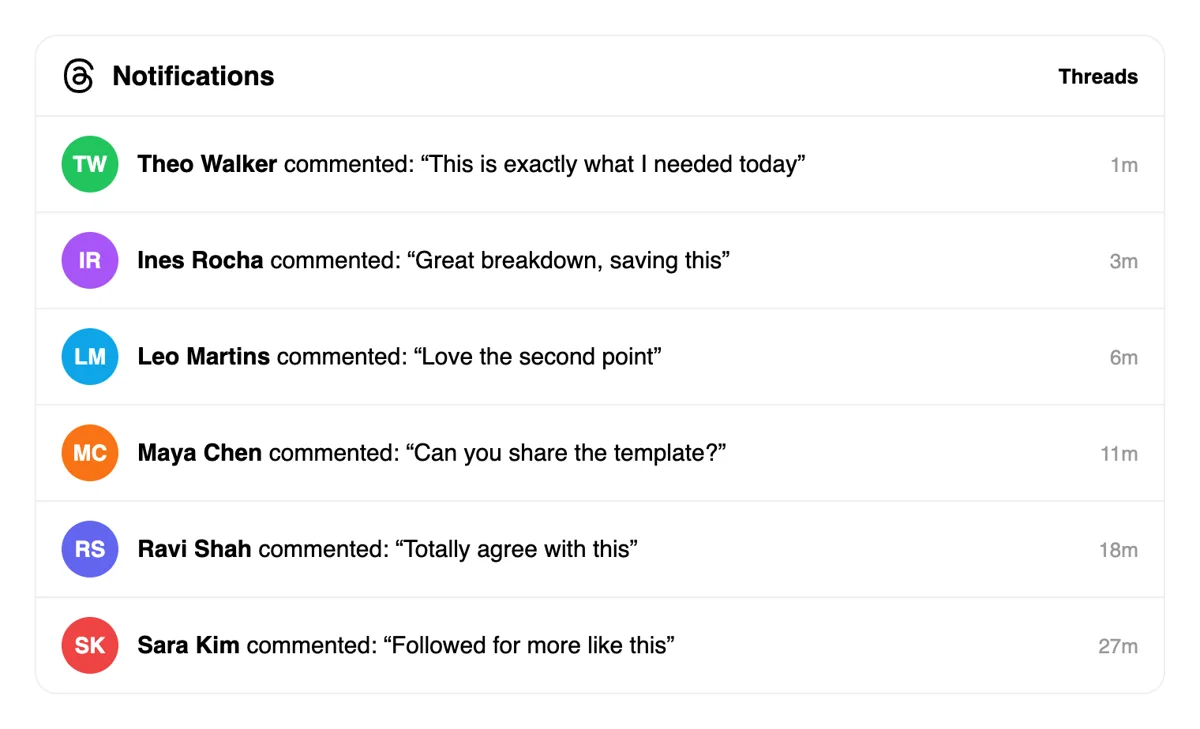
The Activity tab lists each reply with the name of the writer and a time stamp. Under your post a conversation begins, which makes the next visitor more likely to join it. Pick the replies worth answering first, those that add a fact or ask something specific.
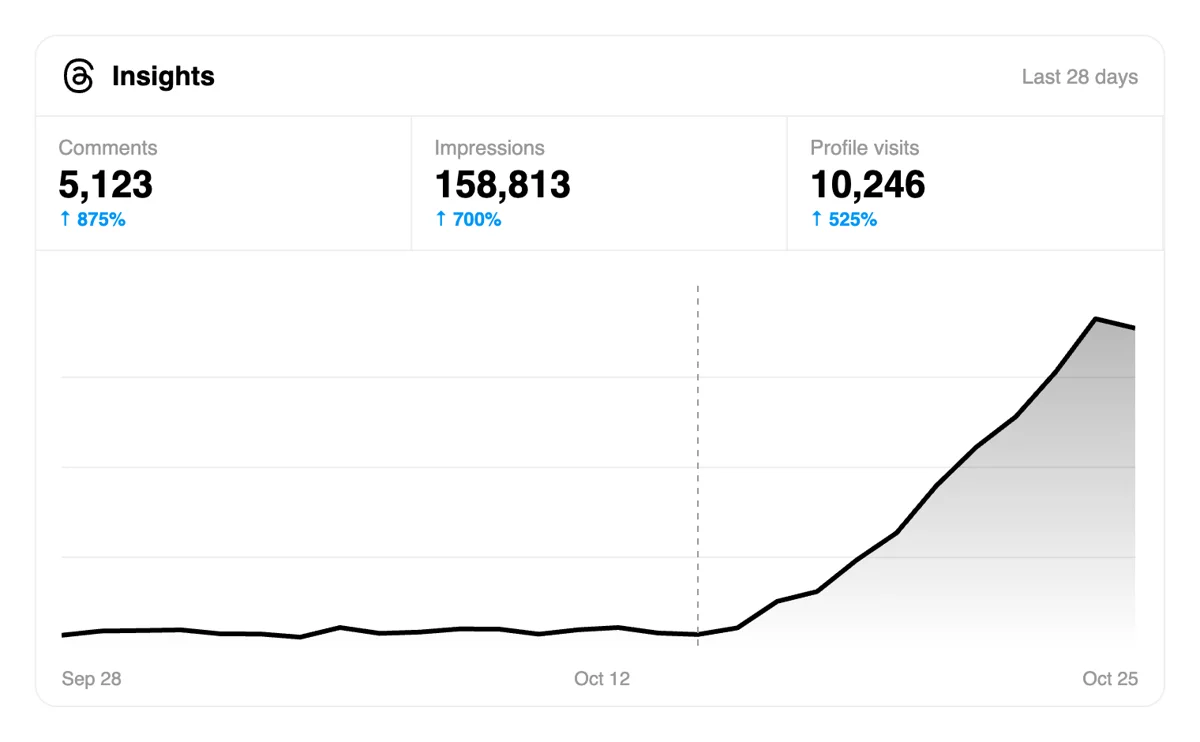
Reply to the first few and open Stats for the post. Threads counts replies as interactions, and a post with a live exchange tends to reach people outside your followers. Posts that raise questions keep drawing readers.
Anyone who opens discussions every day can hand reply requests to a script, or to an assistant wired in over MCP, and keep the form for one-off posts that deserve extra attention. Reply requests in the Threads API
Get 5 free Threads comments every 24 hours. Upgrade only when you need more.
Free
Forever
What's included
$59/ year
Billed annually
What's included
$0/ first 3 days
After $49 / month
What's included
Unlimited tasks per day. Unlimited connections to social media accounts. Pin your post at the top.
Promote posts to verified users. API access. Unlimited engagement actions per day.
Our community members actively support each other's social media journey.
Join 88,000+ creators, brands, founders, and marketers already growing their audience
Love it! ❤️
Nov 9, 2024
comments on Threads really drive the algorithm, glad I found this
Sep 24, 2024
got genuine comments on my post, not spammy stuff 👌
Jun 28, 2024
fast delivery, works great for Threads ✅
Oct 3, 2024
using Threads to build my brand and comments make such a difference for reach
Feb 3, 2026
FAQ
Yes, if the replies are added with care. Replies are close to half of all views on Threads, and Meta says conversation starters are favoured for recommendation. Upvote.club handles that part: members write beneath your post using personal profiles, so the post opens with visible conversation and gives new readers a place to join.
A like is a one-second signal. A reply is a sentence that other readers can answer, and it lives on the post's own page, where people spend time. For growth, replies move a viewer from reading to talking, which is nearer to following than a heart, and the thread also carries your post to the replier's circle.
One that a person can answer from their own life in a few words: a choice between two things, a small confession, a request for a recommendation or a question about a habit. Skip the bare request for thoughts. Meta lists clickbait and posts that beg for reactions among the things people dislike, so ask because you want the answers.
Yes. Send the link of any public post. Threads shows replies on the post's own page for as long as the post exists, and readers who find an older post through search or a profile visit still see the conversation. Fresh posts gain the most from early replies, but older ones can still be revived.
Answer the specific thing they said, not with a stock thanks. Add a detail, ask a follow-up or disagree politely. Each reply you write counts as activity from your account, and it keeps the conversation going while readers are still arriving. Two or three considered replies do more than a dozen one-word ones.
It does. Meta says replies account for almost half of views, so writing a useful answer under a post in your niche puts your name in front of that author's readers. Pair it with your own posts: answer, share your view on your page, and let curious readers follow the link to your profile.
Short enough to read in a few seconds and specific enough to answer. A first line that makes people stop, two or three lines of detail and a closing question is a reliable shape. Threads supports longer text through attachments, but a reader deciding whether to reply tends to prefer a post that is quick to take in.
They can. A reader who enjoys a thread often opens the profile of the person who started it. If the profile has a clear bio and a few good posts, that visit turns into a follow. Replies create the visit, and your content decides whether it ends with a follow, so keep the top of your profile tidy.
Yes, and you should ask them first. Message people who know your subject and request their view on a post. That costs only your time and gives the best kind of reply. When your circle is small or busy, upvote.club covers the gap with replies from the community, from one pasted link.
Groups where people trade replies are a good start, and many accounts grow that way. They depend on whoever is online and ask you to answer under other people's posts in turn. Here you send a link and receive replies without a duty to write back on anyone else's post.
No. One Google or Apple login and a public link cover the opening run, with comments as the action. Larger plans exist and are described elsewhere on the site. Try one post and read the thread that forms beneath it.
Yes. Before posting, press Anyone can reply and switch to Profiles you follow or Mentioned only. A newer setting, reply approvals, keeps replies open to everyone but holds each one until you approve it, so you can steer a discussion without closing it. If you limit replies, the thread is not shared with your fediverse followers. For growth, an open setting usually suits a post that asks a question, since more people can answer. Choose the narrower options for a topic that may draw heated answers, and keep the open setting on posts where you want volume.
Open a thread you started, open the options next to one of its replies, and choose Pin reply. That reply moves to the top of your thread, and you can unpin it from the same menu. It can be your own answer or a good reply from someone else. Use it to set the direction of a discussion: pin the best answer, a clarification, or the question you want others to take up. Visitors who open the thread after the first responses read the pinned line first, so it frames everything below it and invites more replies.
You can edit the text for 15 minutes after posting. Only text can change, attachments stay as they are, and once anyone interacts with the post before you finish, an Edited label shows in the corner. Posts with reply approvals turned on are different, because replies to them cannot be edited. Fix the error quickly, because early replies often quote your exact wording and a changed line can leave them referring to something else. After the window closes, delete and repost only if the mistake changes the meaning, and tell people in a reply so the thread stays clear.