








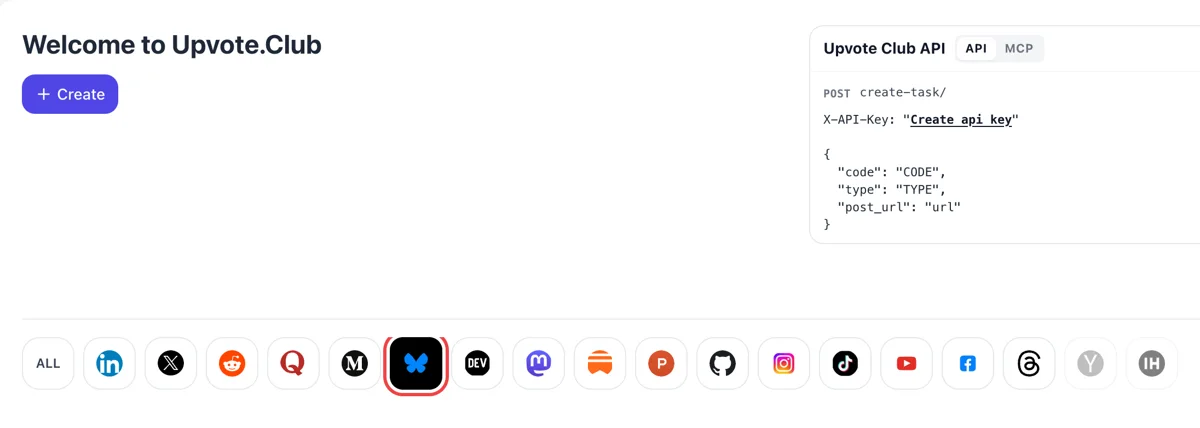
Sign in, find the butterfly
Sign in at upvote.club with Google or Apple, press Create on the Welcome screen and click Bluesky in the network row. Saves sit beside hearts and replies in the form, and the account carries across every other network.
Send the link of a public Bluesky post to the community and watch members keep it in their Saved lists.
Working with any agent




POSTcreate-task/
{
  "social_network_code": "BLUESKY",
  "type": "LIKE",
  "post_url": "https://bsky.app/profile/username.bsky.social/post/123456",
  "actions_required": 10
}
Trusted by 88,000+ community members
We are a community of people who help each other grow their personal brand on social media. How It Works Our top priority is a zero-bot policy. We are maintaining a clean and safe community with real people. A variety of GEOs and interests are available inside our community.
Each save is made from a member's own Bluesky profile and lands in that person's private Saved list, alongside anything else they keep for later.
Upvote.club needs only the public address of the post. Your login, your followers and your settings are untouched, and the post stays yours to edit or delete.
Guides on the blog show how to write the kind of Bluesky post people keep: a clear first line, useful content in the post itself and a link when it helps.
A heart says someone liked a post in passing. A save says they want it again later. On a reference thread, a checklist or a link to a long read, that second signal is the one that matches how people use the post.
Bluesky shows the number of saves on the post page once someone has saved it. Nobody sees the names, so the figure reads as unforced interest and gives a new reader a reason to keep the post.
Third-party counts of public posts suggest link cards pick up more saves for every like than plain text. If you share articles, tutorials or resources, saves are the reaction that suits that kind of post.
Likes measure approval and saves measure usefulness. Comparing the two across your posts shows which ones people return to, and that tells you what to write more of, whatever the like count says.
Saves leave no public trace, so they pair well with a handful of likes and replies on the same post. The mix looks like what a good resource attracts: some applause, some talk and a few silent keeps.
Sign in at upvote.club with Google or Apple, press Create on the Welcome screen and click Bluesky in the network row. Saves sit beside hearts and replies in the form, and the account carries across every other network.
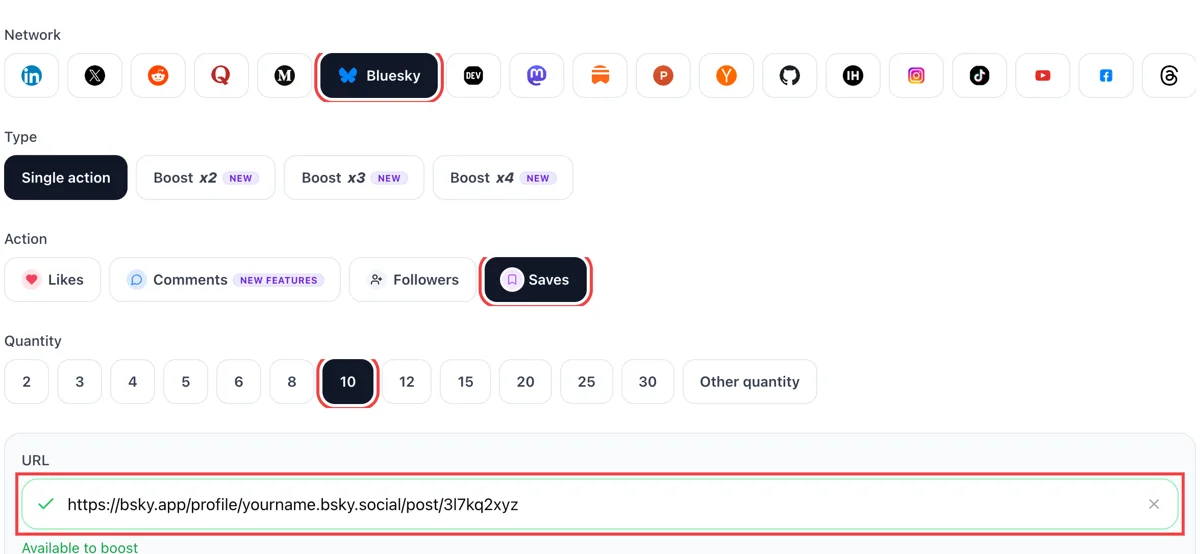
Set saves as the action, enter a number and paste the public link of the Bluesky post worth bookmarking. The green tick in the field shows Bluesky opened it, so the post is confirmed before anything is sent.
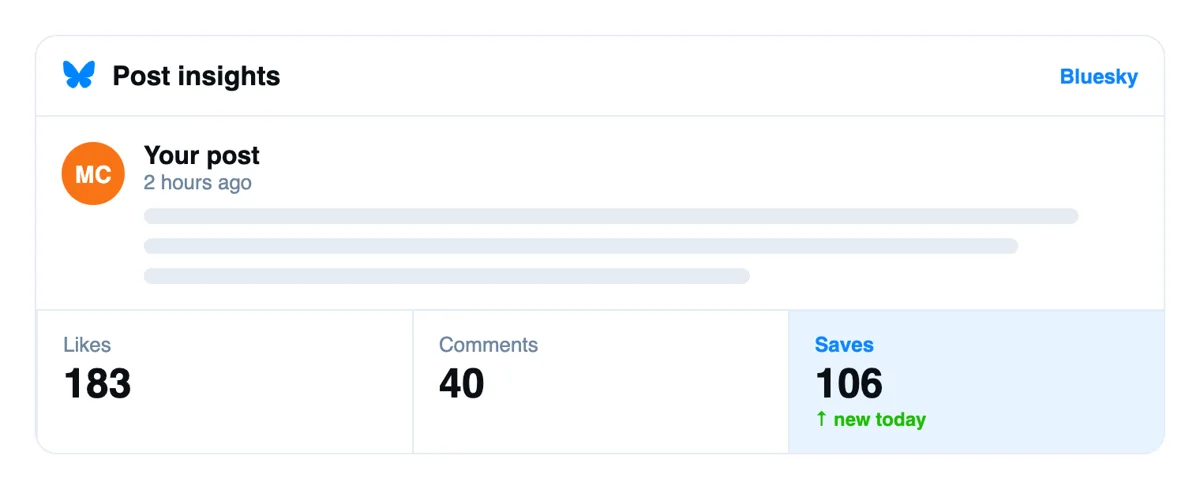
Bookmarks are private on Bluesky, so a save does not announce itself like a heart does. What you see instead is the later activity on the post, which appears in Notifications as usual.
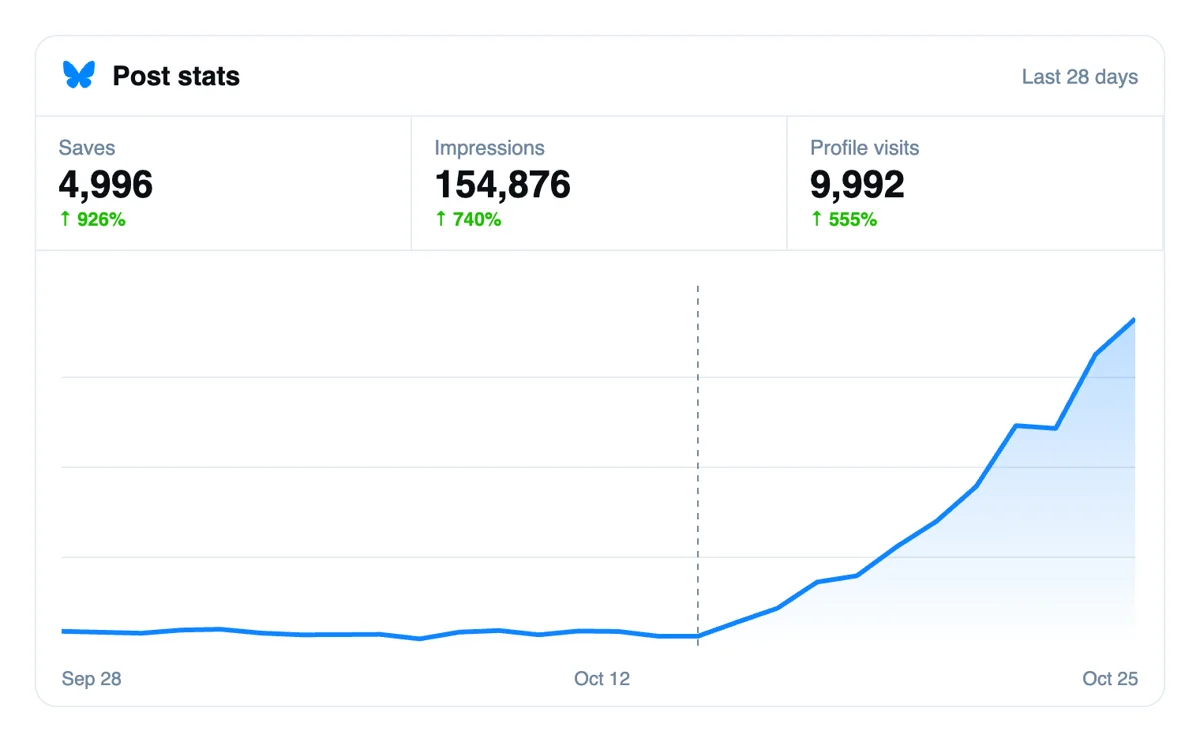
A saved post is one readers plan to revisit. Check its hearts, replies and reposts over the next days, and write down which kinds of posts people choose to keep, since those are worth repeating.
The developer API and MCP connectors list Bluesky saves. Put the links into a script or hand them to an AI assistant, and the requests go out while you carry on writing your next post. Bluesky saves via API
Get 5 free Bluesky saves every 24 hours. Upgrade only when you need more.
Free
Forever
What's included
$59/ year
Billed annually
What's included
$0/ first 3 days
After $49 / month
What's included
Unlimited tasks per day. Unlimited connections to social media accounts. Pin your post at the top.
Promote posts to verified users. API access. Unlimited engagement actions per day.
Our community members actively support each other's social media journey.
Join 88,000+ creators, brands, founders, and marketers already growing their audience
FAQ
Yes, and upvote.club is the tool built for it. A save is a private bookmark, so the effect is quiet: the post page shows a saves total and the reaction tells you people want to come back to the content. It suits posts with lasting use, such as guides, link cards and resource lists.
Saved Posts are Bluesky's built-in bookmarks. The feature arrived in September 2025. A bookmark icon sits under each post, and everything saved collects in a Saved section of the main menu. There are no folders or search yet, so the list is simply your newest saves first, synced across devices. It is a plain reading list, and that simplicity is why a save is quick for people to give.
Yes. Bookmarks are stored off the public protocol, the way direct messages are, so nobody can list what you saved or check whether you saved a given post. The author is not notified. The one visible part is the total, which appears on the post's own page.
Open the menu in the app and choose Saved. On the web, the saved page sits in the left-hand menu. Newest saves come first. If an author deletes a post you saved, the entry stays with a note that it was removed, and you can clear it yourself.
No. They see only that the total went up on the post page. There is no notification and no list of names. That is the difference from likes, where the author is notified and anyone can open the list. Quiet saves are why some readers prefer them for personal reference.
They answer different questions. Likes show approval and are public, saves show intent to return and are private. For a post you hope people will use, such as a guide or a resource list, saves match the goal better. For a quick opinion, hearts fit. Many posts do well with both. If you must choose for a single post, ask what you want the reader to do next: react now or return later.
Posts with lasting use: how-to threads, link cards to articles, tool lists, data charts and recipes. One third-party count of public posts found link cards drew the most saves per like, with video and image posts also saved more than plain text. Treat that as a hint and check your own numbers. Your audience may save different things, and a month of posts gives you a fair sample to compare.
Make the post worth keeping. Put the useful part in the post itself instead of behind a click, number your steps, add alt text and a descriptive first line. A closing line like 'worth keeping for later' does no harm. Post it yourself from your phone, since scheduled posts tend to travel less far. Then reread it as a stranger would: if the post still makes sense next month, it is a keeper.
Yes, and it looks natural. A resource post that gathers some likes, a reply or two and several saves resembles what a useful post attracts anywhere. Request them in sequence over a few days instead of all at once, and look at how each changes the post's reach.
Correct. Likes are public records that anyone can inspect, and the like list names every account. Saves are private bookmarks with only a total on show. That is why a save count can feel more honest to readers. It reflects behavior nobody performed for an audience. That makes it a useful number for your own planning, and a modest one to show off. Use it to decide what to republish, extend into a thread or turn into a longer article.
Members reach your post through the link, so it needs to open for anybody. Regular posts are public by default and work without changes. Copy the address from the share menu on the post you want saved and paste it as it is. Posts inside a thread work too, so you can aim saves at the one reply that holds the useful part.
No. You owe nothing to the accounts that saved your post. Use your own Saved list for posts you want to read again. A bookmark costs the author nothing and asks nothing of you, which is part of why people use them freely. If you keep a good reference thread, a save is the lightest way to thank its writer.
Bluesky announced Saved Posts in September 2025, on the mobile apps and the web. A bookmark icon now sits under every post, next to the heart, and everything you keep opens from a Saved section in the main menu. Before that, people left a pushpin emoji in a comment to find a post later, and Bluesky shipped a tool to move those into the new list. For a writer, this means a post can earn a quiet kind of approval that no one else sees. A post worth keeping is usually one with a clear answer, a list or a useful link.
A save refers to the original post and is not a copy. If the author deletes the post, or the account goes away, the saved entry stops loading. Saves are stored with the account of the person who made them, so they follow that person between devices and appear in any app that supports bookmarks. For you as an author, the takeaway is simple: a post that stays up keeps every save it has earned, while a post you remove and rewrite starts from zero. Edit nothing, since Bluesky has no edit option, and decide before publishing.