Table of Contents
- Do Threads Rules Allow You to Buy Comments?
- How Upvote.club Approaches Threads Comments
- Short Answer: How to Buy Threads Comments via Upvote.club
- How to Buy Threads Comments on Upvote.club
- Step 1: Paste Your Threads Post Link
- Step 2: Create Your Account
- Step 3: Complete Account Setup
- Step 4: Choose Your Comments Quantity
- Step 5: Review and Pay
- Comment for Comment (and API)
- Quick Recap
To buy Threads comments through Upvote.club, open the Threads comments purchase page, paste the link to your public post, sign in, complete your account setup, choose a quantity, and review the order before continuing to Stripe checkout. You only provide the public post URL—never your Threads password.
Comments cost $0.90 each. The minimum order is 2 comments, and you can order as many as you want. Delivery is gradual and typically takes 1–24 hours.
Do Threads Rules Allow You to Buy Comments?
Meta restricts fake engagement, bots, and other inauthentic activity on its platforms. That is different from ordinary social behavior such as asking friends, coworkers, or peers to read a public Threads post and leave a comment.
Upvote.club applies that peer model at community scale: comments come through peer-to-peer participation among real accounts rather than bot profiles or automated comment dumps. Accounts are reviewed, and profiles that appear bot-like or suspicious may be blocked through moderation.
How Upvote.club Approaches Threads Comments
Upvote.club is designed around three product choices: it does not ask for your Threads password, comments arrive gradually rather than in an instant dump, and delivery typically takes 1–24 hours.
If you prefer an exchange instead of a paid order, a new account starts with 13 points that you can use through the free Threads comment exchange.
Short Answer: How to Buy Threads Comments via Upvote.club
Go to Buy Threads Comments, paste your public Threads post link, create or access your account, finish account setup, select at least 2 comments, and review the order before continuing to checkout. Each comment costs $0.90, and you can order as many as you want without sharing your Threads password.
How to Buy Threads Comments on Upvote.club
The purchase takes five steps: provide the public post link, create your account, complete setup, choose the number of comments, and review the order before Stripe checkout. The screenshots below show each stage, and the process stops before any real payment is submitted.
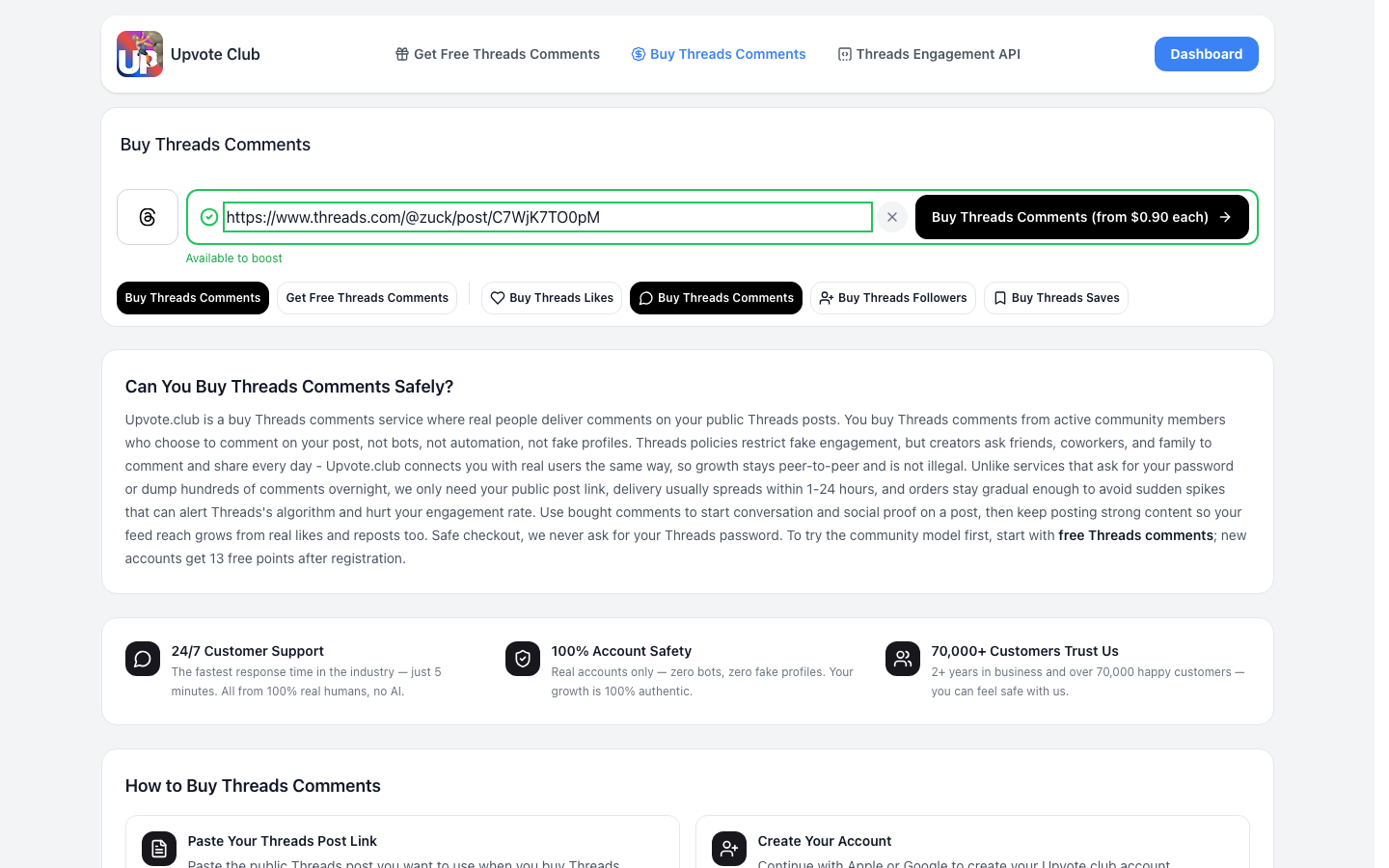
Step 1: Paste Your Threads Post Link
Open the Threads comments page and paste the full URL of the public Threads post that should receive comments. Upvote.club uses this link to identify the destination; it does not need your Threads password.
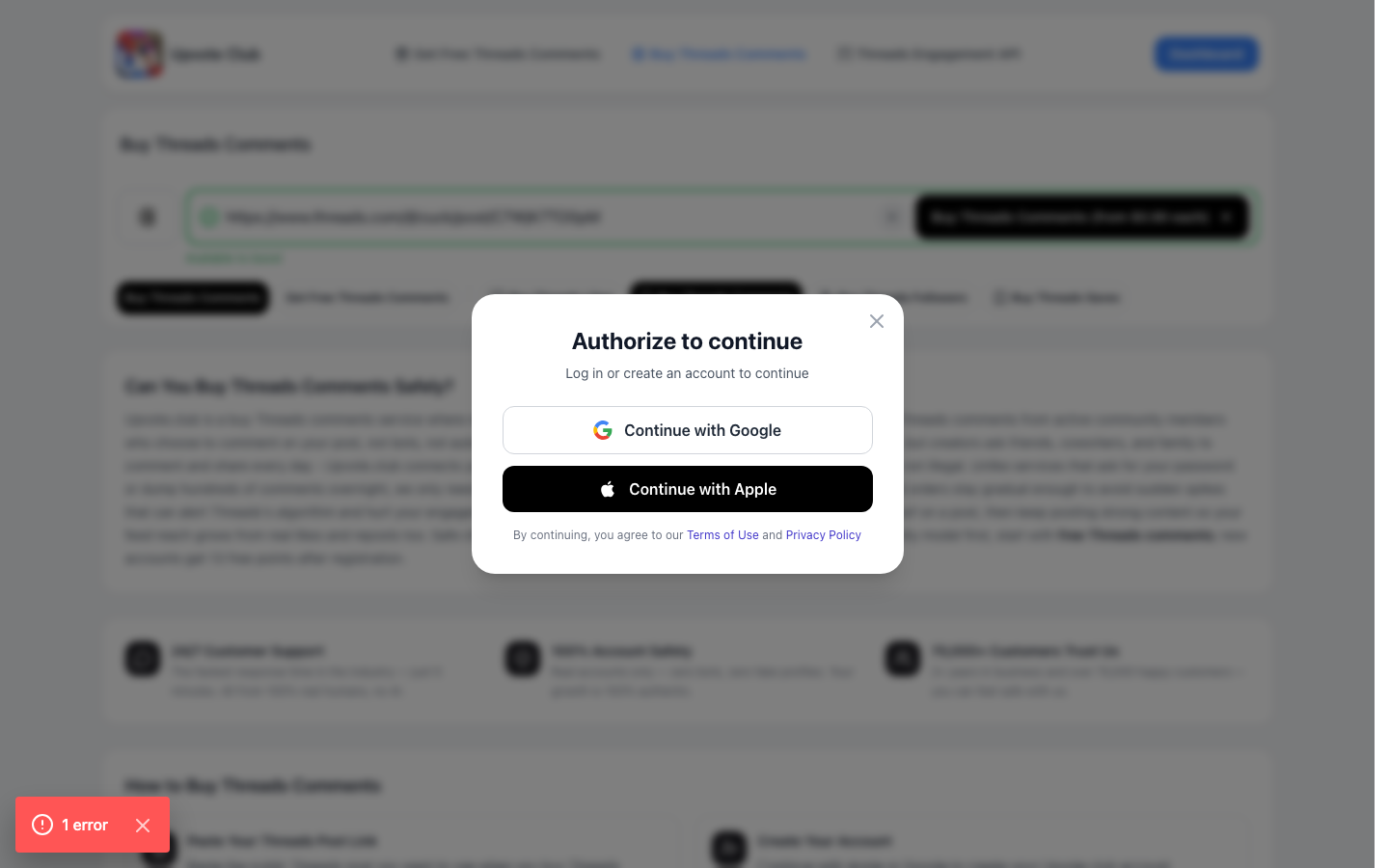
Step 2: Create Your Account
Create an Upvote.club account or sign in to continue. You can authenticate with Apple or Google, so this step does not require you to enter Threads login credentials.
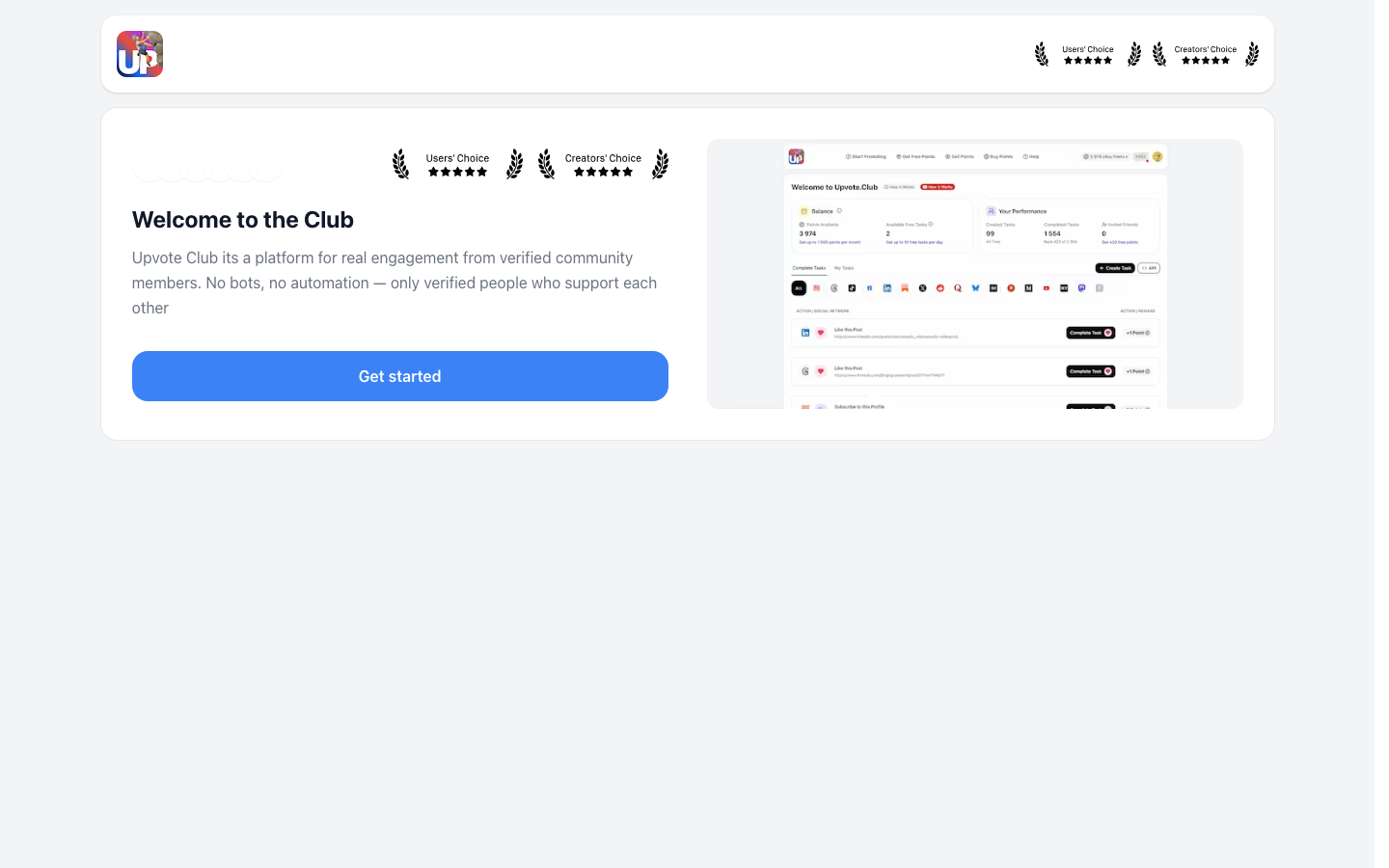
Step 3: Complete Account Setup
Complete the account setup fields shown by Upvote.club so your account can proceed through the purchase flow. Account review supports community moderation, and profiles that appear suspicious or bot-like may be blocked.
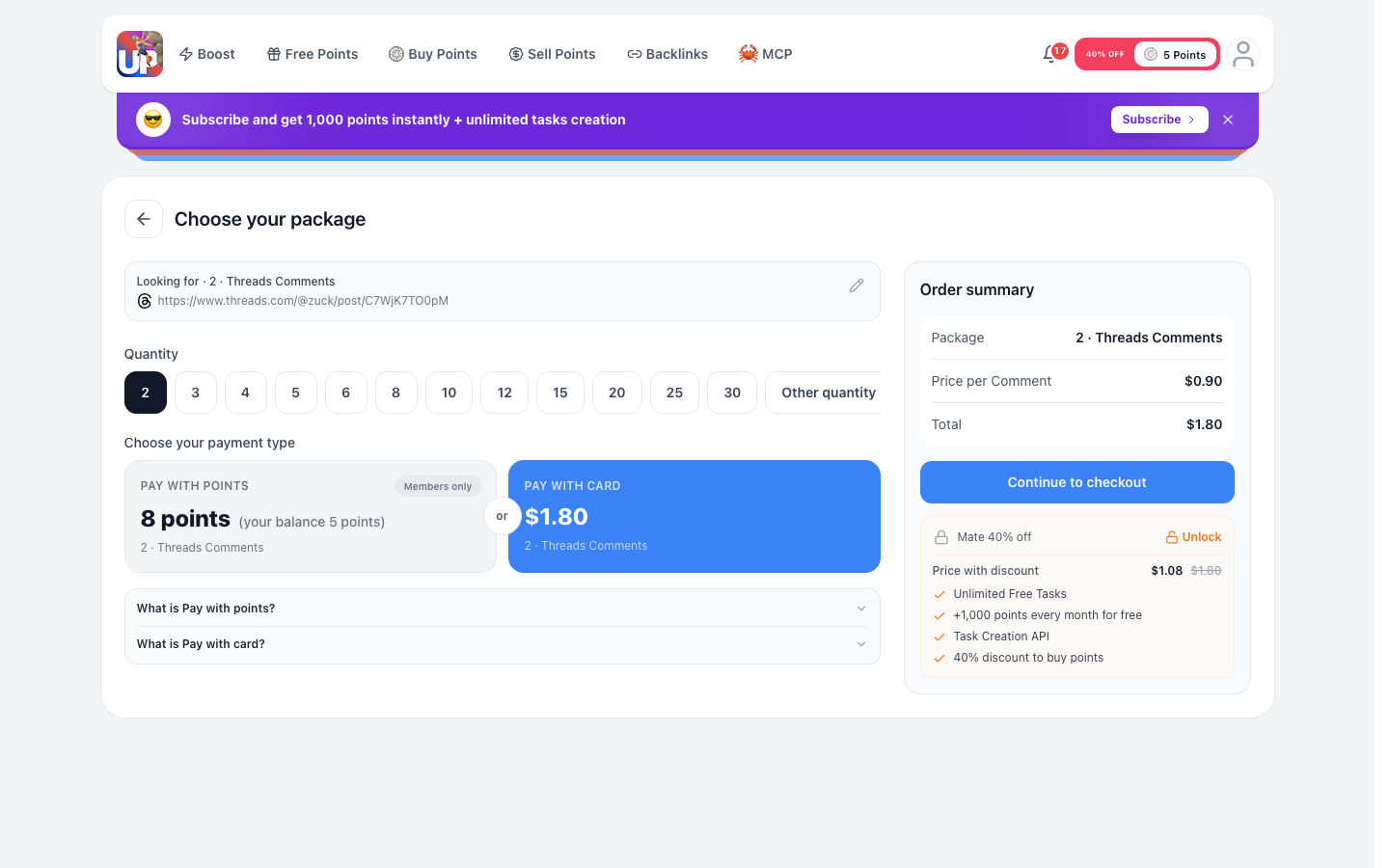
Step 4: Choose Your Comments Quantity
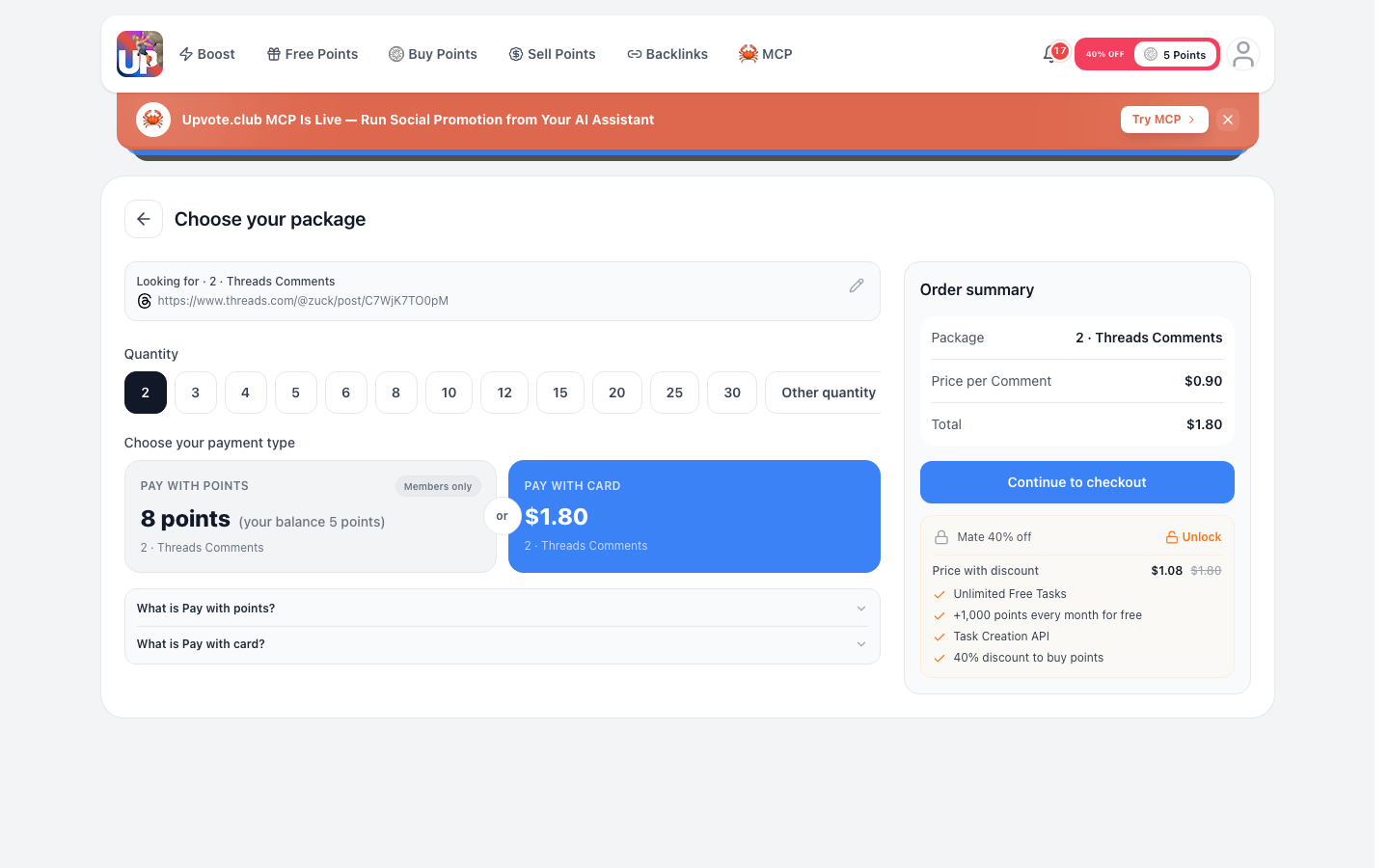
Select how many Threads comments you want to order. The minimum is 2 comments, each comment costs $0.90, and you can choose as many as you want.
Review the quantity before moving forward because it determines the order total.
Step 5: Review and Pay
Check the Threads post link, comment quantity, and order total, then select the option to continue to checkout. Card payments are handled through Stripe.
For this walkthrough, stop at the review or checkout stage and do not submit a real payment. After a completed order, comments are delivered gradually, typically within 1–24 hours.
Comment for Comment (and API)
Comment for comment is the free exchange model: you complete other members’ comment tasks to earn points, then spend points to create tasks for your own public Threads posts. New accounts begin with 13 points, so you can try the free Threads comment path without placing a paid order.
Upvote.club also provides an API for automating task workflows. The API is an optional workflow tool, not a requirement for buying comments or using the exchange.
Quick Recap
Meta restricts bots, fake profiles, and inauthentic engagement, while asking real people or peers to comment on a public post is ordinary social activity. Upvote.club follows a peer-to-peer model, reviews accounts, never asks for your Threads password, and delivers comments gradually—typically within 1–24 hours.
To place an order, open Buy Threads Comments, paste the public post link, sign in with Apple or Google, complete setup, choose at least 2 comments at $0.90 each, and review the order before Stripe checkout. You can buy as many comments as you want.