Table of Contents
- Threads Rules on Buying Likes
- How Upvote.club Approaches Buying Threads Likes
- Short Answer: How to Buy Threads Likes via Upvote.club
- How to Buy Threads Likes on Upvote.club
- Step 1: Paste Your Threads Post Link
- Step 2: Create Your Account
- Step 3: Complete Account Setup
- Step 4: Choose Your Likes
- Step 5: Review and Pay
- Like-for-like (and API)
- Quick Recap
To buy Threads likes through Upvote.club, paste your public Threads post link, sign in with Apple or Google, complete your account setup, choose your quantity, and pay by card through Stripe. Likes cost $0.45 each, the minimum order is 2, and you can buy as many as you want.
Threads Rules on Buying Likes
Meta’s spam rules restrict fake engagement, bots, and the purchase of engagement from fake accounts. Asking friends, family members, coworkers, or peers to like a public Threads post is ordinary social media use.
Upvote.club applies that peer model across a community of real account holders who choose which public posts to like. Accounts go through moderation, and bot-like or suspicious profiles are blocked.
How Upvote.club Approaches Buying Threads Likes
Upvote.club requires only the public link to your Threads post, never your Threads password. Likes are delivered gradually rather than arriving as an immediate automated dump, usually within 1–24 hours.
If you prefer a free route, a new account includes 13 points that you can use through the Threads likes exchange.
Short Answer: How to Buy Threads Likes via Upvote.club
Open the Threads likes page, paste your public post link, sign in with Apple or Google, complete the required account setup, choose a quantity, and pay by card through Stripe. Each like costs $0.45, the minimum order is 2 likes, and you can buy as many as you want.
No Threads password is needed. Likes are delivered gradually, usually within 1–24 hours.
How to Buy Threads Likes on Upvote.club
You can place an order in five steps using your public Threads post link. The process covers link submission, account access, quantity selection, and Stripe card checkout.
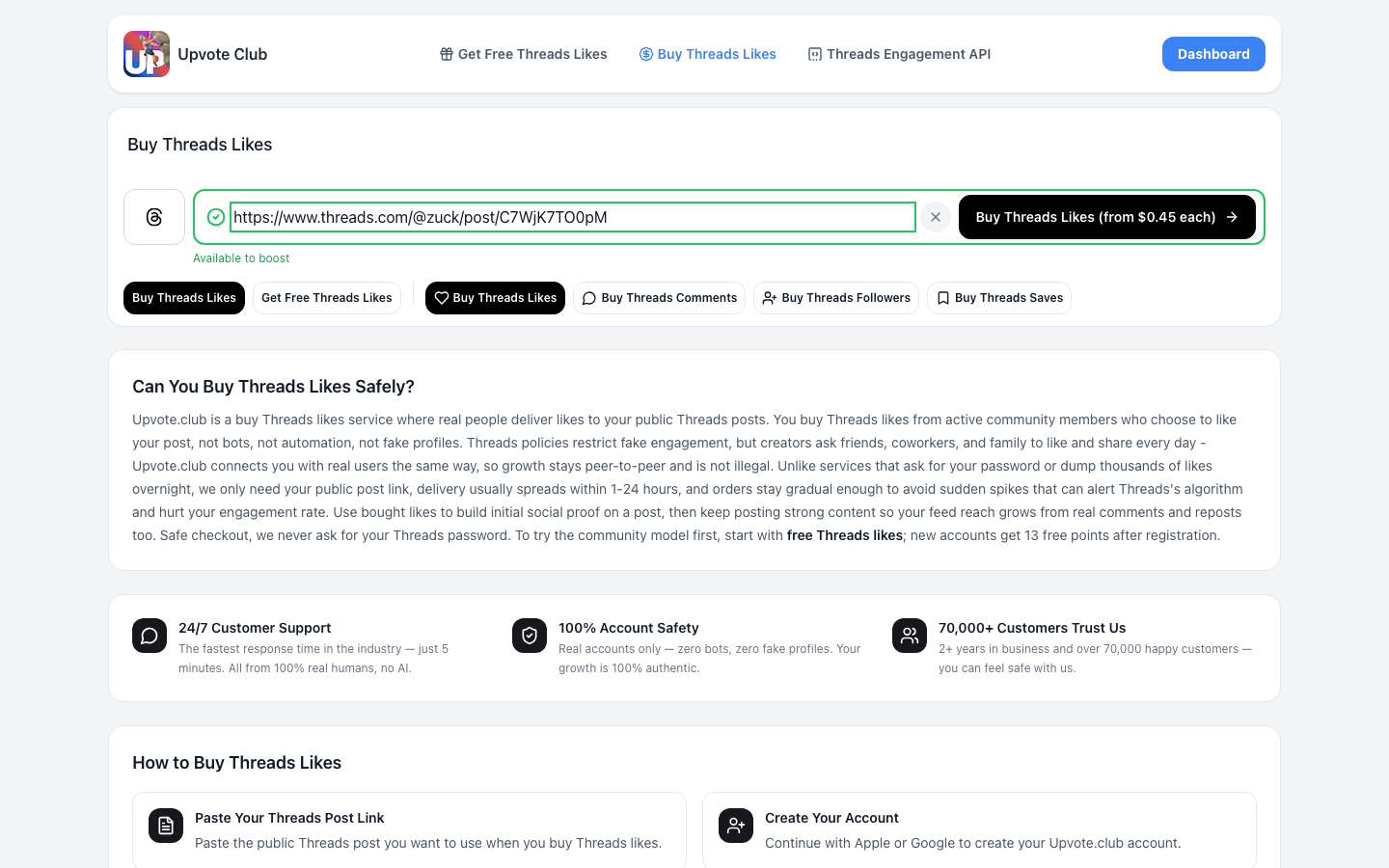
Step 1: Paste Your Threads Post Link
Copy the link to the public Threads post you want to promote and paste it into the field on Upvote.club. Your post must be publicly accessible so community members can open and like it.
Upvote.club does not ask for your Threads password.
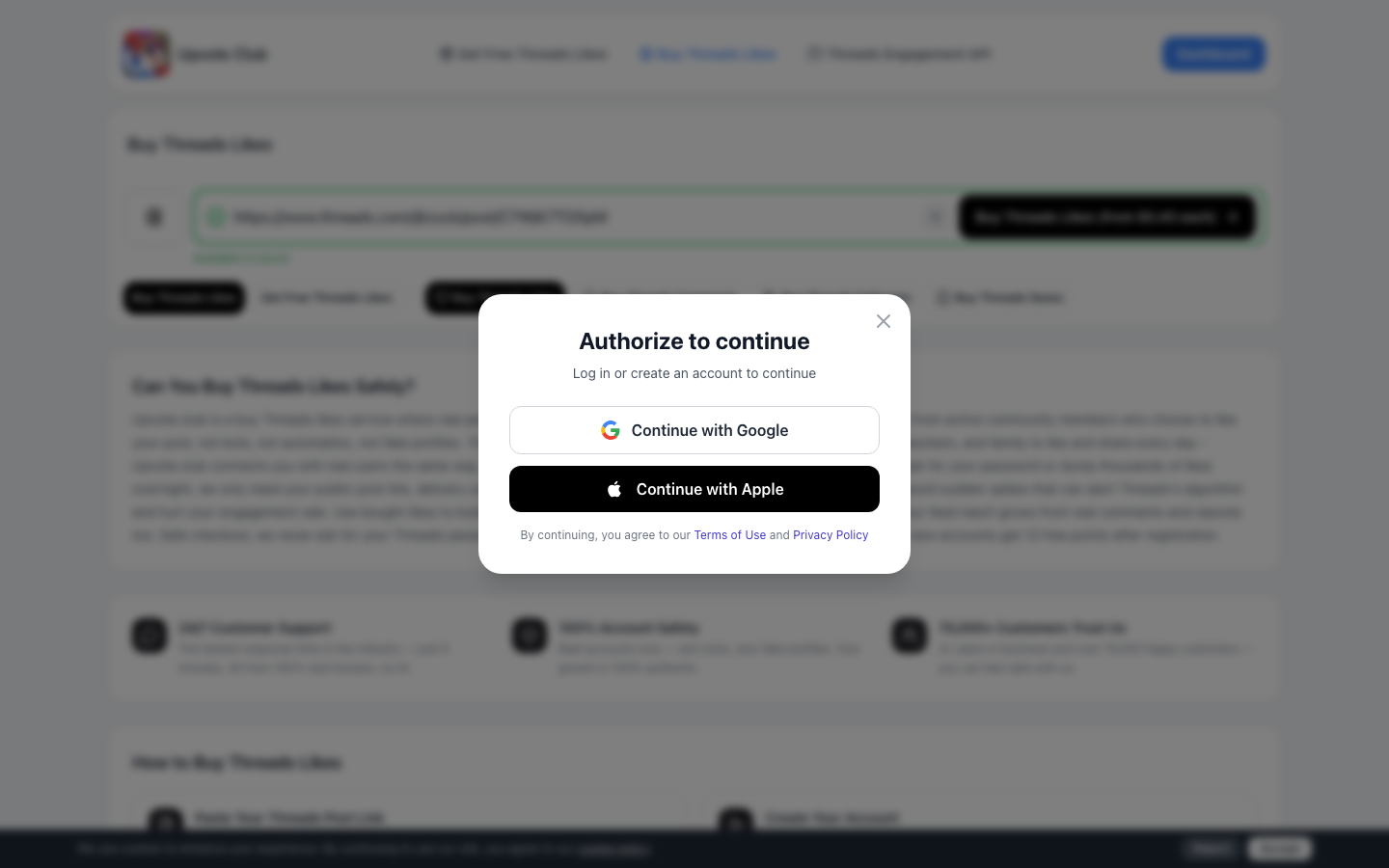
Step 2: Create Your Account
Create or access your Upvote.club account with Apple or Google. Choose either authentication option and follow its secure sign-in prompt.
Your Threads login credentials are not required during account creation.
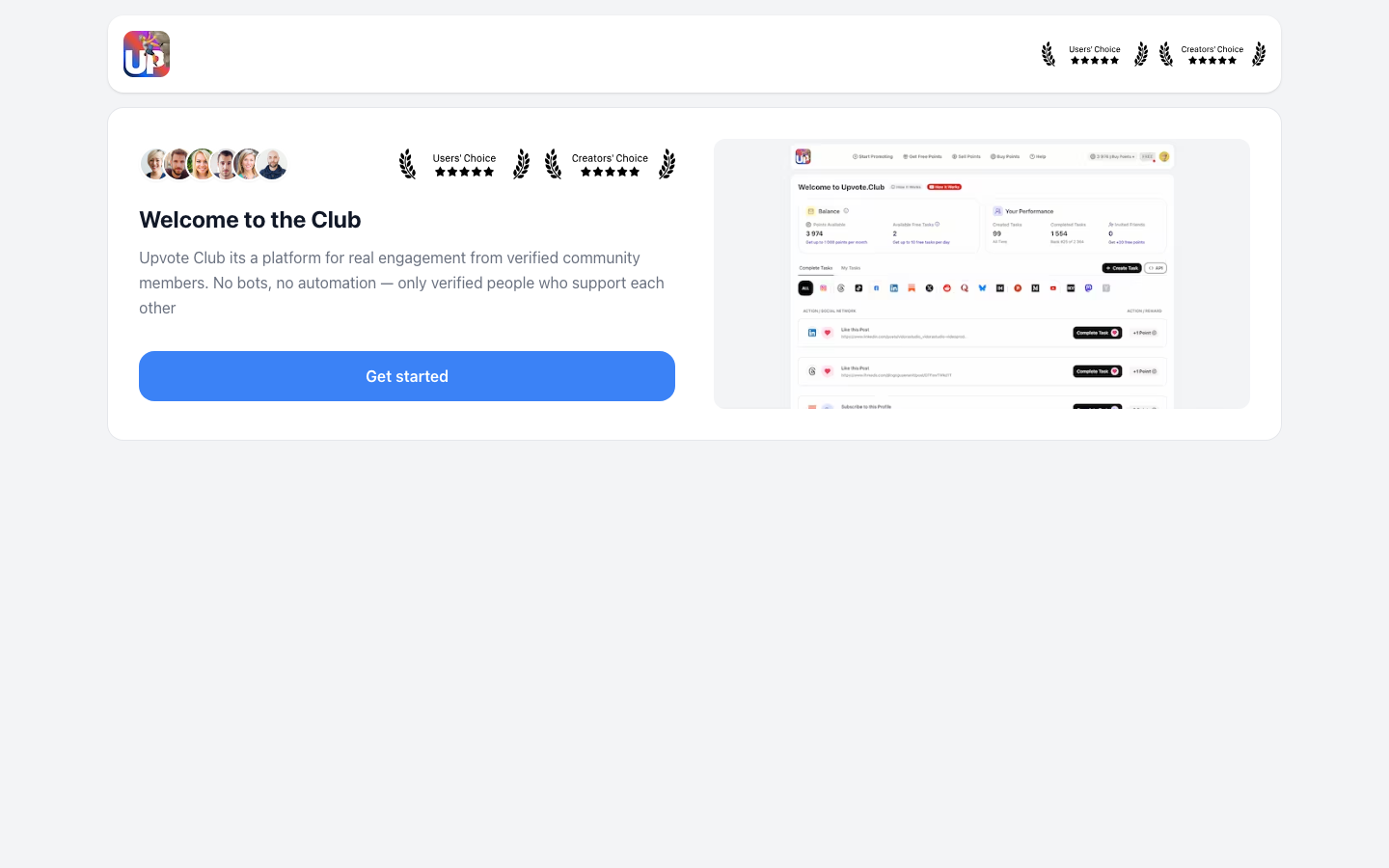
Step 3: Complete Account Setup
Complete the required account setup by selecting your country and account type when prompted. Once setup is finished, you can continue to the order options for your submitted Threads post.
Step 4: Choose Your Likes
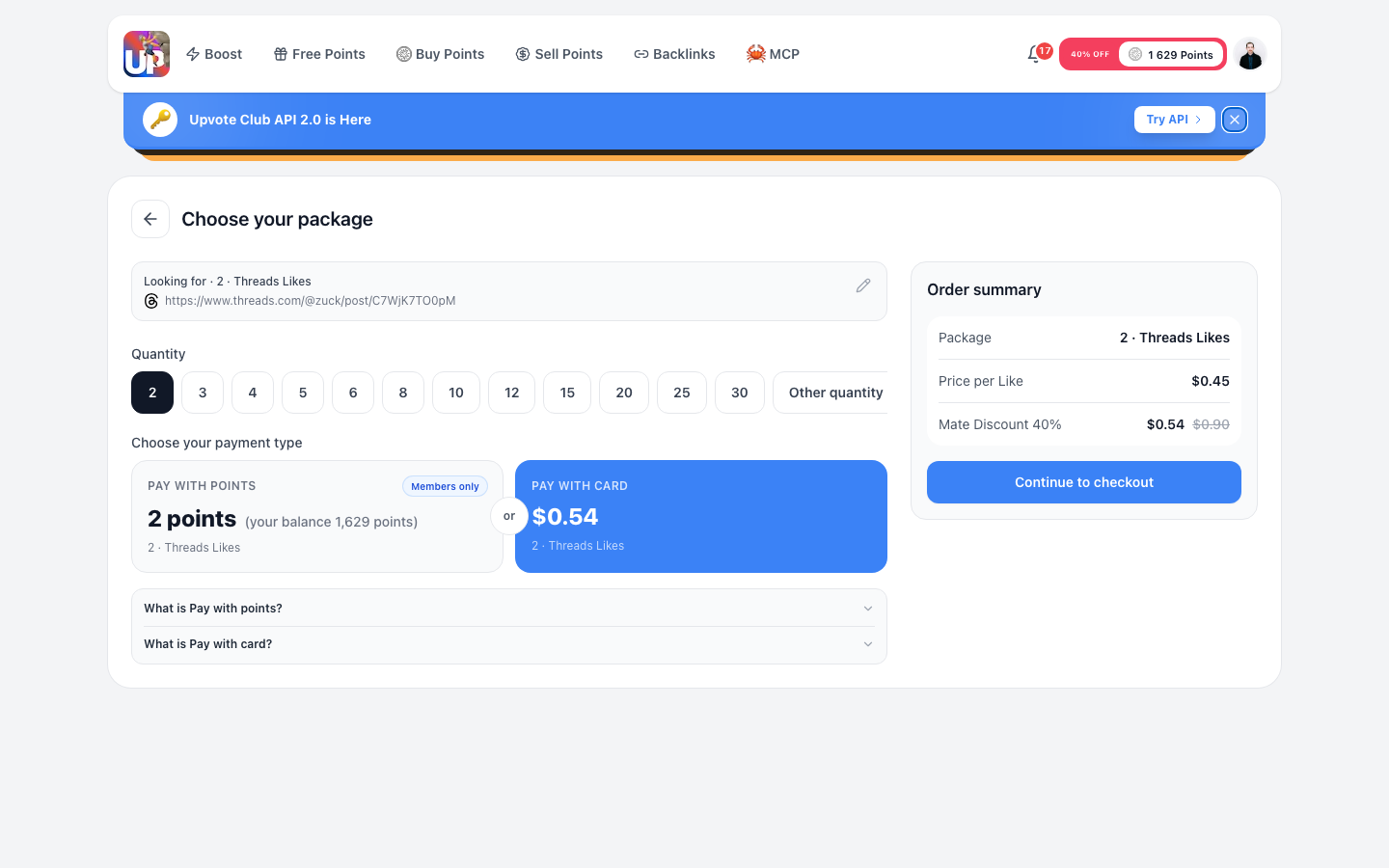
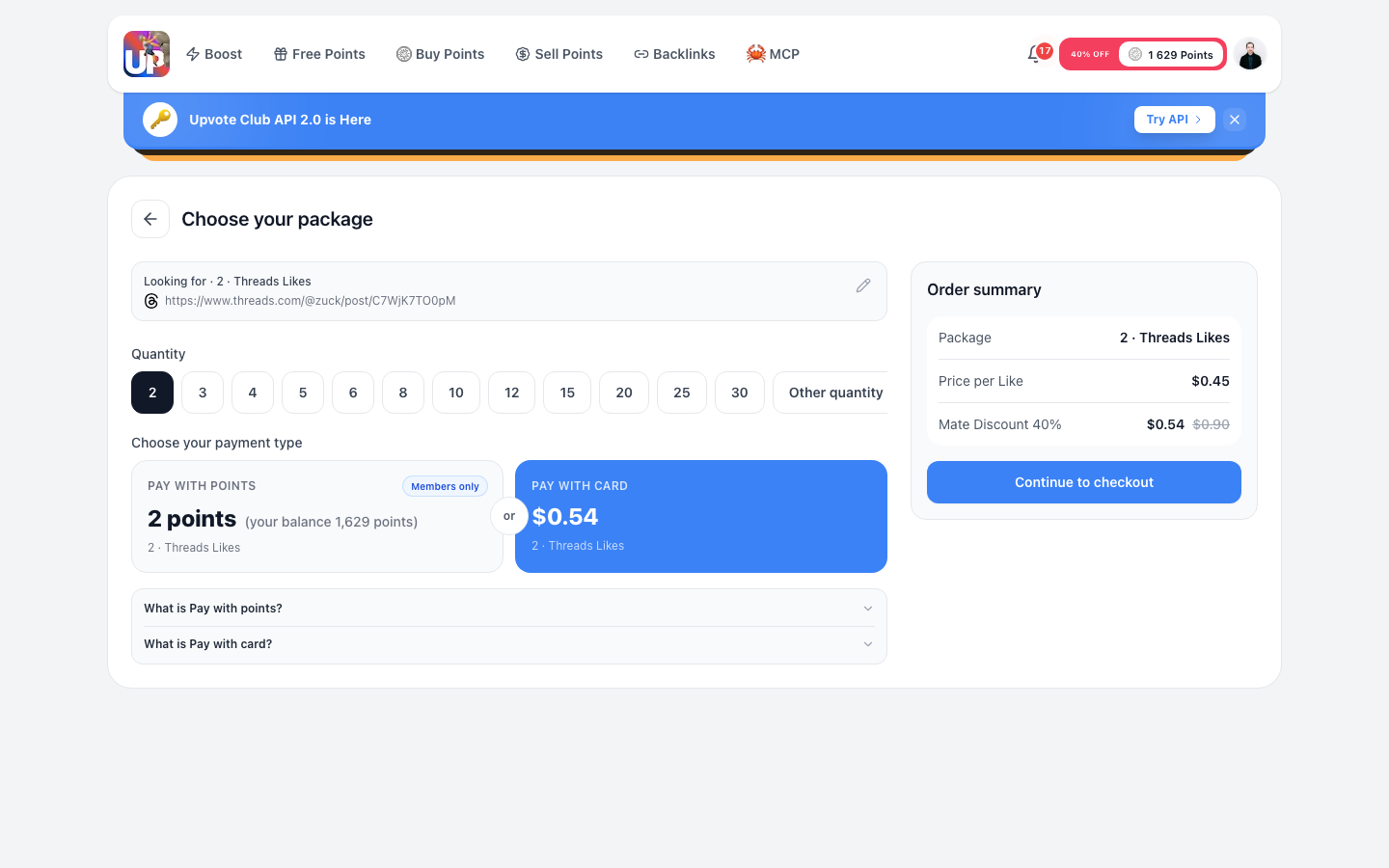
Select how many likes you want to buy. The minimum order is 2 likes, and you can buy as many as you want at $0.45 per like.
Review the quantity before continuing because your total is calculated from the number of likes selected.
Step 5: Review and Pay
Check your Threads post link, quantity, and order total, then continue to card checkout through Stripe. Confirm that the public link points to the correct post before paying.
After payment, real community members can choose to like your public Threads post. Delivery is gradual and usually takes 1–24 hours.
Like-for-like (and API)
Like-for-like is the exchange option: complete other members’ tasks to earn points, then use those points to create tasks for your own public Threads posts.
Upvote.club also provides an API for automating task workflows when you need programmatic access.
Quick Recap
Meta limits fake, bot-driven engagement, while Upvote.club connects public posts with moderated community members who choose what to like. You provide only a public Threads post link, not your password, and delivery is gradual.
Likes cost $0.45 each, the minimum order is 2, and you can buy as many as you want. To begin, open the Threads likes order page, complete the five steps, and allow the usual 1–24 hours for delivery.