Table of Contents
- TikTok Rules on Buying Saves
- How Upvote.club Approaches Buying TikTok Saves
- Short Answer: How to Buy TikTok Saves on Upvote.club
- How to Buy TikTok Saves on Upvote.club
- Step 1: Paste Your TikTok Video URL
- Step 2: Authorize to Continue
- Step 3: Complete Welcome
- Step 4: Select Your Country
- Step 5: Choose Your TikTok Saves Quantity
- Step 6: Review Your Order and Create the Task
- Step 7: Choose Your Package and Payment Method
- Step 8: Review and Pay
- Engage to Get Engagement (and API)
- Quick Recap
TikTok Rules on Buying Saves
TikTok restricts fake engagement, bots, and artificial methods used to boost content. Asking friends, family, coworkers, or peers to save a public video, however, is ordinary interaction between people.
Upvote.club applies a peer-to-peer model in which real community members choose which public videos to save. Accounts are reviewed, and bot-like or suspicious profiles may be blocked through moderation.
How Upvote.club Approaches Buying TikTok Saves
Upvote.club only needs the public link to your TikTok video and never asks for your TikTok password. Saves are delivered gradually, usually within 1–24 hours, rather than appearing all at once.
The service uses a moderated community of real accounts. If you prefer to try the community model first, new accounts get 13 free points after registration and can start with free TikTok saves.
Short Answer: How to Buy TikTok Saves on Upvote.club
Open the Buy TikTok Saves page, paste your public video URL, and authorize with Apple or Google. New accounts complete a short Welcome and country setup, then return to the page to choose a quantity, create the task, and review the cart before paying. Delivery usually spreads within 1–24 hours.
Each save costs $0.90. The minimum order is 2 saves, and you can buy as many as you want. A TikTok save is a bookmark-style signal, not a video download.
How to Buy TikTok Saves on Upvote.club
You can buy TikTok saves by submitting a public video link, authorizing your account, finishing new-user onboarding when shown, configuring the task, and reviewing checkout. This walkthrough stops before any real payment is submitted.
The process has eight steps for a new buyer, and it does not require access to your TikTok account or password. Returning users who already finished Welcome and country can skip those two screens.
Step 1: Paste Your TikTok Video URL
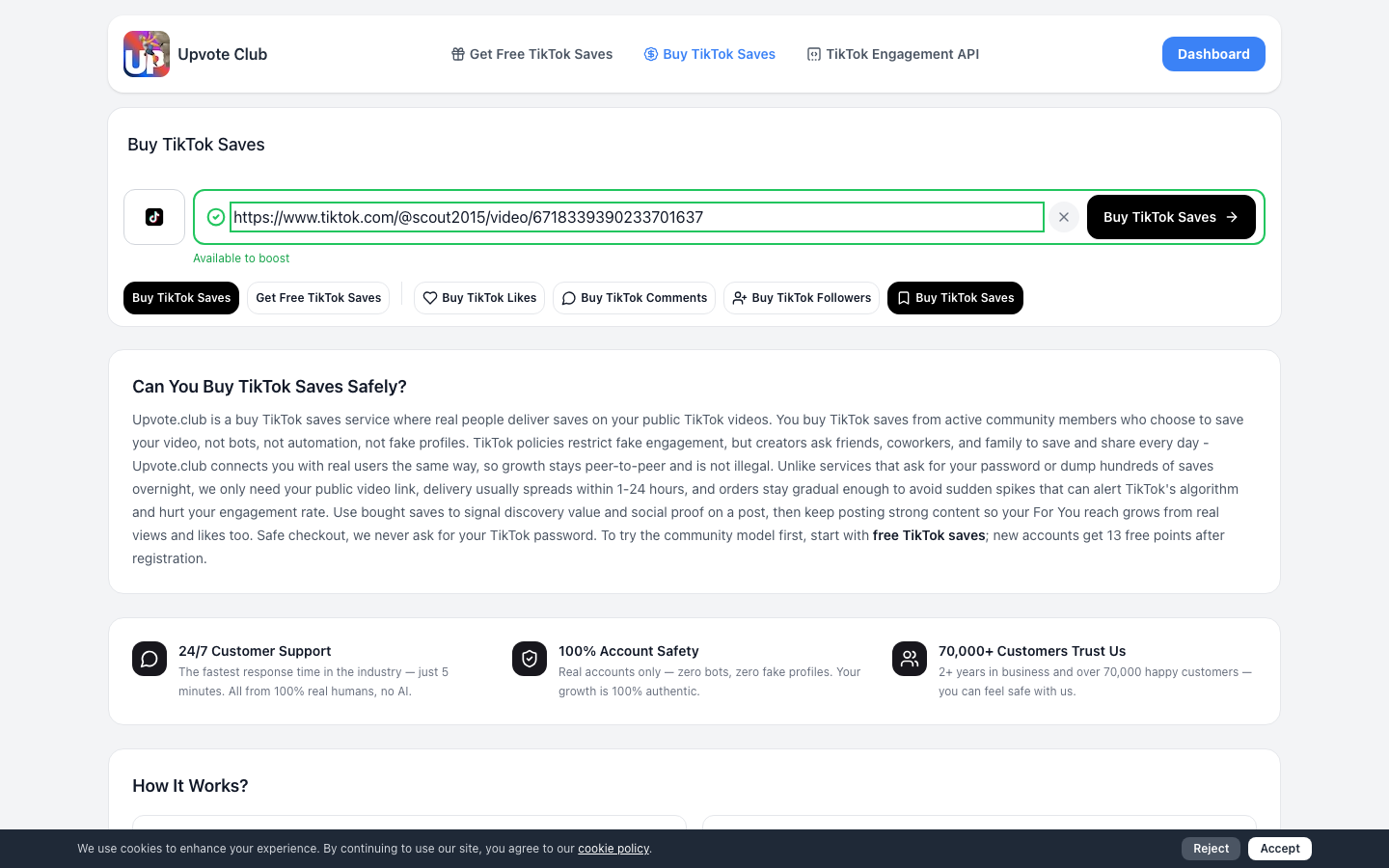
On Buy TikTok Saves, paste the public URL of the TikTok video that should receive saves and continue.
Check that the link opens the intended public video. Upvote.club uses this URL to identify the content and does not request your TikTok password.
Step 2: Authorize to Continue
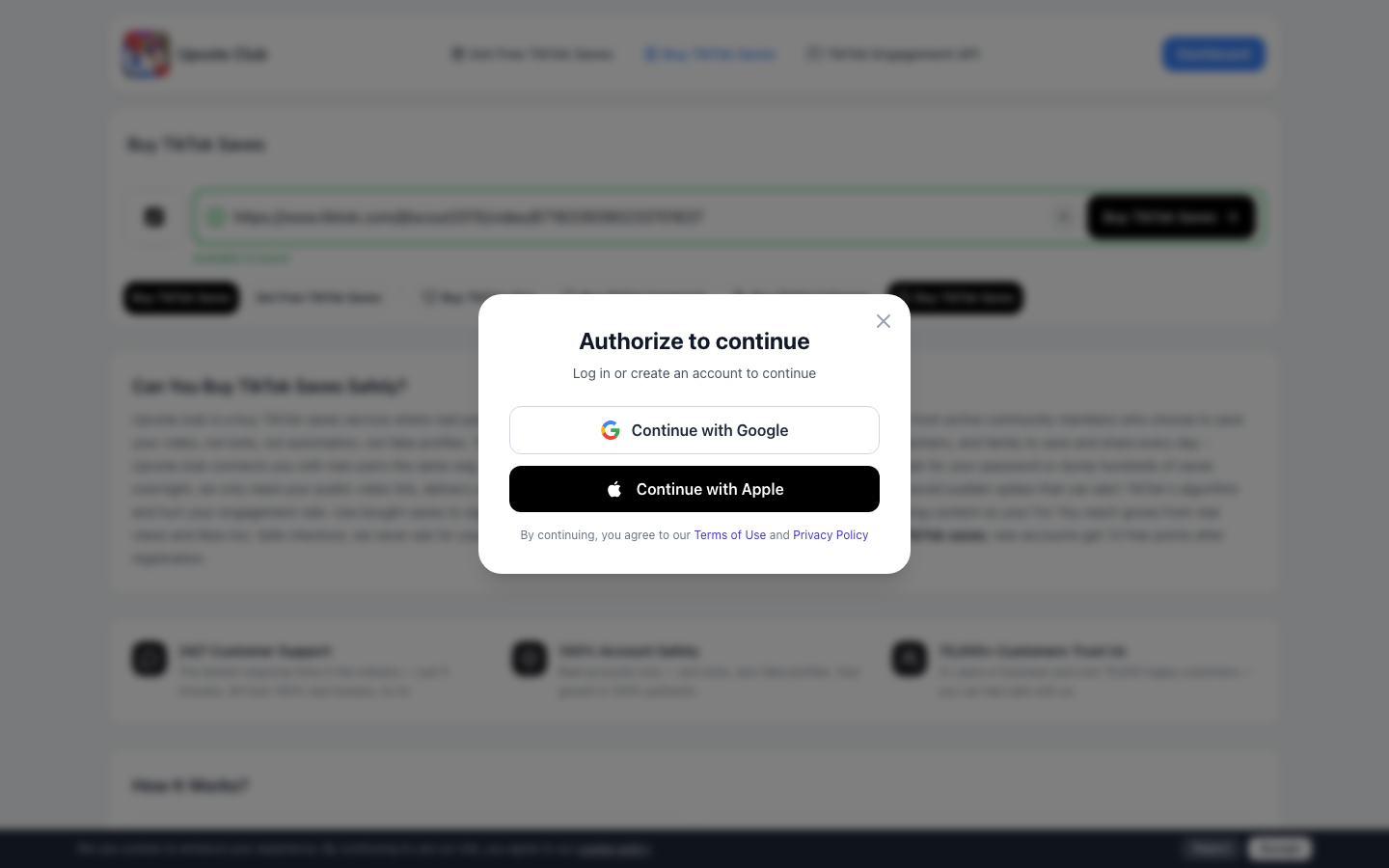
Authorize with Apple or Google to continue creating the TikTok saves task.
Choose either available sign-in method and follow the authorization prompt. This step does not ask for your TikTok password.
Step 3: Complete Welcome
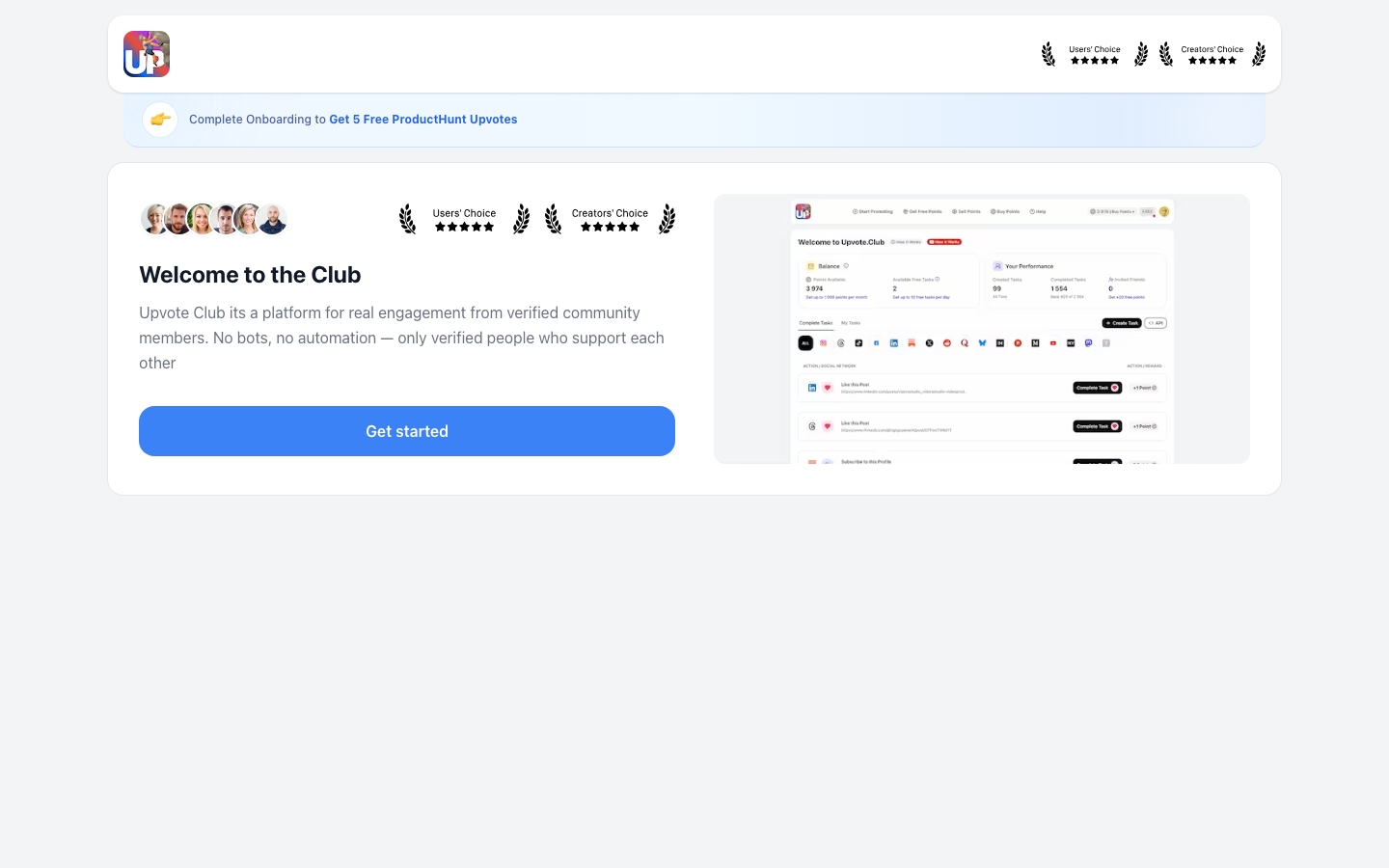
If you are a new user, complete the Welcome screen after authorization.
Read the short intro and continue with Get started. Returning users who already finished onboarding usually skip this screen.
Step 4: Select Your Country
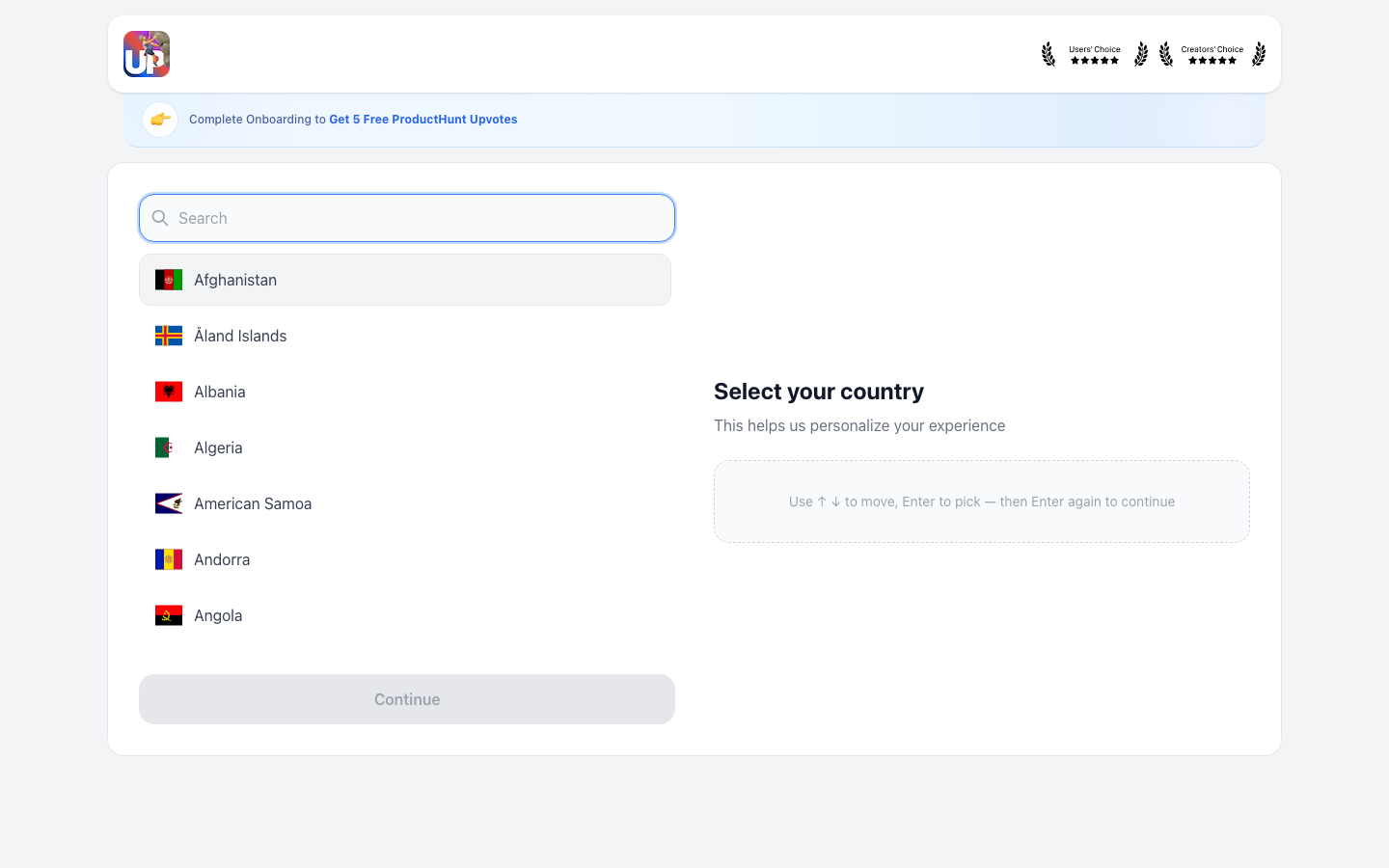
Next, select your country to personalize your account setup.
Search or scroll to your country, select it, and continue. After this step, the buy flow returns you to the TikTok saves page.
Step 5: Choose Your TikTok Saves Quantity
Back on the TikTok saves page, choose how many saves you want to add to the video.
The minimum quantity is 2, and you can buy as many as you want. At $0.90 per save, the order total depends on the quantity you select. If the video URL field is empty after onboarding, paste the same public TikTok link again.
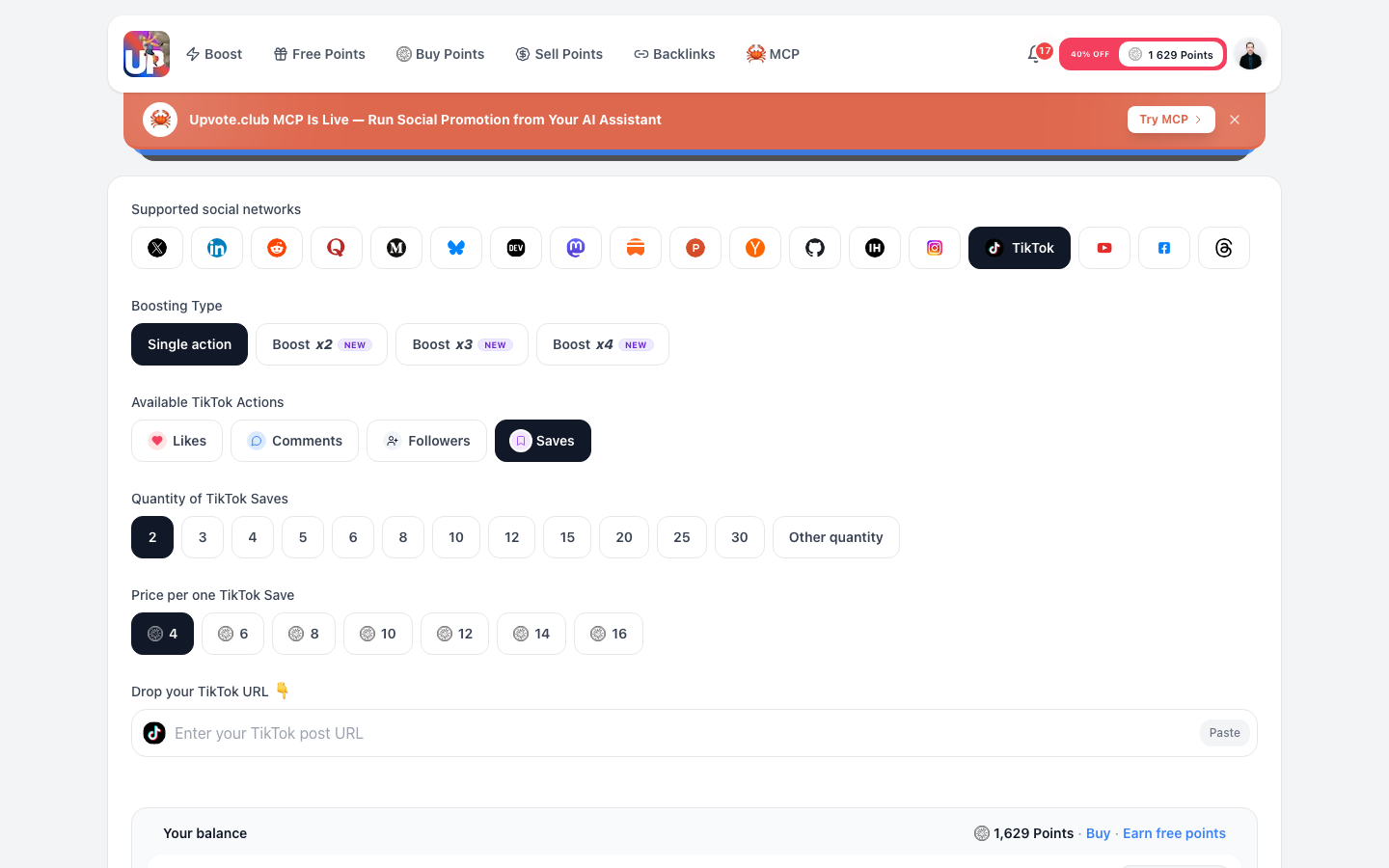
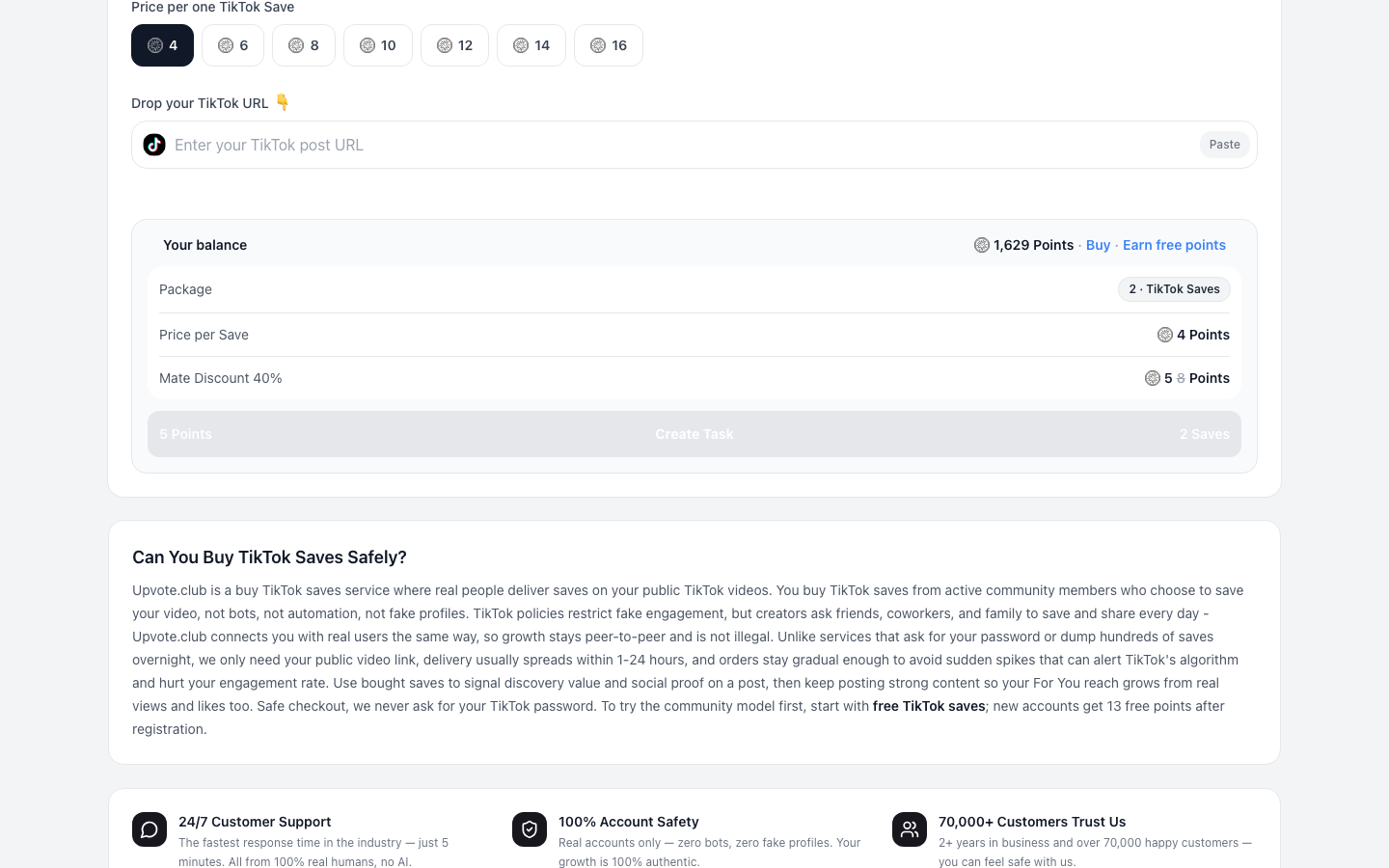
Step 6: Review Your Order and Create the Task
Review the video URL, saves quantity, and displayed order details before creating the task.
Correct any inaccurate information before continuing. When the details match your intended video and quantity, create the task to move it into the purchase flow.
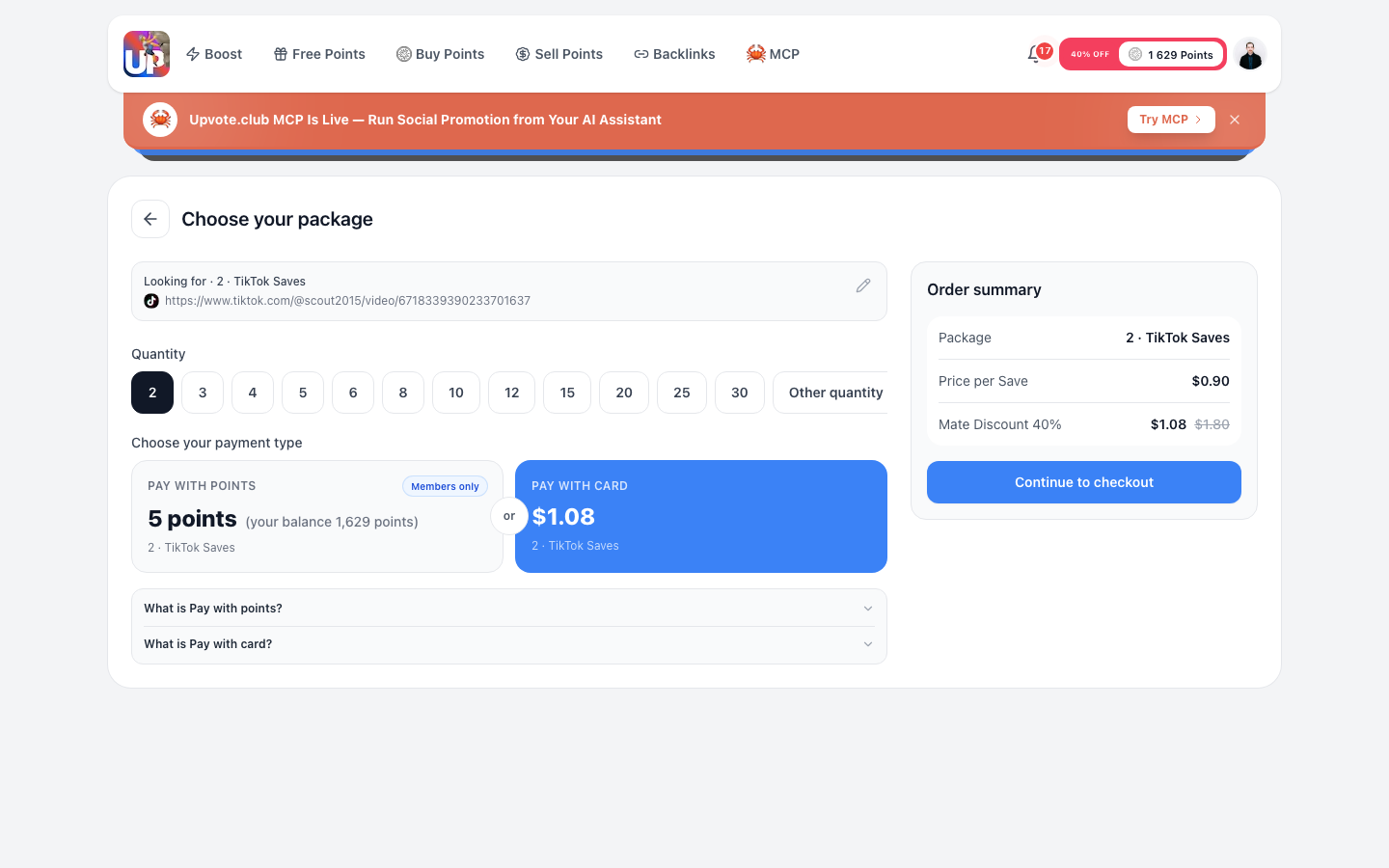
Step 7: Choose Your Package and Payment Method
In the cart, choose your package quantity and payment type—pay with points or pay with card.
Confirm that the package covers your selected quantity and review the calculated total. Delivery is usually gradual and completed within 1–24 hours.
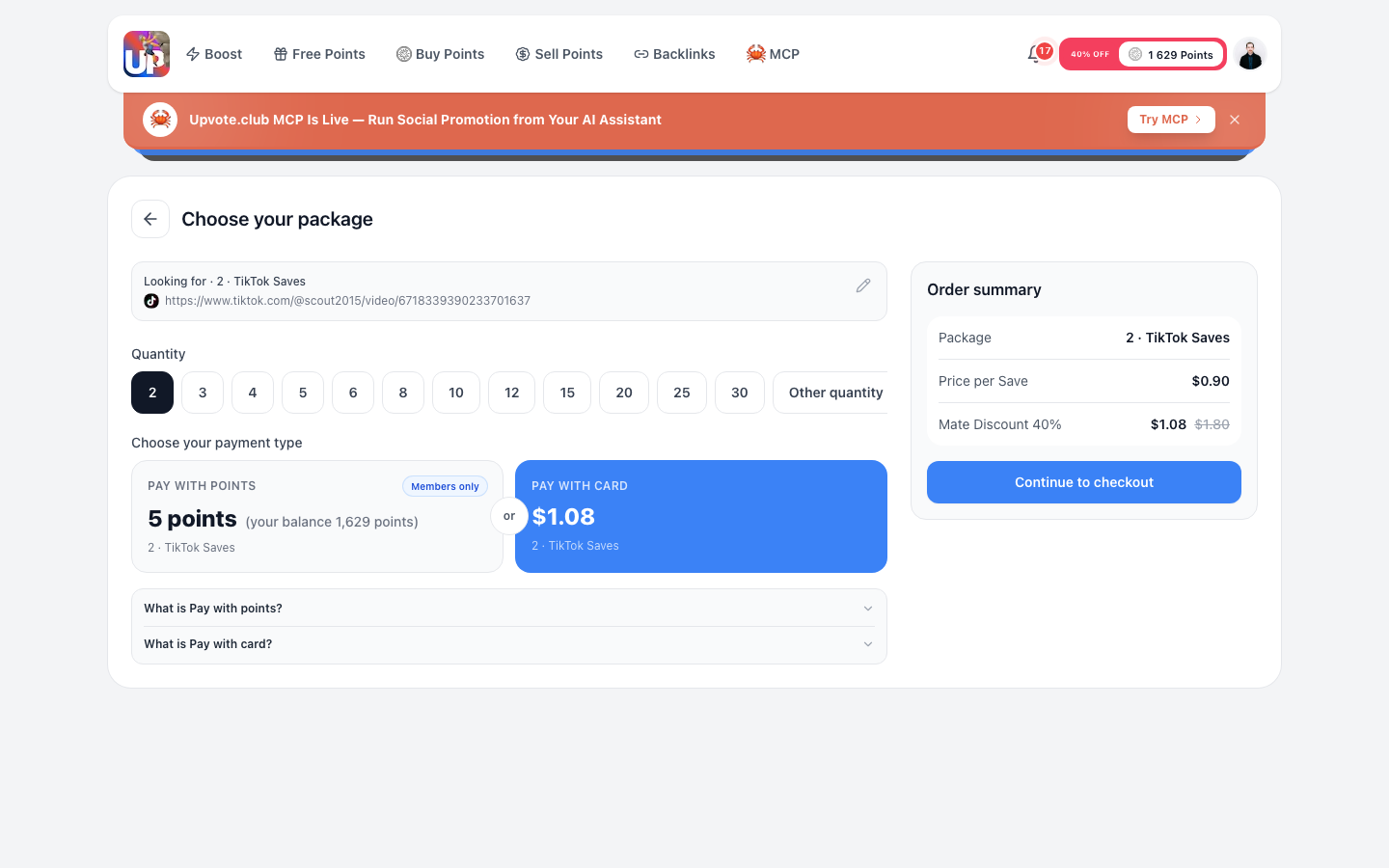
Step 8: Review and Pay
Review the final order summary and payment details on the Review and Pay screen before you pay.
Verify the TikTok video, saves quantity, price, and payment method. Stop at this review screen until every detail is correct—do not complete payment until you are ready.
Engage to Get Engagement (and API)
Upvote.club also lets you complete other members’ tasks to earn points and use those points for your own saves tasks.
This engage-to-get-engagement path supports community participation without buying every time. Upvote.club also offers an API to automate task workflows.
Quick Recap
TikTok restricts bots and artificial engagement, while Upvote.club connects moderated community members who choose to save public videos. The service requires only a public video link, delivers saves gradually—usually within 1–24 hours—and never asks for your TikTok password.
To begin, visit Buy TikTok Saves, authorize with Apple or Google, finish Welcome and country setup if you are new, then configure an order starting from 2 saves at $0.90 each, with the option to buy as many as you want.