

Table of Contents
- Comments come from posts that address a person rather than a topic.
- Before you write your next LinkedIn post, run it through this checklist:
- A post with ten comments signals more two-way value than a post with fifty likes.
- Reactions differ by roughly 3x between the best and worst posts. Comments differ by more than 14x.
- A single 50-word thoughtful comment now outweighs 10 one-word 'Great post!' comments.
- LinkedIn has never published relative weights, and anyone quoting you a ratio invented it.
- The median LinkedIn account gets 5.5 comments on a typical post.
- Those figures are computed from 67,569 posts across 433 distinct accounts.
- The truth is that getting views and getting comments are two very different things.
- Most likes-no-comments posts share one of three structural problems.
- Technology posts get read, personal branding posts get argued with.
- Story-driven posts generate 40-60% more comments than pure tip lists.
- Your first line is the whole post, right up until someone decides otherwise.
- Nearly half of top-decile posts say "you" in the visible hook against a third of the bottom half.
- A post with three questions gets fewer answers than a post with one.
- If a good answer requires three paragraphs, most people will not start.
- Format changes how many comments a post earns, independently of what it says.
- Polls collect votes, and LinkedIn shows a poll's author how each person voted, so treat a poll as the start of a conversation.
- LinkedIn spreads a post based on how fast it starts a conversation.
- No LinkedIn help page or engineering post names a window.
- Every substantive comment gets a reply, and the reply continues the thought.
- Half of a post's impressions arrive after the first two days, which means new readers are still arriving after most creators have stopped paying attention.
- The biggest leverage in LinkedIn engagement comes from commenting on other people's posts.
- Quality collapses somewhere past ten for almost everyone, and thin comments are worse than no comments.
- Above 8 reactions per comment the posts are agreeable and unanswerable.
- The ratio is more stable than either raw count, spreading only 2.7 times between quartiles against 30 times for comments alone, which makes it a usable target.
- Most credible 2026 sources converge on a 15-20 minute daily window.
- Start with 10 minutes if you are building the habit.
Comments come from posts that address a person rather than a topic.
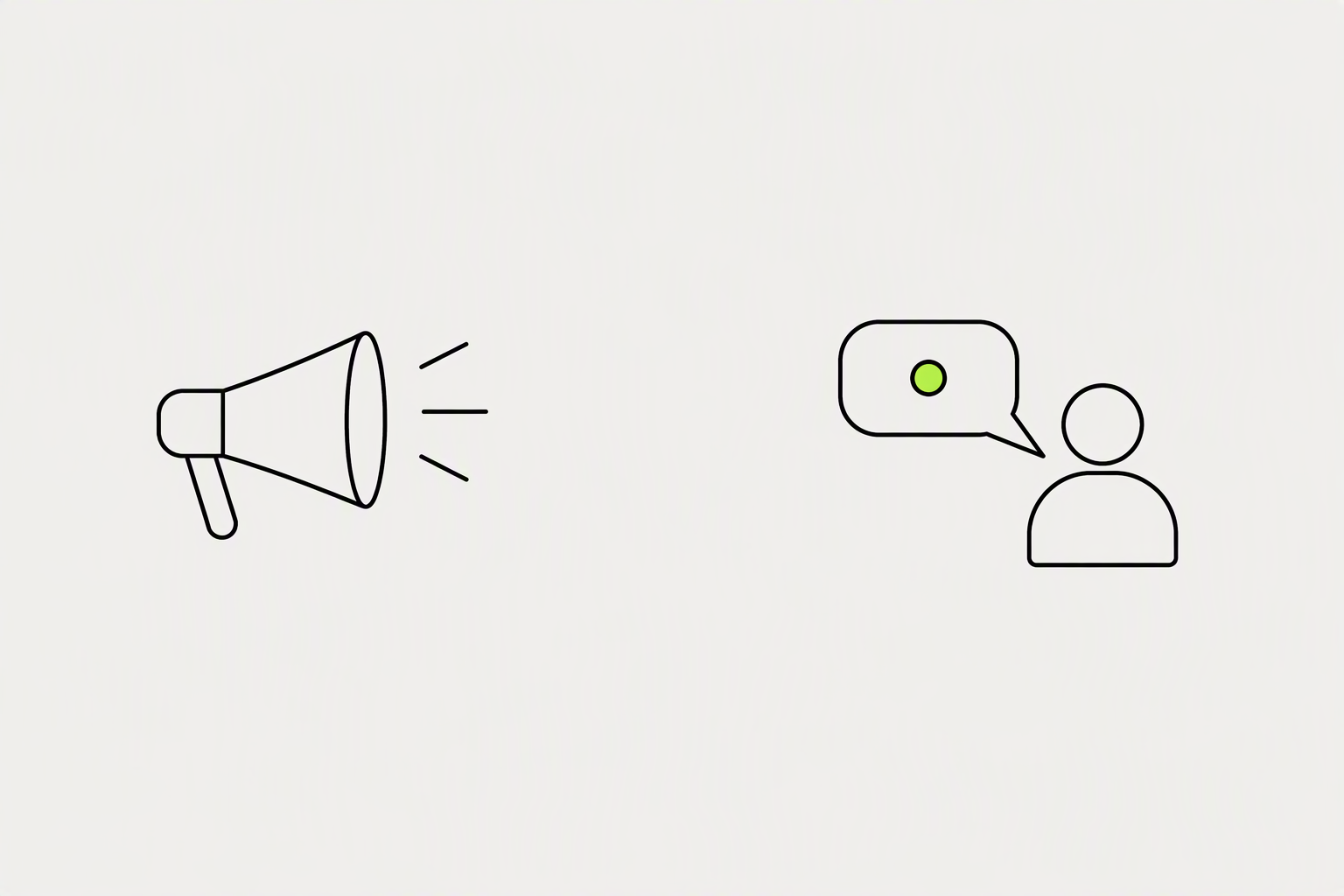
The fastest way to get more comments on LinkedIn posts is to end every post with a direct, low-friction question. Post at a time when you can reply within the first 60 minutes, write one clear opinion instead of five safe tips, and answer every comment with a real follow-up question.
Before you write your next LinkedIn post, run it through this checklist:
- Does the first line stop a scroll? If not, rewrite it.
- Does it contain a real opinion or personal story? Information alone doesn't generate comments.
- Are you available to reply in the first 2 hours? If not, reschedule the post.
What you can try now: Free LinkedIn Post Checker
A post with ten comments signals more two-way value than a post with fifty likes.
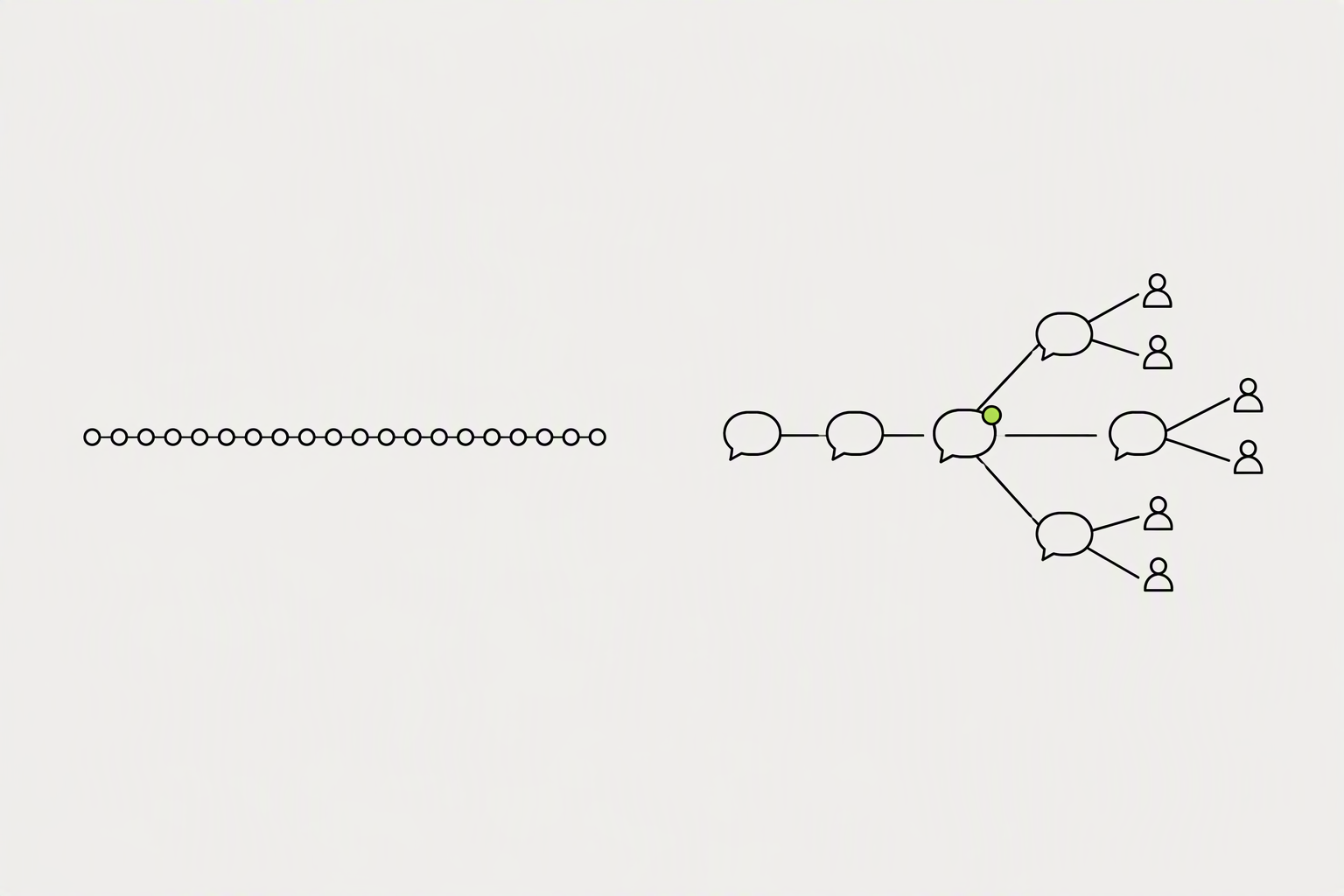
A comment surfaces your post to the commenter's network in a way a reaction does more weakly. A like takes half a second and tells the algorithm almost nothing. A comment takes thirty seconds, keeps someone on the post longer, and often drags a second and third person into the thread.
Reactions differ by roughly 3x between the best and worst posts. Comments differ by more than 14x.
- A comment invites a reply, a reply invites another comment, and each new comment gives LinkedIn a fresh reason to resurface the post to people who already scrolled past it.
- The algorithm interprets comments as evidence of genuine interest rather than reflexive scrolling.
- A person who writes three sentences under your post has told you what they care about, in their own words, with their job title attached.
What you can try now: Free LinkedIn Engagement Rate Calculator
A single 50-word thoughtful comment now outweighs 10 one-word 'Great post!' comments.
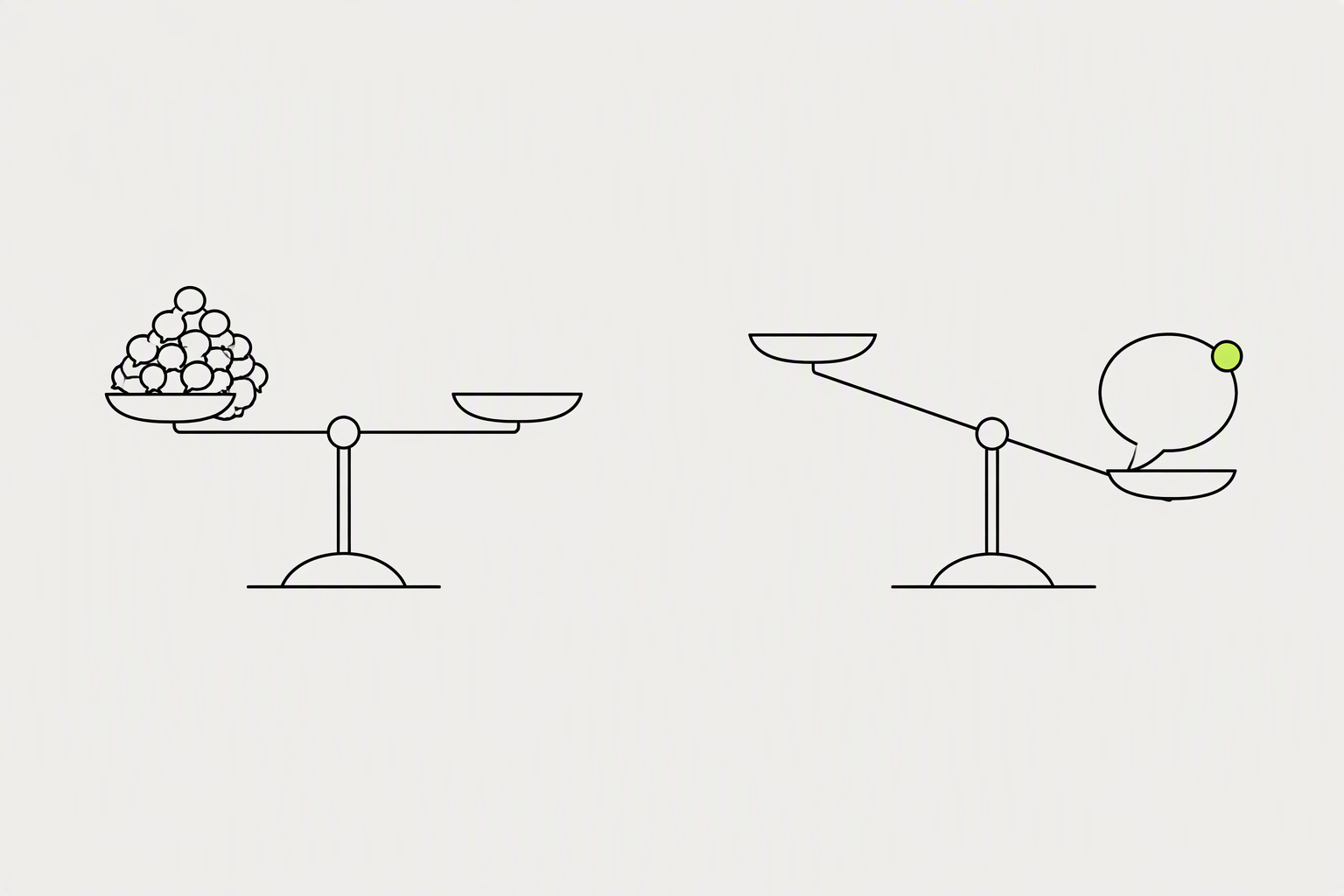
LinkedIn has said publicly, through its own creator updates, that it weighs meaningful engagement (comments, especially longer ones and ones that spark a reply back) far more heavily than likes when deciding how far to push a post. LinkedIn's NLP scoring catches generic comments and discounts them.
LinkedIn has never published relative weights, and anyone quoting you a ratio invented it.
- LinkedIn defines "substantive" through a combination of comment length (typically 15+ words), semantic relevance to the post topic, and whether the comment itself generates replies.
- An author replying to ten comments adds ten to the visible count.
What you can try now: LinkedIn Depth Score Calculator
The median LinkedIn account gets 5.5 comments on a typical post.
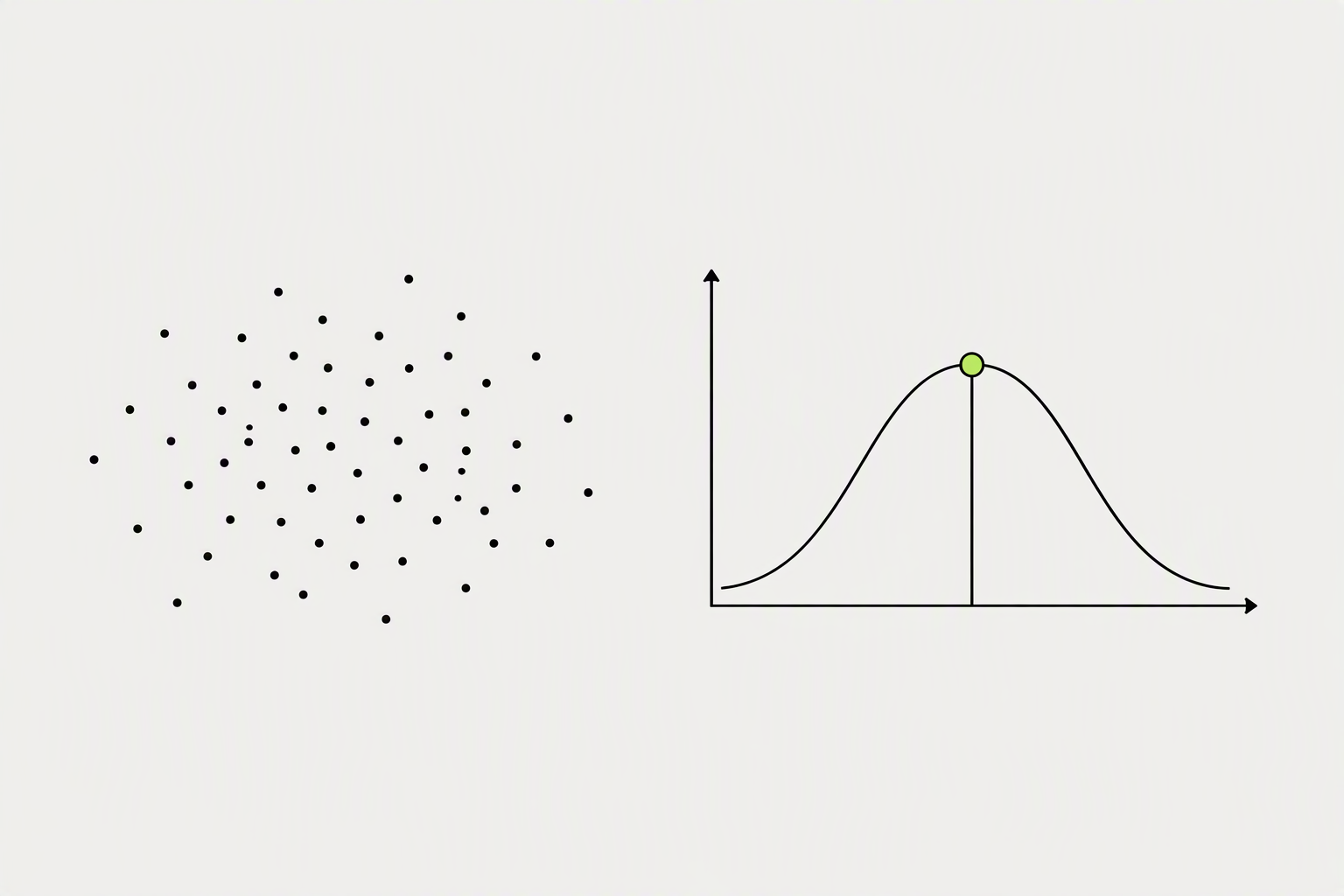
A quarter of accounts get 1 or fewer, and the top quarter get 30 or more. In plain terms the median account earns 4.2 reactions for every comment.
Those figures are computed from 67,569 posts across 433 distinct accounts.
- Good is your band's p75: 4 under 1k followers, 32 at 10k-50k, 114 at 100k+.
- If you are posting into an audience of a few thousand and clearing 10 comments consistently, you are doing better than the middle of a cohort made of established creators.
What you can try now: Free LinkedIn Engagement Rate Calculator - Latest Benchmarks
The truth is that getting views and getting comments are two very different things.
If your LinkedIn posts are getting views but very few comments, it doesn't necessarily mean your content lacks value. More often, it means your content isn't giving people a compelling reason to participate. Leaving a comment requires more effort.
Most likes-no-comments posts share one of three structural problems.
- The post is too polished. When you write something that feels finished and authoritative, readers accept it and move on.
- The call to action is vague or absent. People who read that are not sure what kind of response you want, so they default to the easiest one: a like.
- The hook frames the post as a broadcast, not a discussion. If you want comments, you need an opening that signals the conversation is open.
What you can try now: Free LinkedIn Post Analyzer & Score Checker
Technology posts get read, personal branding posts get argued with.
The posts that generate the most comments are the ones where the author says something specific and potentially debatable. Subjects where readers have a personal stake and a differing opinion produce four to five times the comments of subjects where they mostly agree or mostly do not have a view.
Story-driven posts generate 40-60% more comments than pure tip lists.
- Structure 1: The Controversial Take. State an opinion that reasonable people might disagree with.
- Structure 3: The "Fill in the Blank" Post. Give people a framework to complete.
- Structure 5: The Observation + Insight. Share something you've noticed, then ask if others see the same thing.
What you can try now: 102 Free LinkedIn Post Frameworks
Your first line is the whole post, right up until someone decides otherwise.
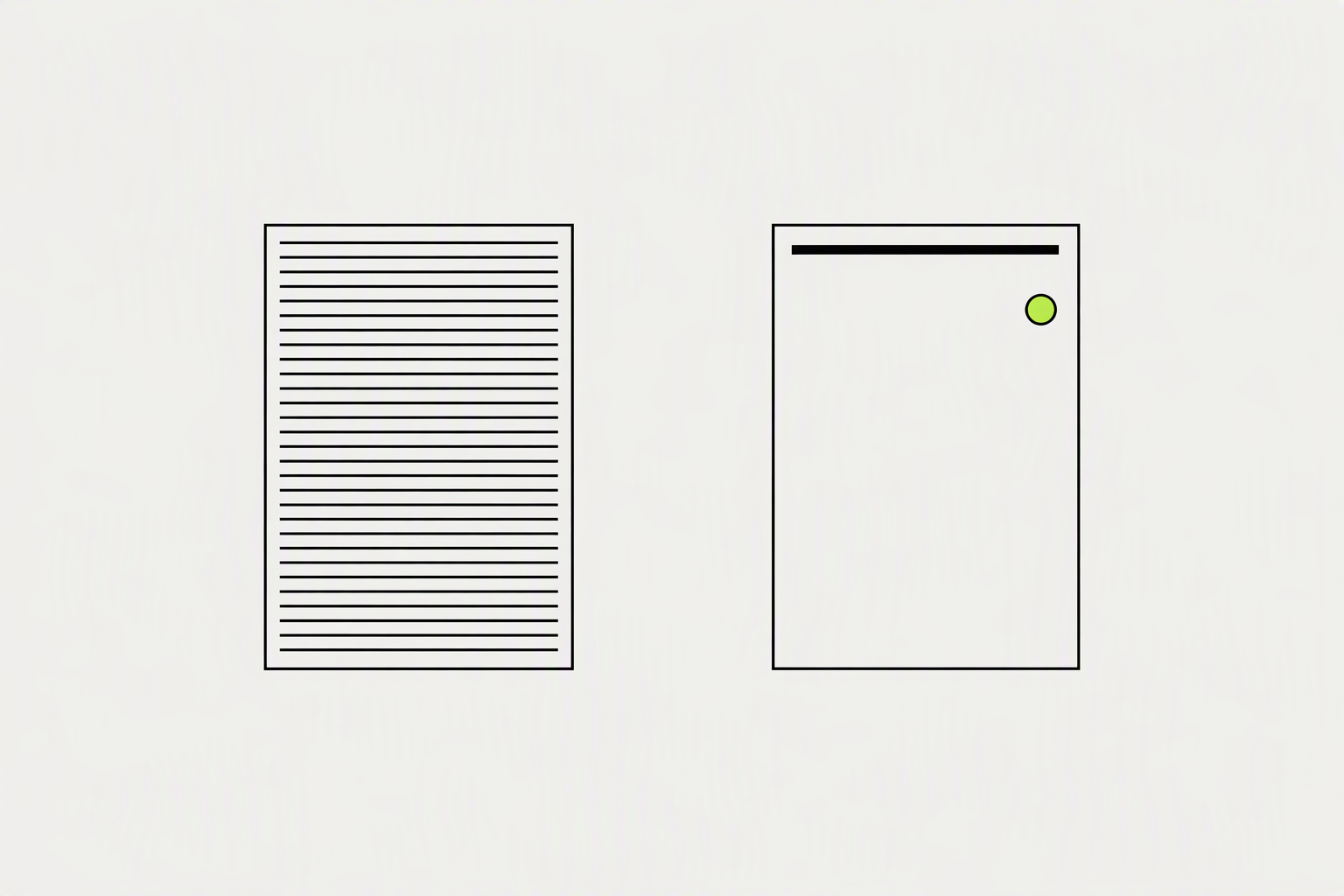
The shape of a comment-earning opener is my story, your problem. The author supplies a specific experience, the reader supplies the stakes, and the question is the door. LinkedIn truncates posts at roughly 210 characters on desktop.
Nearly half of top-decile posts say "you" in the visible hook against a third of the bottom half.
- Open with a claim, not a question. "Cold outreach is dead" gets more comments than "What do you think about cold outreach?" because a firm claim gives people something to push back on.
- Put a real number or name in the first three lines. Specifics feel true, and true things get argued with.
- Aim for fewer than 12 words in that opening line.
What you can try now: LinkedIn Hook Generator, Free LinkedIn Post Preview
A post with three questions gets fewer answers than a post with one.
Questions that ask what someone did get more replies than questions that ask what someone thinks. People type an answer they already have faster than one they have to construct. End on the question, do not bury it in the middle, and make it the last thing they read before the comment box.
If a good answer requires three paragraphs, most people will not start.
- Narrow it until it is almost too specific. "What is the sentence you use when a client asks for something out of scope?" is answerable in ten seconds.
- Answer it yourself first, in the post. Modelling the answer shows the length and register you are inviting, and it lowers the risk for the first person to comment.
- The absence of a CTA is better than an engagement-bait CTA.
What you can try now: LinkedIn CTA Generator, LinkedIn CTA Generator - Free Call-to-Action Tool
Format changes how many comments a post earns, independently of what it says.
The median jumps from 4 comments to 10.5 when a post carries media, computed across 324 and 333 accounts. That is the biggest single change available, and it is a format change rather than a writing change. A vote costs one tap and reveals nothing.
Polls collect votes, and LinkedIn shows a poll's author how each person voted, so treat a poll as the start of a conversation.
- The one poll pattern that does earn comments is a poll with a deliberately incomplete set of options and a line asking for the missing one.
- A carousel nobody swipes past slide one performs like a single image.
- A shared article gets a third of the comments a plain text post does.
What you can try now: Free LinkedIn Poll Generator, LinkedIn Carousel Maker
LinkedIn spreads a post based on how fast it starts a conversation.
Publish when you can be at your desk for the following hour. A comment answered in three minutes usually produces another comment. The same comment answered three days later produces nothing.
No LinkedIn help page or engineering post names a window.
- For most B2B audiences the strongest windows are weekday early mornings, roughly 7:30 to 9:30 a.m. in your readers' time zone, with a smaller early-afternoon peak.
- The real best time is whichever slot pulls comments in the first 15 minutes for your own audience, which you find by testing and checking your analytics.
- Do not edit the post in the first hour, since editing can slow the spread.
What you can try now: Best Time to Post on LinkedIn - Heat Map in Your Time Zone
Every substantive comment gets a reply, and the reply continues the thought.
When you reply, the commenter often replies back. Ten commenters can generate 30+ comment interactions if you engage properly. Disagreement is the highest-value comment you can get.
Half of a post's impressions arrive after the first two days, which means new readers are still arriving after most creators have stopped paying attention.
- Never reply with thanks alone. It closes the thread.
- Reply with a question or a specific. Both invite a second comment from the same person.
- Prioritize: answer questions first, then thoughtful comments, then the rest with a quick warm line.
What you can try now: Social Media Comment Reply Templates
The biggest leverage in LinkedIn engagement comes from commenting on other people's posts.
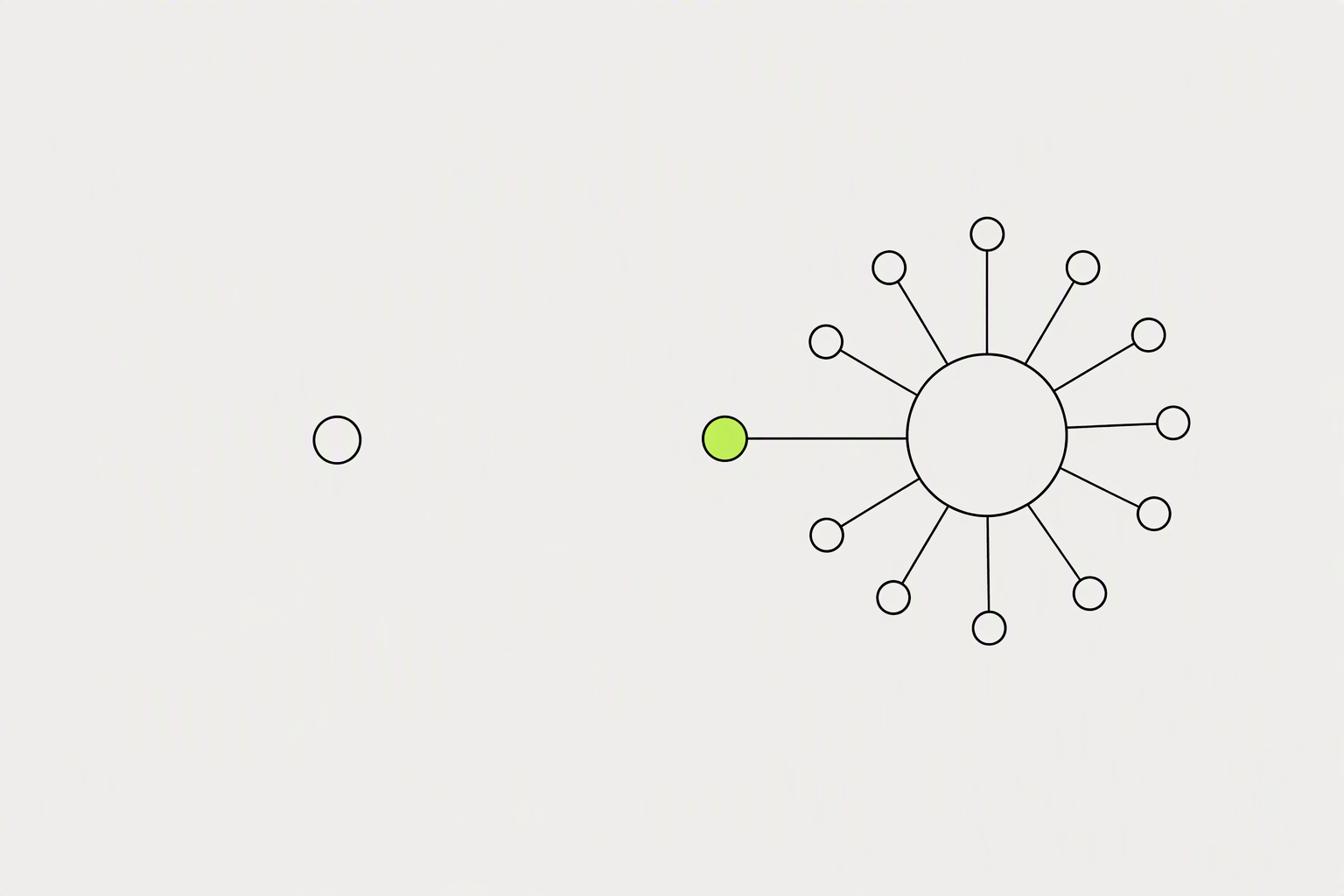
When you comment on someone's post, you show up in front of their entire network. People will check your profile out. They'll see your recent posts.
Quality collapses somewhere past ten for almost everyone, and thin comments are worse than no comments.
- It stands alone. Someone who has not read the post should still get something from it.
- It is two to four sentences. Long enough to say something, short enough to read in the feed.
- A comment on a 4,000-follower post from someone your buyers actually follow gets read.
What you can try now: LinkedIn Comment Templates for Every Situation
Above 8 reactions per comment the posts are agreeable and unanswerable.
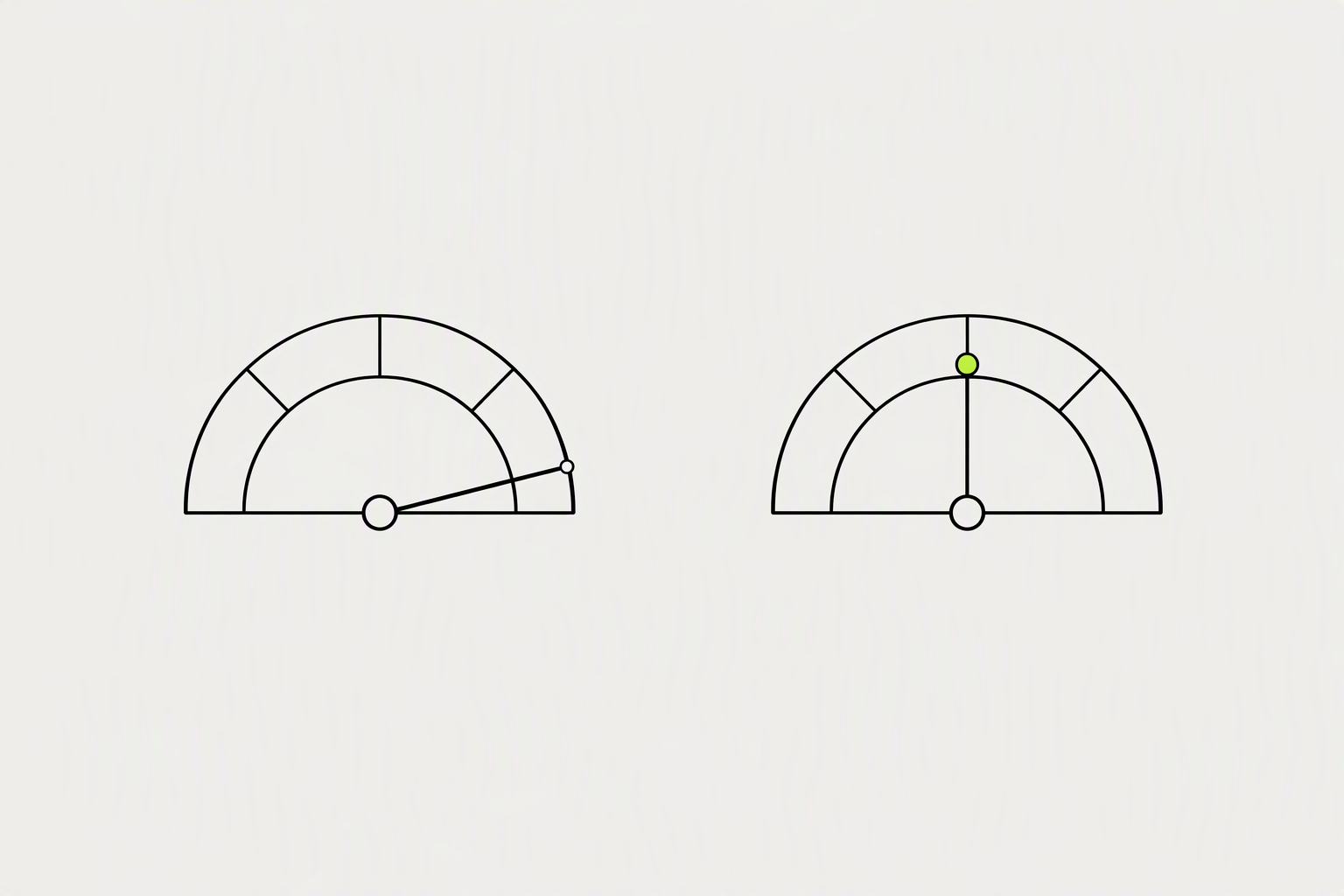
The primary metric is comments per 1,000 impressions (not total comments, because reach varies post to post). A rising reaction count with a flat comment count means reach is growing and resonance is not.
The ratio is more stable than either raw count, spreading only 2.7 times between quartiles against 30 times for comments alone, which makes it a usable target.
- Profile viewers from this post. LinkedIn reports this per post, and it is the closest free measure of a comment turning into interest.
- Replies per comment thread: a higher number means the discussion kept going, which is a better signal than one-word "Great post!" comments
- Commenter recurrence: how many commenters show up on multiple posts?
What you can try now: LinkedIn analytics report template to copy, Social Media Analytics Google Sheets Template
Most credible 2026 sources converge on a 15-20 minute daily window.
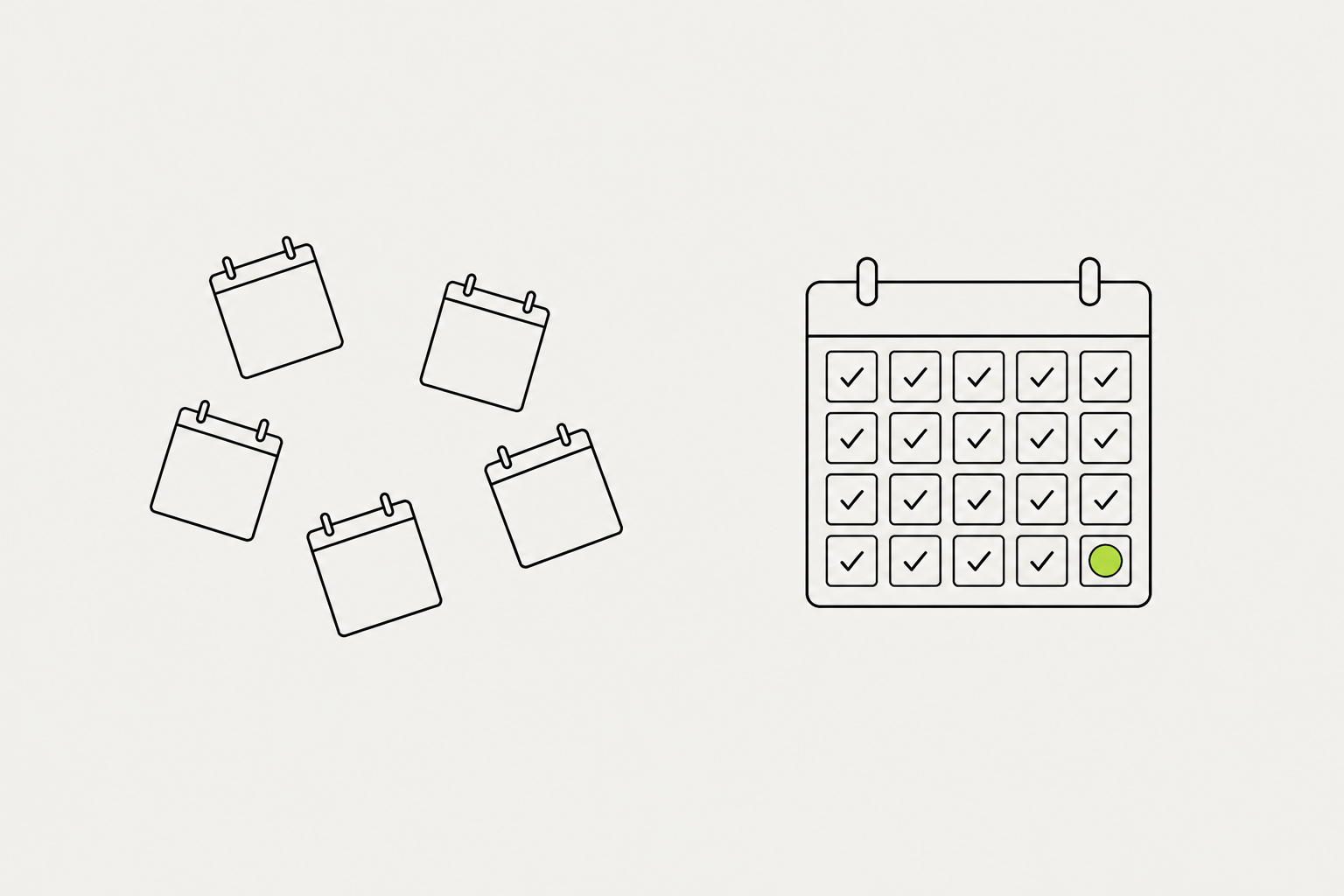
Pair posting with the daily engagement routine and you have your complete growth rhythm: post 3-5x a week, engage 20 minutes a day.
Start with 10 minutes if you are building the habit.
- Morning, 10 minutes. Five comments on posts from your target list.
- Afternoon, 10 minutes. Clear the replies on yesterday's post.
- Friday, 5 minutes. Count comments received for the week and note which posts produced them.
What you can try now: LinkedIn Daily Checklist: Free 15/30/60-Minute Routines, LinkedIn Engagement Tracker Template