

Table of Contents
- Most of your reach comes from a handful of posts.
- Only 13% of posts beat the average, so 87% did not.
- LinkedIn impressions are the total number of times your content appeared in someone's feed.
- LinkedIn states that its post analytics figures are estimates and may not always be precise.
- The LinkedIn algorithm works by testing your content with a small audience first.
- LinkedIn shows your post to approximately 2-5% of your network (exact percentage depends on your historical engagement rate).
- A good number of impressions on LinkedIn depends mostly on your follower count.
- All figures are median impressions per band, measured on the 566,957 posts with synced analytics.
- Low LinkedIn impressions usually come from weak early distribution signals.
- Take the median of your last 10 posts and the median of the 10 before that. A fall under 25 percent between two medians is noise.
- Multi-image posts and PDF carousels both get x1.7 the impressions of a typical post.
- For smaller accounts (under 5K followers), images outperform every other format, both in reach and engagement.
- The first line and the preview decide whether anyone reads the rest.
- LinkedIn truncates every post at roughly 210 characters on desktop - the hook must stand alone before that cut.
- Posts with links get noticeably fewer impressions than posts without them.
- The five 2026 studies on what an external link costs a LinkedIn post produce results from zero to 60%.
- Posting 2-5 times per week is the sweet spot for most LinkedIn users.
- Each step up in frequency delivers better per-post results, even after controlling for account size and niche.
- The most important window for engagement is the first 60 minutes after you post.
- After hour three the distribution decision is made and further effort on that post returns very little.
- Commenting puts you in front of people who then recognise your name in their feed.
- Allocate 15 to 20 minutes per day to your commenting practice.
- The algorithm now reads the actual words in your post to decide who sees it.
- The peer-reviewed evidence points to two or three relevant, specific hashtags per post, placed at the end - the benefit flattens quickly beyond that.
- A post needs 48-72 hours for the algorithm to finish distributing it.
- Discovery and social engagement counts stay available for 1,000 days, members reached for 400, and demographic breakdowns for 180.
- Format and link changes show up on the very next post.
- Ninety days is the honest timeline.
Most of your reach comes from a handful of posts.
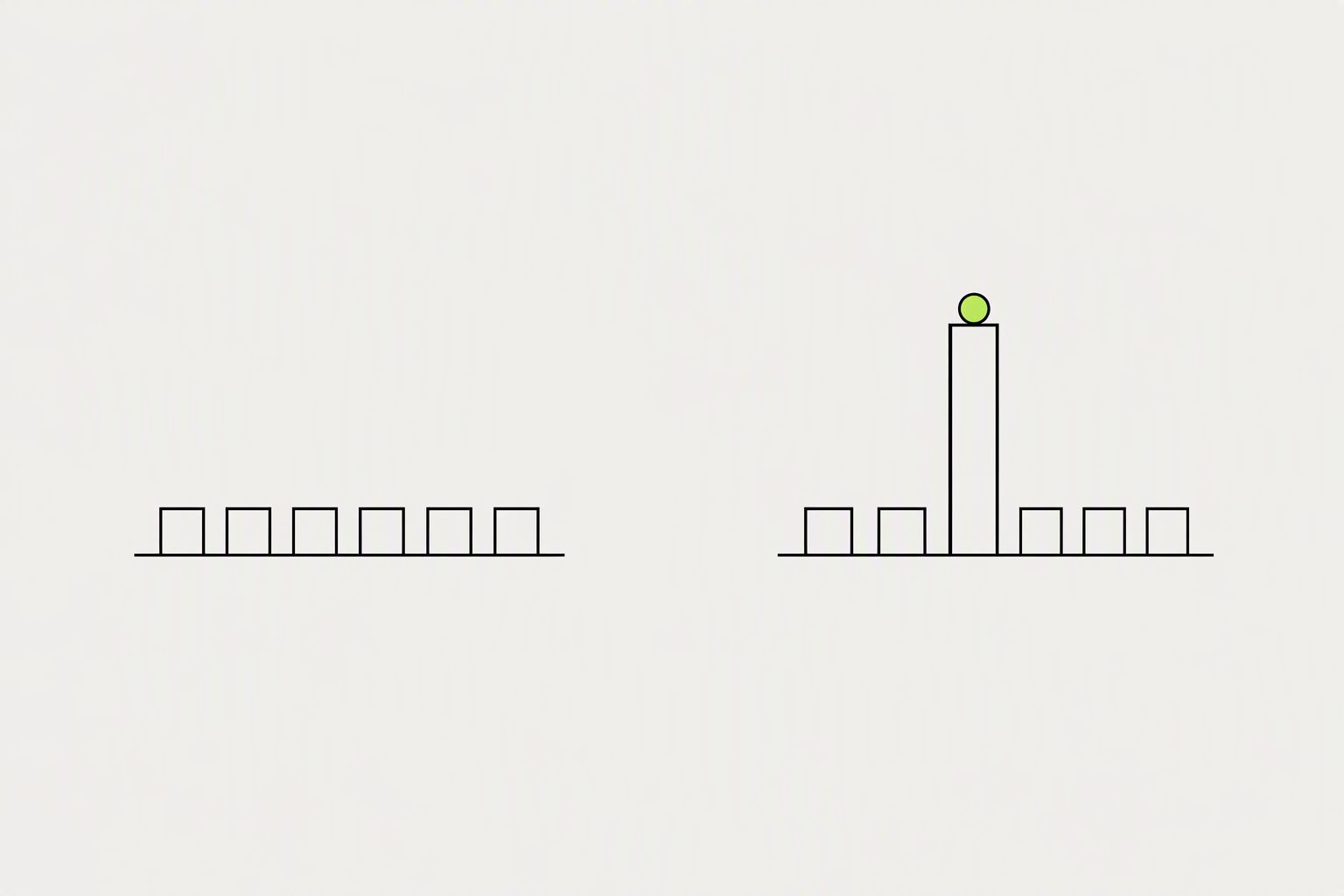
The fastest way to get more impressions on LinkedIn is to stop trying to lift every post and start engineering the few posts that break out, because a small share of your posts drives almost all of your reach. Reach on LinkedIn is not spread evenly across your posts. It follows a power law.
Only 13% of posts beat the average, so 87% did not.
- What moves your year is how often you produce the outlier.
- When your posts keep landing with the same kind of reader, LinkedIn gets better at finding more of them.
- Find posts that already worked, in your niche or on other platforms.
What you can try now: Reactor
LinkedIn impressions are the total number of times your content appeared in someone's feed.
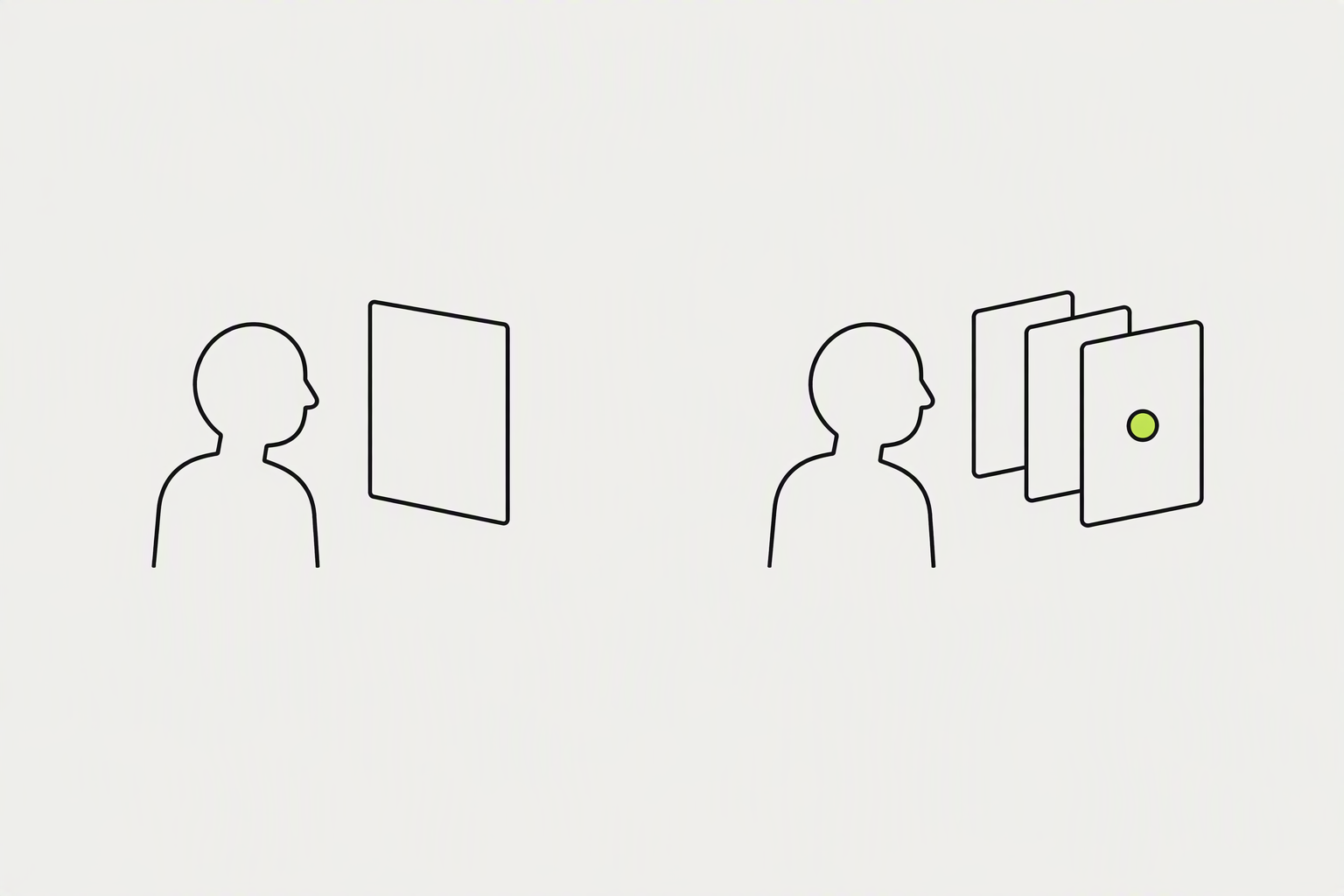
A LinkedIn impression is counted every time your post is at least 50% visible on a signed-in user's screen for at least 300 milliseconds. 300 milliseconds is about the time it takes to scroll straight past something. Roughly half your impressions are repeat views to people who already saw the post.
LinkedIn states that its post analytics figures are estimates and may not always be precise.
- A high out-of-network percentage signals the algorithm is pushing your content beyond your existing circle, through feed recommendations, reshares, or search.
- Since April 2024, the count on your post rolls in impressions earned when someone else reposts your content.
- Views require more active engagement - for video, LinkedIn counts a view after about 2 seconds of playback with 50% of the player visible.
What you can try now: LinkedIn Impression Calculator
The LinkedIn algorithm works by testing your content with a small audience first.
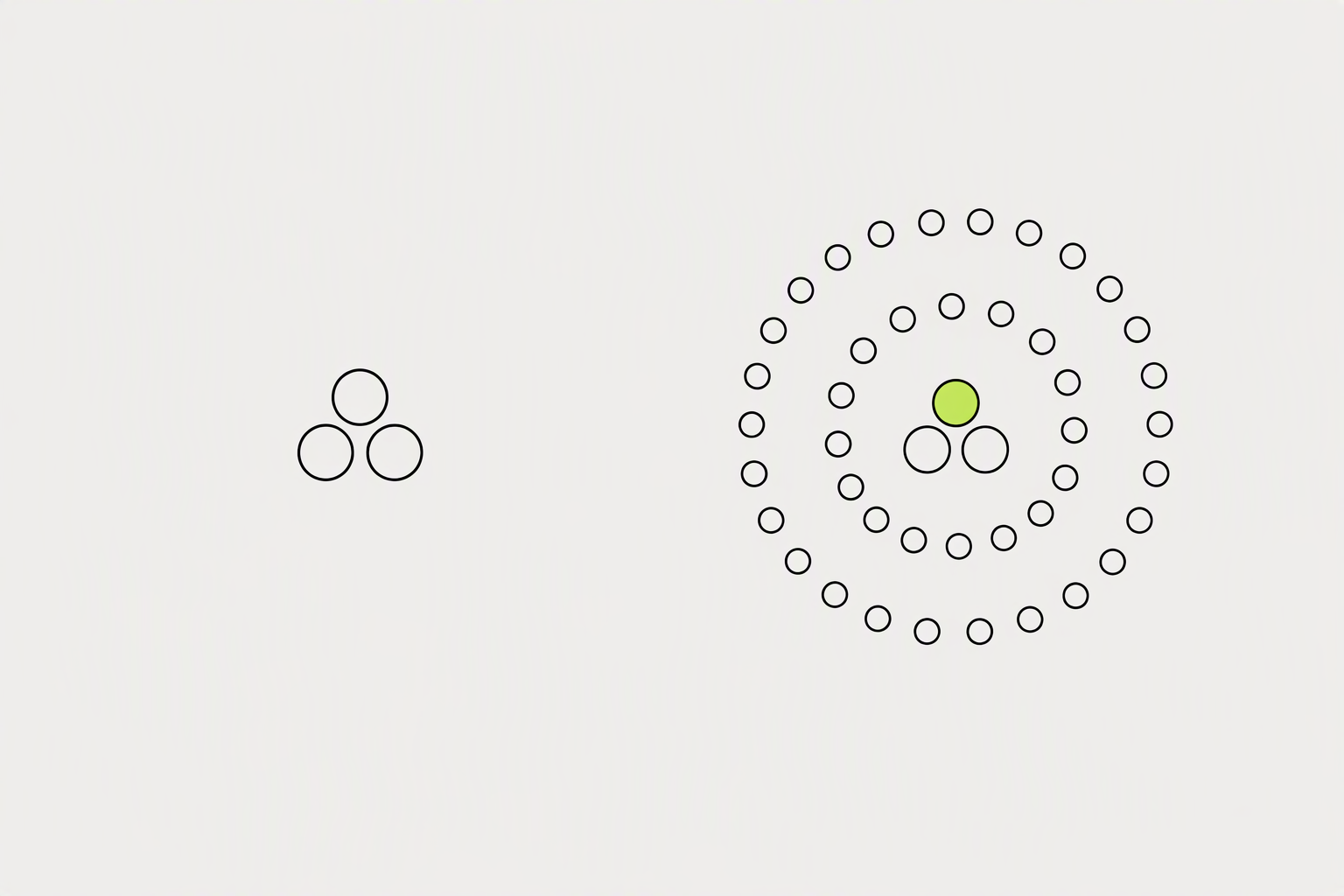
Every post goes through a quality check, gets tested on a small slice of your network, and is then distributed wider (or killed) based on how real people respond in the first 60-90 minutes. The feed became an interest graph: the algorithm works out what your post is about and serves it to people engaged with that topic, whether or not they follow you. Posts that hold attention for over 60 seconds average 15.6% engagement rate.
LinkedIn shows your post to approximately 2-5% of your network (exact percentage depends on your historical engagement rate).
- A short scroll tells the algorithm the content was not worth reading.
- A 4-second pause counts as much as a like, sometimes more.
- Strong content can continue circulating for two to three weeks rather than dying after 24 hours.
What you can try now: Free reading time calculator
A good number of impressions on LinkedIn depends mostly on your follower count.
Raw counts track audience size, so a fairer test is impressions as a share of followers. The median post got impressions equal to 8% of the author's follower count, the top quarter 19% or more, and the top 10% 47% or more.
All figures are median impressions per band, measured on the 566,957 posts with synced analytics.
- At under 1,000 followers the typical post gets 225 impressions, cross into the 1,000-5,000 band and the typical post gets 527, by 100k+ followers the typical post gets 12,111.
- Three independent datasets, three different populations, and they broadly agree: the typical LinkedIn post is seen a few hundred times.
What you can try now: LinkedIn Impressions Benchmark
Low LinkedIn impressions usually come from weak early distribution signals.
In order of frequency: an external link sits in the post body, nothing happened in the first hour after publishing, you post less than twice a week, or every post is a single image with one line of text. Each of those caps distribution on its own.
Take the median of your last 10 posts and the median of the 10 before that. A fall under 25 percent between two medians is noise.
- An external link in the post body cuts reach 60 to 80 percent.
- Cadence falling below two posts a week costs 30 to 50 percent over a few weeks.
- Switching to single-image posts costs 20 to 40 percent.
What you can try now: Why your LinkedIn posts get no impressions: a reach checklist
Multi-image posts and PDF carousels both get x1.7 the impressions of a typical post.
Carousels earn the most impressions per follower, at 1.2 to 2.0 times a plain text post, and external link posts earn the least, at 0.2 to 0.4 times. Carousels get more reach because swiping takes time. Each swipe adds a few seconds of attention, which the feed sees as valuable.
For smaller accounts (under 5K followers), images outperform every other format, both in reach and engagement.
- A typical video gets 501 impressions, which is basically the same as a typical post.
- Documents only take the lead once you cross 20K followers, where carousels generate 1.30x reach and scale to 1.49x at 50K+.
- The first slide has to work as a standalone post.
What you can try now: LinkedIn Carousel Templates
The first line and the preview decide whether anyone reads the rest.
Only the first two lines are visible before the see-more fold. A specific number and a specific outcome in those two lines is what earns the tap, and the tap is what LinkedIn measures. A great body under a weak hook is invisible.
LinkedIn truncates every post at roughly 210 characters on desktop - the hook must stand alone before that cut.
- Put the most specific, most surprising promise in the very first line, before any setup, context, or story background.
- Never let your second line of visible text be filler.
- Watch impressions and how many people engaged relative to reach, then test one variable at a time.
What you can try now: LinkedIn Post Preview
Posts with links get noticeably fewer impressions than posts without them.
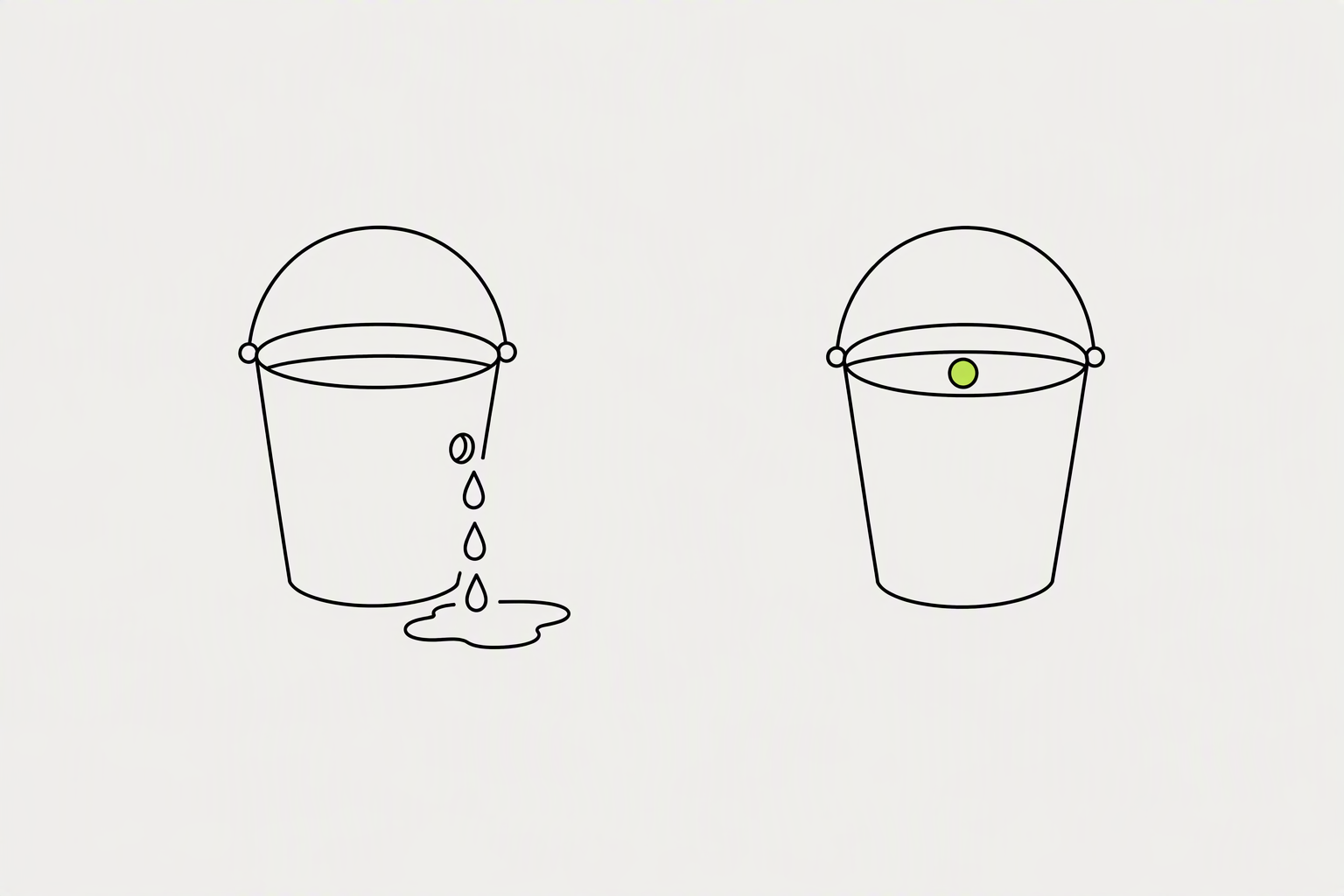
Multiple analyses report that posts carrying an external link in the body receive roughly 40 to 50% fewer impressions than an identical post without one, and some put the gap higher. A URL sitting inside the words of a post earns 858 median impressions, slightly above posts with no link at all. The whole throttle lands on the attached preview card, at 414 impressions, less than half of either alternative.
The five 2026 studies on what an external link costs a LinkedIn post produce results from zero to 60%.
- Paste the URL into your sentence rather than letting LinkedIn build a preview card from it.
- Keep the first three lines link-free and packed with the hook, so the part the feed reads hardest looks like a normal text post.
- Links to LinkedIn surfaces, another post, your newsletter, an event, a company page, do not take anyone off the platform.
What you can try now: OpenGraph Viewer, Post Inspector
Posting 2-5 times per week is the sweet spot for most LinkedIn users.
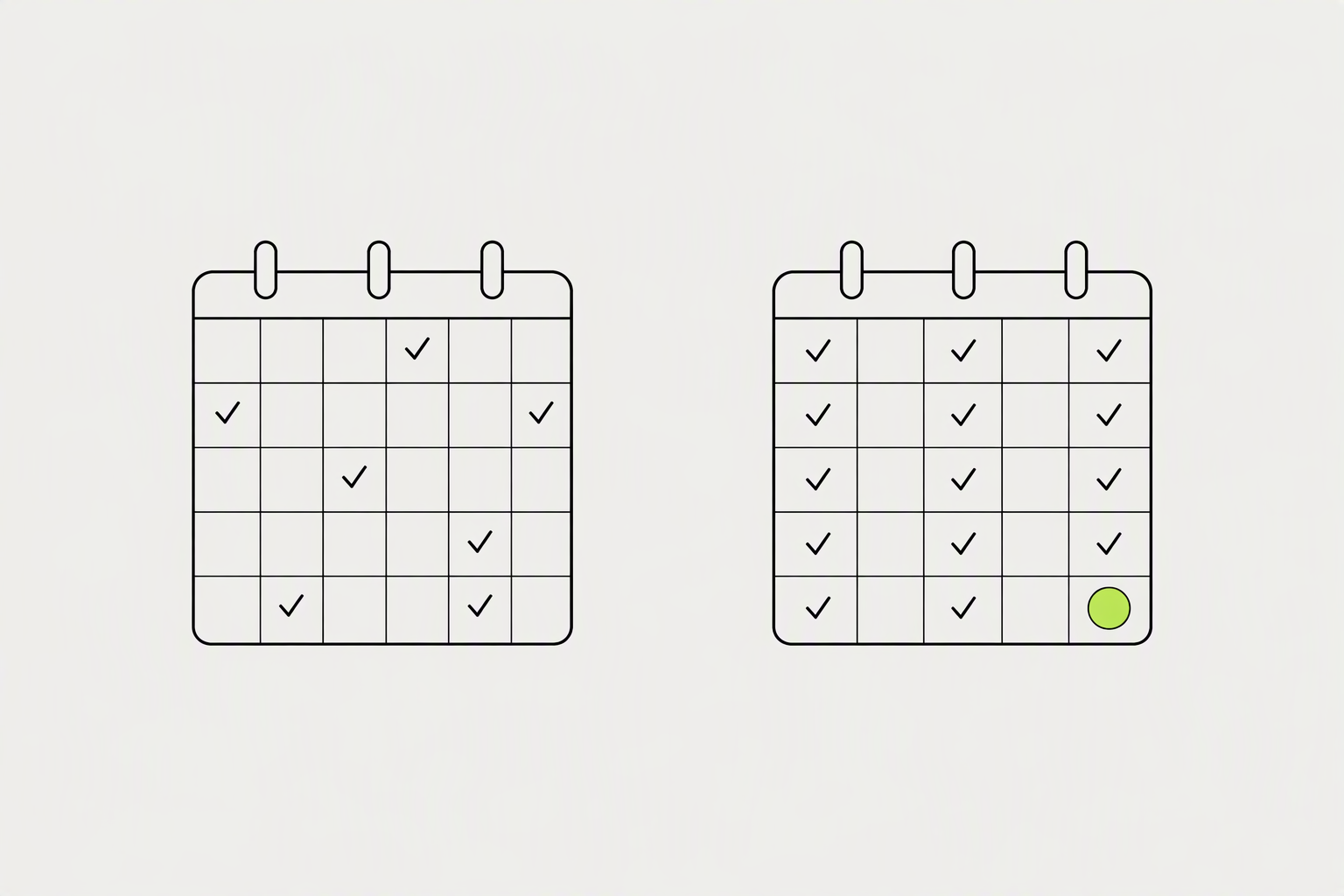
This frequency delivers +1,182 more impressions per post and a 0.23 percentage point lift in engagement rate compared to posting just once a week. Going from one post a week to 3 to 5 raises total weekly impressions by roughly 3 to 5 times.
Each step up in frequency delivers better per-post results, even after controlling for account size and niche.
- The best time to post on LinkedIn is Tuesdays from 11 a.m.-5 p.m.
- Time posts for Tuesday-Thursday, mid-morning - the consistent finding across independent studies, though the exact peak hour varies by source.
- Find where roughly 80% of your followers sit and optimize for that zone.
What you can try now: Time Converter and World Clock
The most important window for engagement is the first 60 minutes after you post.
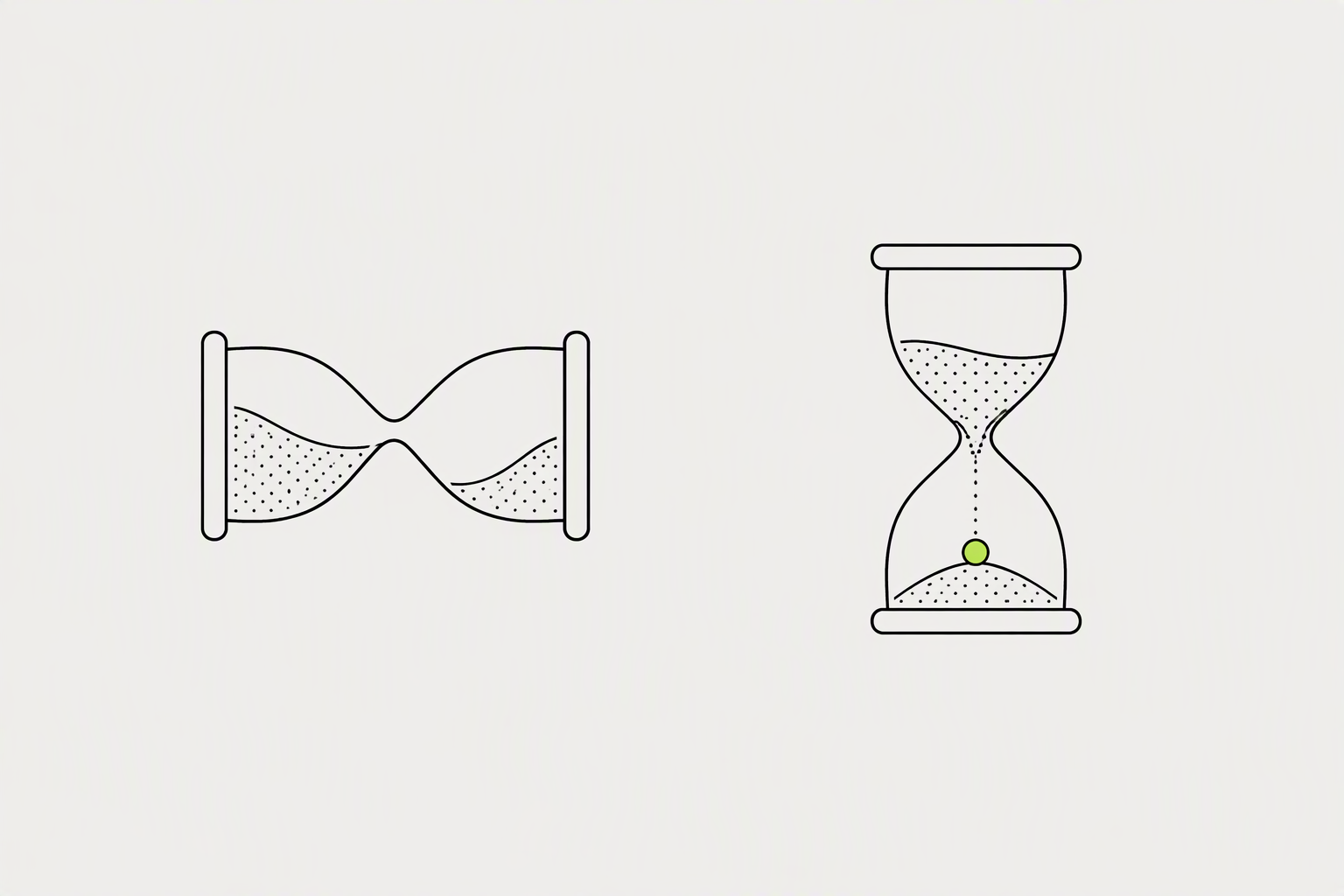
When someone comments early, a quick, thoughtful reply does two things: it rewards the person who engaged (making them more likely to comment on your future posts), and it generates additional activity that tells the algorithm to keep pushing. Your own replies count as comments too. A post with 8 comments and 8 replies from you has 16 total comments in the algorithm's eyes.
After hour three the distribution decision is made and further effort on that post returns very little.
- Post only when you have a clear 60 minutes ahead.
- Avoid editing the post text after publishing, since edits can reset or confuse the algorithm's initial read of the content.
- One-word replies ("Thanks!") do not move the needle.
What you can try now: LinkedIn Golden Hour: 60-Minute Reach Checklist
Commenting puts you in front of people who then recognise your name in their feed.
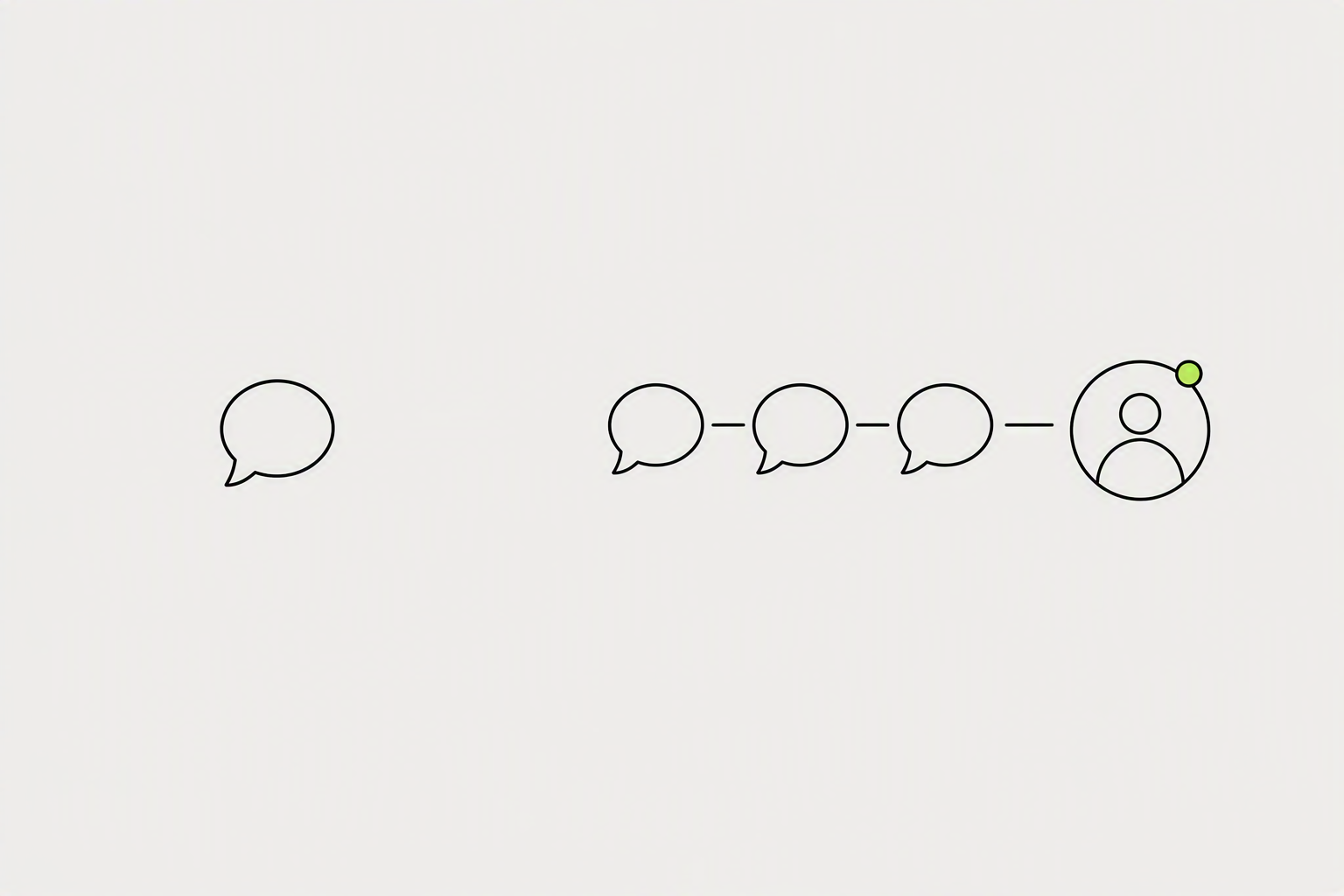
Writing a great comment on a great post and getting it seen is much easier, because the post is already pulling the audience in for you. People click through to your profile when a comment makes them curious, and over a few months you can build the followers and credibility that make your own posts work.
Allocate 15 to 20 minutes per day to your commenting practice.
- Your comment is more visible because it's near the top of the comment stack instead of buried under 40 others.
- The ideal comment length is three to six sentences.
- If your comment could be copy-pasted onto any post on LinkedIn, it's not worth writing.
What you can try now: Free Habit Tracker
The algorithm now reads the actual words in your post to decide who sees it.
LinkedIn's feed now classifies a post by reading its actual text and the author's topic history, so hashtags no longer expand distribution the way they did in 2020. LinkedIn removed hashtag following in late 2024, so that feed no longer exists and there is nobody on the other end of the tag.
The peer-reviewed evidence points to two or three relevant, specific hashtags per post, placed at the end - the benefit flattens quickly beyond that.
- A widely cited analysis of 10,000 LinkedIn posts found that including at least one hashtag boosted engagement by 12.6% compared to posts with none, while reach increased by only about 9%.
- A post that opens by naming its subject in plain words is better targeting than any tag block, and it also helps the human reader decide the post is for them.
- Accounts that post about the same few subjects teach both the ranking system and the reader what they are for.
What you can try now: Free LinkedIn Hashtag Generator
A post needs 48-72 hours for the algorithm to finish distributing it.
For a personal profile, open Me, choose Posts & Activity, select the relevant content tab, and open the impression count or View analytics on a post. Go to your profile and open the analytics section. Here you see totals for the last 7, 28, or 90 days: impressions, members reached, followers, and profile viewers.
Discovery and social engagement counts stay available for 1,000 days, members reached for 400, and demographic breakdowns for 180.
- Open the post analytics 60 minutes after publishing and write the number down.
- If your 24-hour share is well below 70 percent, your posts are travelling slowly and late, which usually means weak early engagement rather than bad content.
- Don't compare a text post to a carousel.
What you can try now: LinkedIn analytics report template to copy, LinkedIn Engagement Rate Calculator
Format and link changes show up on the very next post.
Cadence changes take 2 to 3 weeks, because the algorithm responds to a pattern rather than a single post. Topic and audience changes take 4 to 8 weeks. Impressions compound over time so don't expect overnight virality.
Ninety days is the honest timeline.
- Impressions start with your own network.
- Four ordinary posts a week beats one careful post by a wide margin.
- The platform needs a consistent signal before it can place you, and you need enough posts to see which ones landed.
What you can try now: Free LinkedIn Content Calendar Template