

Table of Contents
- Growing your newsletter subscriber base requires deliberate promotion across multiple touchpoints.
- The gap between "this is not working" and "this is obviously working" is usually about ten issues of stubborn consistency.
- LinkedIn newsletters reach more people per edition than feed posts do.
- Regular posts typically reach 5 to 12% of followers for personal profiles.
- LinkedIn newsletter subscribers are LinkedIn users who subscribed inside the platform.
- LinkedIn tracks newsletter subscribers and followers as separate metrics in your analytics dashboard.
- When you launch a LinkedIn newsletter, the platform automatically invites your existing followers to subscribe.
- LinkedIn sets specific caps on how many invitations you can send out over a week or month.
- Newsletter subscribers as a percent of total followers is the single best benchmark.
- The average creator acquires a few hundred subscribers on the first-edition invite (from existing connections and followers).
- A newsletter with zero promotion strategy will have zero subscribers.
- A brand-new newsletter from someone with a few hundred connections often gets its first 20 to 50 subscribers in the first week.
- Your newsletter name should be specific enough to communicate exactly what someone gets by subscribing.
- The specs: 1920 x 1080 article covers, a square logo, a title under 64 characters, and a cadence you can actually hold.
- Newsletter formats that consistently drive subscriber growth include the weekly roundup with your expert commentary.
- Most high-performing LinkedIn newsletters run roughly 450 to 800 words for a regular edition.
- Your regular LinkedIn posts are your best subscriber acquisition channel.
- By 2025, posts with external links in the body received 42% less reach than no-link posts in the same dataset.
- Consistency is the single biggest predictor of newsletter growth on LinkedIn.
- LinkedIn recommends maintaining the cadence you select, but it does not guarantee that any particular frequency will perform best.
- Thoughtful comments on relevant posts put your profile (and newsletter) in front of new people.
- Build a daily 30-minute commenting habit rather than sporadic 2-hour sessions.
- Each newsletter has its own dedicated landing page with a "Subscribe" button.
- On the desktop version of LinkedIn, you can only see the first 3 media types in the Featured Section.
- Guest features are your highest-leverage subscriber growth tactic after cross-posting.
- Find 3-5 LinkedIn creators in adjacent (not competing) niches with similar audience sizes. Agree to mention each other's newsletters in one issue per quarter.
- LinkedIn provides newsletter analytics showing views, reactions, comments, and subscriber growth per edition.
- LinkedIn notes that the open rate figure is an estimate and may not be precise.
Growing your newsletter subscriber base requires deliberate promotion across multiple touchpoints.
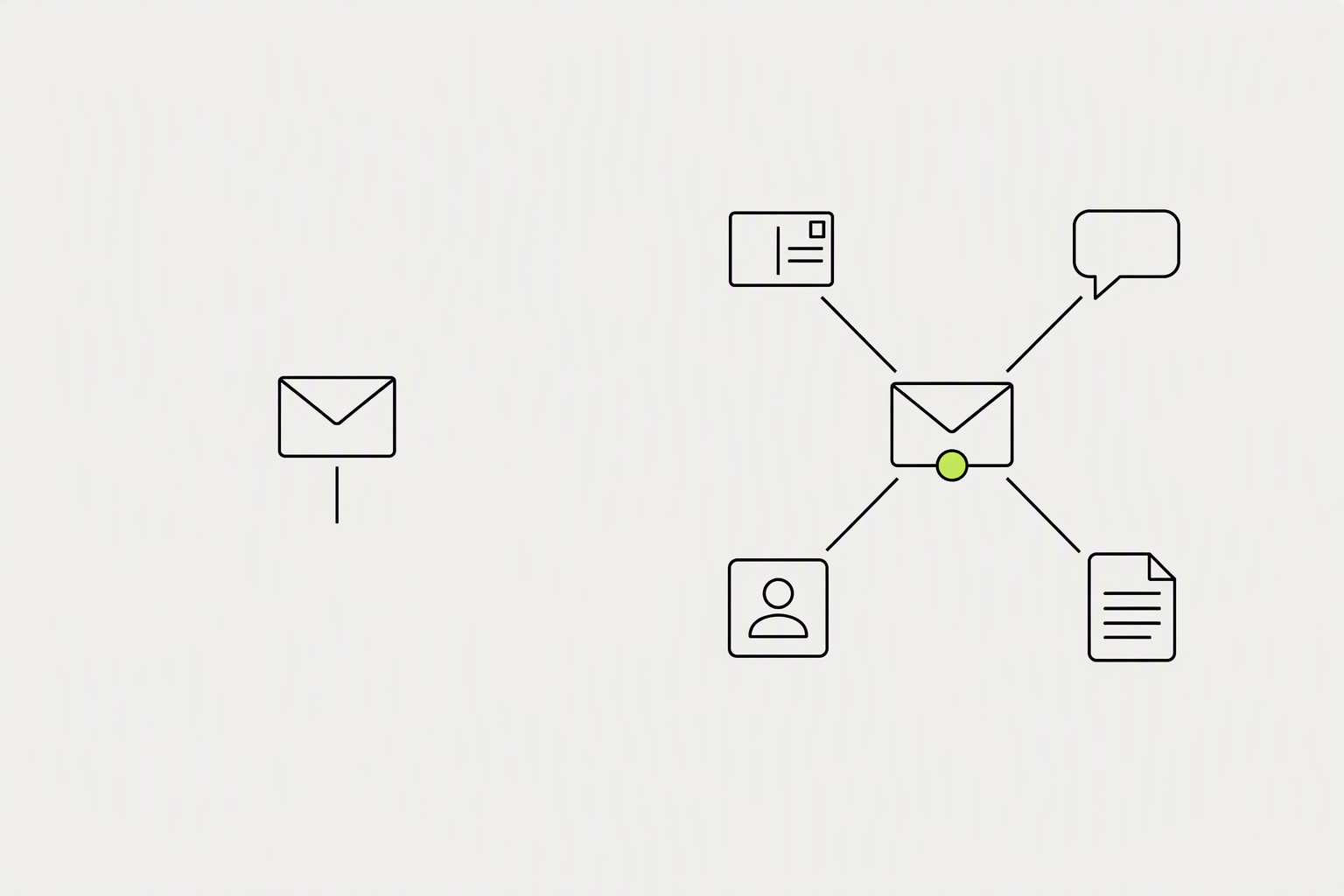
Publish weekly from a personal profile (not a company page), use the same structural template every issue, promote each issue as a standalone feed post, and convert LinkedIn subscribers to owned email with every send. You grow a LinkedIn newsletter beyond your followers by treating every regular post, comment, and profile element as a funnel into it.
The gap between "this is not working" and "this is obviously working" is usually about ten issues of stubborn consistency.
- Announce it with a post, twice. Once at launch, once a month later with a specific result or excerpt.
- Let the archive work. Titles that name a real question keep collecting subscribers from search for months.
- What doesn't work: subscriber-begging comments, DM blasts, and cross-posting the identical content as both a post and an edition, which trains people that subscribing adds nothing.
What you can try now: LinkedIn Newsletter Launch Plan Builder
LinkedIn newsletters reach more people per edition than feed posts do.
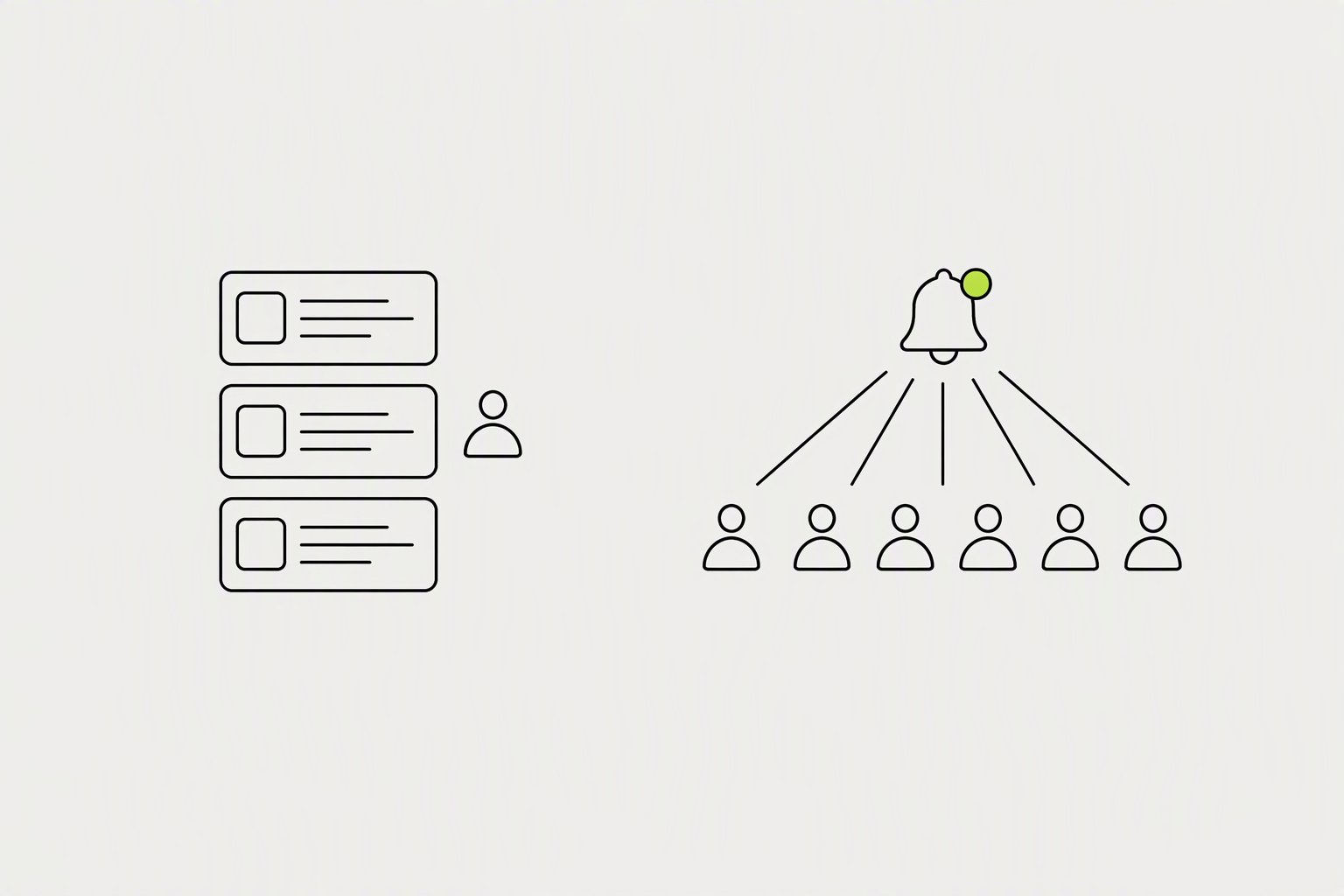
A follower is no longer a promise that your post will be shown to them. A subscriber is much closer to one. A normal text post is filtered by the algorithm and fades within 24 to 48 hours.
Regular posts typically reach 5 to 12% of followers for personal profiles.
- When a user subscribes to a LinkedIn Newsletter, they have taken an active, specific action that signals a higher level of intent than a passive follow.
- Accounts that publish LinkedIn newsletters average 2.1x organic reach on their regular feed posts compared to accounts without newsletters.
LinkedIn newsletter subscribers are LinkedIn users who subscribed inside the platform.
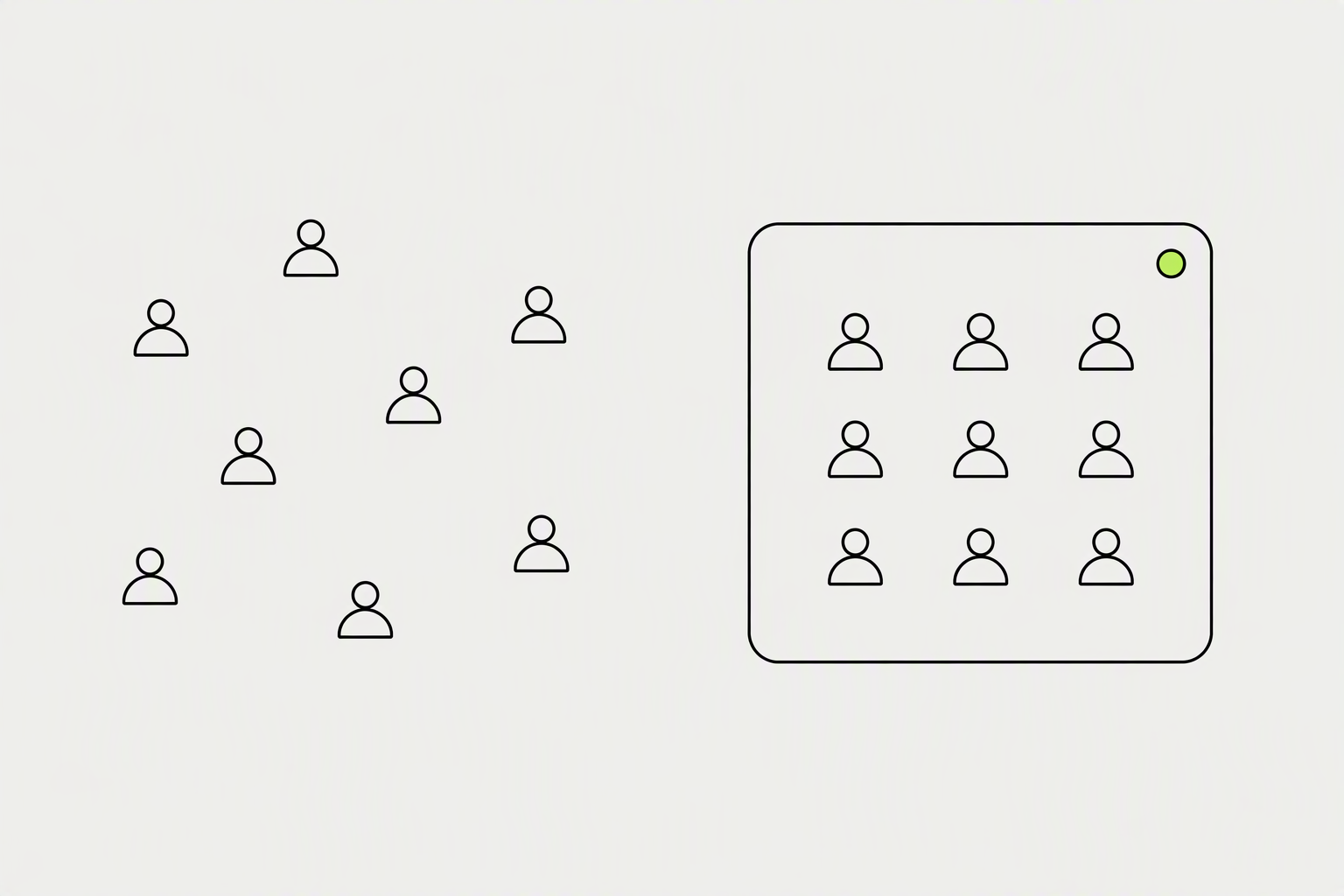
A subscriber has explicitly asked to be told when you publish. Someone can follow you and ignore every post. You do not get their email addresses in a file you can upload elsewhere.
LinkedIn tracks newsletter subscribers and followers as separate metrics in your analytics dashboard.
- Subscriber count is public. It appears on the newsletter and on your profile.
- The newest subscribers appear first, and authors may be able to follow, connect with, or message individual subscribers within LinkedIn.
- The name and cadence are hard to change once people have subscribed to them.
When you launch a LinkedIn newsletter, the platform automatically invites your existing followers to subscribe.
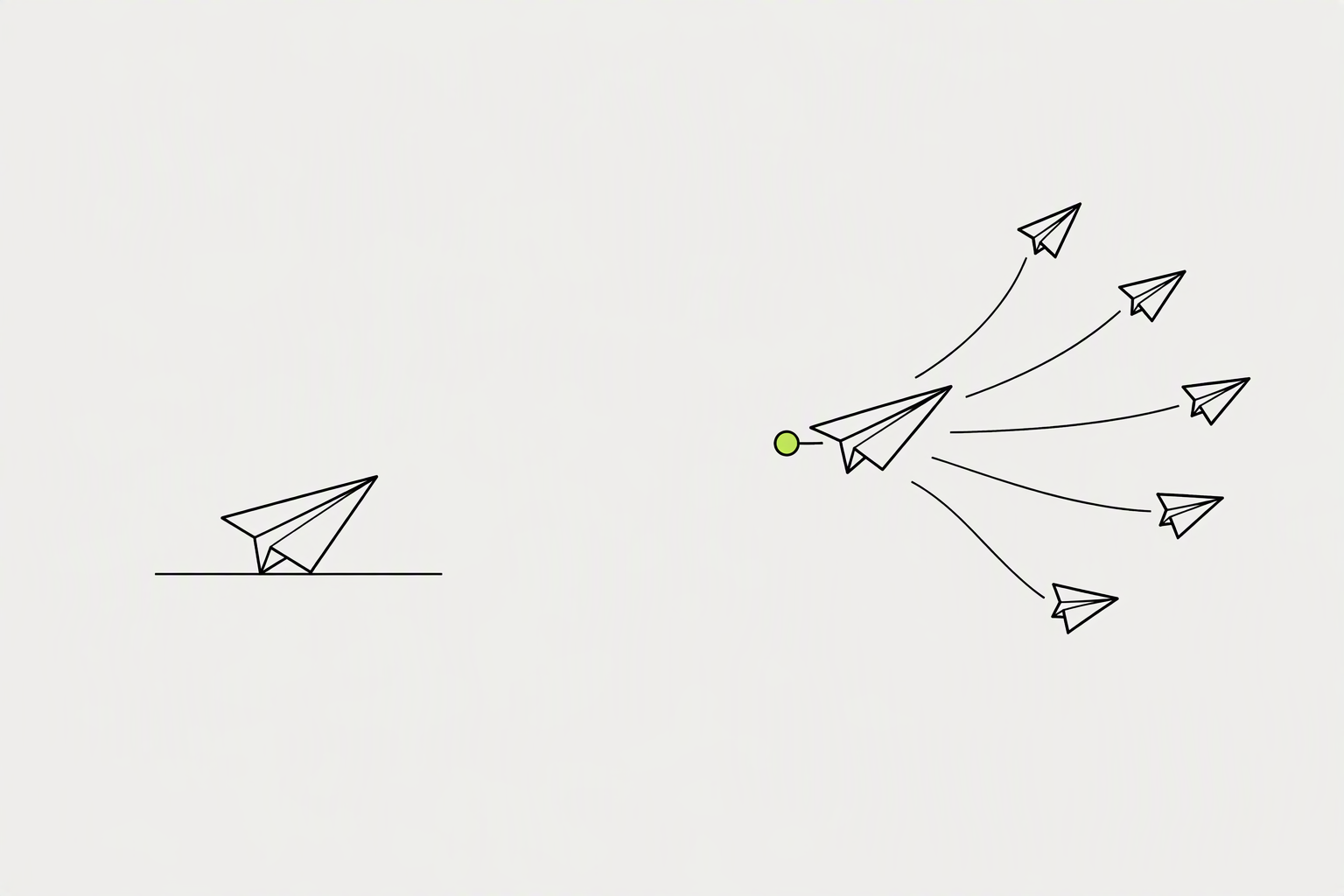
The big subscription push happens on your first published edition. For later editions, only existing subscribers are notified. When someone starts following you, a notification inviting them to subscribe to your newsletter is sent automatically.
LinkedIn sets specific caps on how many invitations you can send out over a week or month.
- When you go to your newsletter page, look for the Invite connections button, which sits near your newsletter title.
- LinkedIn allows you to invite connections to subscribe, use this strategically by inviting 50-100 connections weekly, prioritizing those matching your ideal reader profile rather than bulk-inviting your entire network.
- The practical consequence: any post that goes viral and spikes your follower count also spikes your subscriber count 24 to 72 hours later.
Newsletter subscribers as a percent of total followers is the single best benchmark.
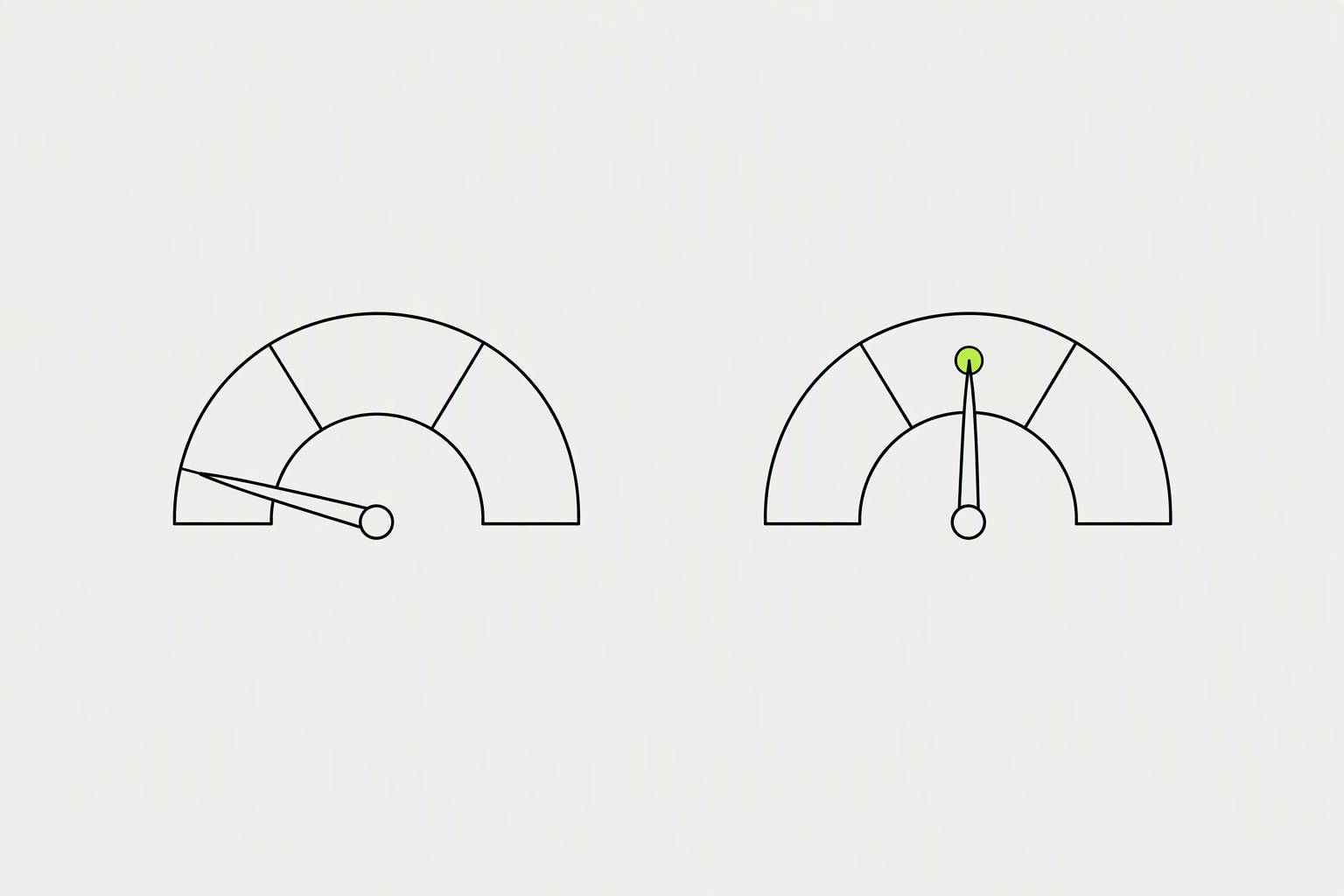
Healthy newsletters convert 8-18% of followers into subscribers. Below 8% usually means weak newsletter positioning (unclear topic, generic name) or low publishing cadence (less than monthly). Above 18% usually means tight niche fit and active cross-promotion in every post.
The average creator acquires a few hundred subscribers on the first-edition invite (from existing connections and followers).
- Healthy growth is 5-15% subscribers per month in the first 12 months, decelerating to 2-5% per month after subscribers cross 10,000.
- A good open rate for LinkedIn newsletters is 35-45%, which exceeds traditional email marketing averages of 21%.
- A LinkedIn newsletter edition runs 2% to 5% click-through rate, with the top quartile at 6% to 10%.
What you can try now: LinkedIn Newsletter Growth Calculator
A newsletter with zero promotion strategy will have zero subscribers.
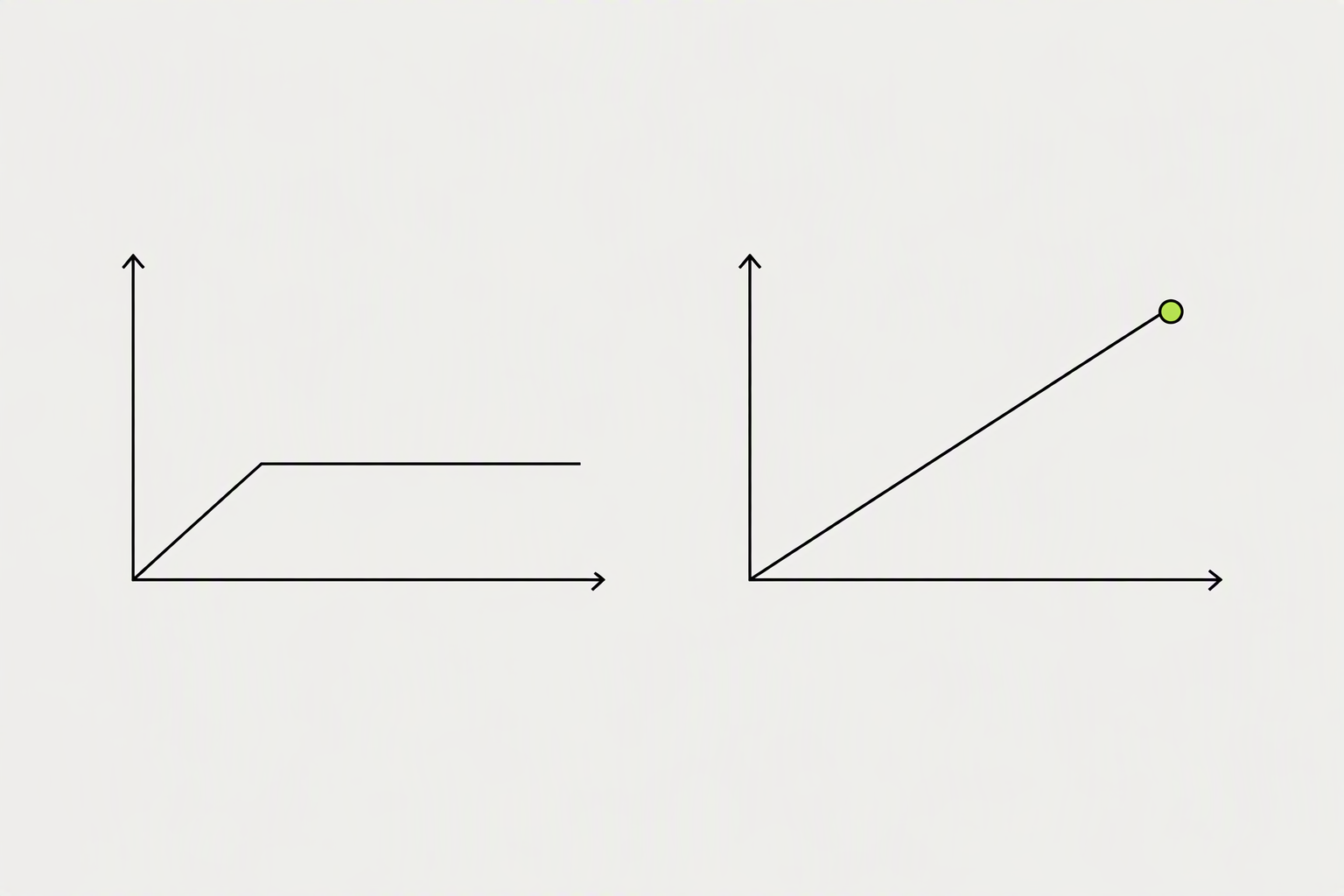
Many business owners launch with the best of intentions only to find engagement and new subscribers plateauing after just a few editions. The stall is normal. It means you have harvested your warm audience and now you have to go earn cold ones.
A brand-new newsletter from someone with a few hundred connections often gets its first 20 to 50 subscribers in the first week.
- Publishing and praying. Hitting publish with no feed announcement means almost nobody sees it.
- A topic so broad nobody can describe it. If a stranger cannot tell what they will get, they will not subscribe.
- Counting subscribers instead of engagement. Twenty subscribers who comment and share grow your list faster than 200 silent ones, because engagement is what gets the next issue seen.
What you can try now: LinkedIn Newsletter Authority Checker, Free Headline Analyzer
Your newsletter name should be specific enough to communicate exactly what someone gets by subscribing.
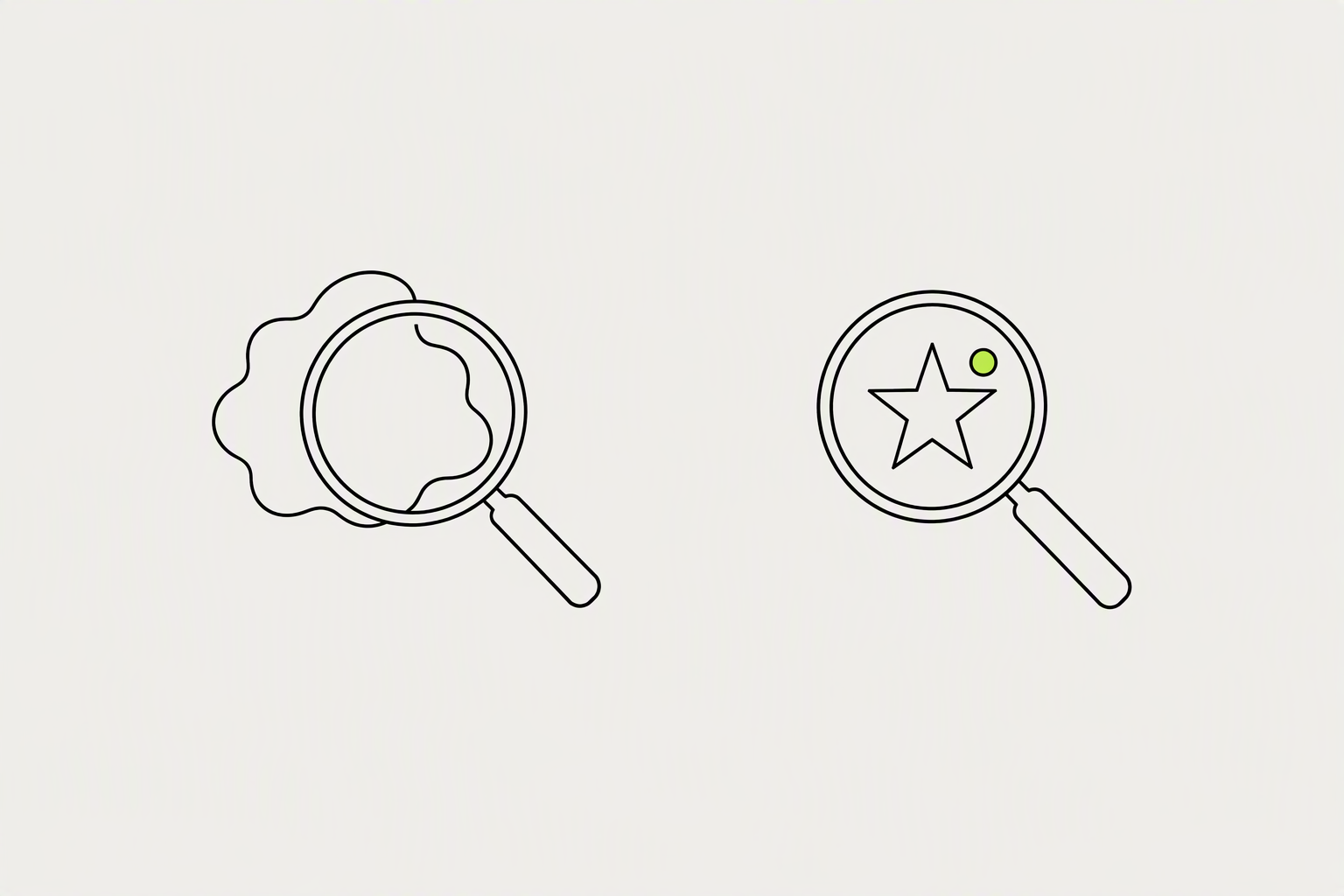
The title should signal the niche and the payoff in a few words, because it appears on the subscribe button and in every notification. Specific titles convert better than clever ones. Your description should answer one question: "what will I learn or gain by subscribing?"
The specs: 1920 x 1080 article covers, a square logo, a title under 64 characters, and a cadence you can actually hold.
- Keep it short - Long names get truncated in notifications.
- Images with faces and people tend to resonate more with audiences.
- Customize your SEO (Search Engine Optimization) titles and descriptions to control how your newsletters show up on search engines and make it easier for others to find your content.
What you can try now: LinkedIn Article & Newsletter Cover Image Checker, Newsletter Name Generator
Newsletter formats that consistently drive subscriber growth include the weekly roundup with your expert commentary.
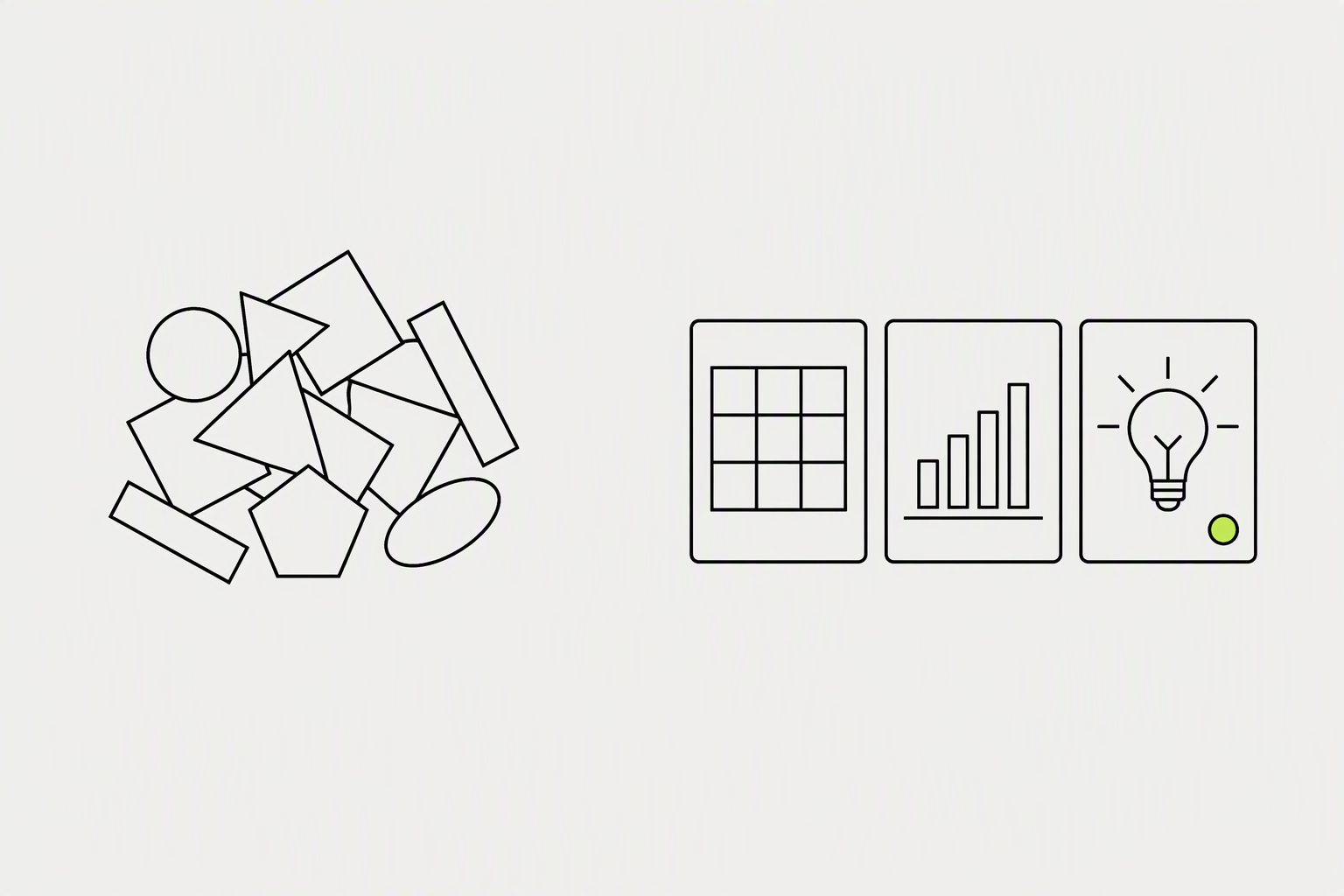
LinkedIn newsletter content that grows subscriptions has two distinct jobs: it must be valuable enough to make current subscribers share it with their networks, and it must be unique enough to justify reading as a newsletter rather than following your regular posts. Avoid pure opinion pieces without supporting evidence. They generate comments but rarely new subscribers.
Most high-performing LinkedIn newsletters run roughly 450 to 800 words for a regular edition.
- Frameworks and templates - Actionable structures people can apply immediately.
- The behind-the-scenes case study, sharing what is actually happening with a client or project, with the specific details that make it real and educational.
- Take a recent development in your industry and analyze what it means for your specific audience.
What you can try now: Free Post Idea Generator
Your regular LinkedIn posts are your best subscriber acquisition channel.
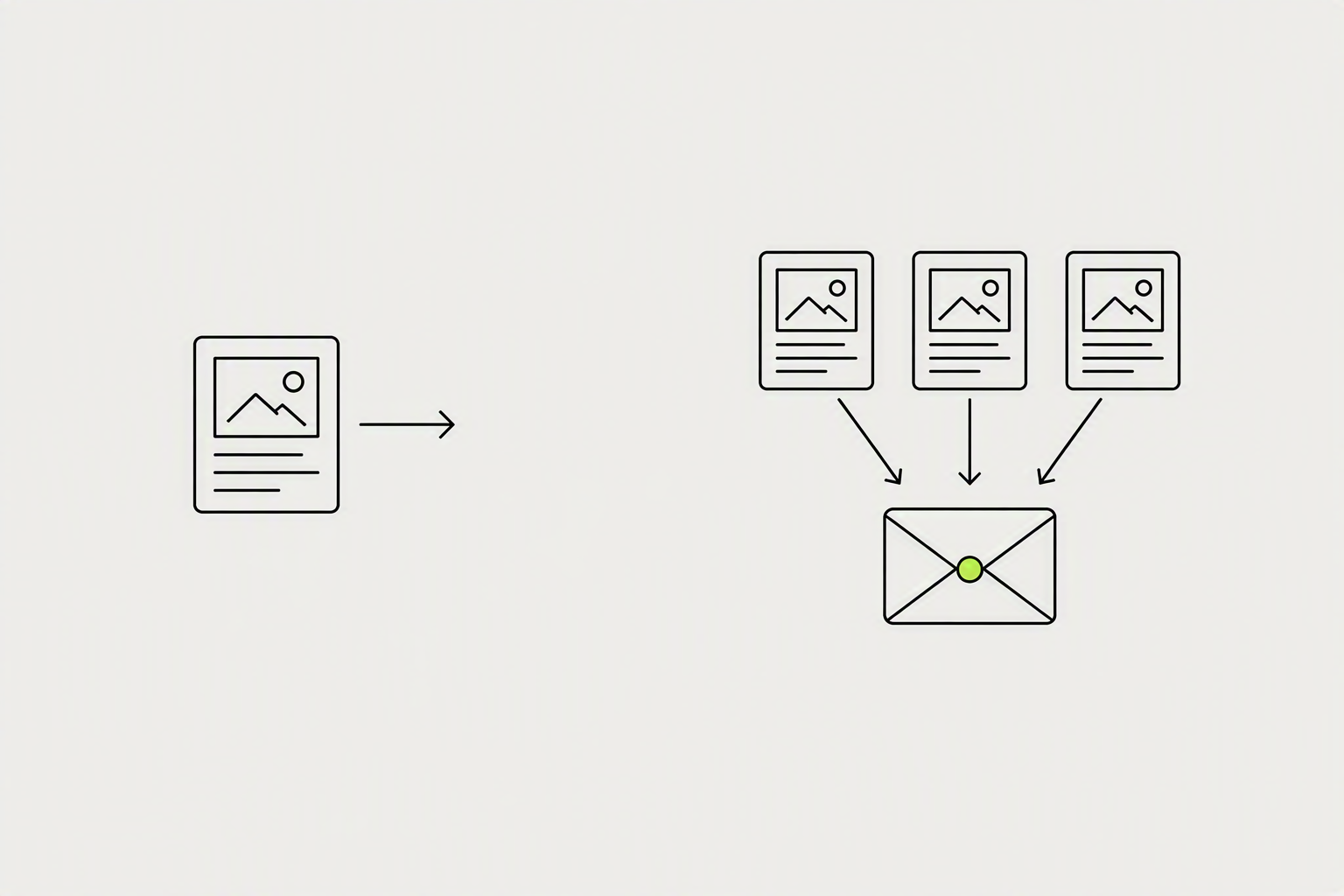
One tactic that works surprisingly well: write a short LinkedIn post every time you publish a new issue. A pattern that works well: ask a question that the issue answers, then point to the issue as the answer.
By 2025, posts with external links in the body received 42% less reach than no-link posts in the same dataset.
- Mention your newsletter naturally in posts. Do not write "Subscribe to my newsletter!" as a standalone CTA.
- For a native LinkedIn newsletter, though, you can link directly, since the article lives on LinkedIn itself and is not pulling people off the site.
- Teasing trains your audience not to trust your posts.
What you can try now: Free LinkedIn Hook Generator, LinkedIn Post Preview
Consistency is the single biggest predictor of newsletter growth on LinkedIn.
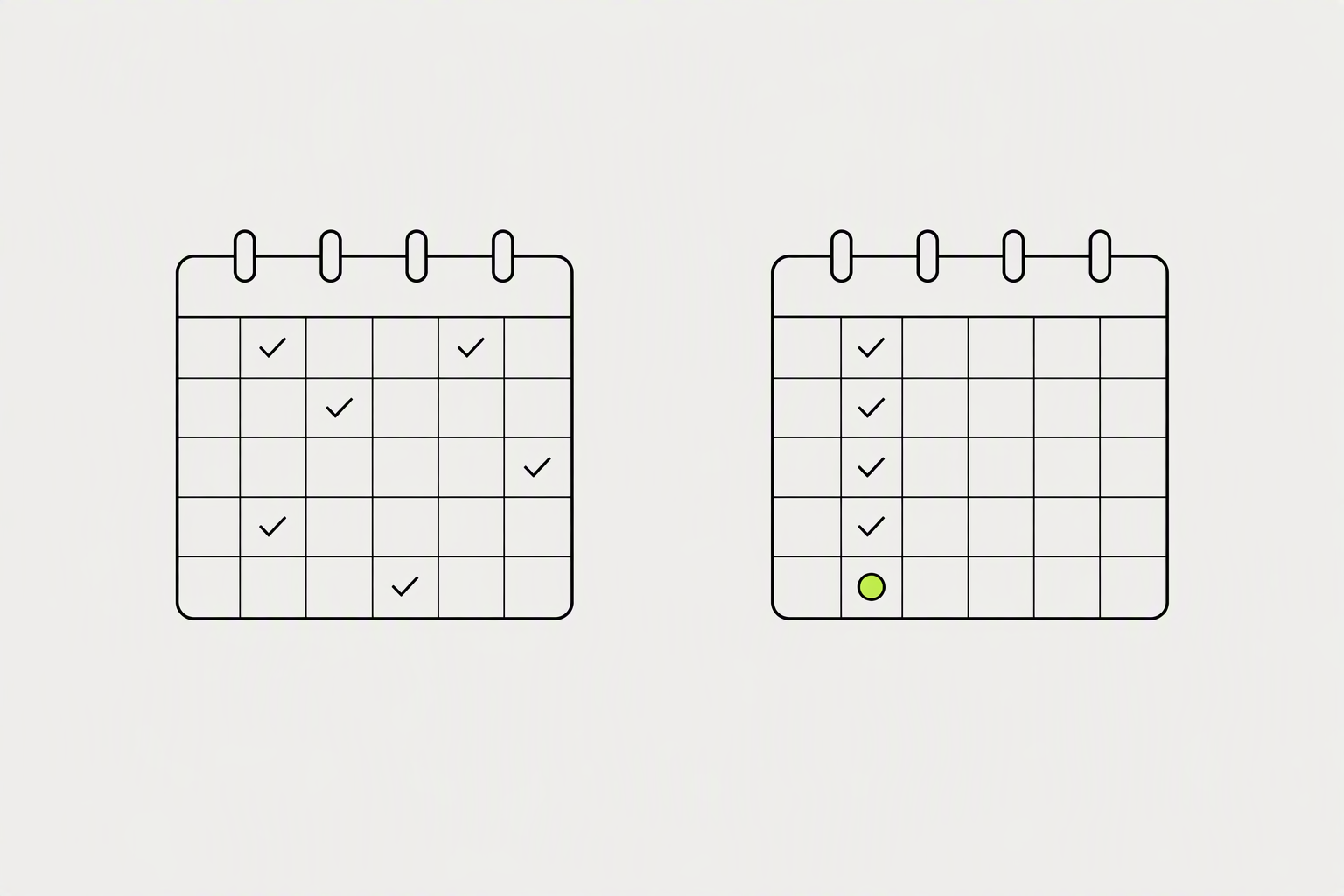
Creators who publish on a predictable schedule - every Tuesday, every other Wednesday, the first Monday of the month - build reading habits. If you publish randomly, subscribers eventually tune out your notifications because they've learned that clicking through is unpredictable.
LinkedIn recommends maintaining the cadence you select, but it does not guarantee that any particular frequency will perform best.
- A biweekly newsletter published consistently for eighteen months builds a stronger subscriber relationship than a weekly newsletter that goes dark every third month.
- LinkedIn does not currently offer a native scheduling feature for newsletter editions.
- Optimal posting times are Tuesday-Thursday, 8-11 AM, but consistency matters more than exact timing.
What you can try now: Newsletter Editorial Calendar
Thoughtful comments on relevant posts put your profile (and newsletter) in front of new people.
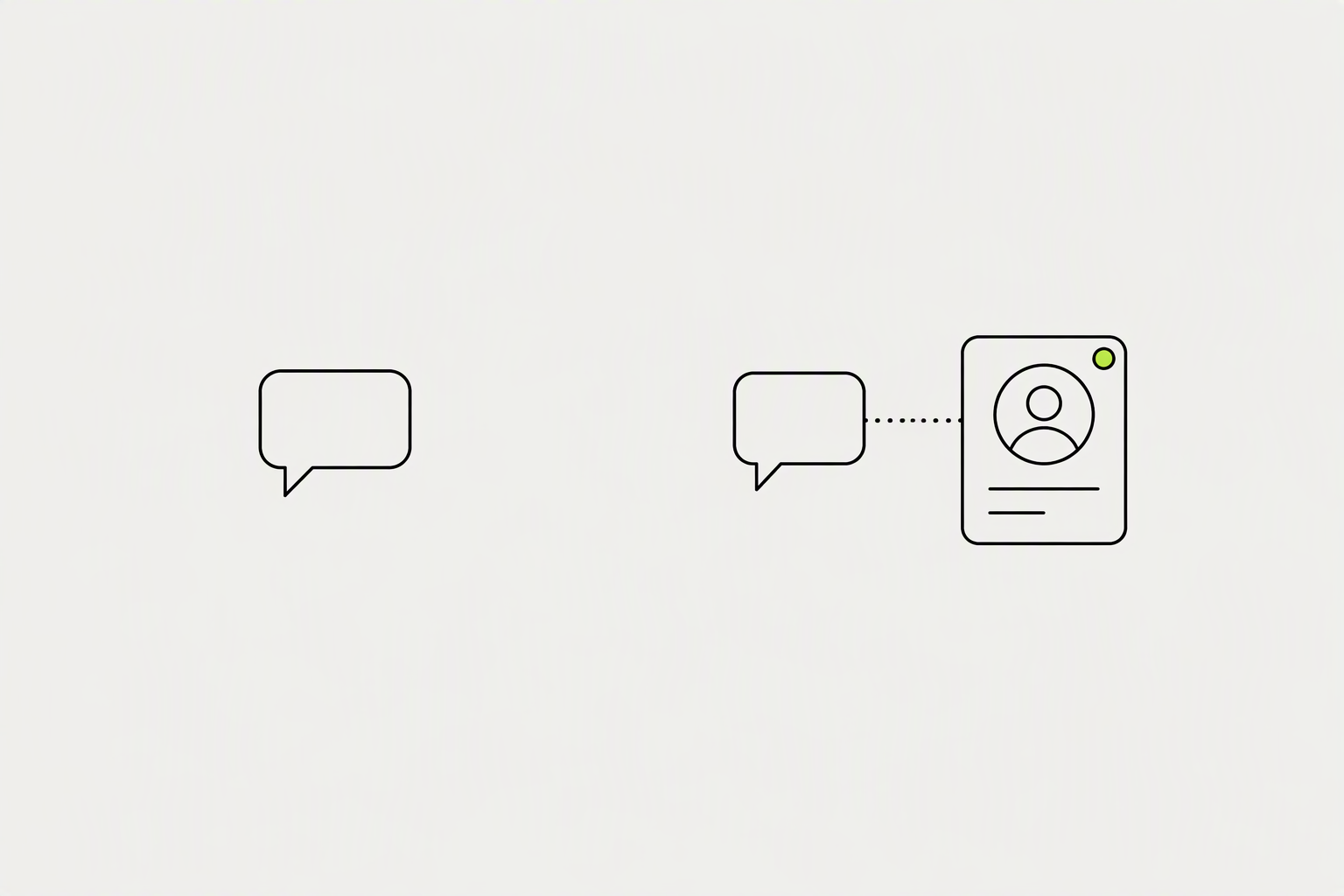
Leave thoughtful comments on posts from people in your target audience. When they visit your profile and see your newsletter, a percentage will subscribe.
Build a daily 30-minute commenting habit rather than sporadic 2-hour sessions.
- Find posts from people in your niche with 5k-50k followers that are trending (100+ likes in the first 2 hours).
- If someone asks about sales strategy and it's your niche, reply with a specific insight and add: "I write about this weekly in my newsletter if you want deeper dives."
- If you do not have something genuinely useful to add then do not comment at all.
What you can try now: LinkedIn Engagement Tracker Template
Each newsletter has its own dedicated landing page with a "Subscribe" button.
Your featured section, your headline, your banner image, and the first line of your about section should all point at the same sign-up link. Most people bury it in one place and wonder why nobody clicks.
On the desktop version of LinkedIn, you can only see the first 3 media types in the Featured Section.
- QR code: Create a scannable QR code from the URL and use it on print materials like business cards and handouts.
- Including a link to the LinkedIn newsletter in one's standard professional email signature provides a consistent, passive promotional opportunity.
- Write SEO-optimized articles on topics your newsletter covers, and include a CTA to subscribe at the end.
What you can try now: Free QR Code Generator, Free Email Signature Generator
Guest features are your highest-leverage subscriber growth tactic after cross-posting.
When you feature a guest practitioner in your newsletter, notify them that the issue is live and ask them to share it with their audience. A single share from a guest with 20,000 followers can generate 200 to 500 new subscribers in a day.
Find 3-5 LinkedIn creators in adjacent (not competing) niches with similar audience sizes. Agree to mention each other's newsletters in one issue per quarter.
- A newsletter about B2B sales and a newsletter about B2B marketing are perfect partners.
- Even if your collaborator has 300 subscribers and you have 300 subscribers, a co-authored issue can realistically expose your newsletter to 400-500 new potential subscribers in a single week.
- Guest quotes, short interviews, or co-authored issues borrow audiences ethically when you credit contributors and tag them in the teaser post.
What you can try now: Collaboration Email Templates
LinkedIn provides newsletter analytics showing views, reactions, comments, and subscriber growth per edition.
Note your subscriber count before and after each major growth activity (invite batch, cross-promo, viral post). Keep a simple spreadsheet tracking: date, action taken, subscriber count change. After 8 weeks, you'll have clear data on which channels drive the most growth for your specific newsletter.
LinkedIn notes that the open rate figure is an estimate and may not be precise.
- Watch subscriber growth alongside Email sends, open rate, article views, and engagements over several editions.
- High impressions but low opens: Test more specific headlines.
- A newsletter with 200 subscribers and 8 replies per issue is more commercially valuable than one with 2,000 subscribers and 2 replies per issue.
What you can try now: Free Newsletter Growth Rate Calculator, Newsletter Growth Tracker