

Table of Contents
- When a professional shares a post, they are implicitly making a statement about themselves.
- If your content doesn't check at least one of these boxes, it's unlikely to get shared.
- Reposts from the "right people" are the most effective way to grow on LinkedIn.
- I haven't been able to find a solid, platform-wide statistic showing how many views a reposted post will usually get.
- LinkedIn gives you three completely different ways to share someone else's post.
- "Share" is the older name for reposting, and some guides still use it.
- Reposting on LinkedIn does not hurt reach in any way LinkedIn has documented.
- No public data says which one performs better, so the choice comes down to what each option puts in the feed.
- More than half of all matured posts were never reposted once.
- Anyone benchmarking against an average LinkedIn number is benchmarking against outliers.
- Volume multiplies whatever is already true, so diagnose before you scale.
- Pull the numbers for your last ten posts and write down views and reactions side by side.
- Posts about social causes and business promotions get more reposts overall.
- While Business posts were found to be the most frequent, Interpersonal and Observance posts generate more comments and reactions comparatively.
- LinkedIn shows the first 210 characters of any post in the feed.
- On mobile, that cutoff is roughly 140 characters, on desktop, around 210.
- LinkedIn carousels are one of the most engaging and shareable formats on the platform.
- Use 1080 by 1350 pixels per slide.
- Directly asking for what you want can significantly increase your shares.
- One CTA is enough. When you ask two questions at the end, most readers answer neither.
- The hour you post decides the size of the room for that first test.
- LinkedIn hasn't confirmed an official 60- or 90-minute window, so treat it as a general concept rather than a hard rule.
- If the goal is amplification, employee reposts are the better default.
- Spread employee reposts across 24-48 hours, encourage genuine commentary instead of uniform shares.
- Reposting your own old content works differently and is usually the better move.
- We could not find a primary source for any waiting period.
- The public repost number is a floor rather than a total.
- Medians, not averages: one viral post will distort a mean past usefulness.
When a professional shares a post, they are implicitly making a statement about themselves.
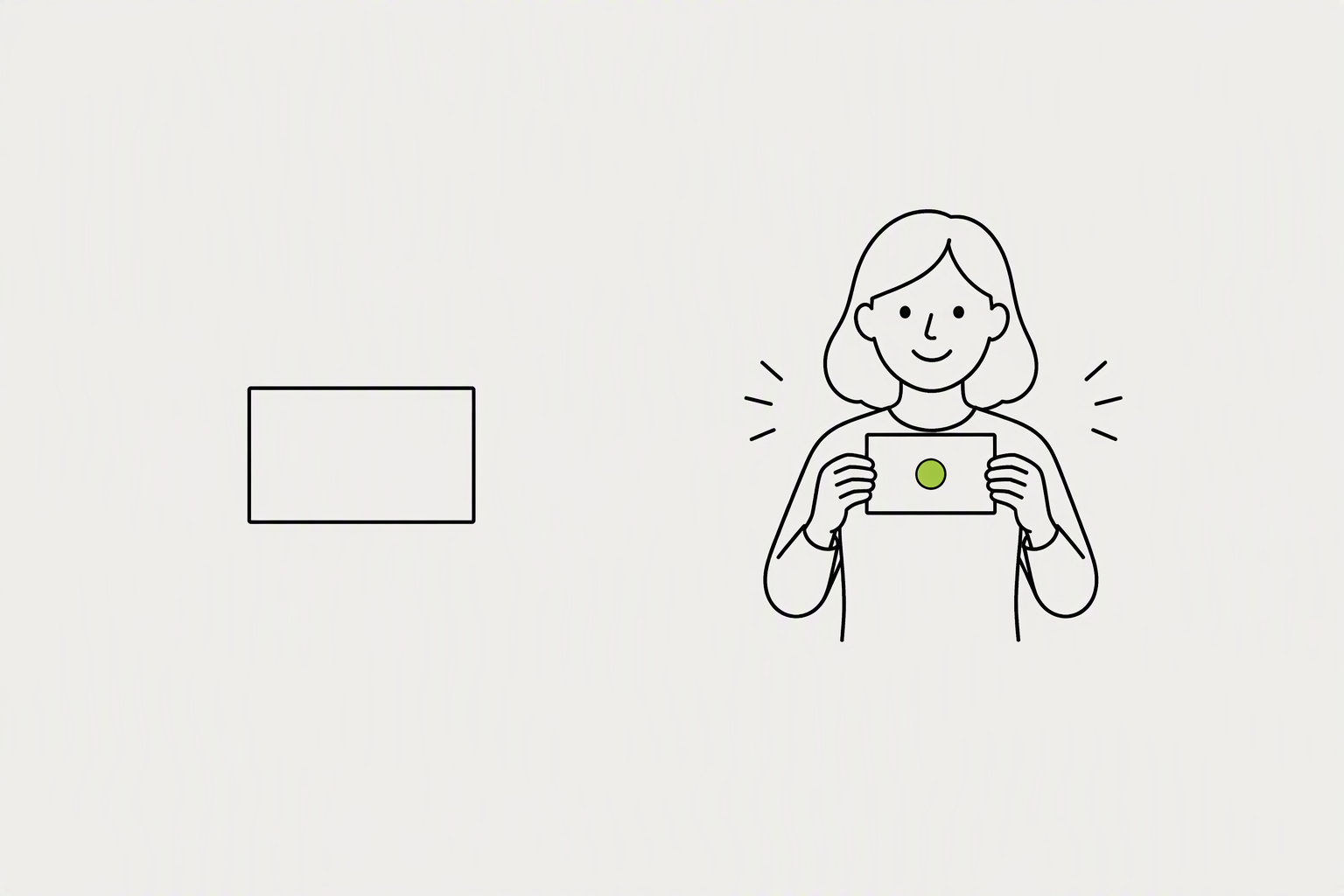
Think less about creating content that you want to post and more about creating content that someone else would want to be known for posting. People don't share content just because it's good, they share it for reasons that benefit them.
If your content doesn't check at least one of these boxes, it's unlikely to get shared.
- "This makes me look smart." Sharing insightful analysis, unique data, or a forward-thinking opinion helps people build their own personal brand as an expert or a thought leader.
- "This will help my network." Sharing a helpful tutorial, a useful framework, or a job opportunity is an act of generosity.
- "This is exactly what I was thinking!" Content that articulates a common frustration or a powerful belief that your audience already holds is incredibly validating.
What you can try now: Free LinkedIn Post Templates & Frameworks
Reposts from the "right people" are the most effective way to grow on LinkedIn.
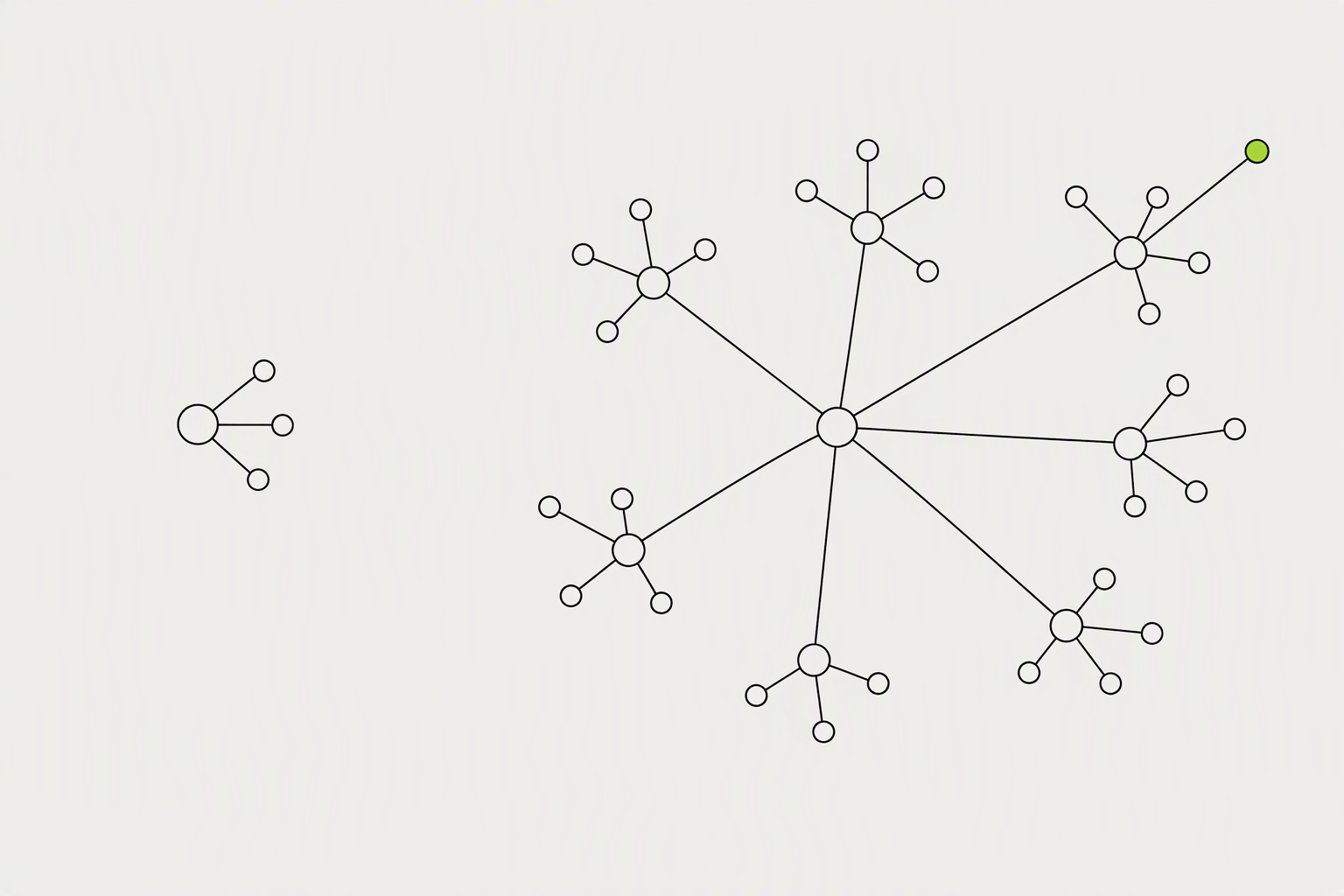
While likes are nice, a share is an endorsement - it's someone in your network telling their own network, "This is valuable, you need to see this." Posts with 200-500 engagements and at least 30 reposts typically get 18,000 to 30,000 impressions.
I haven't been able to find a solid, platform-wide statistic showing how many views a reposted post will usually get.
- LinkedIn prioritizes content that circulates through multiple networks.
- Reshares spread the post into networks you do not have access to, compounding reach beyond your own followers.
- Shares - lower in frequency but high in reach multiplication
LinkedIn gives you three completely different ways to share someone else's post.
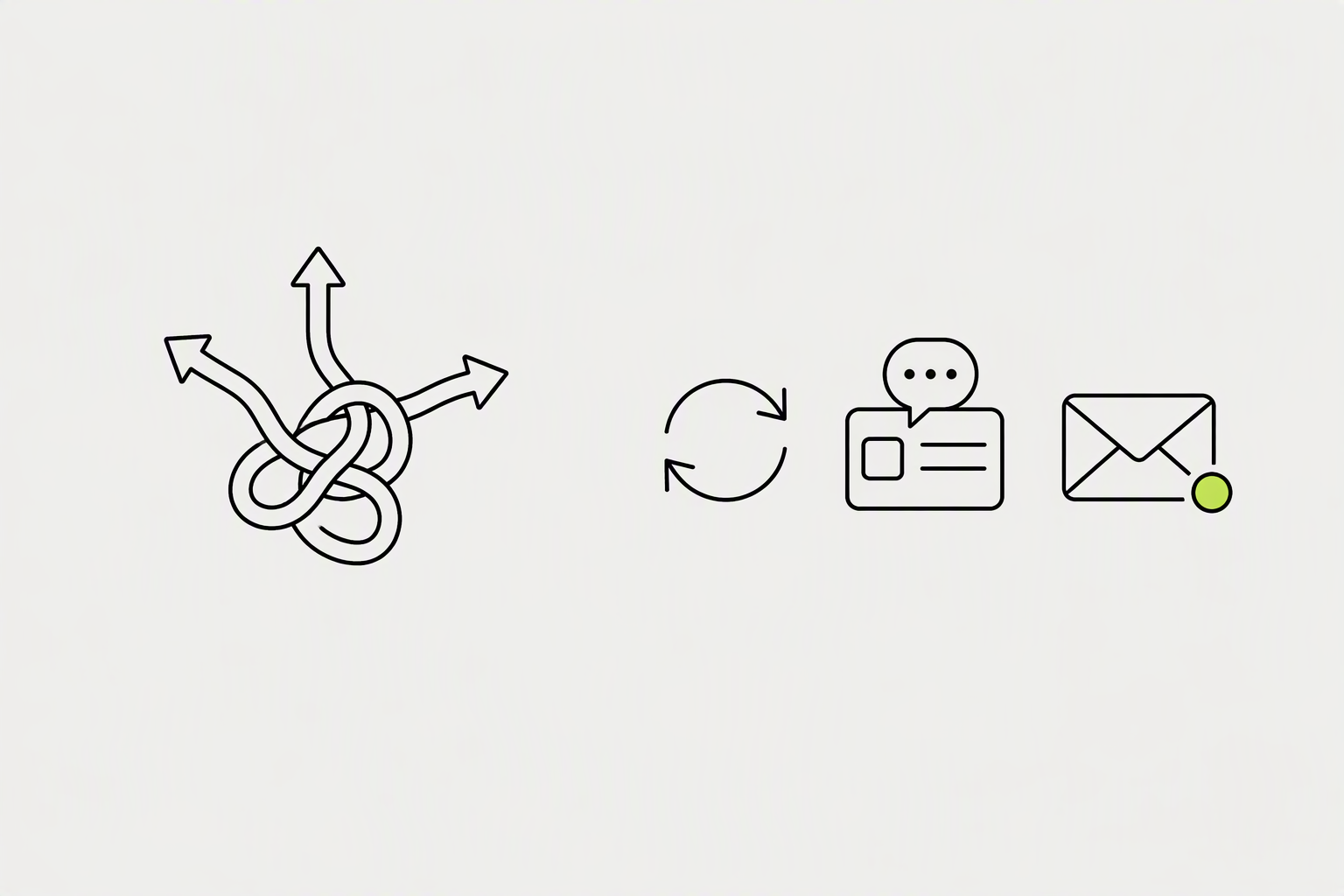
Repost sends it out under your name with no context. Repost with your thoughts adds your commentary above it. Send as a message keeps it private between you and one person or a group.
"Share" is the older name for reposting, and some guides still use it.
- A private Send doesn't show up in the post's list of reposts.
- When you repost (with or without commentary), any comments or reactions on your repost count separately from the original post's numbers.
- LinkedIn allows creators to turn off reposting on individual posts.
Reposting on LinkedIn does not hurt reach in any way LinkedIn has documented.

LinkedIn's algorithm rewards engagement depth over surface-level shares. A direct repost registers as a signal but doesn't carry the same distribution weight as a post with original text.
No public data says which one performs better, so the choice comes down to what each option puts in the feed.
- Instant repost (within 4 hours): Boosts the original post's growth by +40%
- Instant reposts mostly reach people who already follow you and happen to be scrolling at the right moment.
- Quote reposts with at least two or three sentences of real comment tend to get shown to a wider slice of your network, and occasionally reach the original poster's audience too if they engage back.
What you can try now: Free LinkedIn Post Analyzer
More than half of all matured posts were never reposted once.
Calculate your repost to like ratio. Don't compare your rate to a mega-account. Compare it to your own past posts.
Anyone benchmarking against an average LinkedIn number is benchmarking against outliers.
- The formula is simple: Engagement rate = (reactions + comments + reposts) / reach x 100
- Across the 219,456 posts we analyzed in 2026, the average LinkedIn engagement rate is 3.49%, so a post above that line is above average for the platform.
- A creator with 800 engaged followers will often beat someone with 50,000 passive ones.
What you can try now: LinkedIn Engagement Rate Calculator, Free LinkedIn Engagement Rate Calculator
Volume multiplies whatever is already true, so diagnose before you scale.
A post with 40 views and no reactions has a reach problem: barely anyone saw it. A post with 1,200 views and no reactions has a content problem: plenty of people saw it and scrolled past. Those are two separate failures, and treating them as the same thing is how people waste a week fixing the wrong issue.
Pull the numbers for your last ten posts and write down views and reactions side by side.
- Run the swap test on your last ten posts: change the byline to anyone else in your field and see if anything breaks.
- External links in the post body. The single most common self-inflicted reach killer.
- Topic drift. Jumping across unrelated subjects confuses the relevance model about who to show you to.
What you can try now: Free LinkedIn Post Grader
Posts about social causes and business promotions get more reposts overall.

Specific, step-by-step guidance is shareable. Break down a complex process into simple, easy-to-follow steps that someone can apply to their own work immediately.
While Business posts were found to be the most frequent, Interpersonal and Observance posts generate more comments and reactions comparatively.
- Industry insights. So people look informed when they share.
- Valuable resources. That others want to save and pass along.
- Actionable tips. That provide immediate value.
What you can try now: LinkedIn Post Idea Generator
LinkedIn shows the first 210 characters of any post in the feed.
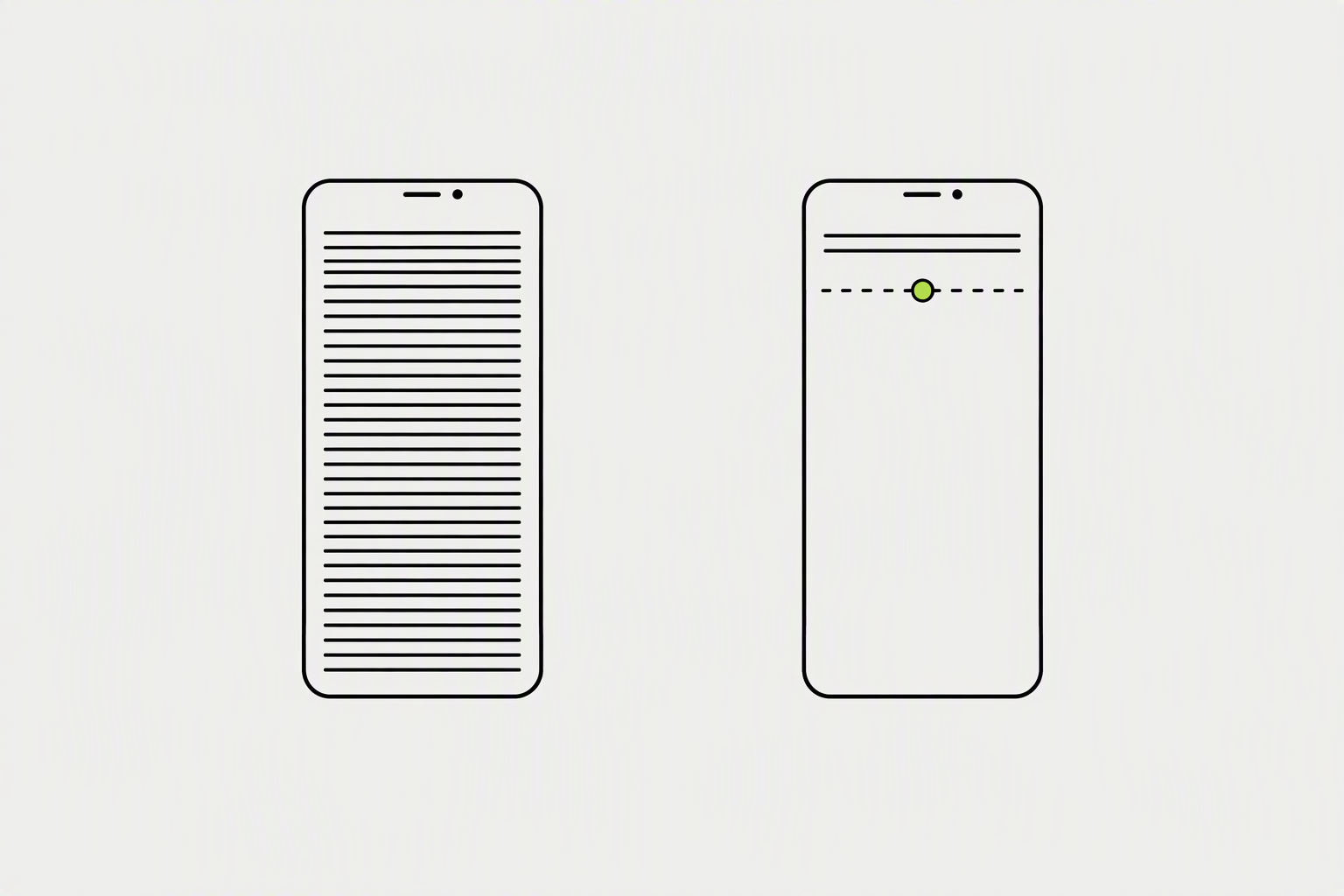
The first two lines of your post are the only thing people see before they click "...see more". This hook has one job: make them curious enough to click. Your hook is the only part 90% of readers will ever see.
On mobile, that cutoff is roughly 140 characters, on desktop, around 210.
- Makes a contrarian claim: Challenge a commonly held belief in your industry.
- Presents an intriguing statistic: A surprising number makes people lean in and want to know the story behind it.
- Starts with a personal confession: Vulnerability is magnetic.
What you can try now: Free LinkedIn Hook Generator, Free LinkedIn Post Preview
LinkedIn carousels are one of the most engaging and shareable formats on the platform.

Carousels get 3x more shares than single-image posts. Because they package so much value in one post, people love to share them as a resource. Naming things makes them shareable.
Use 1080 by 1350 pixels per slide.
- Start with a killer title slide that immediately tells people what they'll learn.
- Keep text minimal and large on each slide.
- Export as PDF, not as individual images.
What you can try now: LinkedIn Carousel Maker, LinkedIn Carousel Templates
Directly asking for what you want can significantly increase your shares.
After providing a ton of value in your post, end with a gentle nudge. Do not stack three asks in one post, pick one.
One CTA is enough. When you ask two questions at the end, most readers answer neither.
- "Who on your team needs to see this chart? Tag them below or share this post."
- End with a solid call to action, like "Share this if you found it helpful!"
- Before your call-to-action, briefly crystallize the core takeaway.
What you can try now: LinkedIn CTA Generator
The hour you post decides the size of the room for that first test.
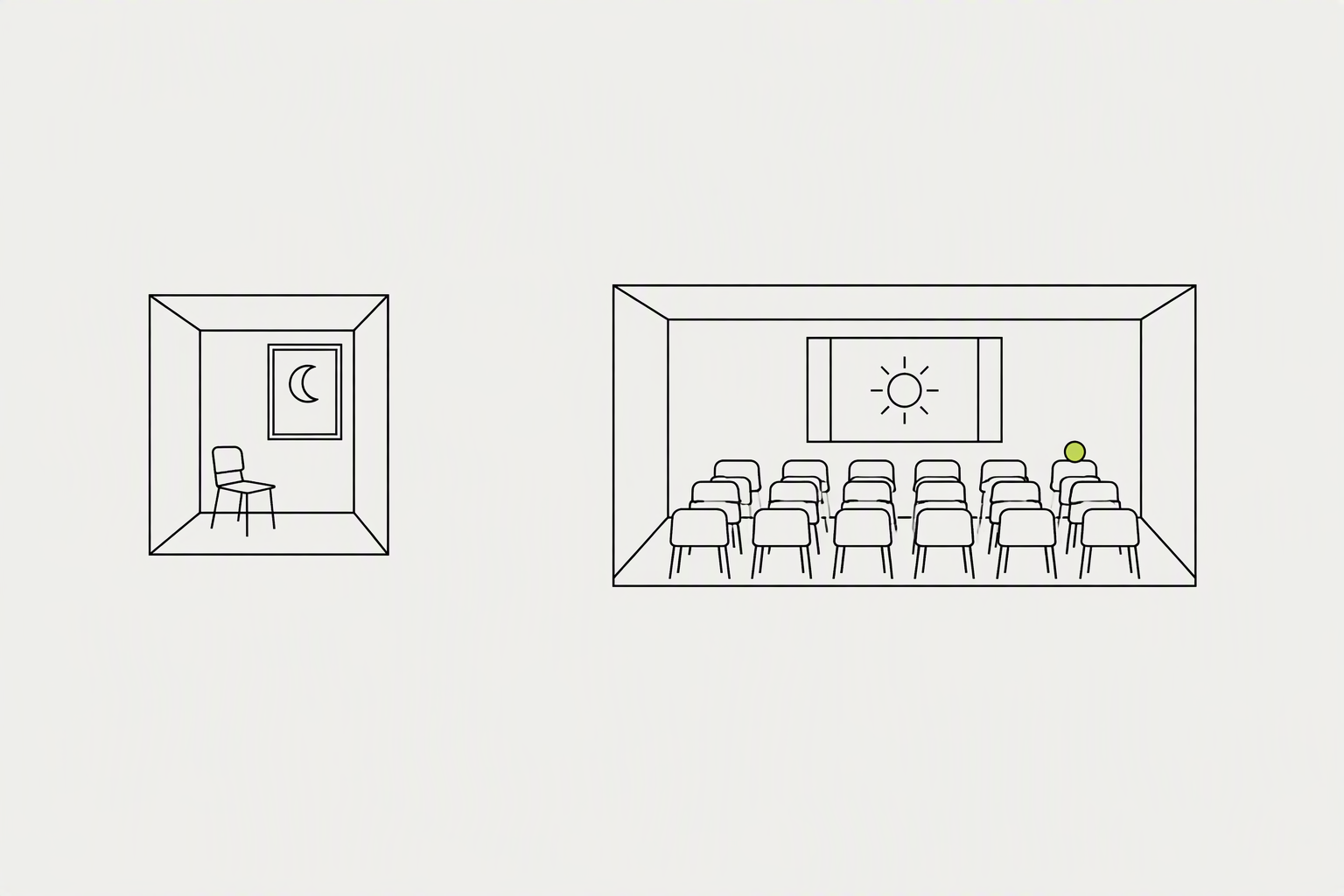
A new post goes first to a sample of your connections and followers. LinkedIn watches the first hour or so: dwell time (how long people stop on it), comments, reposts, and reactions, roughly in that order of weight. If the sample responds, the post is shown to their networks and to people who follow the same topics.
LinkedIn hasn't confirmed an official 60- or 90-minute window, so treat it as a general concept rather than a hard rule.
- Tuesday to Thursday mornings are the safest first guess for almost every professional audience.
- The best time to post on LinkedIn in 2026 is generally between 3 p.m. and 8 p.m. on weekdays, with Wednesday at 4 p.m. emerging as the strongest overall slot in our analysis of 4.8 million posts.
- Reposting works best in that narrow window where LinkedIn is still deciding how far to push the original post, roughly the first one to three hours after it goes live, when it comes from someone in your network with a decent engagement history on their own posts.
What you can try now: Best Time to Post on LinkedIn
If the goal is amplification, employee reposts are the better default.
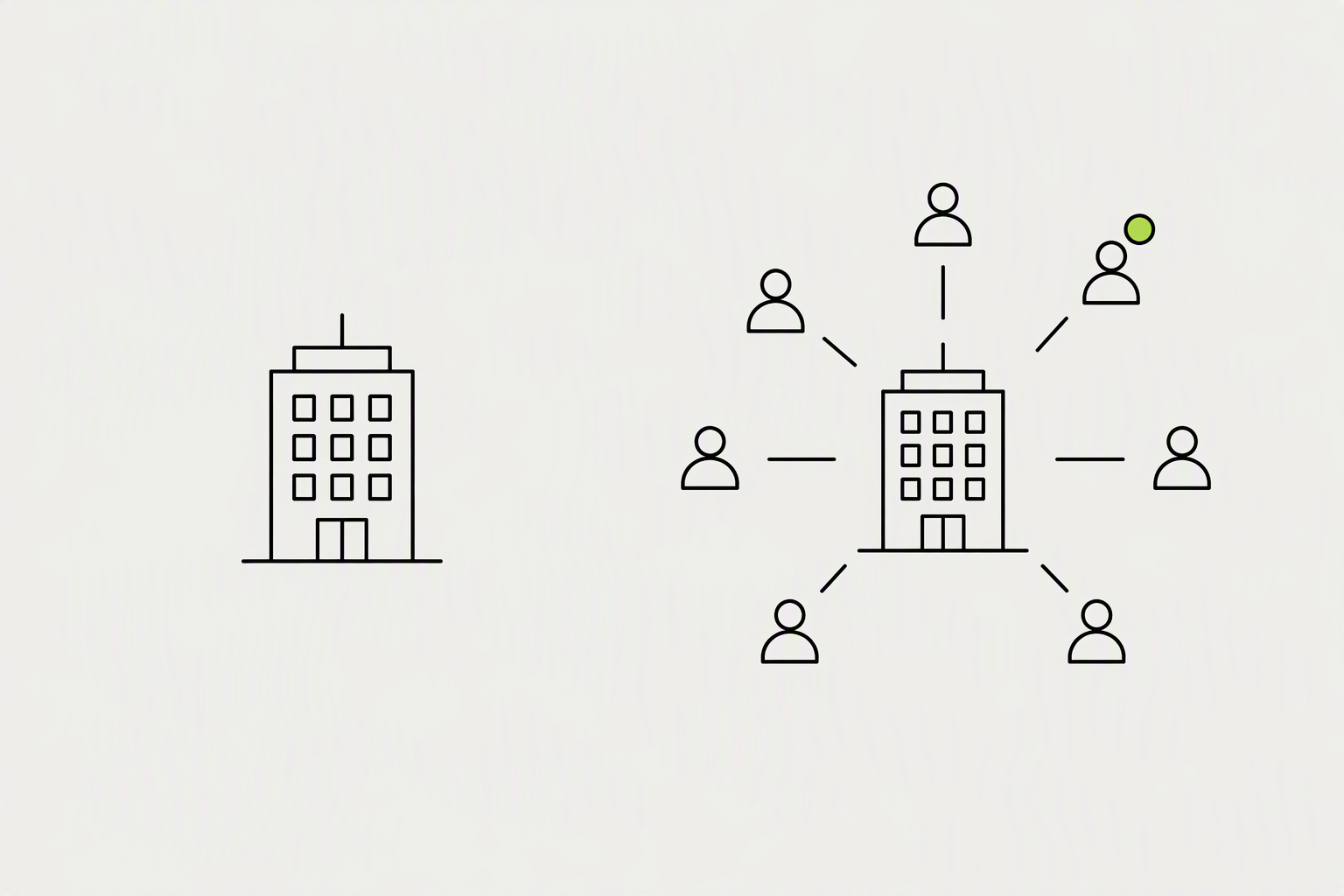
LinkedIn has a built-in way to nudge your team: when you post from your company page, you can notify employees so it shows up as a suggestion in their own feed to reshare. Teach advocates to read the hook, add one personal sentence, and post.
Spread employee reposts across 24-48 hours, encourage genuine commentary instead of uniform shares.
- Original posts created by employees earned 9.2x more engagement than unedited shares of curated posts.
- Research also shows that employees are 14 times more likely to share their company's content, and this sharing accounts for roughly 30% of total engagement on company posts.
- Mentions: tagging specific people who would genuinely want to see the post works: it imports their network into your reach pool.
What you can try now: LinkedIn Post Mockup for Employee Advocacy Programs
Reposting your own old content works differently and is usually the better move.
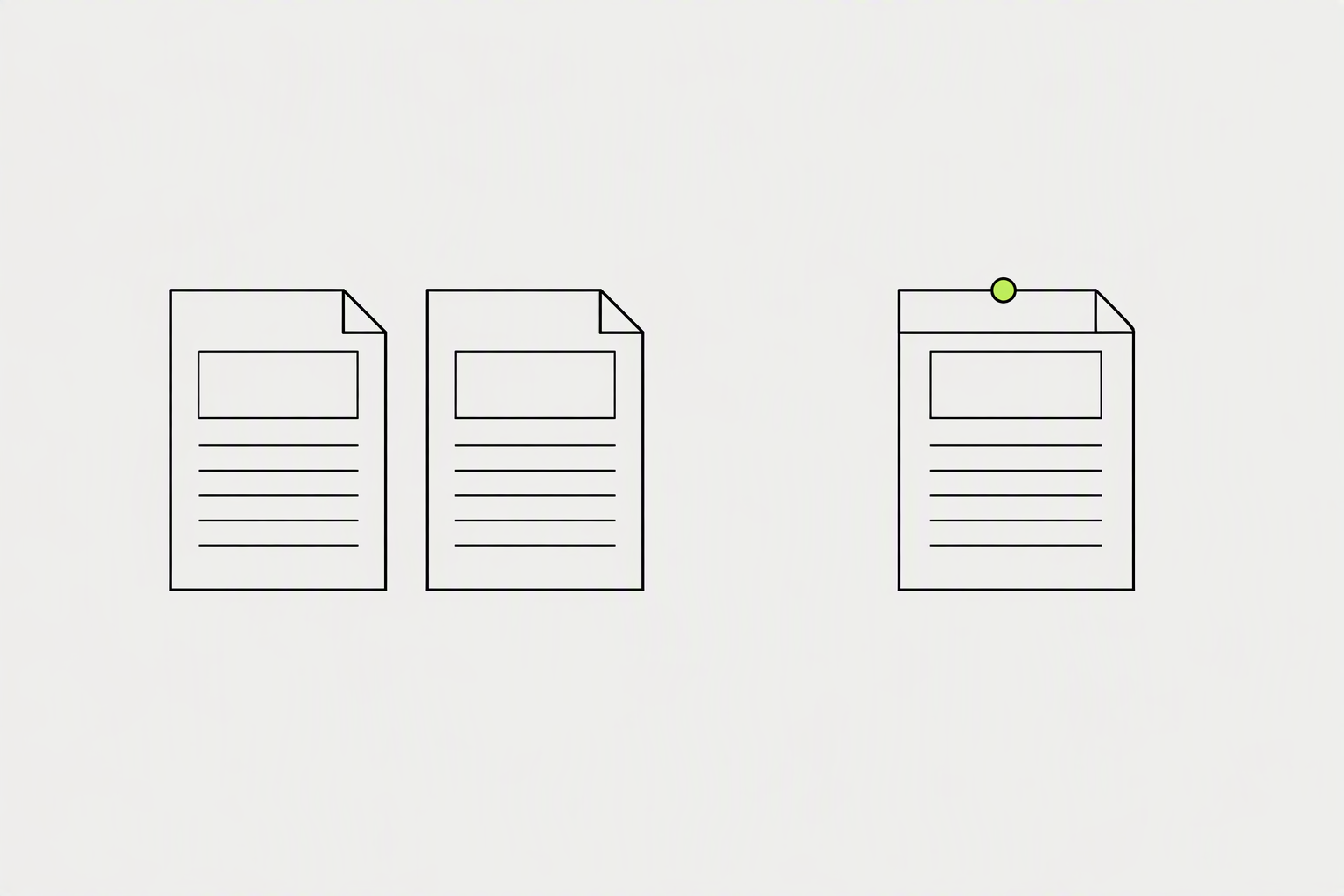
If a post underperformed, wait at least seven to ten days before resharing it, and change the framing rather than the wording. Turn a statement into a question, or lead with the result instead of the problem.
We could not find a primary source for any waiting period.
- Resharing your own strong post 24 to 48 hours after publishing is a legitimate way to catch a second wave from followers in other time zones or who missed it the first time.
- Your best material can run again three or four times a year if you keep giving it a new opening.
- Six to nine months between reruns is a sensible gap, weekly reposting of the same handful of posts reads as running out of ideas.
What you can try now: LinkedIn Hook Generator
The public repost number is a floor rather than a total.

The author can click the reposts count under their post to see who reposted it. Take the last 20 original posts and record the median impressions and the median comments.
Medians, not averages: one viral post will distort a mean past usefulness.
- Discovery: impressions, members reached, and the percentage of impressions that came from In network versus Out of network members.
- Social engagement: reactions, comments, reposts, saves and sends on LinkedIn.
What you can try now: LinkedIn analytics report template to copy