

Table of Contents
- LinkedIn posts earn more saves when they teach something readers want to use later.
- LinkedIn now weights saves and sends above reactions, and fewer than 3% of posts get saved at all.
- LinkedIn saves (also called "bookmarks") let users save posts to revisit later.
- As of mid-2026, your saves remain private, and authors can see aggregate save counts in their post analytics but cannot see who specifically saved their content.
- LinkedIn saves matter more than likes because they represent deliberate intent to revisit content
- Conversion ratio in our agency data: roughly 1 save for every 3-4 public reactions on B2B posts.
- A single save is worth roughly five likes in reach terms
- LinkedIn treats saves as a meaningful engagement signal, though the exact weight compared to likes, comments, and shares isn't publicly documented.
- Saves work like first-hour engagement: front-loaded saves dramatically expand the reach ceiling.
- In 2026, posts have more longevity, keeping relevance, on average, for 2 to 3 weeks.
- Above 2% means your content functions as a reference document.
- Rather than citing a single percentage target that applies universally, the more useful benchmark is the ratio of saves to likes on instructional posts.
- Weak saves come from content that is broad, reactive, or buried under slow-building prose.
- The save decision often happens in the first 8 to 10 seconds of reading.
- Frameworks are the most saved type of LinkedIn content because they're practical.
- A 20-item checklist gets saved and forgotten, while a 5 to 7 item one gets opened again before the next launch or campaign.
- Specificity increases save rate because specific content is useful in specific situations.
- Readers scanning a saved post on return need to locate the relevant section in under 10 seconds.
- Document posts drive roughly 2.6x their proportional share of all saves on LinkedIn.
- 6 to 10 slides is the optimal range for engagement and completion rate.
- Save CTAs are especially effective on posts that teach a repeatable workflow
- For an evergreen guide, "Save this for your next planning session" may be more appropriate than "Download now."
- Twenty saves from 1,000 members reached is a stronger signal than twenty from 10,000.
- To get save numbers, check your post analytics within 7 to 14 days of publishing.
LinkedIn posts earn more saves when they teach something readers want to use later.
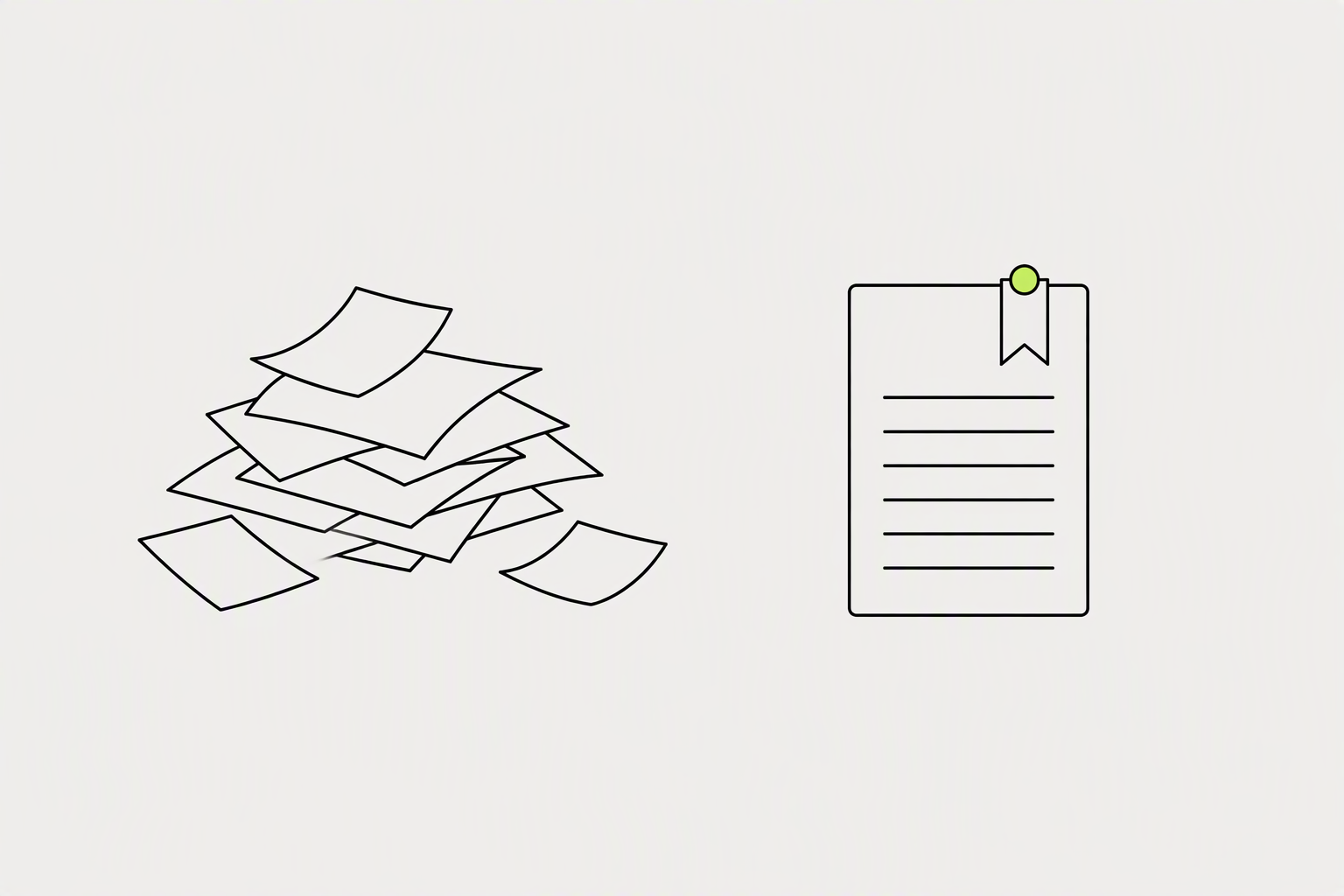
Strong saves come from content that is specific, structured, reusable, and immediately actionable. You don't need a massive audience to earn strong save rates. You need content that maps to a future moment in your reader's professional life and is clear enough that they know they'll want to return to it.
LinkedIn now weights saves and sends above reactions, and fewer than 3% of posts get saved at all.
- Reference value. The post outlives the moment it was read.
- Visible structure. Numbering, checkboxes, columns, steps.
- Immediate applicability. No theory that requires translation before use.
What you can try now: LinkedIn Post Analyzer: Free Score Before You Post
LinkedIn saves (also called "bookmarks") let users save posts to revisit later.
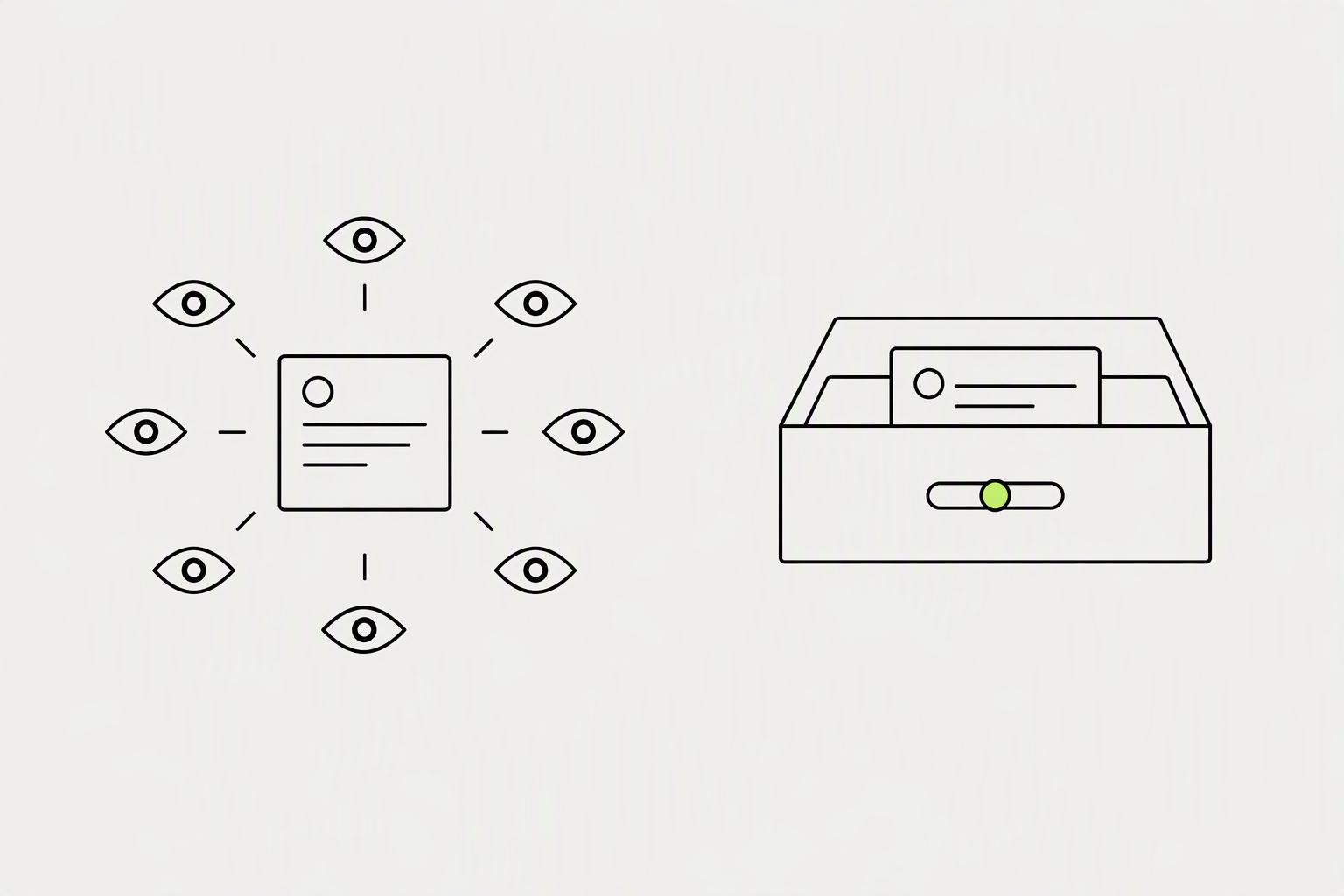
A save happens when a member taps the bookmark icon on a post. It sits in their personal saved list, invisible to anyone else, and it signals one thing: I will need this again. Saving is private, the author gets no notification, and nothing about it shows on your profile.
As of mid-2026, your saves remain private, and authors can see aggregate save counts in their post analytics but cannot see who specifically saved their content.
- Common mix-up: a reaction (Like, Celebrate, Insightful, and so on) is not a Save.
- A saved item points at the live post rather than storing a copy.
- There are no folders, tags, or categories for saved posts, and there is no dedicated search box inside the Saved posts view.
LinkedIn saves matter more than likes because they represent deliberate intent to revisit content
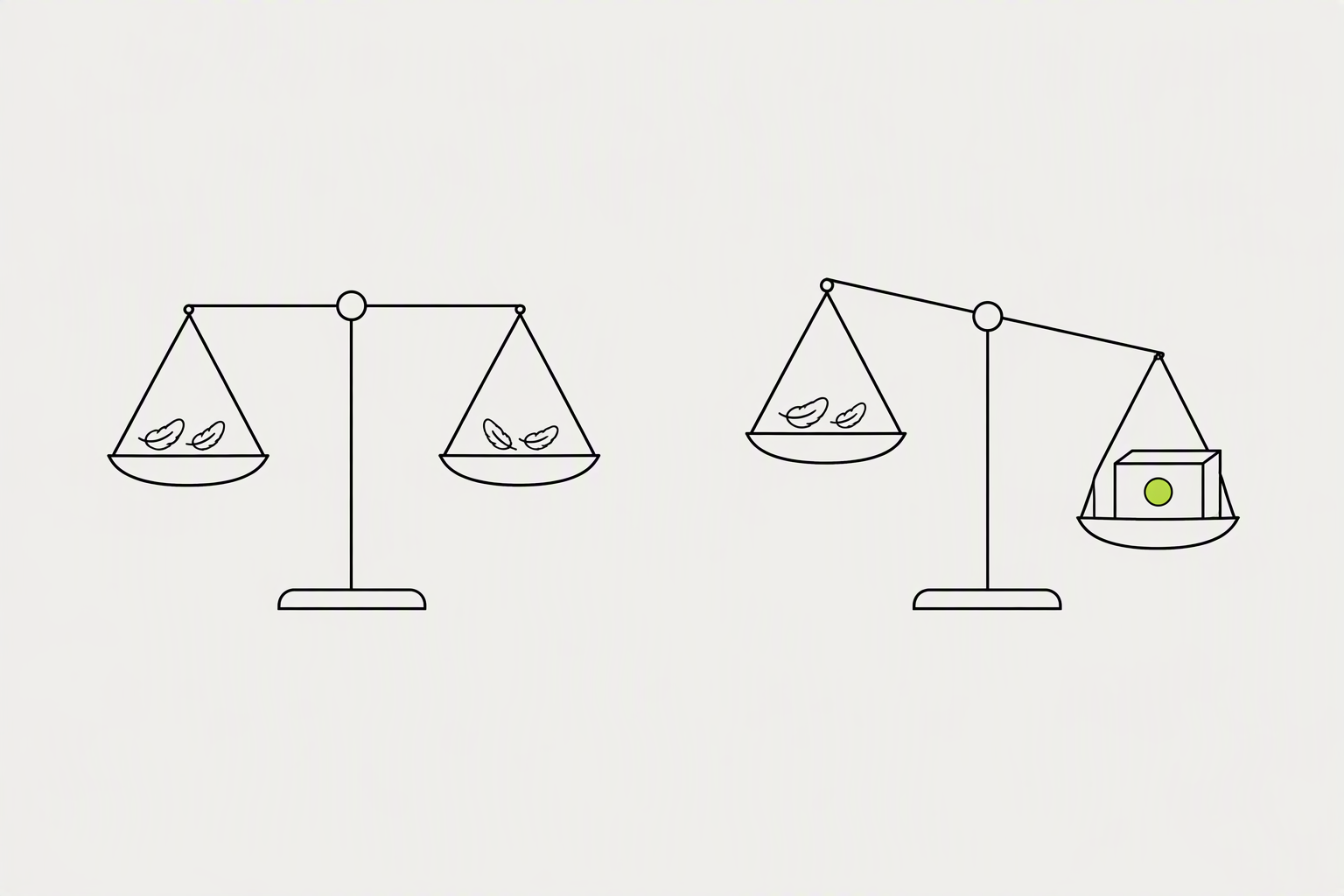
A like costs the reader nothing and commits them to nothing. A save costs a small act of intent. Someone looked at your post, decided it was worth returning to, and stored it for later.
Conversion ratio in our agency data: roughly 1 save for every 3-4 public reactions on B2B posts.
- Likes are "non-resistant" actions, often done without reading or real intent.
- A post can collect 800 likes and zero opportunities.
- A post with fewer likes but more saves is often doing a much better job.
What you can try now: Engagement Rate Calculator - Per Platform, With Benchmarks
A single save is worth roughly five likes in reach terms
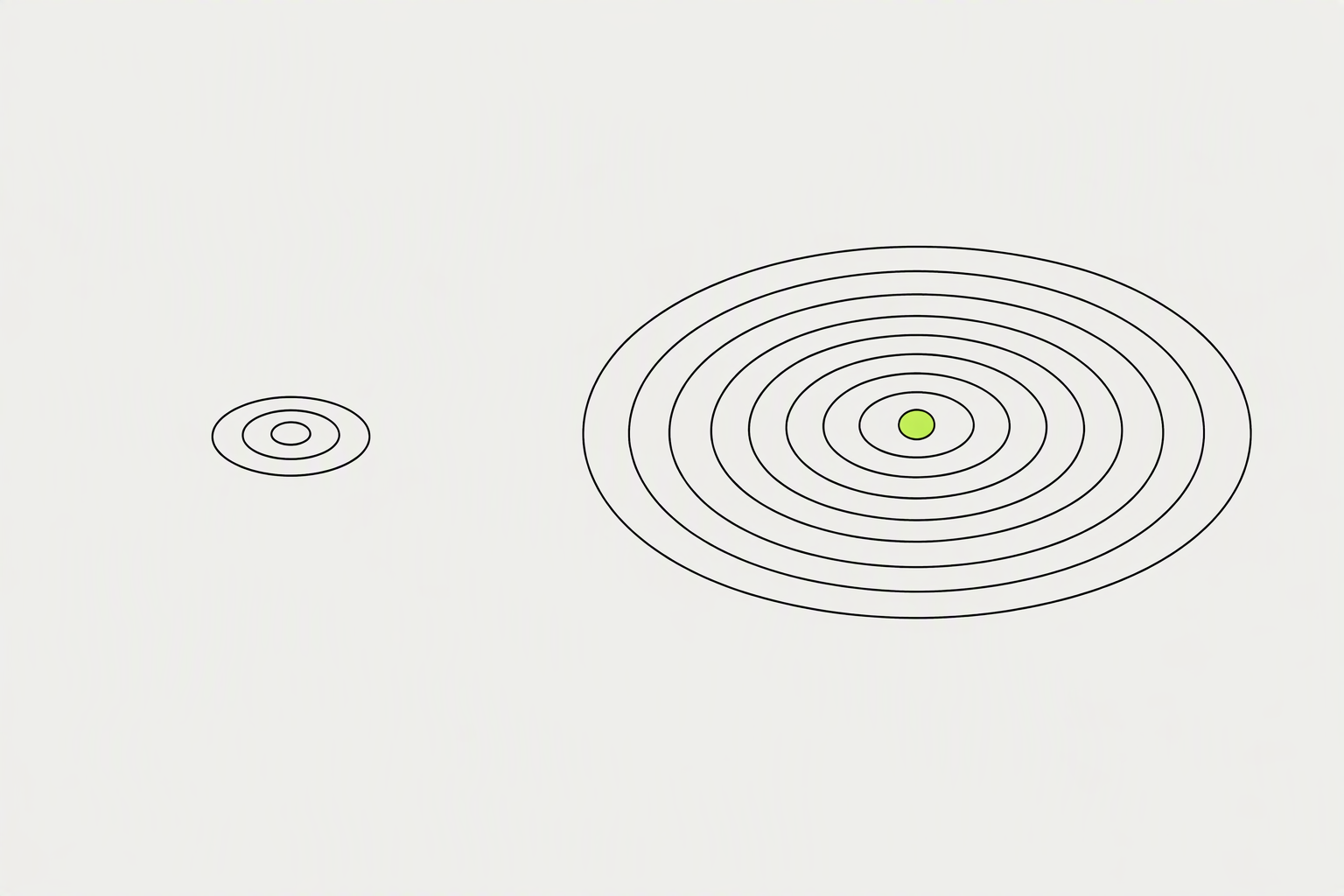
When the platform detects that a meaningful share of your audience is saving a post, it reads that as a sign that the content is genuinely useful. That triggers broader distribution to second and third-degree connections who haven't yet seen your work.
LinkedIn treats saves as a meaningful engagement signal, though the exact weight compared to likes, comments, and shares isn't publicly documented.
- A like and a save appear as equal units in your analytics total.
- The more friction a user overcomes to engage, the more reach the post earns.
- A handful of saves and a couple of specific, multi-sentence comments from a topic-matched audience can push a post forward, while a much larger pile of likes from a mismatched audience does not.
What you can try now: Engagement Rate Calculator - Multi-Platform Social Media
Saves work like first-hour engagement: front-loaded saves dramatically expand the reach ceiling.
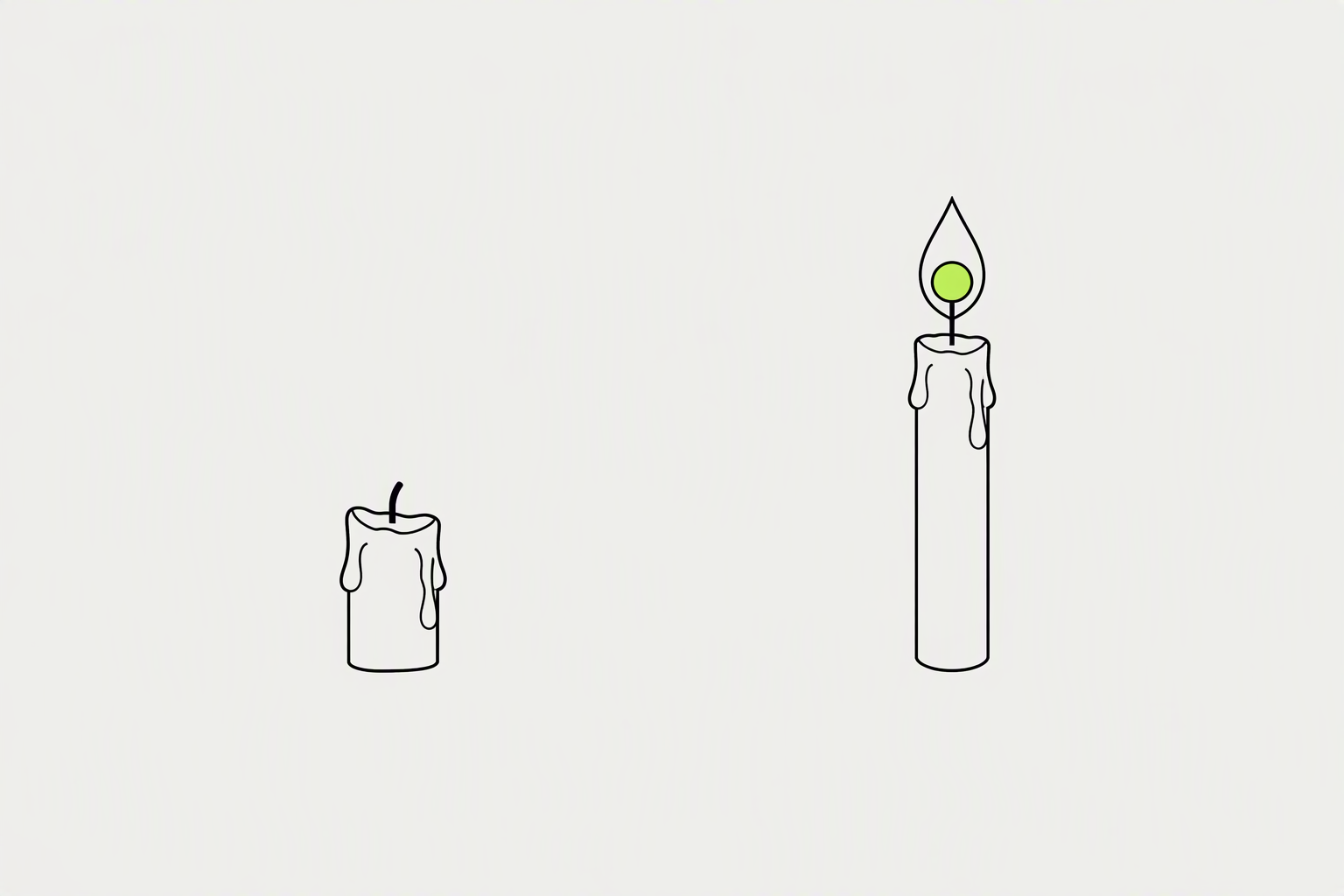
If a post hasn't earned a save in the first 90 minutes, the upper reach ceiling is essentially capped. Posts that earn consistent saves over multiple days can remain in active distribution well beyond what most creators expect. Delayed saves (24-72h after publishing) are weighted 4-6x more heavily than immediate ones.
In 2026, posts have more longevity, keeping relevance, on average, for 2 to 3 weeks.
- Top decile posts: 4+ saves in first 90 minutes
- Median posts: 0-1 saves in first 90 minutes
- Bottom decile: 0 saves in 24 hours
What you can try now: Best Time to Post on LinkedIn in 2026 (Free Heatmap)
Above 2% means your content functions as a reference document.
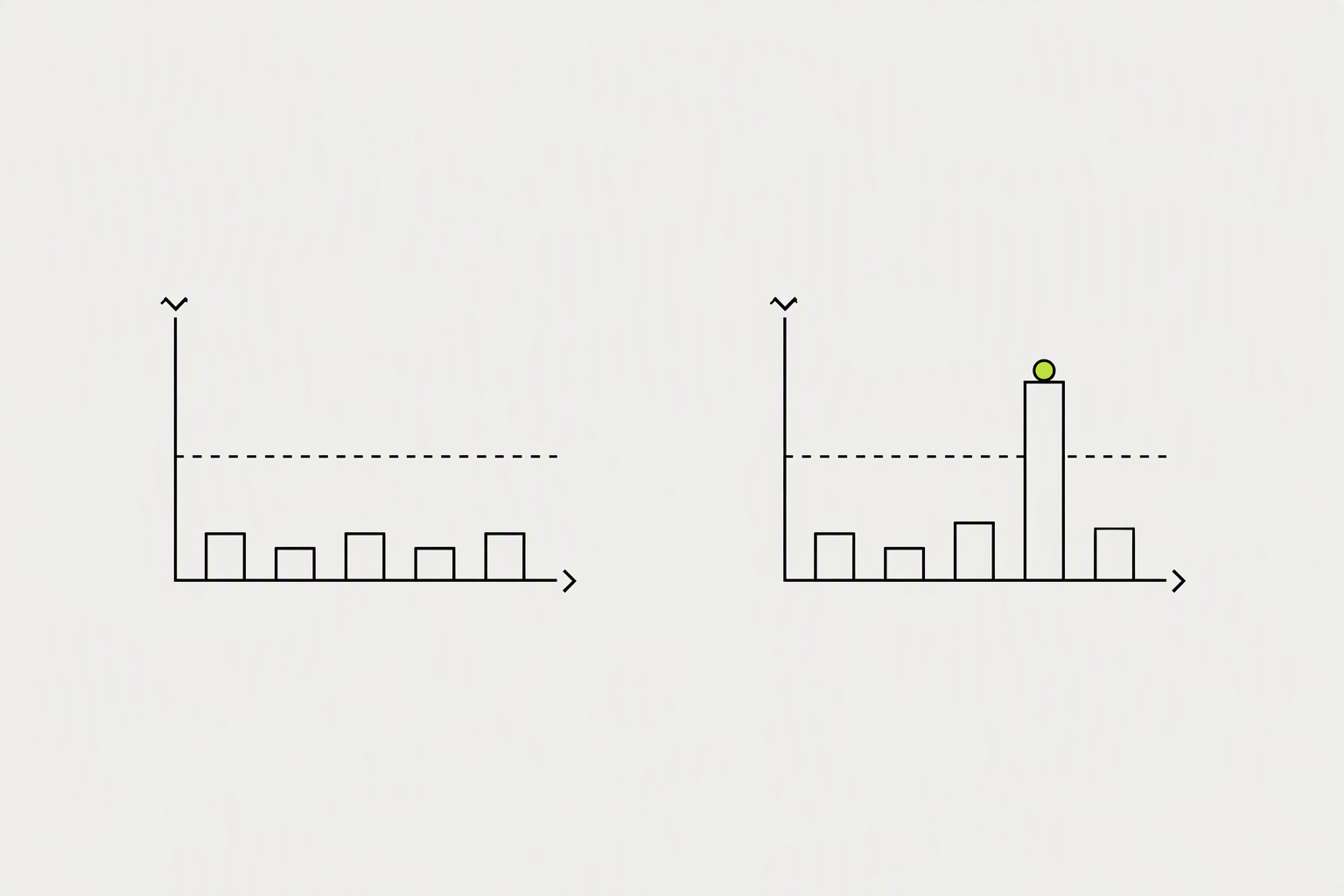
Between 1% and 2% is good. Between 0.5% and 1% is average. Under 0.5% means your content isn't save-worthy.
Rather than citing a single percentage target that applies universally, the more useful benchmark is the ratio of saves to likes on instructional posts.
- A post where saves approach or exceed 20 to 30 percent of the like count is performing well on the save dimension.
- A post where saves are under 5 percent of likes suggests the content is resonating emotionally but not generating the "I need to keep this" response.
- For a typical LinkedIn post written by a senior IC, the baseline save-to-like ratio sits around 0.03-0.06.
What you can try now: Social Media Save Rate Calculator
Weak saves come from content that is broad, reactive, or buried under slow-building prose.
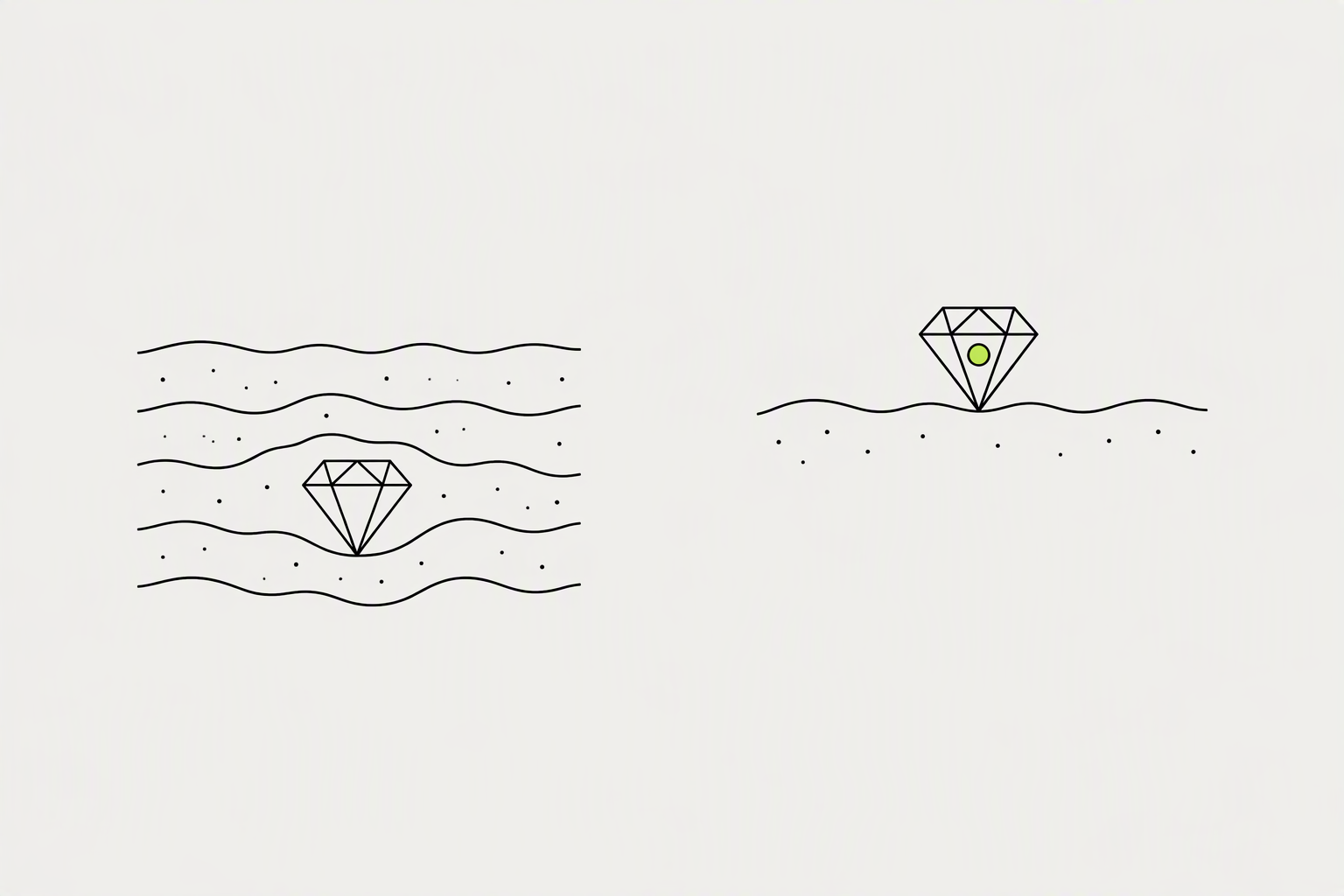
Generic advice does not save. "Five tips to sell better" gets scrolled past. "Five scripts tested on 200 industrial B2B leads" gets bookmarked, because specificity is what creates reference value in the first place.
The save decision often happens in the first 8 to 10 seconds of reading.
- If your best, most reusable insight is three paragraphs deep and the opening is vague or slow, readers scroll past before they reach the value.
- A block of text prose is harder to re-read on return than a numbered list or a structured template.
- Ending a framework carousel with "book a call" breaks the contract the post made in its first line.
What you can try now: LinkedIn Post Hook Analyzer & Scorer
Frameworks are the most saved type of LinkedIn content because they're practical.
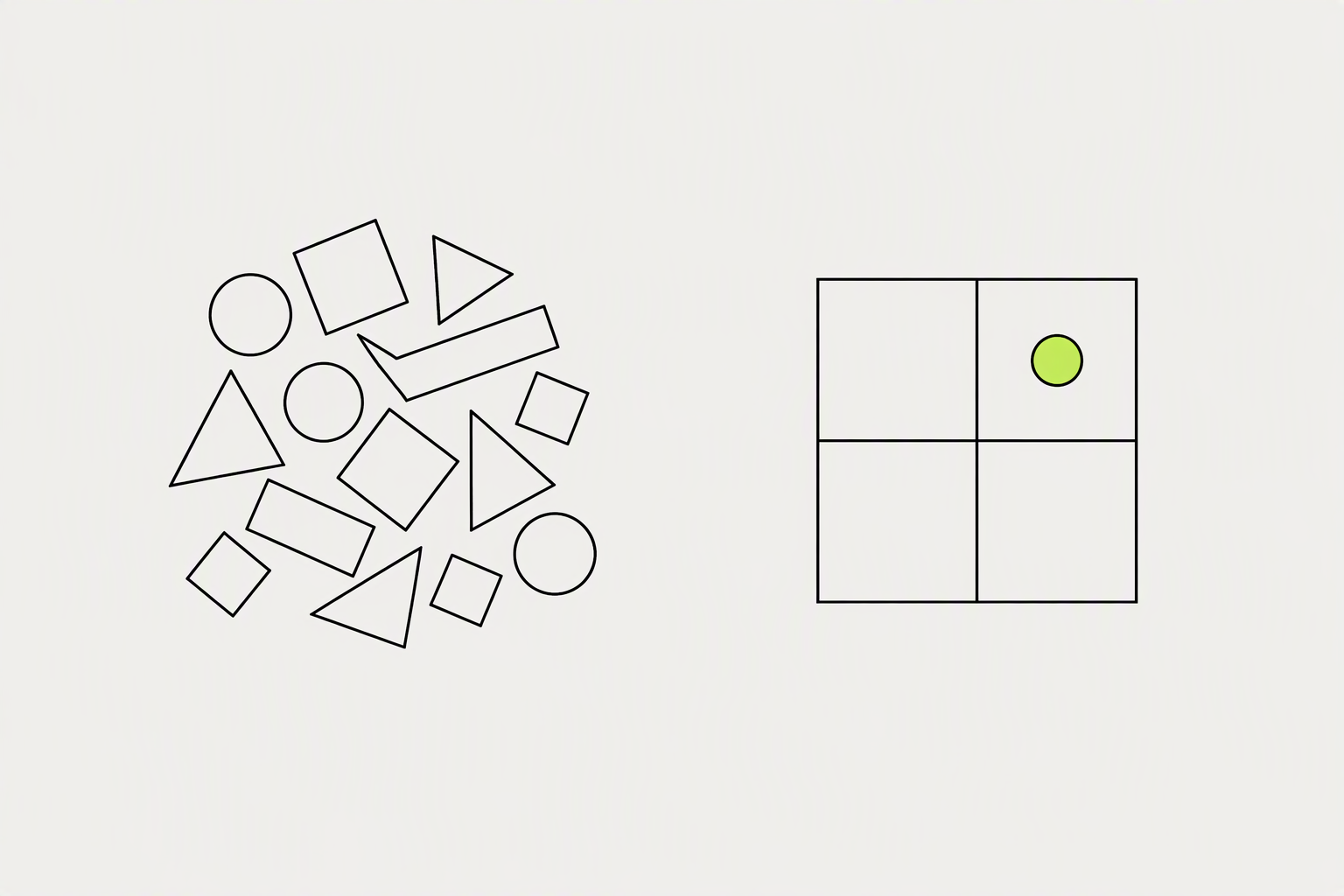
People save posts they intend to use again: a checklist, a framework, a breakdown of a decision, a here is exactly how I did this walkthrough. They like posts that made them feel something for five seconds. Personal reflection posts and opinion pieces tend to generate higher comment and like rates relative to saves.
A 20-item checklist gets saved and forgotten, while a 5 to 7 item one gets opened again before the next launch or campaign.
- Numbered frameworks and step-by-step processes rank highest.
- A genuinely reusable template gives people a reason to save the post, which is a strong engagement signal in its own right.
- Data-rich posts with benchmark data earn saves from people who will reference the figures in presentations or conversations later.
What you can try now: LinkedIn Carousel Templates
Specificity increases save rate because specific content is useful in specific situations.
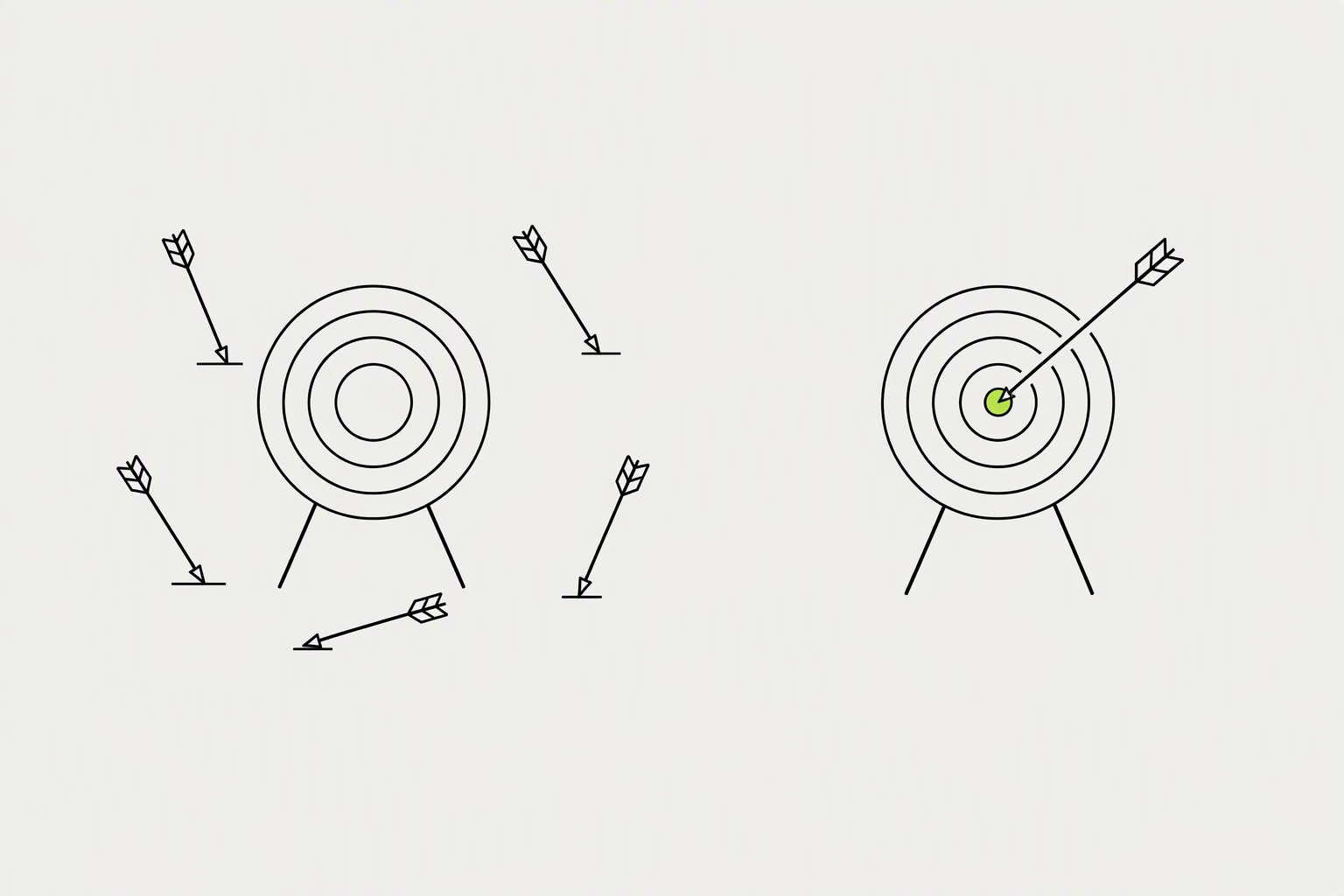
Before you write, state who will save this post and when they will return to it. If you can't name a return scenario, restructure the content. "Leadership lessons I've learned" generates low save rate because it doesn't map to a specific future need.
Readers scanning a saved post on return need to locate the relevant section in under 10 seconds.
- Use numbered or bulleted lists for any structured content.
- If a line can be deleted without the reader losing anything, delete it.
- Finish every instructional post with a single line that tells the reader what to do with the framework.
What you can try now: Free LinkedIn Text Formatter, Free LinkedIn Post Preview: Check Your Hook (No Login)
Document posts drive roughly 2.6x their proportional share of all saves on LinkedIn.
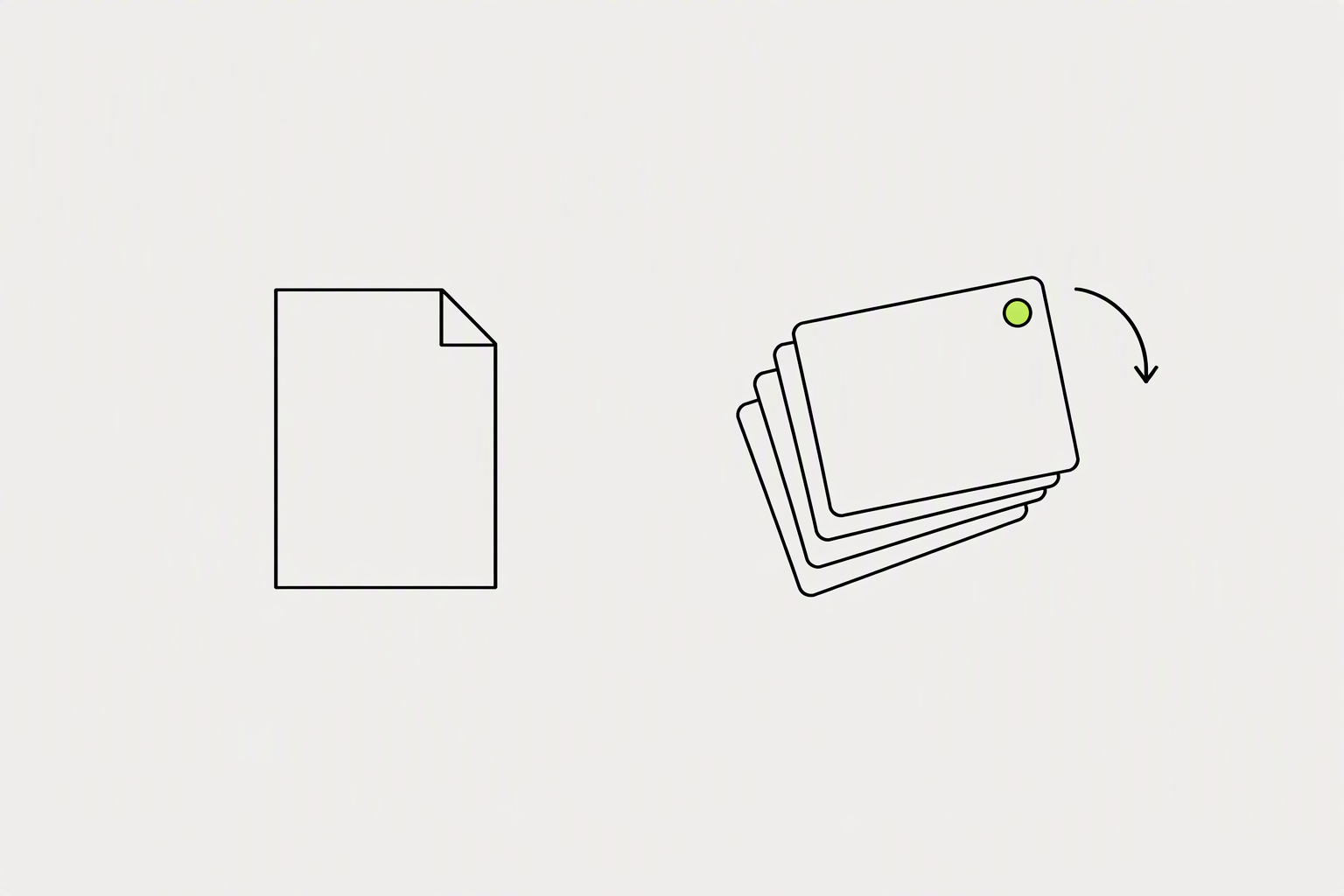
Document posts are the format that earns saves most reliably because viewers treat them as reference material they will want to come back to. A carousel posted on Tuesday can earn new reach on Thursday. A text post rarely does.
6 to 10 slides is the optimal range for engagement and completion rate.
- Cover: name the resource and the task it helps with.
- Example: the resource applied to a real situation.
- Recap: the whole resource on one slide.
What you can try now: LinkedIn Carousel Maker: Free, No Signup
Save CTAs are especially effective on posts that teach a repeatable workflow
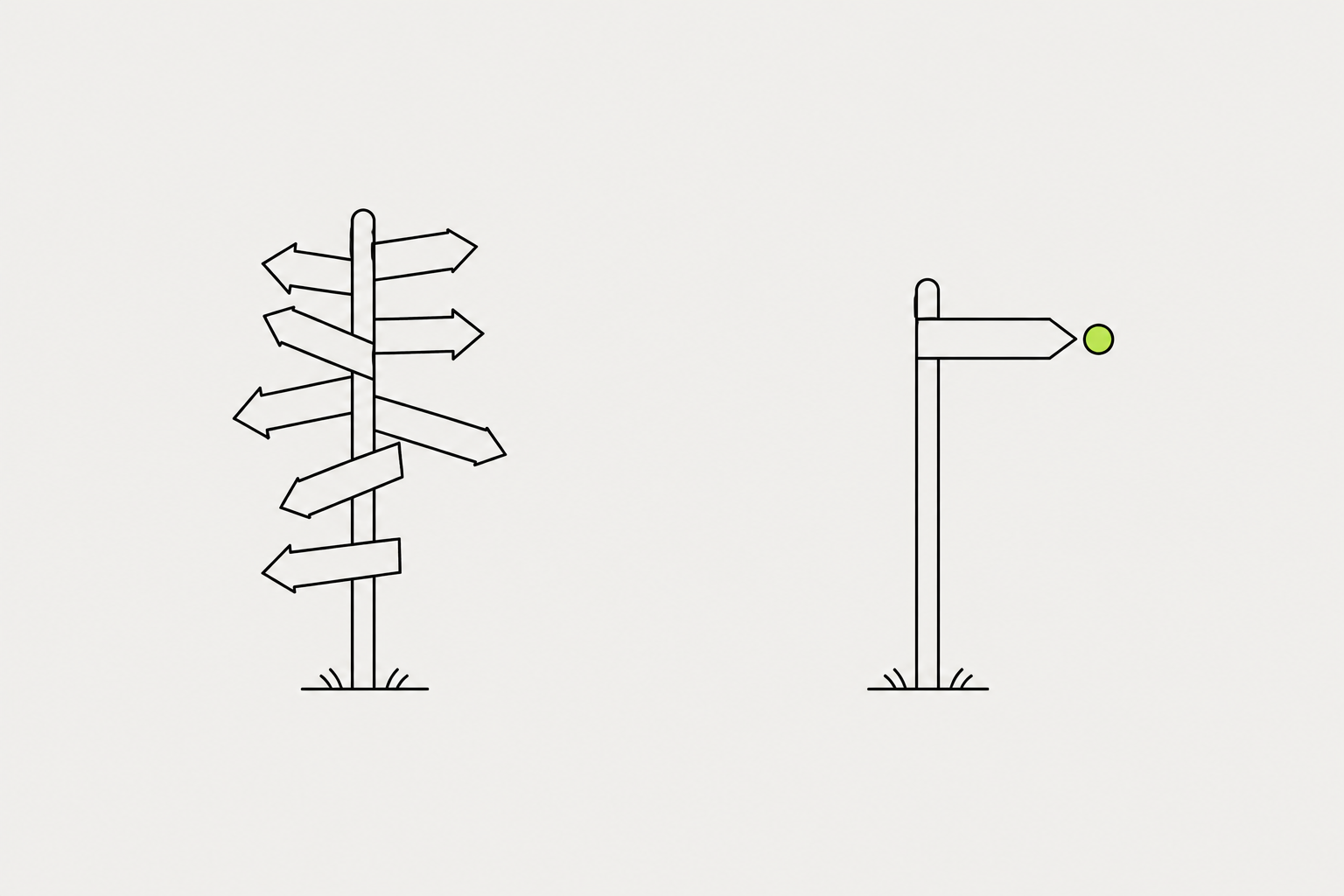
Many people don't know the save feature exists, so telling them how to use it actually helps. Multiple asks ("comment, follow, share, and check the link") dilute each other and people do none. Skip covers that beg for saves or promise more than the slides deliver.
For an evergreen guide, "Save this for your next planning session" may be more appropriate than "Download now."
- Ask for the save, once, at the end.
- Put the save earlier in the post, near the table or list it points to, and put the comment ask at the end.
- For saves: tell them to save it ("save this for your next pitch").
What you can try now: LinkedIn CTA Generator
Twenty saves from 1,000 members reached is a stronger signal than twenty from 10,000.
Go to any post you've published, click "View analytics" beneath the post, and look for the saves figure under the engagement breakdown. Save rate is saves divided by impressions, multiplied by 100. LinkedIn says these numbers are estimates, so look for clear differences rather than small ones.
To get save numbers, check your post analytics within 7 to 14 days of publishing.
- Posts from a LinkedIn Page are measured differently: Page content analytics report impressions, members reached, clicks, reactions, comments, reposts and engagement rate.
- Compare like with like. Put checklists beside checklists, and note what changed in the cover, the example and the last slide.
- Judge a format over several posts. One carousel can do well or badly for reasons that have nothing to do with its format.
What you can try now: Save Rate Calculator, LinkedIn analytics report template to copy