

Table of Contents
- The fastest way to grow on Mastodon is to be a good community member first.
- This compounds over months. People boost accounts they trust and like - and being visibly engaged is the primary trust signal on Mastodon.
- Mastodon's home timeline is strictly reverse-chronological, with no engagement algorithm reordering or resurfacing posts.
- Because of the way federation works, follower numbers don't matter as much as having followers on other servers.
- Your instance matters more on Mastodon than your server choice on most platforms.
- You can migrate your account to a different Mastodon instance at any time. The process moves your followers but not your posts.
- On Mastodon, people are unusually deliberate about who they follow.
- You can set a bio of up to 500 characters by default.
- A good intro post will get you some boosts and follows from like-minded people.
- On Mastodon, you may pin up to 5 posts to the top of your profile.
- On Mastodon, posts without hashtags are virtually invisible beyond your immediate followers.
- Three to five is the community norm. Not every post needs hashtags - conversational replies rarely benefit from them.
- Open-ended posts that invite replies tend to generate more meaningful engagement than announcements.
- To help you put this content strategy into action right now, here is a simple weekly challenge you can follow:
- Adding alt text to your images is close to mandatory etiquette on Mastodon.
- Alt text allows 1,500 characters per image, separate from post limits, reflecting Mastodon's strong accessibility focus.
- The boost is the true engine of organic growth on Mastodon.
- The right ratio depends on your role. Curators boost more than they post, creators usually post more than they boost.
- On a strictly chronological feed, when you post is close to who sees it.
- Mastodon publishes no central engagement data. The window of primary visibility is narrow - usually the hour or two after posting.
- Chances are you have an existing network of followers at your disposal.
- When mentioning your other account publicly, use the full @[email protected] format so followers can find and follow it.
- High favourites with low boosts suggests content that resonates personally but isn't share-worthy.
- Mastodon doesn't have view counts at the protocol level.
- A tweet that works well with character limits and hashtags often feels spammy on Mastodon.
- Inside the web interface, you can turn on an automatic warning that stops you from publishing until your images are described.
- Growth on Mastodon is slower than on algorithmic platforms - by design.
- Here's a simple starting workflow:

The fastest way to grow on Mastodon is to be a good community member first.
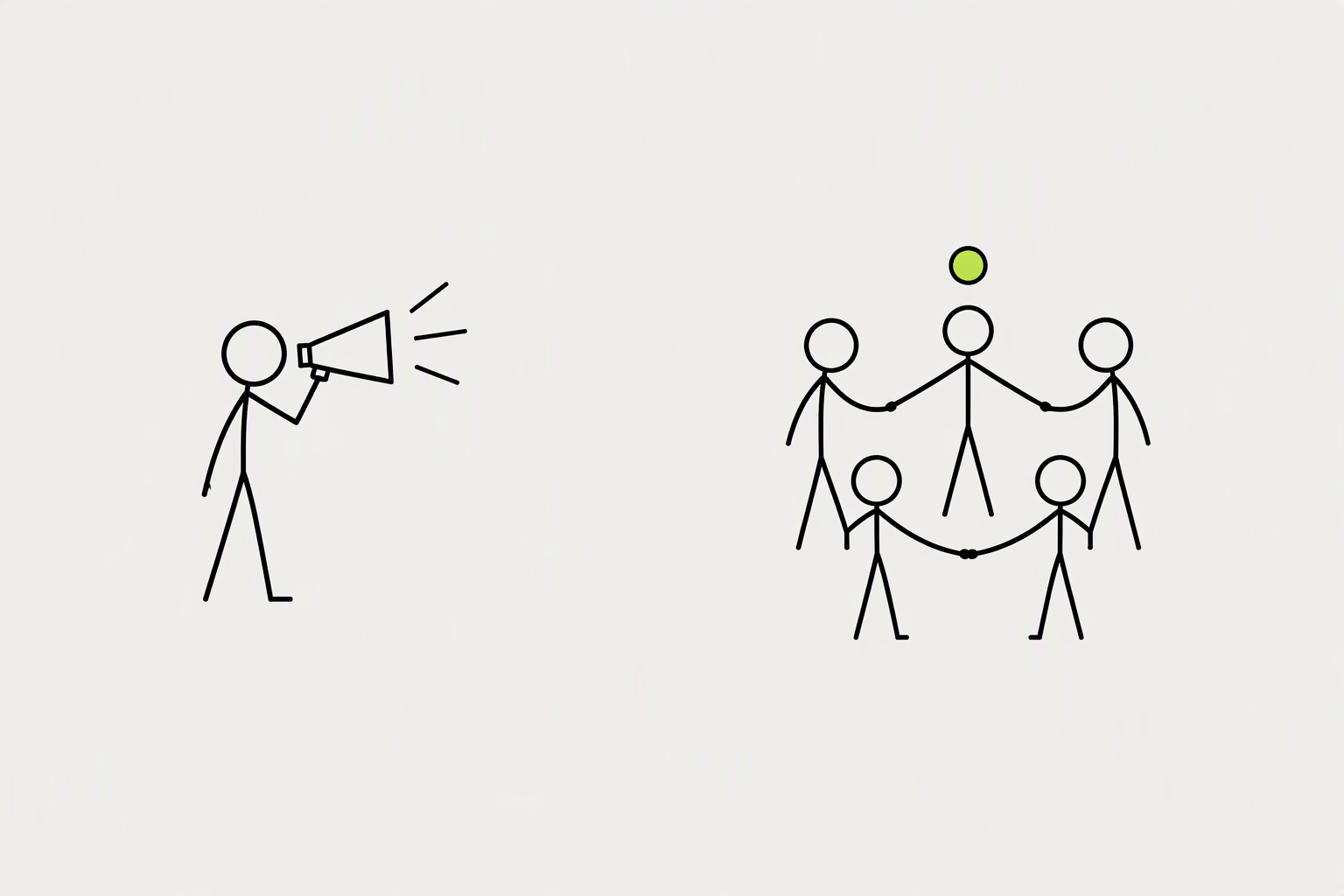
On Mastodon, the game is to be discoverable and worth following, then to let word of mouth (in the form of boosts) carry you. Mastodon's culture is different: less algorithmic amplification, more community-driven discovery, and a strong norm around genuine conversation over broadcast.
This compounds over months. People boost accounts they trust and like - and being visibly engaged is the primary trust signal on Mastodon.
- Spend 15-20 minutes per day reading local and federated timelines and replying genuinely
- Respond to every reply to your posts, especially early in your growth
- Follow and engage with established voices in your niche
What you can try now: Mastodon Starter Pack Directory
Mastodon's home timeline is strictly reverse-chronological, with no engagement algorithm reordering or resurfacing posts.

Your posts appear in three places: the home feeds of people who already follow you, the feeds of anyone who follows a hashtag you used, and public "timelines" that show recent posts in raw chronological order. Mastodon tends to recommend through social context: who someone follows, what communities they join, and which hashtags they track. If nobody on your server follows someone on a remote server, that person's posts are invisible to your search.
Because of the way federation works, follower numbers don't matter as much as having followers on other servers.
- Local timeline: Public posts from people on the same instance.
- Federated timeline: Public posts known to the instance from across connected servers.
- If you can get even one follower from another server, it means anything you post after that follow will be searchable to everyone on that server.
What you can try now: MastoGizmos
Your instance matters more on Mastodon than your server choice on most platforms.
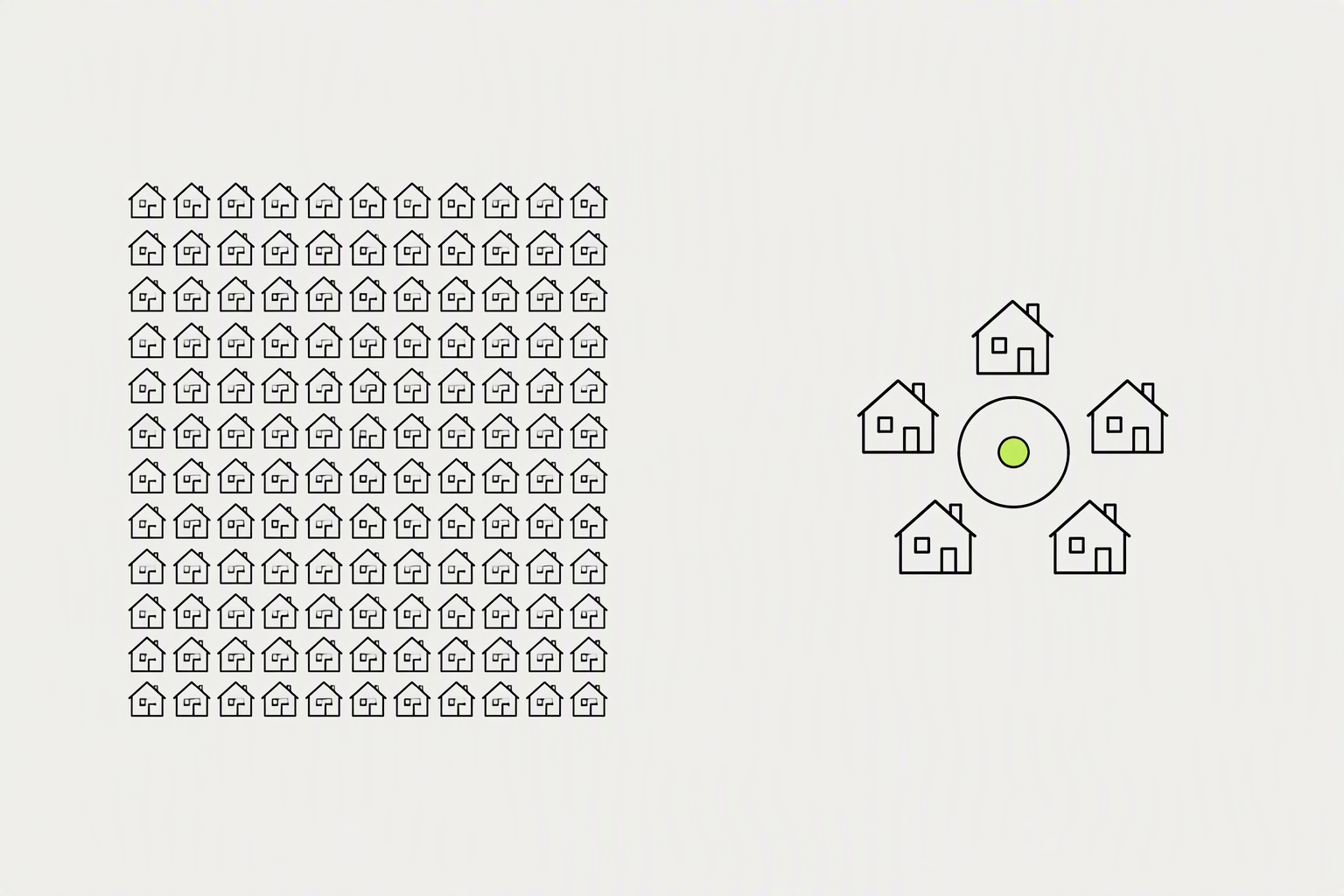
If your niche has a clear topical instance, joining it gives you a built-in local audience. The middle ground - instances with a few thousand active users, focused on a clear topic - often offers the best of both: real community feel, active moderation, and stable infrastructure. If you join mastodon.social (the largest general instance), Local is a fast-moving firehose of everything.
You can migrate your account to a different Mastodon instance at any time. The process moves your followers but not your posts.
- Many servers let you look at the local timeline even without logging in.
- Ensure the server's primary language matches yours.
- Avoid instances where the local timeline is a ghost town.
What you can try now: Mastodon Servers, Fedi.Garden
On Mastodon, people are unusually deliberate about who they follow.

Your profile's text description, also known as a "biog", is probably the most important part of your profile page. All the words in a profile are searchable in Mastodon, so people will see your account in search results for the words in your profile. An empty profile with a default avatar reads as "bot or abandoned account," and people scroll right past.
You can set a bio of up to 500 characters by default.
- Make sure the first line of your profile text sums you up well, as Fediverse discovery systems often only show the first line.
- Including #indiehackers #ai #buildinpublic in your bio means you show up in those hashtag searches as a profile to follow.
- If you put a link in your profile metadata, Mastodon checks if the linked page links back to your Mastodon profile.
What you can try now: Mastodon Bio Generator, Verifibation
A good intro post will get you some boosts and follows from like-minded people.

Many people follow the #introduction hashtag to find newcomers to follow. For various technical reasons to do with "backfilling", pinned posts are much more visible than ordinary posts.
On Mastodon, you may pin up to 5 posts to the top of your profile.
- On Mastodon, log in through your server's website or web app, go to your profile page, click Edit profile and then click the Privacy and Reach tab, then tick the box marked Feature profile and posts in discovery algorithms and finally click Save changes.
- If you want the entire text of your public posts to be completely searchable, even without any hashtags, you can opt into being part of the full text search system.
- After you've been on here a while, add yourself to the directory at Trunk and the directory at Fediverse.info.
What you can try now: Mastodon Post Generator, fediverse.info
On Mastodon, posts without hashtags are virtually invisible beyond your immediate followers.

People follow hashtags the way they follow accounts, so a post tagged #Photography can land in the feed of thousands of people who follow that tag - none of whom follow you yet. Consistent use of niche hashtags builds your discoverability in that topic over time.
Three to five is the community norm. Not every post needs hashtags - conversational replies rarely benefit from them.
- You should always use an alternating case pattern, like PascalCase or camelCase, for your hashtags so that screen readers can read them properly.
- Mix broad and specific. A broad tag (#Art) reaches a large audience, a specific one (#Linocut) reaches a small but highly relevant one.
- Use medium-popularity hashtags that have between 100 and 10,000 recent posts.
What you can try now: FediBuzz, Mastodon Hashtag Suggestion Tool
Open-ended posts that invite replies tend to generate more meaningful engagement than announcements.

Share what you're making, what you're learning, the interesting thing you noticed, a question you're chewing on. Avoid the over-polished, sell-sell-sell tone that reads as marketing - it's the surest way to get quietly muted.
To help you put this content strategy into action right now, here is a simple weekly challenge you can follow:
- Publish three value posts: Write three clean, educational text updates each week using targeted niche hashtags.
- Share one behind-the-scenes look: Post one quick update showing what you are building in public for your business.
- Leave five thoughtful replies: Dedicate ten minutes a day to answering questions and chatting with other accounts in your timeline.
What you can try now: Free Social Media Content Calendar Template
Adding alt text to your images is close to mandatory etiquette on Mastodon.

Include text descriptions on your images, video or audio. A lot more people will share those posts, as accessibility is valued on the Fediverse.
Alt text allows 1,500 characters per image, separate from post limits, reflecting Mastodon's strong accessibility focus.
- Always split long text into a thread or use a paste service.
- Many communities put spoilers, heavy topics, or long rants behind a CW so people can choose to expand them.
- Run Polls and Questions: Mastodon's built-in poll feature (click the "Poll" icon when composing a post) is excellent for engagement.
What you can try now: Mastodon Character Counter, Thread maker & splitter for X, Bluesky and Mastodon
The boost is the true engine of organic growth on Mastodon.

Spend more of your early time replying and boosting than broadcasting. When you reply substantively - adding a perspective, answering a question, sharing a related experience - that person and often their followers notice you. Your replies show up on the poster's followers' feeds.
The right ratio depends on your role. Curators boost more than they post, creators usually post more than they boost.
- Boost 5 posts you genuinely loved this week.
- Reply to 3 smaller accounts in your niche.
- Asking for boosts is a mild faux pas on most instances.
What you can try now: Followgraph for Mastodon
On a strictly chronological feed, when you post is close to who sees it.

As the timelines on the Fediverse are chronological, it's important to bear in mind the timezones your followers are in. If you want to reach people in several different timezones, try to choose a time where their days overlap so that most of them are awake too. You can also boost your own posts later if you want to reach multiple timezones.
Mastodon publishes no central engagement data. The window of primary visibility is narrow - usually the hour or two after posting.
- For audiences with European reach, 7-9 PM CET (6-8 PM UTC) is consistently worth testing.
- Three to five posts a week is a realistic secondary-channel rhythm, and consistency beats volume.
- Less than once weekly makes it hard to build momentum.
What you can try now: Every Time Zone
Chances are you have an existing network of followers at your disposal.

The easiest way to gain a large number of followers on Mastodon is to have a large number of followers off Mastodon. Reach out to your existing followers and let them know you're on Mastodon. If you're active on other social networks, you can also use those to spread the word about your new presence on Mastodon there too.
When mentioning your other account publicly, use the full @[email protected] format so followers can find and follow it.
- If you have a website, include a link to it on your profile and also link to your profile from your website.
- Cross-posting identical content from Twitter/X: The community notices and considers it low-effort
What you can try now: Share2Fedi
High favourites with low boosts suggests content that resonates personally but isn't share-worthy.

Track followers, replies, boosts, and favorites as engagement signals, then tie links back to your site with UTM parameters so analytics show Mastodon as a traffic source. An account with 200 followers may have higher engagement than one with 2,000 if those followers are active and interested. Counts are also federated - your instance sees the interactions it knows about, which can under-report engagement from distant servers.
Mastodon doesn't have view counts at the protocol level.
- Number of replies to your posts per week.
- Boosts from accounts outside your instance. It shows your reach is spreading organically.
- For manual tracking, keep a simple spreadsheet of weekly engagement numbers.
What you can try now: Mastodon Account Stats & Engagement Checker, Mastodon Engagement Rate Calculator
A tweet that works well with character limits and hashtags often feels spammy on Mastodon.
The biggest mistake creators and businesses make on Mastodon is trying to grow it like Twitter/X. What doesn't work: promotional content without substance, posting without engaging, treating Mastodon like a broadcast channel.
Inside the web interface, you can turn on an automatic warning that stops you from publishing until your images are described.
- Expecting overnight virality. There's no algorithm to make you blow up in an afternoon.
- Ignoring accessibility and CW norms. Skipping alt text and content warnings marks you as an outsider who didn't do the reading.
- You can write the perfect post with perfect hashtags, but if the visibility is set to Unlisted, you've wasted your time.
What you can try now: Free ALT Text Generator for Any Image
Growth on Mastodon is slower than on algorithmic platforms - by design.

Building a following on Mastodon takes time and dedication, but it's definitely possible. You'll recognize names, people will recognize yours, and the replies start coming without you begging for them.
Here's a simple starting workflow:
- Day 2 - Follow before you post. Follow 15-30 accounts in your niche and follow the core hashtags for your topic.
- Day 4 - Introduce yourself. Post your #Introduction. Then go welcome five other people who introduced themselves.
- Ongoing - The daily rhythm. Each day: a few genuine replies, a handful of boosts, one good tagged post.
What you can try now: Fedi.Directory