

Table of Contents
- The fastest way to grow on Threads is through strategic replies.
- Total time investment: roughly 60-90 minutes per day.
- Threads profile optimization means treating your profile as a six-element conversion system
- Threads' bios are short by design. You have 150 characters.
- The Threads algorithm decides what appears in the For You feed
- Early engagement in the first 30 to 90 minutes determines how far a post travels.
- A reply on Threads is a full public post that appears in other people's feeds
- One study sorted 283 creators by how many replies their posts collected, then measured how much each account grew that month.
- Open-ended questions are the highest-performing content type on Threads, averaging an 8.4% engagement rate.
- Threads supports four post formats: text, single image, single video, and carousels up to 20 items
- Topics act as interest markers, helping posts reach people who care about that subject.
- On Threads, any word or phrase in your post body is searchable, even if you never add a tag.
- The best time to post on Threads is 9 a.m. on Thursday.
- All times are relative to your audience's timezone.
- Accounts active on both platforms experience 15% faster growth than those on Threads alone.
- Approximately 96% of Threads users also have an Instagram account
- Turning on fediverse sharing changes the audience model for a Threads account.
- Only posts set to Public are shared, private or followers-only posts are never sent to the Fediverse.
- Profile-level insights on Threads help you understand how your account has performed over time.
- Insights shows the last 7, 14, 30 or 90 days.
- Growing on Threads in 30 days comes down to a few disciplined habits
- Put it together into a routine you can actually sustain:
- Most accounts see clearer results after 4-8 weeks of consistent posting and replying.
- Starting from zero with no Instagram audience takes 60 to 90 days of consistent effort.
The fastest way to grow on Threads is through strategic replies.

To grow on Threads in 2026, post 2-3 times daily, reply more than you post, and stay active for 30 minutes after each post to maximize engagement velocity - the algorithm's top ranking signal. Replies are what put you in front of an audience you have not earned yet. Posts are what convert that borrowed attention into a follow.
Total time investment: roughly 60-90 minutes per day.
- Pick one niche and stick with it for at least 60 days, topic-hopping is the #1 growth killer.
- Rotate four pillars: observation, teaching, story, question.
What you can try now: Threads Growth Playbook
Threads profile optimization means treating your profile as a six-element conversion system

Audit your photo, bio text, topic tags, links, pinned post, and recent post history together. Each element either helps a visitor decide to follow or gives them a reason to leave. Track profile visits to new followers over time to measure what changes.
Threads' bios are short by design. You have 150 characters.
- Your display name should include your actual name or brand name, plus a keyword that signals what you do.
- To grow a following, people need to be able to see your content without having to request access.
- Threads added two profile features in 2025 that Instagram doesn't surface the same way: profile topic tags (up to 10) and profile links (up to 5, added in May 2025).
What you can try now: Free Threads Bio Generator & Profile Preview, Threads Profile Picture Resizer
The Threads algorithm decides what appears in the For You feed
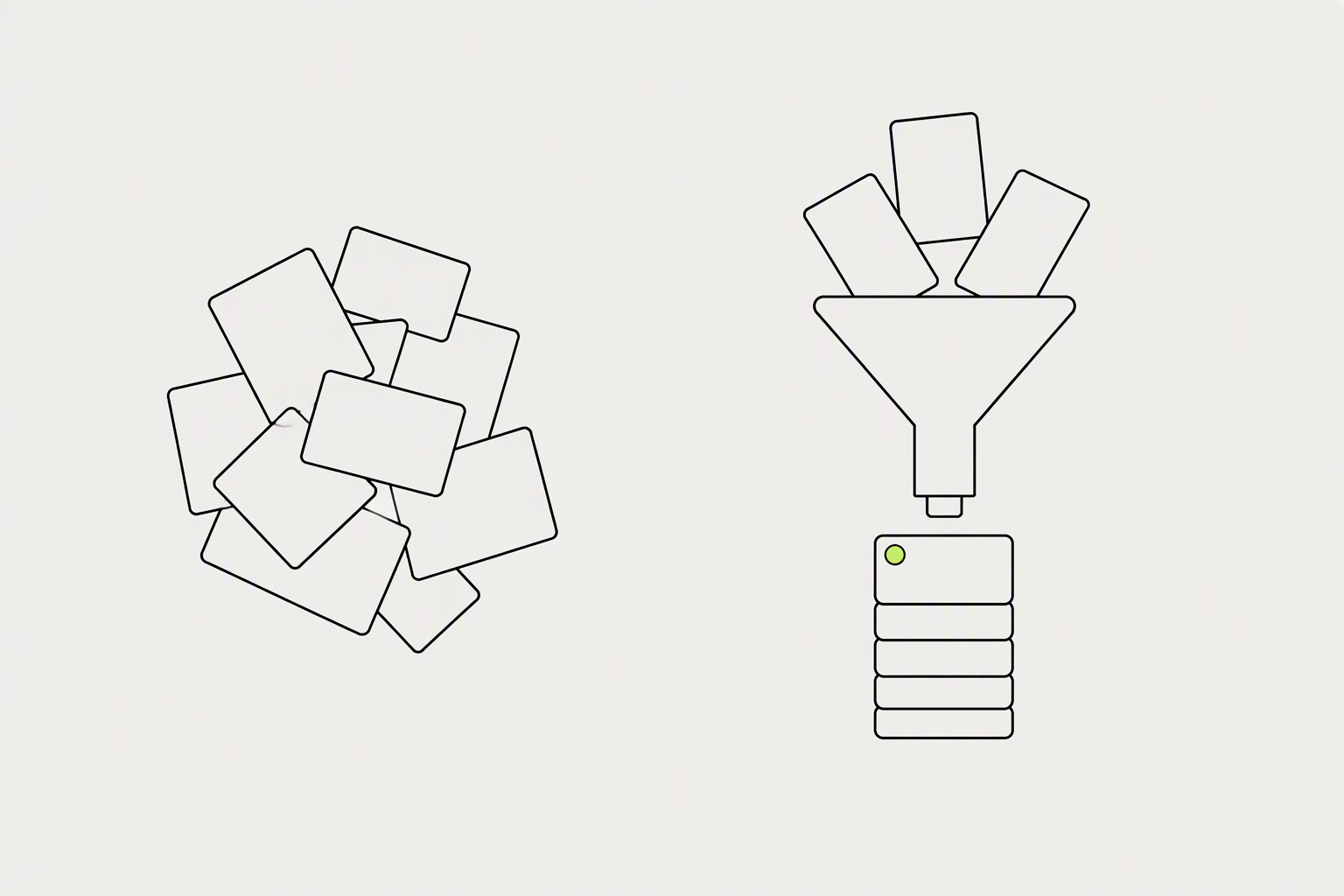
Threads ranks for conversation. It predicts which posts will start replies, weights recency heavily, and blends interest-based recommendations with your following graph - which means small accounts with sticky, reply-worthy content genuinely win. With few followers, Following does little for you, because few people have you in it.
Early engagement in the first 30 to 90 minutes determines how far a post travels.
- Reposts and quotes. A repost is a distribution multiplier - it carries your post into a whole new follower graph.
- Relationship and interest signals. Who you follow, whose posts you have engaged with, and the topic of the post all shape whether it lands in a given user's For You feed.
- Likes and profile activity. Real but lower-weighted.
What you can try now: Free Threads Algorithm Checker 2026
A reply on Threads is a full public post that appears in other people's feeds
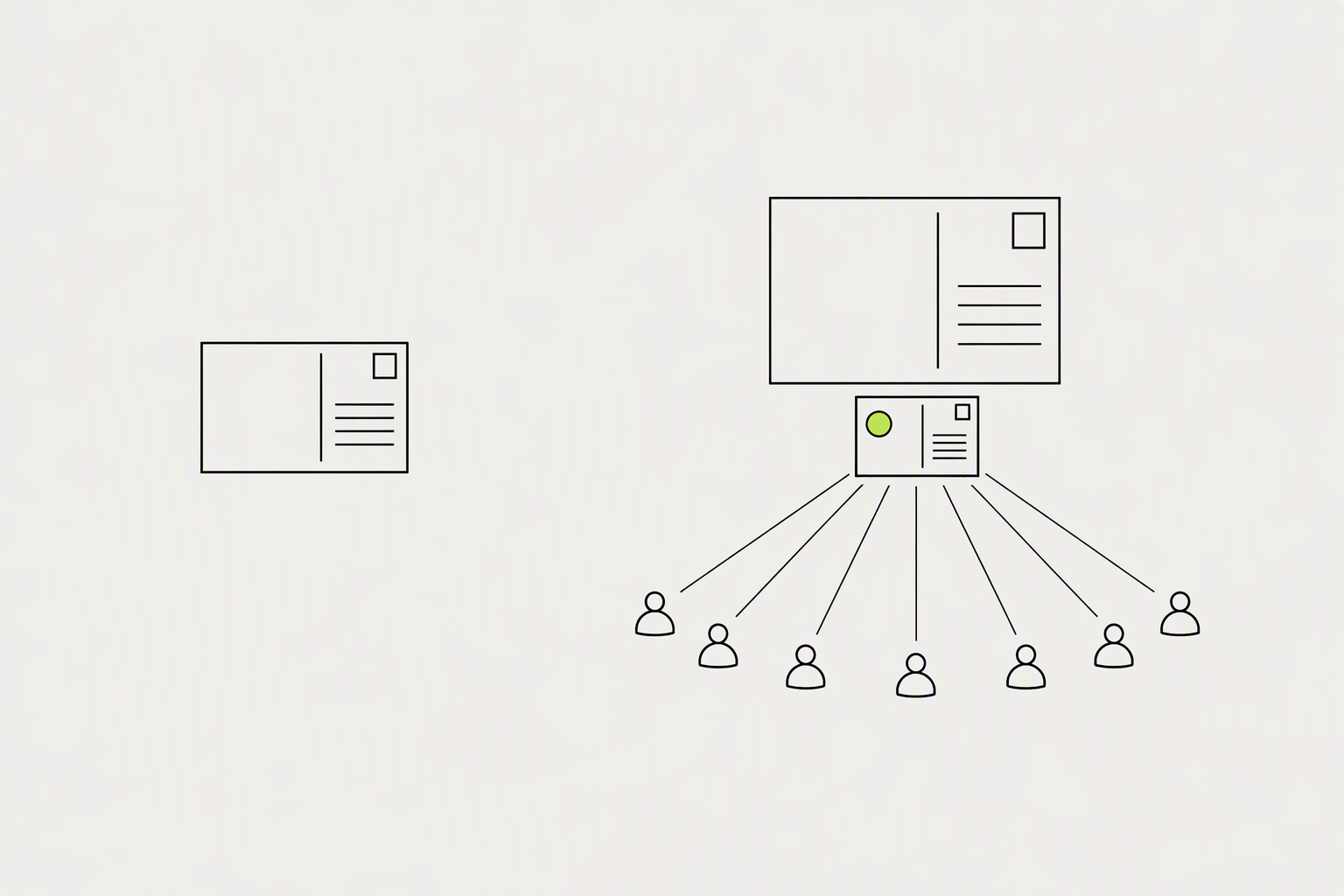
Replies are the real multiplier because on Threads, responding to other people is rewarded almost as much as posting your own content - and it puts you in front of audiences you don't yet have. Your own posts mostly reach people who already follow you, which is why posting alone grows an account slowly.
One study sorted 283 creators by how many replies their posts collected, then measured how much each account grew that month.
- Accounts whose posts collected more than 500 replies in the month grew their follower count by 10.09%, the best result in the study.
- 500 replies in a month is about 17 replies a day, which one good question a day can produce.
- A reply costs a reader far more effort than a like, which is why Threads treats it as the stronger sign of interest.
Open-ended questions are the highest-performing content type on Threads, averaging an 8.4% engagement rate.

Questions, personal stories, and nuanced hot takes tend to drive the most replies, the engagement type the platform appears to value most. Images also outperform text-only posts by a meaningful margin despite Threads being positioned as a text-first platform.
Threads supports four post formats: text, single image, single video, and carousels up to 20 items
- Image + short caption. The image does the hook work, the caption gives someone something to reply to.
- Reply chains with your own follow-ups. Posting, then replying to your own post with a continuation, then replying to early commenters - this keeps the thread alive and pushes the algorithm to re-surface it.
- Mini tutorials. Break down a process into a short, actionable post.
What you can try now: Free Threads Hook Generator, Free Headline & Hook Swipe File
Topics act as interest markers, helping posts reach people who care about that subject.
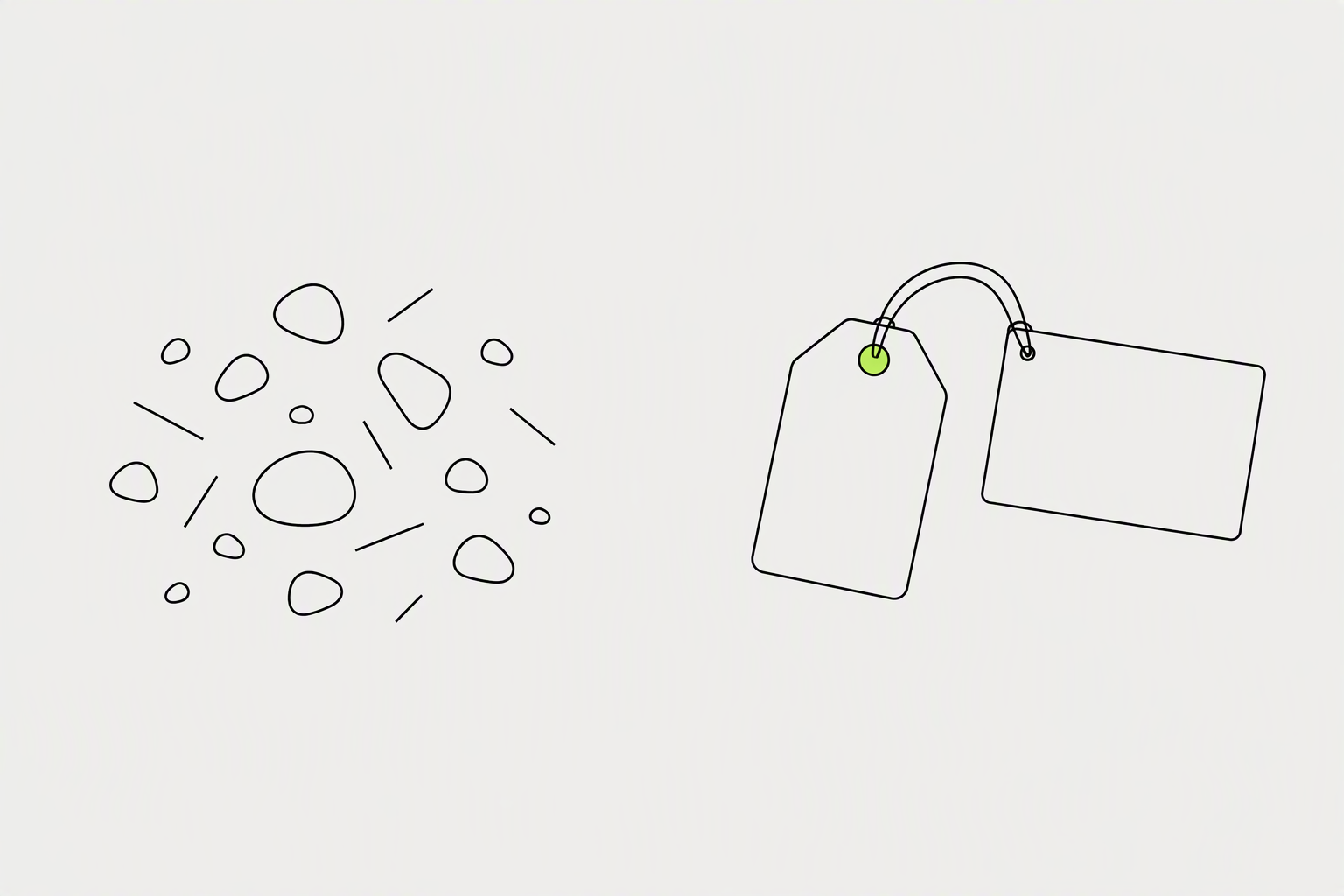
Tagging a topic in your post allows others on Threads to discover your post and other posts associated with that topic in real time. You can include up to 1 topic per post. Posts with topics tend to get more views than those without.
On Threads, any word or phrase in your post body is searchable, even if you never add a tag.
- Pick the single most specific tag that honestly describes your post, check that the tag has real activity, and rotate your choices to learn what earns reach in your niche.
- A mismatched topic - using "technology" on a fitness post to chase a bigger audience - actually hurts your reach because the audience won't engage, and low engagement tanks your distribution.
- Skip the tag entirely if nothing genuinely fits - a forced tag is worse than none.
What you can try now: Free Threads Topic Tag Generator
The best time to post on Threads is 9 a.m. on Thursday.

Aim for one to three posts per day at your best times. Because the feed is recency-driven, consistent posting keeps you visible in your followers' feeds and gives you more chances to catch the morning and midweek windows. Consistency and quick replies matter more than high volume.
All times are relative to your audience's timezone.
- Optimal window: Weekday mornings between 6 a.m. and 11 a.m. consistently see the highest median engagement.
- Best days: Midweek is best, specifically Wednesday, Thursday, and Tuesday.
- Worst times: Evening hours (6 p.m. to 11 p.m.) and weekends (especially Saturday) tend to see the lowest overall engagement levels.
What you can try now: Best Time to Post on Threads, Free Threads Posting Frequency Calculator
Accounts active on both platforms experience 15% faster growth than those on Threads alone.

By sharing your Threads posts on your Instagram Story, you're essentially inviting your Instagram followers to join the conversation on Threads. When someone taps on the thread in your Instagram Story, they'll land right on your Threads feed - so if you're looking to drive traffic there, stories are a great place to start. Threads keeps its own follower list, so following an account on Instagram does not make you follow it on Threads - an account with 40,000 Instagram followers can open Threads and find a few hundred.
Approximately 96% of Threads users also have an Instagram account
- Add the Threads badge to your Instagram bio.
- Never post the same caption verbatim. Even if the underlying idea is the same, rewrite for each platform's register.
- Mention your Threads in Instagram captions when you post discussion-worthy content
What you can try now: Free Instagram Story Templates
Turning on fediverse sharing changes the audience model for a Threads account.

Fediverse sharing is a feature that lets your public Threads posts appear on servers that use the ActivityPub protocol, such as Mastodon, Pleroma, and Pixelfed. Users on those platforms can follow your Threads profile, like, reply, and repost your content without leaving their own app.
Only posts set to Public are shared, private or followers-only posts are never sent to the Fediverse.
- Your Threads follower count will only include users that follow you on Threads.
- Posts published before activation are not retroactively shared.
- Once a public post is delivered to outside servers, those servers may store, index, display, or moderate it according to their own policies and technical designs.
What you can try now: Free WebFinger & ActivityPub Actor Checker
Profile-level insights on Threads help you understand how your account has performed over time.
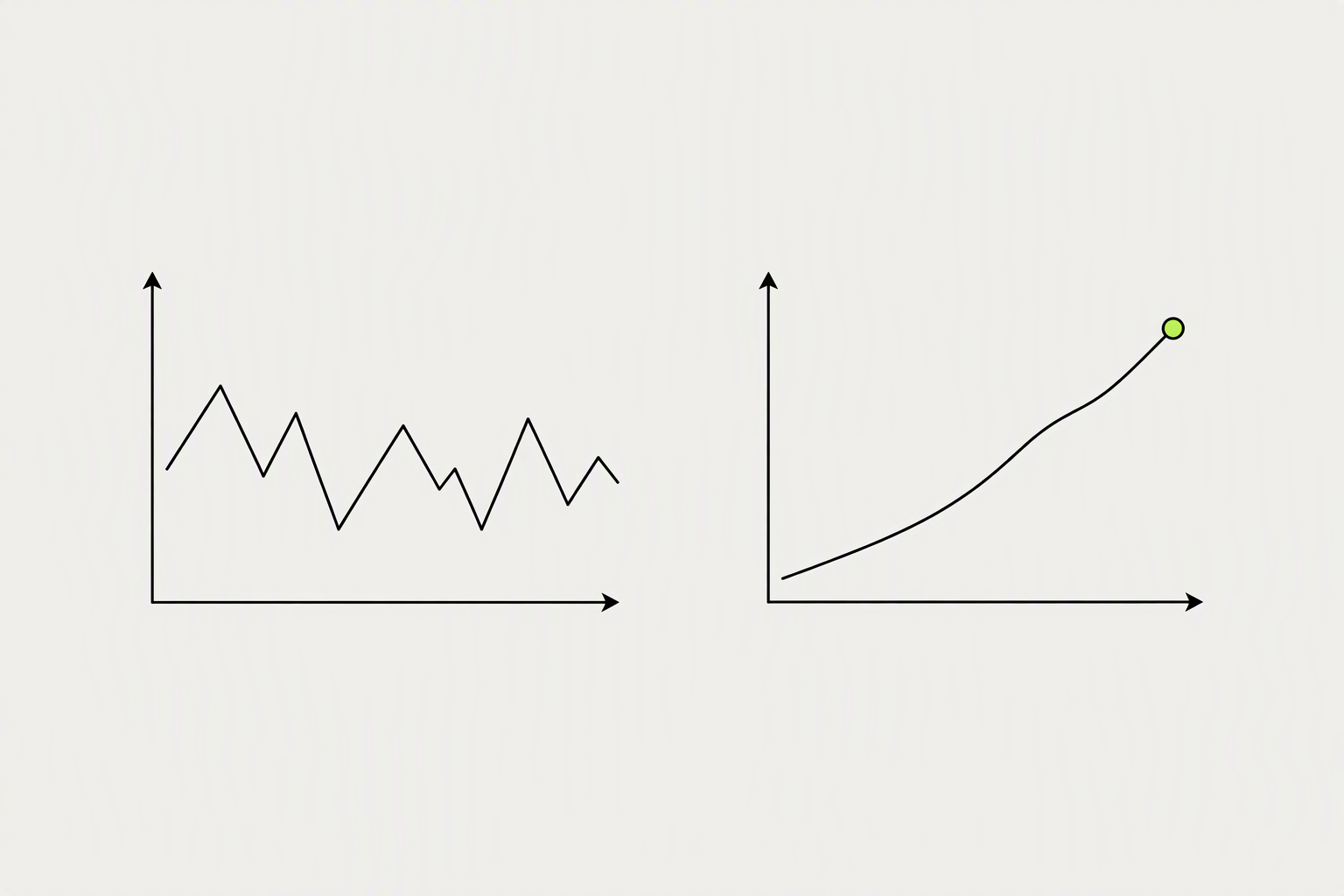
Threads analytics live in a native feature called Insights, and the numbers worth watching are views, likes, replies, reposts, quotes, and follower growth. Replies are the single most valuable metric on Threads. What matters is your growth rate: the percentage increase in followers per week or month.
Insights shows the last 7, 14, 30 or 90 days.
- Reply rate helps identify posts that start conversation rather than collect passive reactions.
- The higher the non-follower share, the further the post travelled beyond people who already know you.
- To keep longer history, note your numbers weekly in a spreadsheet or use the Threads API or an analytics tool.
What you can try now: Threads Engagement Rate Calculator, Free Threads Post Performance Calculator
Growing on Threads in 30 days comes down to a few disciplined habits

Spend the first week clarifying your promise, the second week testing hooks, the third week turning replies into posts, and the fourth week measuring which topics can repeat. After 30 days, you should have enough data to know your highest-engagement format and topic area.
Put it together into a routine you can actually sustain:
- Days 1-3: Set up a specific bio, pin your best post, and build your list of 15-20 niche accounts to reply to.
- Weekly: Promote a top Thread to your Instagram Stories, review your follower growth rate, and double down on the post format that pulled the most replies.
- Ongoing: Keep the cadence steady through the slow first week - reply-driven growth compounds, and the accounts you show up for become your first real followers.
What you can try now: How to Grow on Threads: A Practical 30-Day Plan, Free 30-Day Threads Content Plan Generator
Most accounts see clearer results after 4-8 weeks of consistent posting and replying.
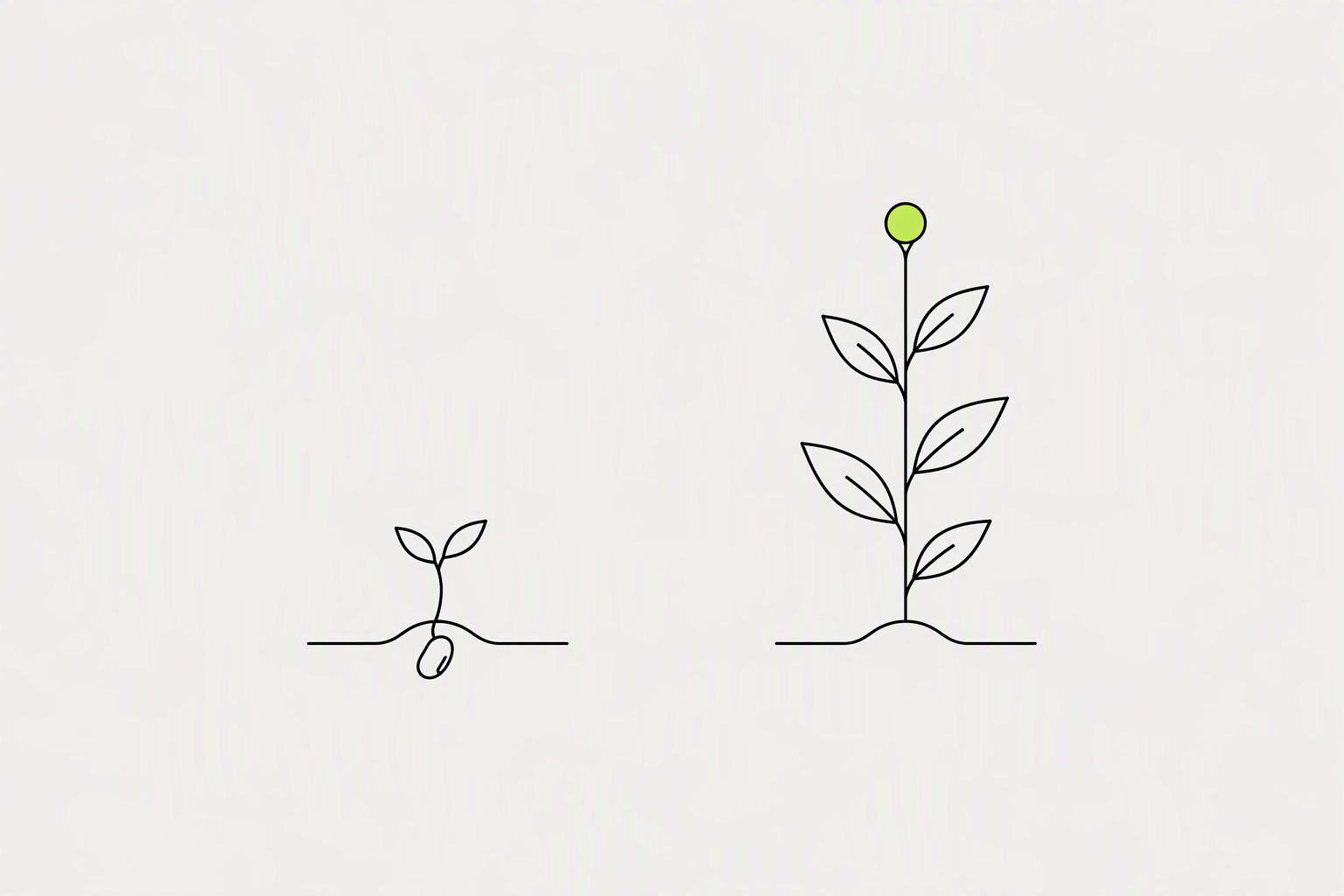
With daily posts and consistent replying, most accounts see meaningful traction within two to three months. The compounding is real but slow at first, the accounts that win are simply the ones still posting in month four.
Starting from zero with no Instagram audience takes 60 to 90 days of consistent effort.
- Month 1 (Days 1-30): ~250 new followers, 8 avg likes, 2 avg replies, 3,200 top impressions
- Month 2 (Days 31-60): ~650 new followers, 35 avg likes, 10 avg replies, 18,500 top impressions
- Month 3 (Days 61-90): ~1,200 new followers, 85 avg likes, 30 avg replies, 45,000 top impressions
What you can try now: Follower Growth Calculator, Free Follower Milestone Calculator