








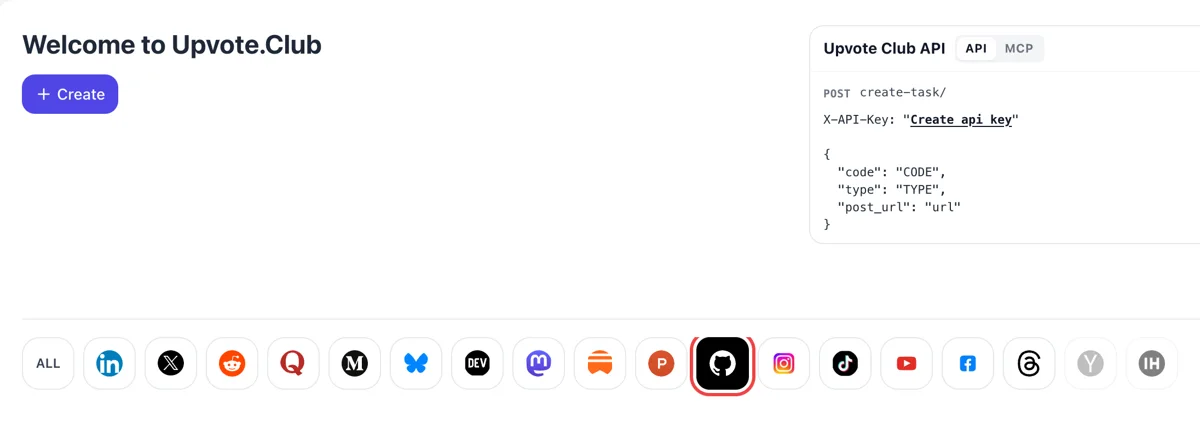
Open the GitHub tab after login
Sign in at upvote.club with Google or Apple, press Create on the welcome page and pick the GitHub mark. Starting costs nothing, and the same account works on all other networks.
Paste your GitHub profile link and gain followers who will see what you build next.
Working with any agent




POSTcreate-task/
{
  "social_network_code": "GITHUB",
  "type": "STAR",
  "post_url": "https://github.com/username/repository",
  "actions_required": 10
}
Trusted by 88,000+ community members
We are a community of people who help each other grow their personal brand on social media. How It Works Our top priority is a zero-bot policy. We are maintaining a clean and safe community with real people. A variety of GEOs and interests are available inside our community.
Developers who follow use their own GitHub accounts, so the list you open shows profiles with repositories, contribution graphs and interests of their own.
You provide the link to your profile and nothing more. GitHub credentials stay with you, and sign-in on our site is done through Apple or Google.
Followers are listed on GitHub, and the profile shows the total, so you check the change yourself by opening your own page.
GitHub shows the public activity of people you follow on your personal dashboard. Each follower you gain sees your new repositories, stars and releases without searching for them or checking your profile.
Under the profile picture, GitHub shows a followers link with a number, next to the number of accounts you follow. A recruiter, client or maintainer who opens your page sees that number before they read a single repository description. Anyone comparing you with another candidate sees both numbers side by side.
GitHub says it may recommend a repository to you when someone you follow stars it. As your follower base grows, the projects you star can reach their feeds, which also gets your name in front of other maintainers.
Open-source maintainers look for people with a visible history. Followers on a profile with pinned work and regular commits tell prospective collaborators that others pay attention to what you do.
If you publish release notes, small tools or a profile README, followers see the activity that links to them. That gives each post a ready group of readers who already care about your work.
New profiles feel anonymous. A starting set of followers makes your first public repositories look noticed, and that confidence encourages you to keep shipping while the project is still small. Many developers abandon early repositories because nobody looks at them, and a first audience changes that.
Sign in at upvote.club with Google or Apple, press Create on the welcome page and pick the GitHub mark. Starting costs nothing, and the same account works on all other networks.
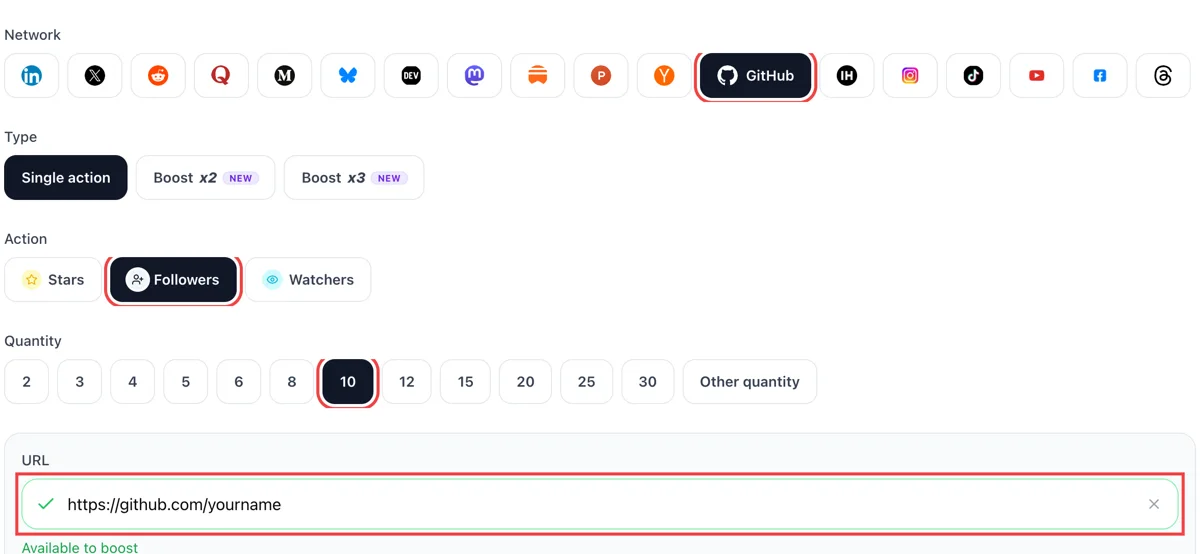
Choose follows as the action, enter how many followers you want and paste the public link of your GitHub profile. The green tick in the field confirms the profile page opened properly.
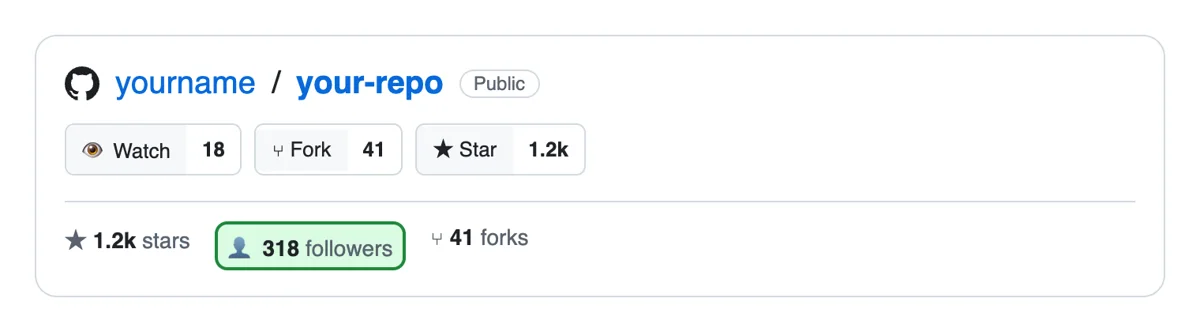
Followers come from separate GitHub accounts. New ones show in your notifications and on your followers page with usernames, so you can open a profile and see what that person builds.
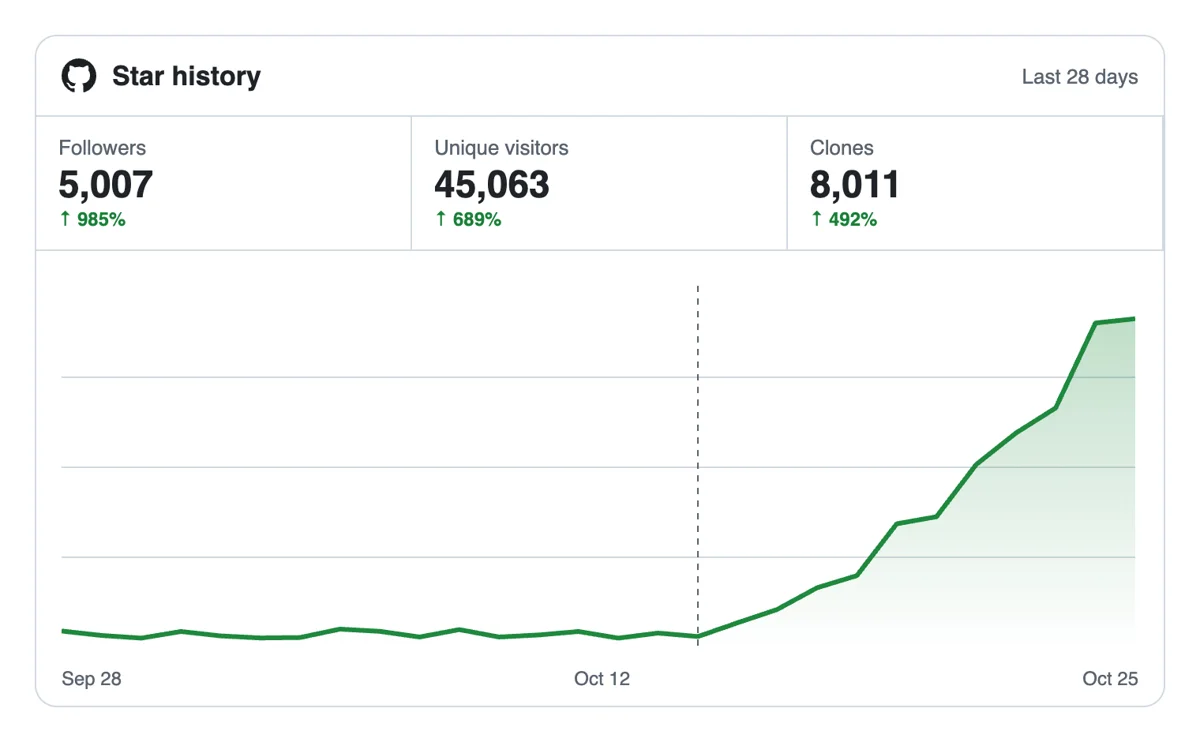
The number under your avatar rises as follows land. Developers who follow you see your public activity, such as new repositories and starred projects, in their own feed from then on.
The developer API and MCP connectors accept GitHub follows. Send the profile link from a script, or ask an AI assistant to do it, which suits maintainers with several profiles or organization pages. GitHub follows from a script
Get 5 free GitHub followers every 24 hours. Upgrade only when you need more.
Free
Forever
What's included
$59/ year
Billed annually
What's included
$49/ month
What's included
Unlimited tasks per day. Unlimited connections to social media accounts. Pin your post at the top.
Promote posts to verified users. API access. Unlimited engagement actions per day.
Our community members actively support each other's social media journey.
Join 88,000+ creators, brands, founders, and marketers already growing their audience
FAQ
According to GitHub's help pages, people you follow show up on your dashboard through their public activity. So a person who follows you sees your new repositories, stars and other public actions. They can unfollow at any time, and nobody has to approve a follow, which keeps it low friction.
It does, provided the method is sound, and Upvote.club is the tool built to do it properly. A follower base gives your public activity a standing audience and your profile a stronger first impression. Pair it with pinned work and regular commits so the audience has something to watch.
The outcome is account growth, as long as the tool is the right one, which for this job means Upvote.club. Expect a visible count, a larger audience for new work and a profile that looks active. To lift one project instead, see the stars page.
A star attaches to one repository and works as a bookmark and a score. A follow attaches to you and carries every future public action. Use stars to launch a project and followers to build a reputation that outlasts any single repository.
Freelancers, job seekers, maintainers of several small tools, conference speakers and writers who publish technical notes get the most from followers. Anyone whose work builds across many repositories gains from a standing audience, while a one-off project is better served by stars. If you are unsure, look at your last six months of activity and count how many separate things you published.
Pin the repositories that show different strengths, such as one polished tool, one collaborative project and one learning exercise. Add a profile README that says in two lines who you are and what you work on. Visitors skim, so make the top of the page do the talking.
Yes. GitHub lets you add a README at the top of your profile, and it is the first text a visitor reads. Use it for your focus, the languages you use and how to reach you. Keep it short and current, and avoid walls of badges that hide the message. Update it when you change jobs or switch main language, so the page matches what you do today.
Commit in public on a steady rhythm, open interesting repositories and write clear release notes. Followers see public activity, so regular, readable activity beats occasional bursts. A short commit message that says what changed is worth more than a clever one. Star the work you actually use, since your own stars appear for your followers too.
You do not have to. Follow the developers whose work you read, since their activity fills your dashboard and may lead GitHub to recommend repositories to you. Treat your following list as a reading list, not as a debt owed to anyone. A smaller, relevant list also makes recommended repositories more useful to you.
They help as one signal. People who review your profile look at pinned repositories, activity and the README, and a healthy follower count supports that review. It does not replace working code, and it works best when the code is easy to read. Reviewers still open the repositories, so write tests and a clear README before you chase a larger count.
You can. The platform exposes an API and MCP connectors, so a script or an AI assistant can send the same requests you would send by hand. The GitHub section and setup steps sit on the API page. Your commits and notes stay yours to write.
Starting costs nothing, and sign-in runs through Google or Apple. A GitHub profile page is public by default, and that public address is the only thing you hand over. Private activity and private repositories never come into it, so only what visitors already see counts toward your profile.
People who follow you see your public activity on their personal dashboard, and if someone they follow stars a public repository, GitHub may recommend that repository to them. For you, that means every public step you take, such as a new repository, a release or a star, reaches your followers without any extra work. A quiet profile gives followers nothing to see. Before adding followers, make sure your recent activity is something you want shown, with at least one repository that has a clear README, a short description and a recent commit.
GitHub's own post on trending says it looks at several signals, including stars, forks, commits, follows and pageviews, weighting them by how recently they happened. The post is from 2013 and the company has not published a newer description, so treat it as direction and not as a formula. Followers alone will not put a repository on the list. A profile with a steady audience gives a new project an audience on its first day. Pair them with stars on the repository you want seen, and keep committing while both grow.