

Table of Contents
- Getting more connections on LinkedIn isn't about sending random requests and hoping.
- Double your accept rate from 20% to 40% and you have doubled your network growth on the exact same invite budget.
- On LinkedIn, your network size can quietly determine how many doors open for you.
- Researchers surveyed 1,000 early-career professionals to find out how online networking impacts hiring.
- LinkedIn's connection degrees show how close you are to another professional on the platform.
- You can have a maximum of 30,000 1st-degree connections on LinkedIn.
- LinkedIn looks at your 1st-degree connections and suggests their connections (your 2nd and 3rd-degree connections).
- You can also remove suggestions, which will ensure that the People You May Know feature will no longer recommend the most recent 500 removed suggestions.
- A good LinkedIn connection request acceptance rate in 2026 falls between 30% and 45%.
- The average LinkedIn connection request acceptance rate across B2B outbound sits between 30% and 37% in 2026, based on data from tens of thousands of tracked campaigns.
- If your LinkedIn connection requests are being ignored, the issue rarely starts with LinkedIn.
- People accept faster when they can see the fit in 5 seconds.
- Your profile is the landing page for every invite you send.
- Your face should fill roughly 60 percent of the frame.
- LinkedIn's own guidance is to connect with people you know personally and trust professionally.
- The goal is to exhaust every warm contact you have before moving to cold outreach.
- A good LinkedIn connection request message is a short reason for connecting now.
- The character limit is 300 for Premium, Sales Navigator, and Recruiter accounts, and 200 for free accounts.
- The external research points consistently to the middle of the work week.
- The day-of-week effect on request acceptance is far smaller than for posts.
- The single biggest lever on your acceptance rate is pre-engagement.
- After 3-5 quality touchpoints, most people will remember your name when they see your connection request.
- Sharing useful content consistently is the most effective way to attract your target audience.
- Your first 20 posts reach mostly your existing connections.
- LinkedIn Events are one of the cleanest outreach entry points available.
- You can access the attendee list from most LinkedIn Events by clicking Attendees after registering.
- A focused 15-20 minutes a day is enough for steady growth.
- A few hundred relevant connections a year, kept warm, are worth more in three years' time than a burst of thousands this month that nobody remembers accepting.
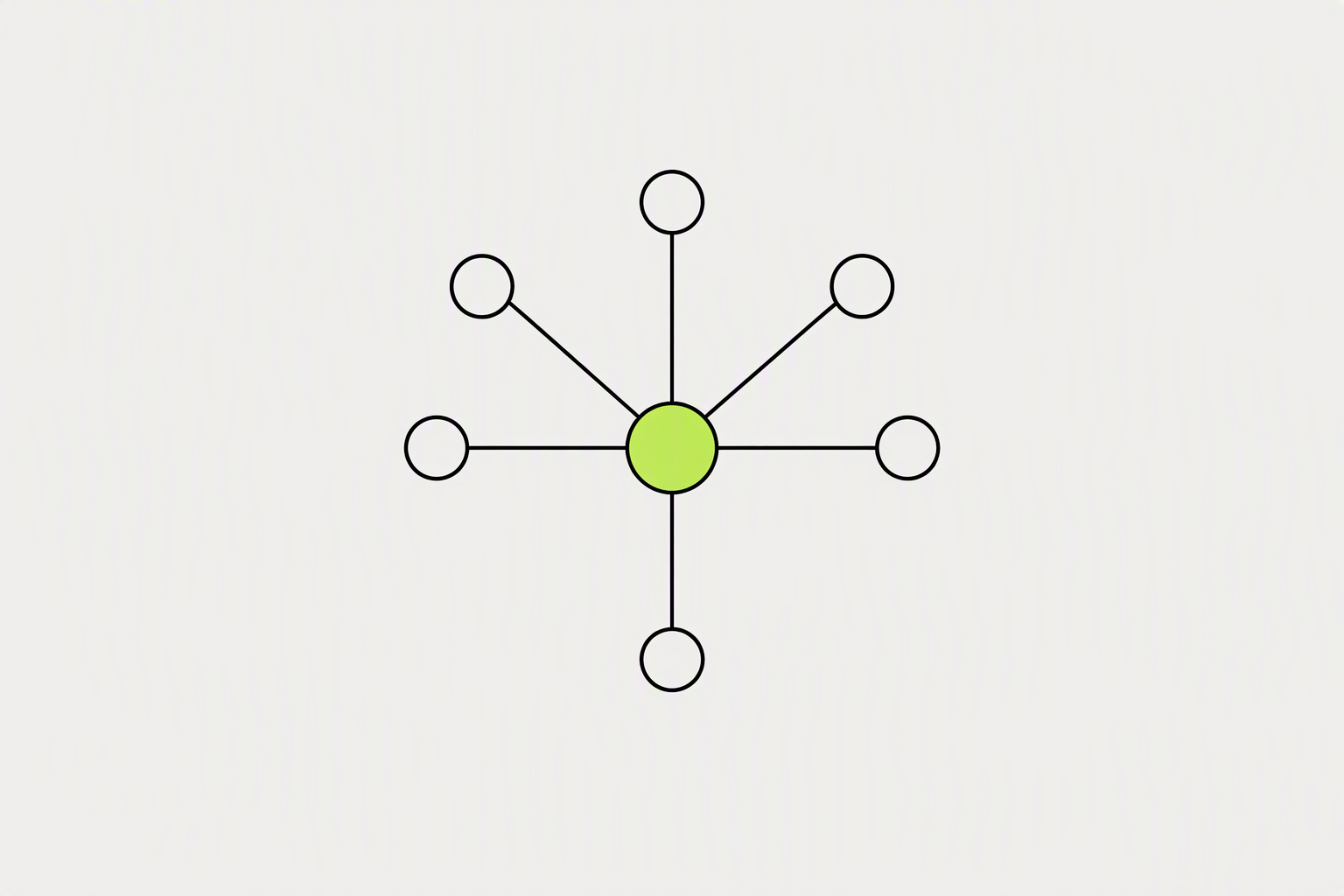
Getting more connections on LinkedIn isn't about sending random requests and hoping.
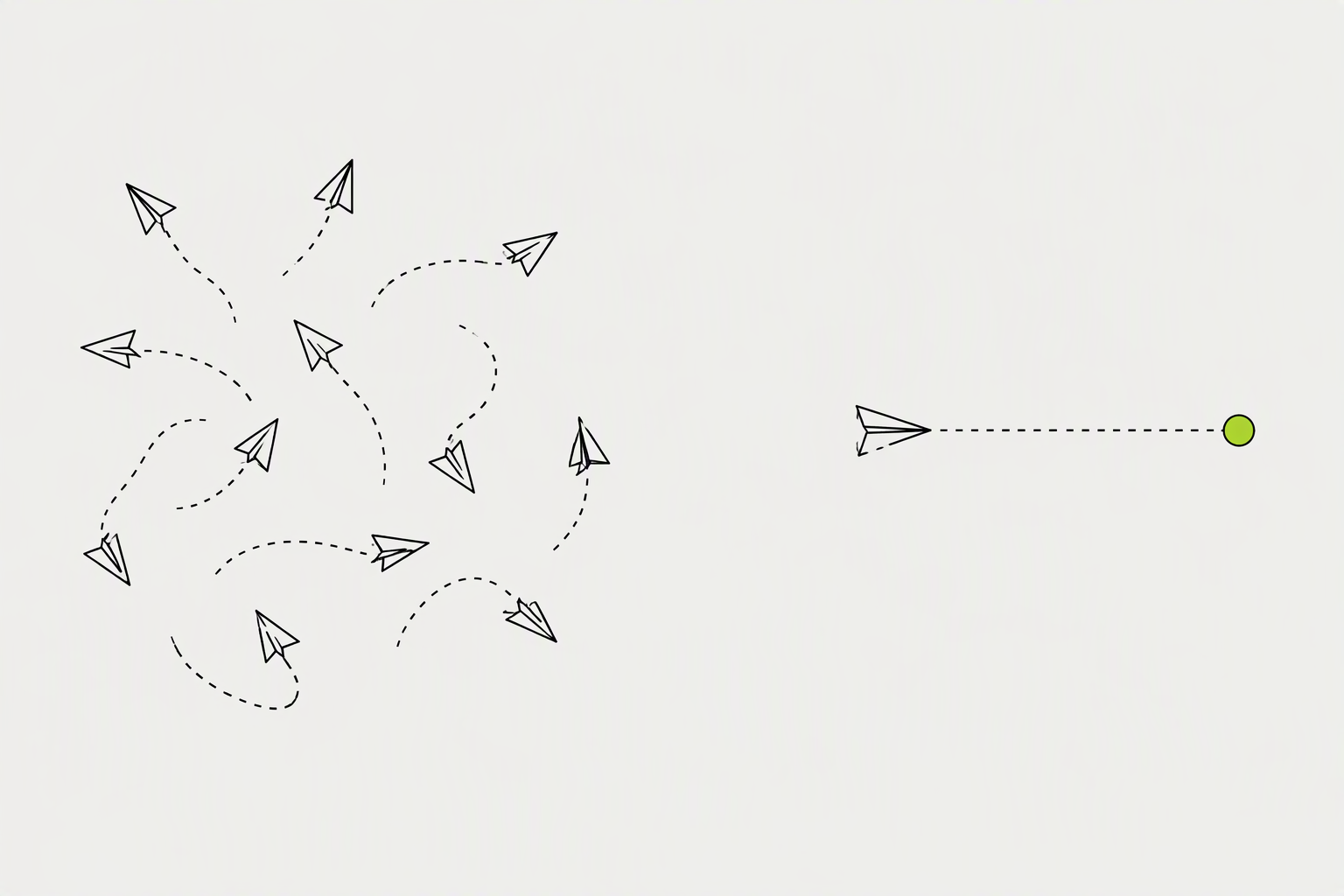
The fastest way to get more LinkedIn connections is to send fewer, better-targeted invitations to people who have a reason to recognize your name. Start with a profile that converts visits. Send requests only after familiarity exists.
Double your accept rate from 20% to 40% and you have doubled your network growth on the exact same invite budget.
- Networking on LinkedIn has two halves: an inbound half (becoming worth connecting with) and an outbound half (reaching people directly).
- Recognition is the single biggest driver of acceptance.
- Volume without relevance dilutes your feed and weakens the network effect that makes LinkedIn useful.
What you can try now: Free LinkedIn Profile Checker
On LinkedIn, your network size can quietly determine how many doors open for you.
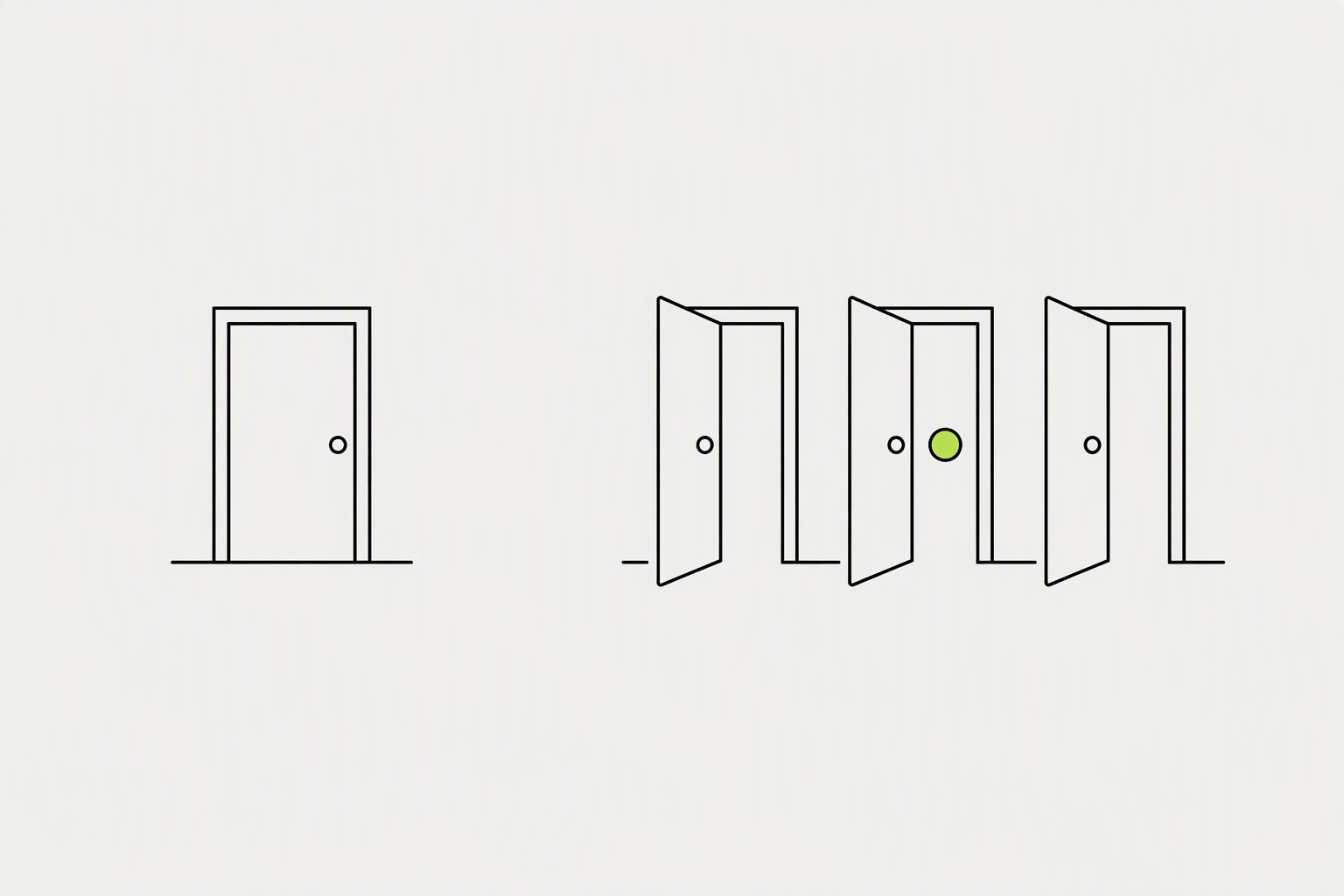
Early-career professionals with 500+ LinkedIn connections were nearly twice as likely to receive a job offer (36%) compared to those with fewer than 200 connections (20%). On average, those with 200 or more connections were contacted by recruiters five times per year, compared to just two to three times for those with fewer connections. When your connections engage with your content - a like, a comment, a share - it surfaces to their networks too.
Researchers surveyed 1,000 early-career professionals to find out how online networking impacts hiring.
- For every first degree connection you add to your LinkedIn network, you instantly gain hundreds of 2nd-degree connections and thousands of 3rd-degree connections.
- When someone searches for a skill or job title on LinkedIn, results are weighted by connection degree.
- A focused network of 1,000-2,000 engaged people in your industry typically drives more referrals and opportunities than 10,000 random connections.
LinkedIn's connection degrees show how close you are to another professional on the platform.
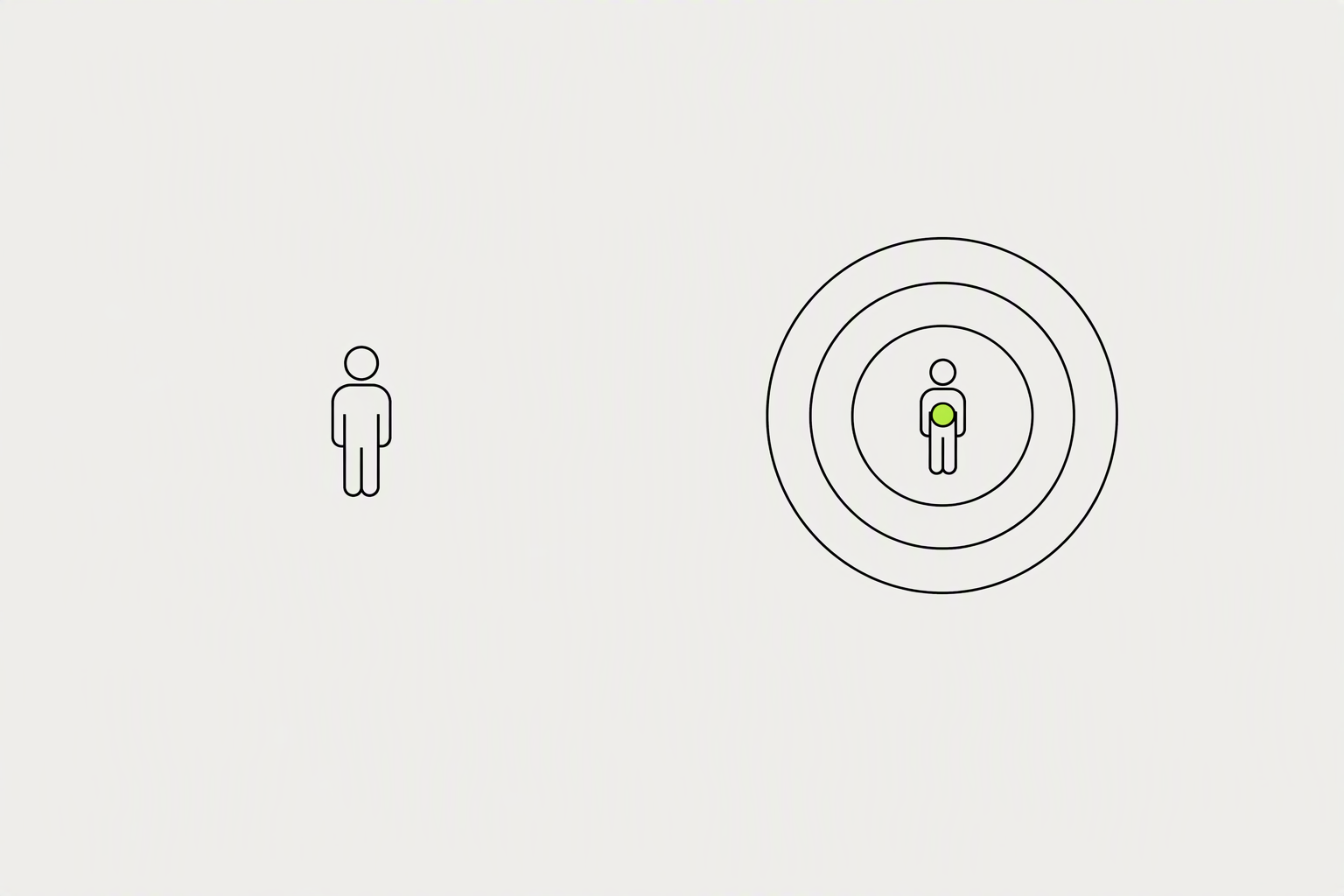
Your 1st-degree count is the number most people mean when they say "connections," and it is different from your follower count, which does not require mutual acceptance. 2nd-degree connections are friends of your friends, reachable through warm introductions or a personalized connection request. 3rd-degree connections are one step further out, visible but harder to reach without shared context.
You can have a maximum of 30,000 1st-degree connections on LinkedIn.
- Followers are a separate axis entirely: following someone shows you their posts without any messaging or visibility rights, which is why big accounts push follows over connections.
- 2nd-degree profiles show the mutual connections, which is a path: you can ask the person you both know for an introduction, or name them in the invitation note.
- Free LinkedIn accounts can only message 1st degree connections.
LinkedIn looks at your 1st-degree connections and suggests their connections (your 2nd and 3rd-degree connections).
The People You May Know feature on your My Network page suggests LinkedIn members for you to connect with. For example, you may have shared connections, have similar profile information and experiences, work at the same company or industry, or may have attended the same school. The more complete your profile and the more connections you have, the more relevant the suggestions become.
You can also remove suggestions, which will ensure that the People You May Know feature will no longer recommend the most recent 500 removed suggestions.
- The algorithm scours your profile - your headline, summary, job descriptions, industry, and location - for keywords.
- When you search for someone, LinkedIn records this as a data point indicating potential interest in connecting.
- Sync your email contacts: Helps LinkedIn find relevant suggestions
A good LinkedIn connection request acceptance rate in 2026 falls between 30% and 45%.
Published averages for LinkedIn connection acceptance rates range from 26% to 51%, and the largest datasets cluster at 26% to 30%. The acceptance rate of your connection requests is the percentage of invitations sent that get accepted. You work it out by dividing the number of accepted requests by the number sent, counting only fully closed periods.
The average LinkedIn connection request acceptance rate across B2B outbound sits between 30% and 37% in 2026, based on data from tens of thousands of tracked campaigns.
- If you are consistently under 20%, stop sending and fix the list before fixing the message.
- Elite campaigns running tight ICP filters and deep first-line personalisation can reach 55% or higher.
- 63% of connection acceptances happen within the first 24 hours of the request being received.
What you can try now: LinkedIn acceptance rate checker
If your LinkedIn connection requests are being ignored, the issue rarely starts with LinkedIn.
Most ignored requests fail for predictable reasons. Requests with one specific reference get accepted at 2 to 3 times the rate of generic requests. The word "help," "solution," "platform," or "call" in a connection request drops acceptance by 20 to 40 percent.
People accept faster when they can see the fit in 5 seconds.
- Many LinkedIn users created a profile years ago and rarely, if ever, log in.
- Profiles with obvious sales roles in their headlines (like "Sales Executive" or "Business Development Manager") tend to see lower acceptance rates.
- The lazy default note: sending the pre-filled "I'd like to add you" text signals zero effort.
What you can try now: Free LinkedIn Profile Analyzer & Profile Score
Your profile is the landing page for every invite you send.
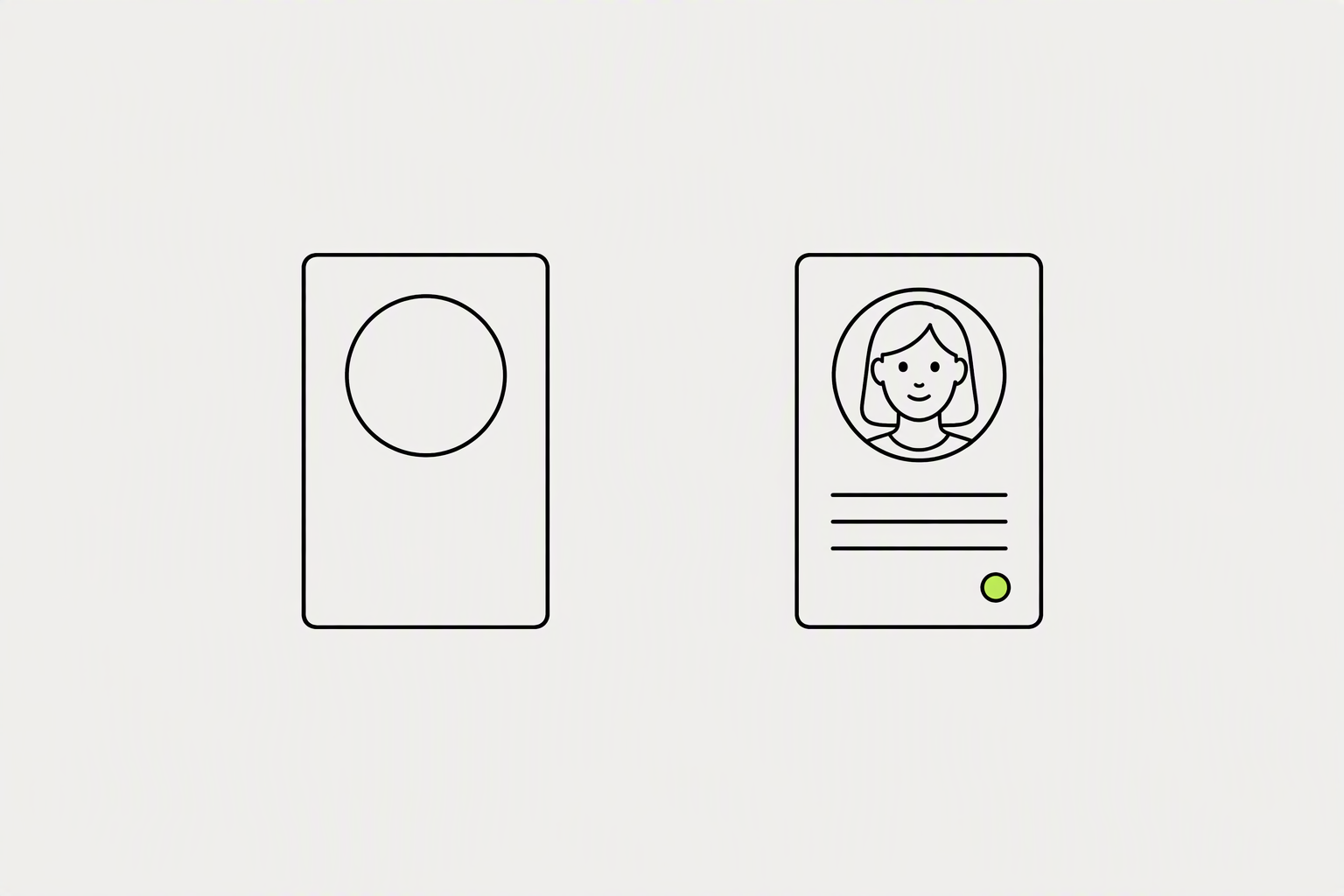
When someone gets a connection request, the first thing they do is glance at your photo, headline, and current role. Profiles with photos get 21x more views and 9x more connection requests than those without. Fix the photo and headline first, they do 80% of the work.
Your face should fill roughly 60 percent of the frame.
- LinkedIn gives you 220 characters for your headline.
- Banner and About. The banner is free real estate to state what you do, the About section is where a curious accepter confirms you are real and relevant.
- Recommendations: Even 2-3 from past colleagues adds powerful social proof.
What you can try now: LinkedIn Photo Checker, Free LinkedIn Headline Generator
LinkedIn's own guidance is to connect with people you know personally and trust professionally.
In weeks 1-4, focus on people you already have some connection to: past colleagues, clients, classmates, industry acquaintances. These connections accept at 70-80% rates and seed your social proof. 2nd degree connections are the best cold outreach targets.
The goal is to exhaust every warm contact you have before moving to cold outreach.
- Use LinkedIn's Alumni tool to filter graduates by school, company, location, and major - it's the fastest way to find relevant alumni in your target industry.
- Use the "Connections of" filter in People search.
- Build a focused list of 20-30 ideal contacts before sending any requests.
What you can try now: LinkedIn Boolean Search Builder
A good LinkedIn connection request message is a short reason for connecting now.
A generic note is the worst, a blank request is a safe default, and a personalized note wins overall. Add a note when you have a specific trigger. If you cannot point to a genuine reason, a blank request is often better than fake personalization.
The character limit is 300 for Premium, Sales Navigator, and Recruiter accounts, and 200 for free accounts.
- The Note-for-Reply Rule: a connection request note barely changes acceptance, 26.4% with, 26.4% without, but it nearly doubles the reply rate afterward, 9.4% versus 5.4%.
- The formula is Compliment plus Context plus Connect.
- Keep it short, make it about them, and ask for nothing.
What you can try now: LinkedIn Connection Request Generator
The external research points consistently to the middle of the work week.
The honest synthesis: Tuesday through Thursday, business hours in the recipient's time zone, is the most defensible window to send requests. The 21% immediate acceptance rate (within one hour) suggests that catching prospects during active LinkedIn sessions provides the highest conversion probability.
The day-of-week effect on request acceptance is far smaller than for posts.
- In this data, Monday had the highest acceptance rate at 31.6%, while Wednesday was the lowest at 18.5%, despite Wednesday having the most requests sent.
- Skip weekends for B2B outreach.
- Time Zones: Match your outreach to the recipient's local time for better results.
What you can try now: Meeting Planner
The single biggest lever on your acceptance rate is pre-engagement.
Strategic commenting on recent posts lifts connection acceptance from a cold baseline of roughly 20 percent up to 45 to 60 percent, and drives up to 7x more profile visits than cold messaging. The mechanism is simple: people check who is commenting on their own content, see the headline, and form a low-stakes impression before the request even arrives. The optimal window for sending the connection request is 24 to 48 hours after leaving the comment.
After 3-5 quality touchpoints, most people will remember your name when they see your connection request.
- A comment counts if it responds to the actual substance of the post.
- Examples that don't count: "Great insights!", "Thanks for sharing!", emoji reactions with no words, or generic affirmations that could apply to any post.
- Connect with people whose posts you've commented on 2-3 times
Sharing useful content consistently is the most effective way to attract your target audience.
When your existing connections engage with your post (react, comment, share), the algorithm shows that post to their connections as well, meaning people you have never met see your name, your perspective, and your expertise. If you publish a post that gets 2,000 impressions, you might get 3 connection requests today, 2 tomorrow when someone finds it in their feed, and 1 more next week when a comment resurfaces it.
Your first 20 posts reach mostly your existing connections.
- Authority posts: Case studies, lessons learned, data-driven insights.
- Personal stories: Short narratives that humanize you and invite empathy.
- Actionable tips & frameworks: Lists, templates, and how-tos people save and share.
What you can try now: LinkedIn post preview and formatter, Free LinkedIn Hook Generator
LinkedIn Events are one of the cleanest outreach entry points available.
When someone attends the same event as you, you have an immediate, non-spammy context for connecting. Groups make it easier to meet professionals with similar goals. Send the request the same day, while the conversation is still fresh for both of you.
You can access the attendee list from most LinkedIn Events by clicking Attendees after registering.
- Consider expanding your reach through alumni networks, professional associations, industry events, and virtual communities.
- A QR code linking straight to your profile gets scanned during the handshake, while you're still standing in front of them.
- Every email you send is an opportunity to promote your LinkedIn profile and to expand your network.
What you can try now: LinkedIn QR Code Generator, Email Signature Generator with Social Icons
A focused 15-20 minutes a day is enough for steady growth.
Done in the same order every day, network growth becomes measurable within a few weeks. Consistency beats intensity. Block the time on your calendar as a non-negotiable appointment.
A few hundred relevant connections a year, kept warm, are worth more in three years' time than a burst of thousands this month that nobody remembers accepting.
- 5 minutes: inbox and notifications. Reply to new messages and comments on your posts.
- 10 minutes: engagement. Find 3-5 posts from key prospects, clients, or industry leaders and leave thoughtful comments
- 5 minutes: outreach. Send 3-5 personalized connection requests to contacts on your list.
What you can try now: Networking Tracker Starter Template