

Table of Contents
- Getting more followers on LinkedIn comes down to three things.
- The compounding effect kicks in around month 2-3.
- Every connection automatically follows you, so your connections are counted inside your followers.
- The only way to understand how many people who follow you, as distinct from being a Connection, is to subtract your number of Connections from followers.
- An account with 8,000 focused followers can outperform one with 80,000 unfocused ones.
- Only about 31% of the average LinkedIn feed now comes from first-degree connections.
- The one setting worth checking is "Make follow primary" under Visibility.
- LinkedIn says changes can take up to 24 hours to show.
- Half of profile visitors decide to follow inside about 8 seconds.
- On mobile - where most of your profile views happen - visitors typically see the first one or two without swiping.
- There is no reason to follow you for content anyone could have posted.
- Creators who post within 2 to 3 consistent topics outperform creators who scatter across 6 or more, even if the scatterers post more frequently.
- Most of the first 1,000 followers arrive through comments, not through your own posts.
- Across 261,137 real comments, a comment posted in the first 30 minutes generates 391 impressions on average, versus 104 after 24h.
- The lift is real only when collaborators have distinct, relevant networks.
- LinkedIn members or Company Pages can invite up to five collaborators per post.
- When you publish your first edition, LinkedIn invites your connections and followers to subscribe.
- In August 2025, LinkedIn opened newsletter creation to every member, with no follower minimum (company pages still need more than 150 followers).
- Not everyone who'd follow you on LinkedIn is going to find you on LinkedIn.
- In the LinkedIn mobile app, tap the search bar's QR icon and show or save your profile QR code for in-person sharing.
- Employee-shared content reaches 561% more people than the same content posted from a company page.
- Invite credits reset on the 1st day of each month. An acceptance returns the credit, an ignored invitation doesn't.
- Fewer than 0.5% of LinkedIn's 1 billion users have over 10,000 followers.
- Follower growth is the rate at which your audience increases over a period, usually measured monthly.
- You can now see exactly who followed you from a specific post.
- The path on desktop is Me, View Profile, then the Analytics section, then Show all analytics.
- The first 300 followers are the hardest part by a wide margin.
- Median cadence means 3 to 5 posts a week plus about 30 minutes a day of commenting, sustained.
Getting more followers on LinkedIn comes down to three things.
To get more LinkedIn followers, post useful first-person content on your personal profile at least three times a week, turn on Follow as the primary profile button, and stop treating follower count like a vanity score. People follow when your posts are specific enough to trust, and when following is the easy next click. Posting builds the stage you own, commenting on larger accounts borrows a stage bigger than yours and puts you in front of people who would never see your posts.
The compounding effect kicks in around month 2-3.
- Followers come from a simple chain: reach gets you in front of people, and a clear profile turns that attention into a follow.
- The #1 reason people follow someone on LinkedIn is consistently valuable content.
- Early on - under a few thousand followers - commenting produces more new followers per hour than posting does, because your own reach is capped by an audience you do not yet have.
What you can try now: Free LinkedIn Profile Score & Analyzer
Every connection automatically follows you, so your connections are counted inside your followers.
If reach is the goal, followers are the correct metric to optimize. A follower is a one-way subscription to your public posts with no cap and no messaging rights. Followers are uncapped and cost nothing beyond the content quality that earns them.
The only way to understand how many people who follow you, as distinct from being a Connection, is to subtract your number of Connections from followers.
- Once you hit the 30,000 connection ceiling, followers become your only growth lever.
- Following someone does not create a connection, and a follower who isn't a connection doesn't see your contact details, can't message you freely and doesn't appear in your connection list.
- Posts are distributed based on engagement from both groups, but followers scale indefinitely.
An account with 8,000 focused followers can outperform one with 80,000 unfocused ones.
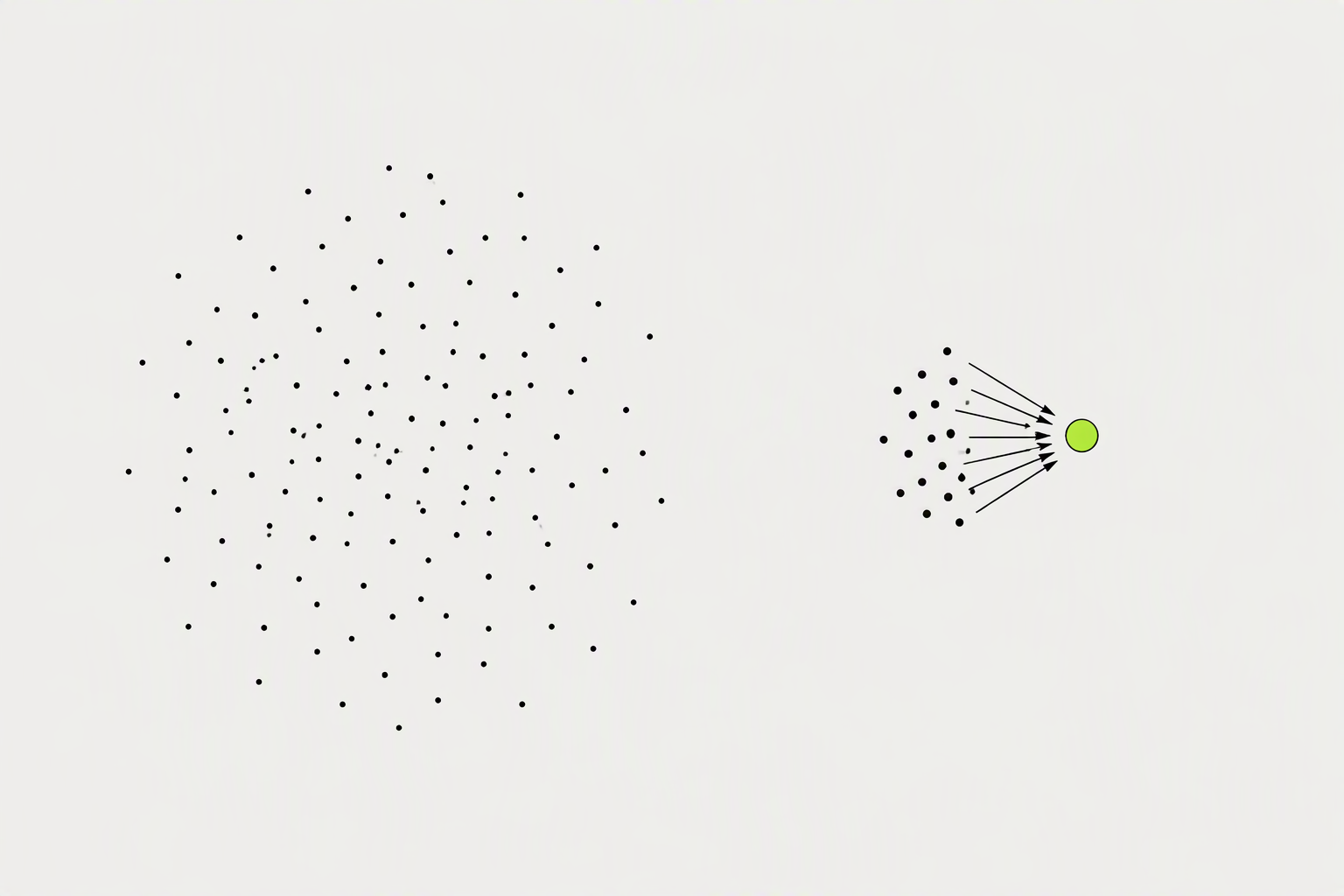
Most of your followers will not see most of your posts. LinkedIn shows each post to a slice of your network, and it only keeps showing it if those people actually stop and engage. Data from the platform shows that follower-first reach has dropped from roughly 40-60% in the pre-2025 era to 10-20% today.
Only about 31% of the average LinkedIn feed now comes from first-degree connections.
- There's no single "good reach" number, so the useful metric is reach rate: unique reach divided by your follower count.
- LinkedIn has never published a test-audience percentage, despite figures like 5-10% or 8-12% of followers being widely repeated online.
- If For You becomes the tab where members spend most of their time, an executive with just a few hundred followers could potentially reach professionals who would otherwise never encounter their posts through direct connections.
What you can try now: LinkedIn Impressions Benchmark: Where Do Yours Land?, Free LinkedIn Reach Calculator (Live Data)
The one setting worth checking is "Make follow primary" under Visibility.
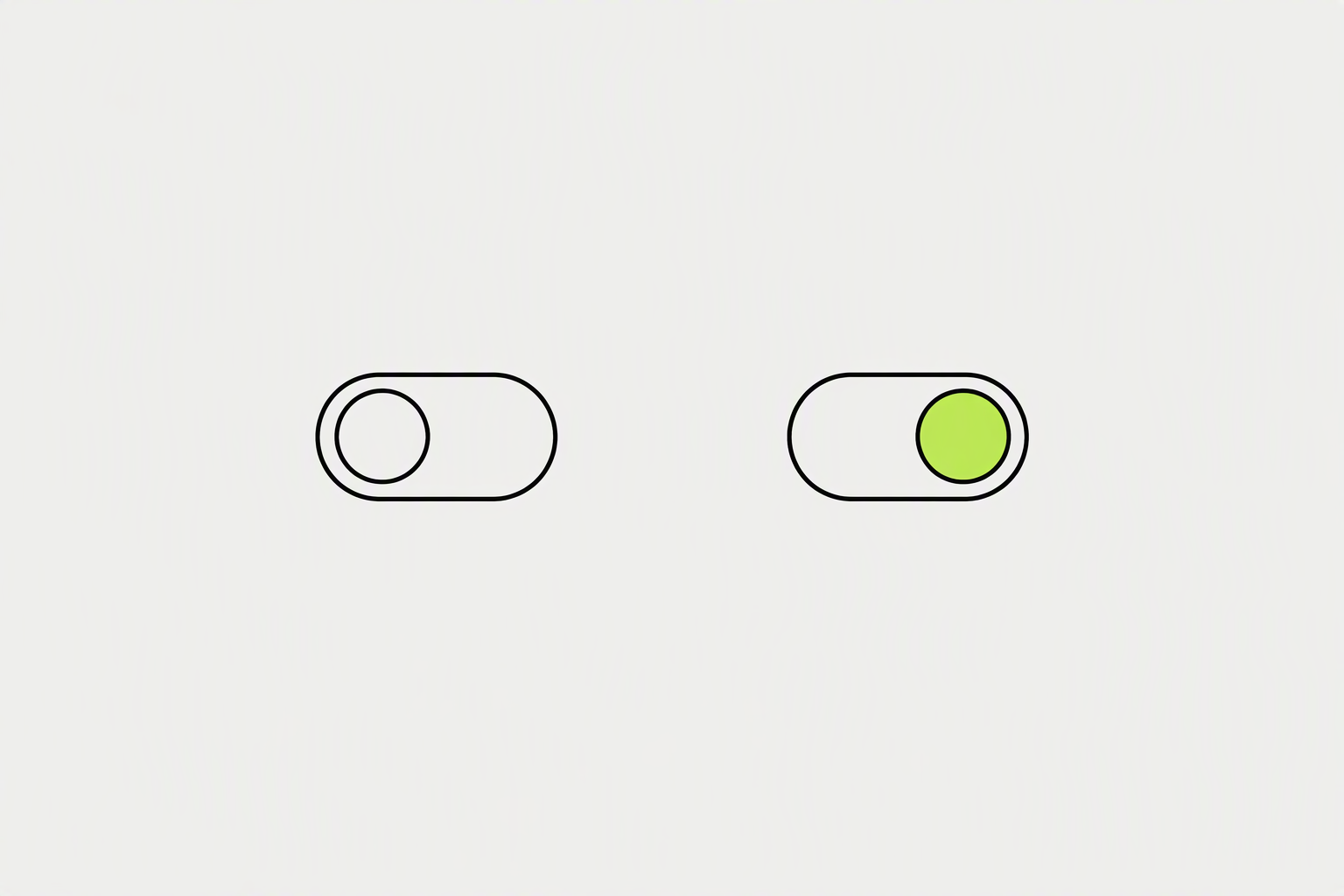
If you are building an audience rather than a rolodex, Follow should be your primary profile action. Connect requests create a two-way obligation, come with a limit on your total connections, and put a decision in front of a stranger who just wanted to read more of your posts. LinkedIn removed the on/off switch for creator mode in March 2024.
LinkedIn says changes can take up to 24 hours to show.
- On mobile, the setting is the same under a different entry point: tap your profile photo, tap the Settings gear, then Visibility, then Followers, and switch "Make follow primary" on.
- For a founder who posts, Everyone on LinkedIn is almost always the right answer.
- Interested parties can still find the option to 'Connect' under the 'More' dropdown menu on your profile, allowing you to manage connection requests more effectively.
What you can try now: LinkedIn Profile Checklist - Free 40-Point Profile Audit
Half of profile visitors decide to follow inside about 8 seconds.
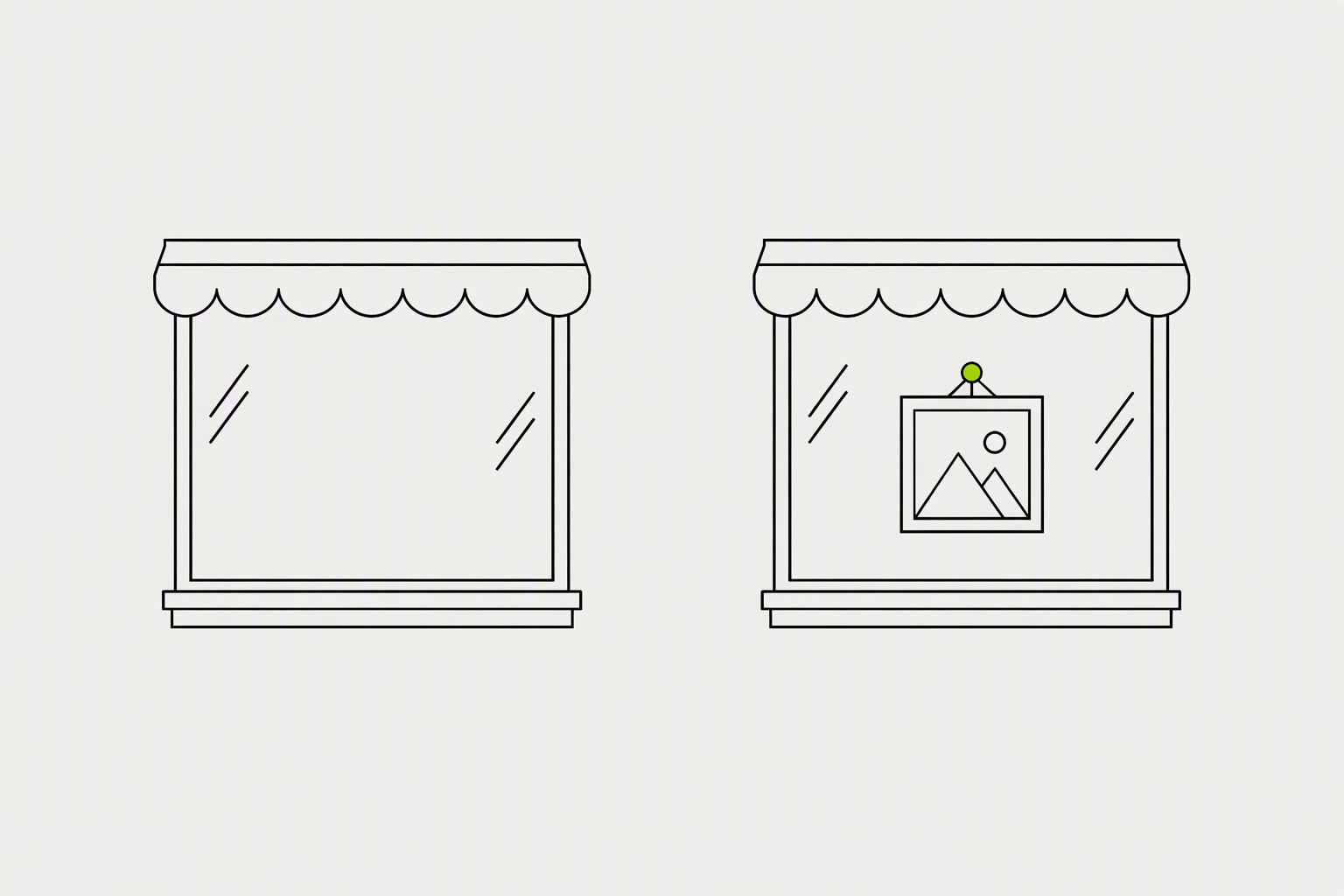
A clear profile turns a curious visitor into a follower. The Featured section sits just below your About section, so it's often the first place people see your actual content. Anything you feature keeps showing at the top of your profile until you swap it out, which is exactly why it matters more than any single post.
On mobile - where most of your profile views happen - visitors typically see the first one or two without swiping.
- A post that already resonated with your organic feed audience is a stronger bet for profile visitors than a recent post that hasn't been tested by real engagement yet.
- Open any post of yours in the feed or on your profile, click the three-dot menu in its top right corner, and choose Feature on top of profile.
- Featuring a strong post from six months ago will not resurface it to your network, and expecting an impressions bump from it will lead you to feature the wrong things.
What you can try now: Featured Section Thumbnail Checker for LinkedIn (3 Crops)
There is no reason to follow you for content anyone could have posted.
What content grows a personal brand fastest on LinkedIn is the content only you could have written: a real story, a specific how-to, or a take you can defend. Nobody follows an account they cannot predict. The posts that pull follows are the ones that sound lived-in.
Creators who post within 2 to 3 consistent topics outperform creators who scatter across 6 or more, even if the scatterers post more frequently.
- "B2B SaaS marketing for early-stage founders" is a niche people will see themselves in and follow you for.
- Only post a contrarian take you can actually defend in the replies.
- Every personal post should answer the question: what should the reader do differently after reading this?
What you can try now: Free Content Pillar Generator for B2B Marketers
Most of the first 1,000 followers arrive through comments, not through your own posts.
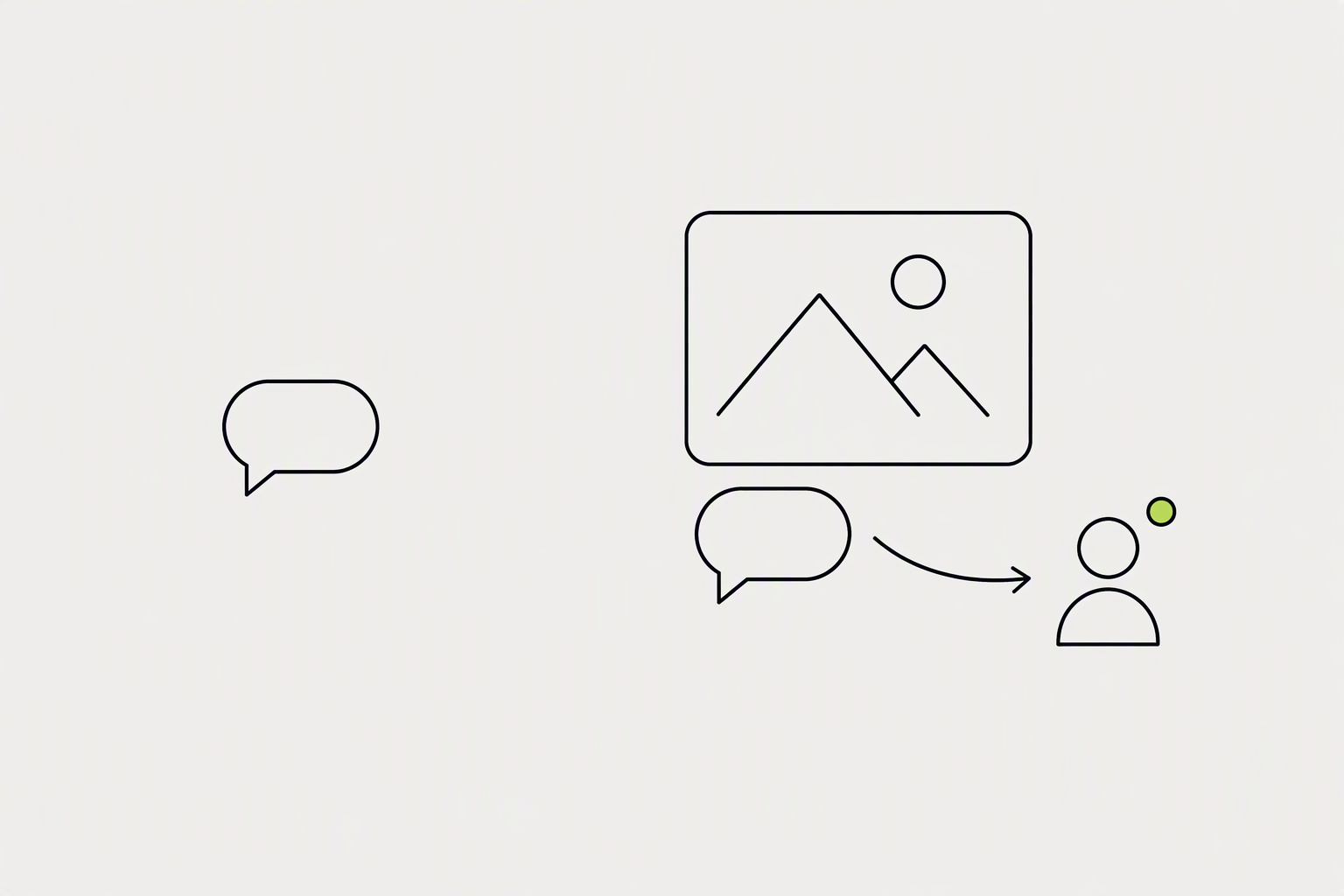
The fastest honest route to your first 1,000 followers on LinkedIn is to comment more than you post for the first three months. When you leave a comment on someone else's high-traffic post, you reach their audience - people who have never heard of you. After three or four exposures across creators someone follows, they start following you proactively.
Across 261,137 real comments, a comment posted in the first 30 minutes generates 391 impressions on average, versus 104 after 24h.
- Target creators with 5,000-50,000 followers in your niche (large enough for reach, not so large your comment drowns in hundreds of others).
- The trick is to comment like it is a post: add a real point, a counterexample, or a specific story, not "great insight."
- The thing that changes at 1,000 is that your own posts start to matter more than your comments.
What you can try now: LinkedIn Comment Templates
The lift is real only when collaborators have distinct, relevant networks.
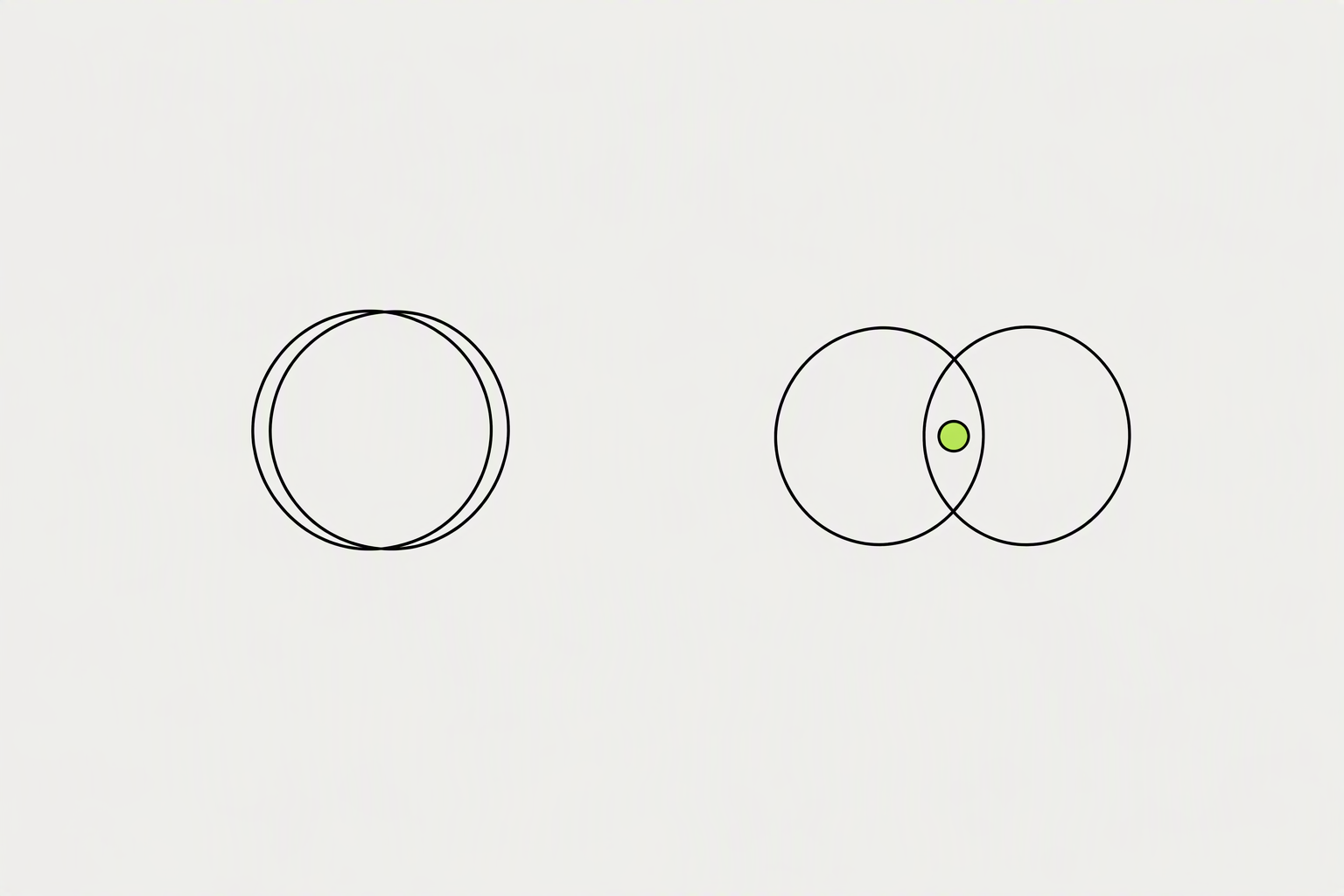
Once the last collaborator accepts, the post publishes simultaneously to the followers of every collaborator, with all names listed at the top. Unlike tagging someone in a post, collaborative publishing creates a single piece of content jointly attributed to everyone involved. We still have no evidence that LinkedIn gives collaborative posts an automatic reach boost simply because they use the collaborative format.
LinkedIn members or Company Pages can invite up to five collaborators per post.
- Pick people your audience would want to hear from, not people who do your job.
- Because of the accept-gate, coordinate timing with your partners beforehand rather than firing an invite cold and hoping they notice.
- Only the original creator can edit the post or manage collaborators, so pick a lead author who owns the final copy.
What you can try now: Free Cold DM Templates (LinkedIn & X) That Get Replies
When you publish your first edition, LinkedIn invites your connections and followers to subscribe.
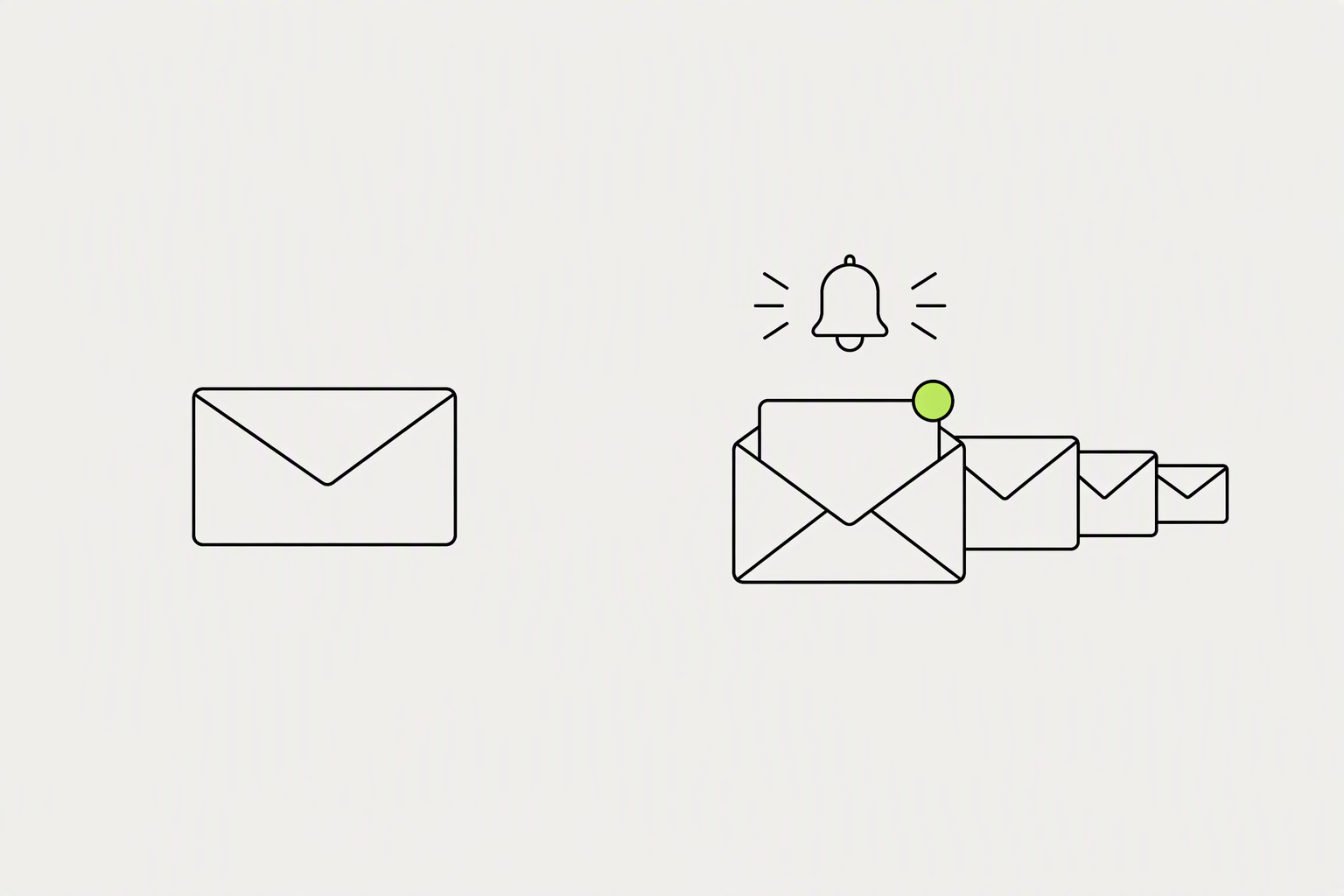
When someone subscribes to your newsletter, LinkedIn automatically makes them a follower if they weren't already. When you publish a newsletter edition, LinkedIn sends three simultaneous notifications to every subscriber: a push notification to the mobile app, an in-app alert in the LinkedIn feed, and an email to their inbox.
In August 2025, LinkedIn opened newsletter creation to every member, with no follower minimum (company pages still need more than 150 followers).
- The conversion from follower to subscriber is low for most creators - usually 1-5%.
- If you can't see yourself publishing one at least every couple of weeks, a strong Featured section will probably do more for you than a newsletter that stops after four editions.
- You never receive subscriber email addresses.
What you can try now: LinkedIn Newsletter Header Maker: Free 1200x628 PNG, Free Newsletter Name Generator
Not everyone who'd follow you on LinkedIn is going to find you on LinkedIn.
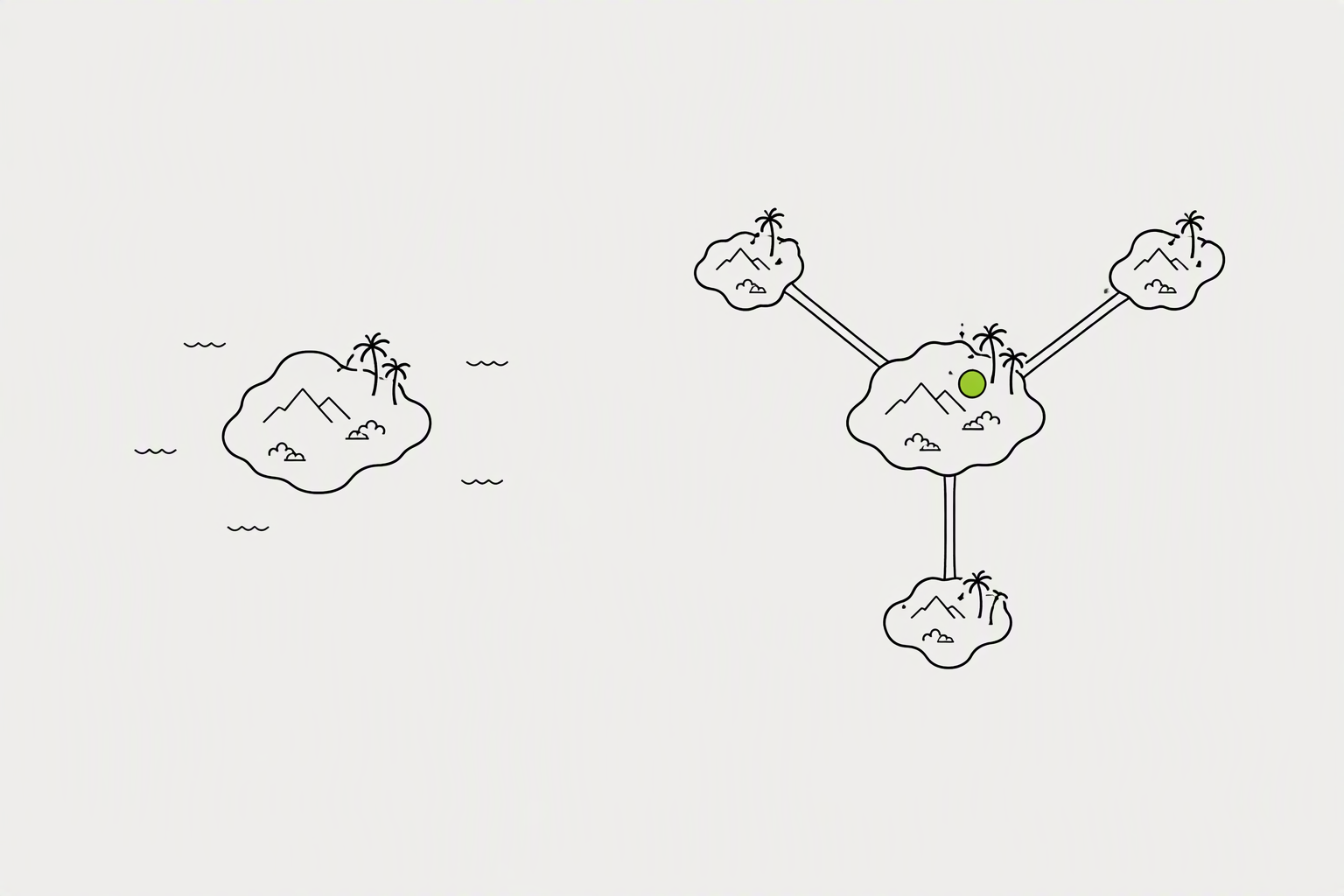
Every platform where you have an existing audience is a source of LinkedIn followers, if you make the path visible. LinkedIn gives every profile a dedicated follow link, which you reach through your own profile, then Contact info, then the sharing section at the bottom, where you can copy either a plain URL or an embed code. Sending people to your general profile and hoping they find the right button wastes most of that traffic.
In the LinkedIn mobile app, tap the search bar's QR icon and show or save your profile QR code for in-person sharing.
- If you're on Instagram, TikTok, or Substack, your link in bio is a natural place for LinkedIn, especially if LinkedIn is where you post most.
- Anywhere you're introduced: podcast bios, speaker pages, guest post bylines.
- Audiences overlap more than you'd think, and most of the time people just need to be told where else you are.
What you can try now: LinkedIn QR Code Generator, Scan to Connect (Free, No Signup), Free Email Signature Generator (No Login Required)
Employee-shared content reaches 561% more people than the same content posted from a company page.
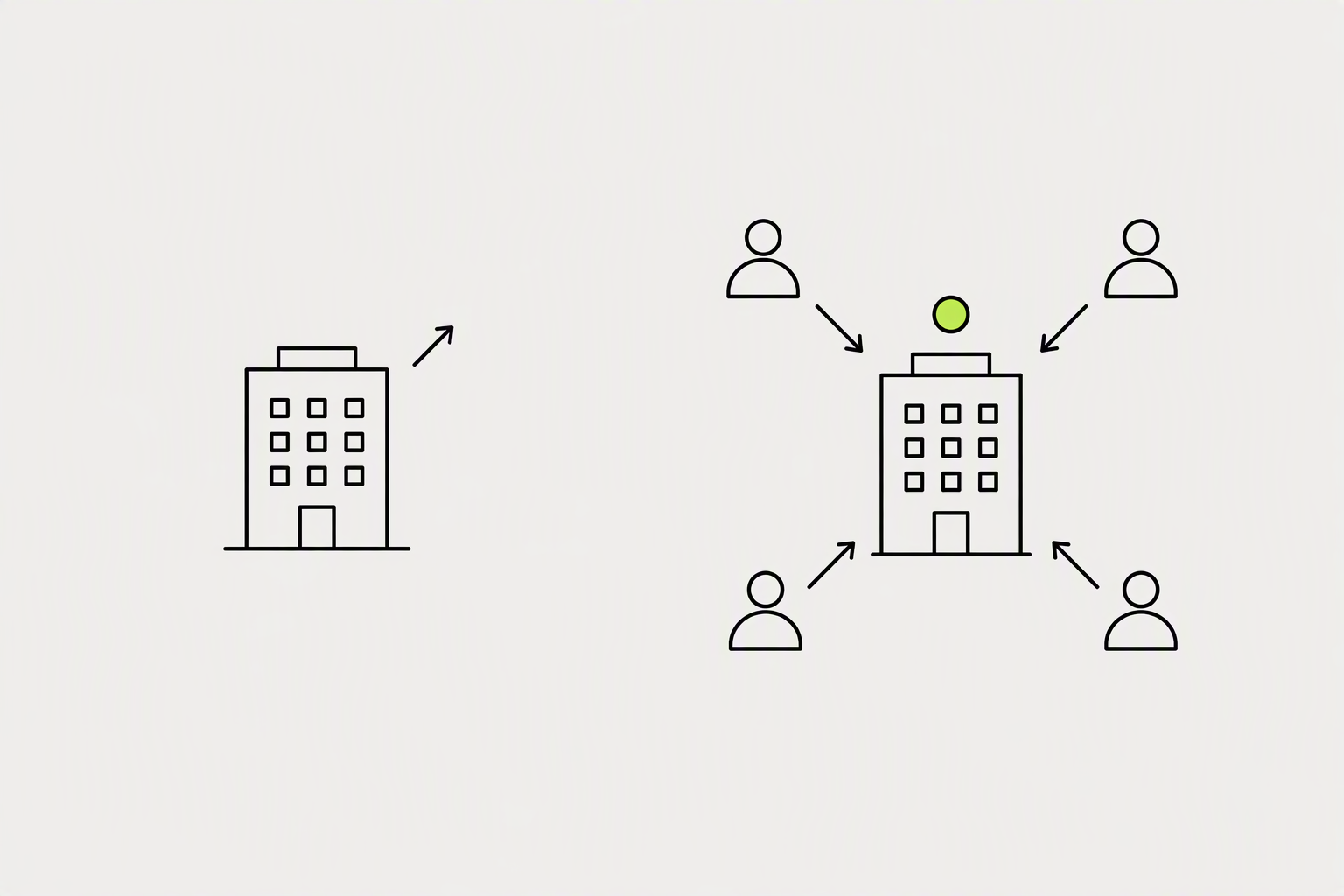
Have employees link their profiles to the Page, reshare their posts, spend invite credits on people who already engage, and post on a steady schedule. A free company page gets 50 invitation credits per month, shared across every admin. Each non-admin employee can invite up to 30 of their first-degree connections per month to follow the page.
Invite credits reset on the 1st day of each month. An acceptance returns the credit, an ignored invitation doesn't.
- Crossing the 150-follower threshold matters early: only after that point does LinkedIn begin recommending your page to non-followers in their feeds.
- The Notify Employees button inside LinkedIn must be triggered manually after each post, even when the post was published through a third-party scheduler.
- People who reacted to or commented on the Page's posts but don't follow it yet are the likeliest to accept.
What you can try now: LinkedIn Company Page Optimization: Checklist (2026)
Fewer than 0.5% of LinkedIn's 1 billion users have over 10,000 followers.
There's no benchmark that applies to everyone, and follower count matters less than it used to. A few thousand followers who care about your topics are enough to start getting inbound opportunities. Inbound usually starts somewhere between 1,000 and 2,500 followers, and compounding shows up above roughly 5,000.
Follower growth is the rate at which your audience increases over a period, usually measured monthly.
- New accounts (0-500) should aim for 8-15% monthly.
- A 3-6% monthly follower growth rate is healthy for established accounts (2,500-10,000 followers).
- Company pages typically grow more slowly, around 1 to 5% a month.
What you can try now: LinkedIn Follower Growth Rate Calculator, Free LinkedIn Engagement Rate Calculator - Latest Benchmarks
You can now see exactly who followed you from a specific post.
The number to record each month is the total follower count on the first or last day of the month. Add a fourth column for percentage growth: net gain divided by last month's total, multiplied by 100. Growing from 500 to 550 followers is a 10% gain.
The path on desktop is Me, View Profile, then the Analytics section, then Show all analytics.
- Since June 2026, LinkedIn has been rolling out a breakdown of how much of your reach came from inside your network versus outside it, which is the closest thing you'll get to "how many potential new followers saw this."
- Note whether profile views spiked when a specific post performed well.
- An Export button saves the view as an .XLSX file.
What you can try now: Free Monthly Social Media Report Template
The first 300 followers are the hardest part by a wide margin.
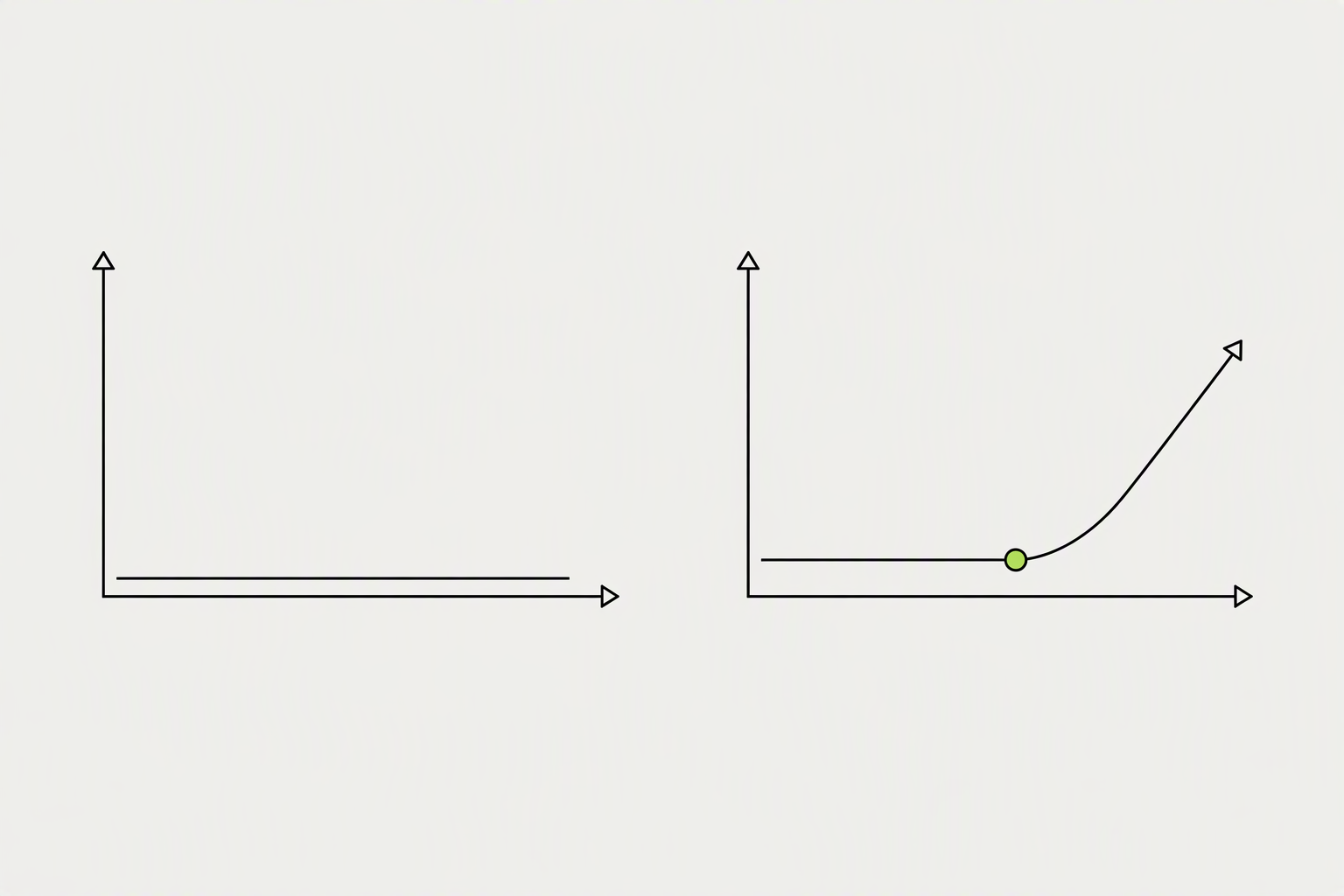
Getting your first 1,000 followers on LinkedIn takes most people three to six months of consistent effort. 5,000 followers takes 6 to 9 months of consistent publishing, and 10,000 takes 12 to 18 months. Growth rate falls at every milestone while the absolute number of new followers per month keeps rising, which is why the account feels slower and performs better at the same time.
Median cadence means 3 to 5 posts a week plus about 30 minutes a day of commenting, sustained.
- Starting from under 500 followers, realistic growth is 20 to 80 new followers per month for the first 90 days.
- Reaching 10,000 followers takes roughly 250 posts at 3 to 5 a week.
- There is no published study that fixes a timeline, and anyone quoting you a precise number of days is guessing.
What you can try now: When Will I Hit 10k Followers? Milestone Calculator, Free Follower Milestone Calculator - No Signup Required