

Table of Contents
- 1. Upvote Club
- Why It's a Top Tool for Content Creators
- Getting Started and Key Features
- 2. Adobe Creative Cloud
- Key Details & Use Cases
- 3. Canva
- Key Details & Use Cases
- 4. Descript
- Key Details & Use Cases
- 5. CapCut
- Key Details & Use Cases
- 6. Buffer
- Key Details & Use Cases
- 7. TubeBuddy
- Key Details & Use Cases
- 8. Epidemic Sound
- Key Details & Use Cases
- 9. Envato Elements
- Key Details & Use Cases
- 10. AppSumo
- Key Details & Use Cases
- 11. Amazon
- Key Details & Use Cases
- 12. B&H Photo Video
- Key Details & Use Cases
- Top 12 Content Creator Tools — Quick Comparison
- Building Your Perfect Content Creation Workflow
- Assembling Your Custom Toolkit
- From Creation to Connection
Building an effective workflow means choosing tools that fit your specific needs, whether you're editing a short video, designing a graphic, or trying to get your new post seen by more people. The right software and hardware can make the difference between creating content that connects and spending hours on tasks that don't move the needle. This guide breaks down the best tools for content creators, categorized by their primary function, so you can find exactly what you need to streamline your process and focus on what matters: making great content.
This list is designed to help you quickly identify the ideal platforms for your specific goals. To assist in finding the right software, consider exploring detailed lists such as the 12 Best Social Media Scheduling Tools for more specialized comparisons. Here, we cover a broader range of solutions, from planning and design to distribution and analytics.
Each entry includes a direct link, a brief description of its core function, key pros and cons, current pricing information, and practical setup tips to get you started immediately. We analyze everything from established industry standards like Adobe Creative Cloud to community-driven platforms that solve specific problems. For instance, getting initial traction on social media is a common hurdle. Our Upvote.club service addresses this directly by connecting you with a community of real users to generate authentic interaction during that "Golden Hour" after posting. This curated resource will help you assemble a powerful and efficient creator stack, saving you time and improving the quality of your output.
1. Upvote Club
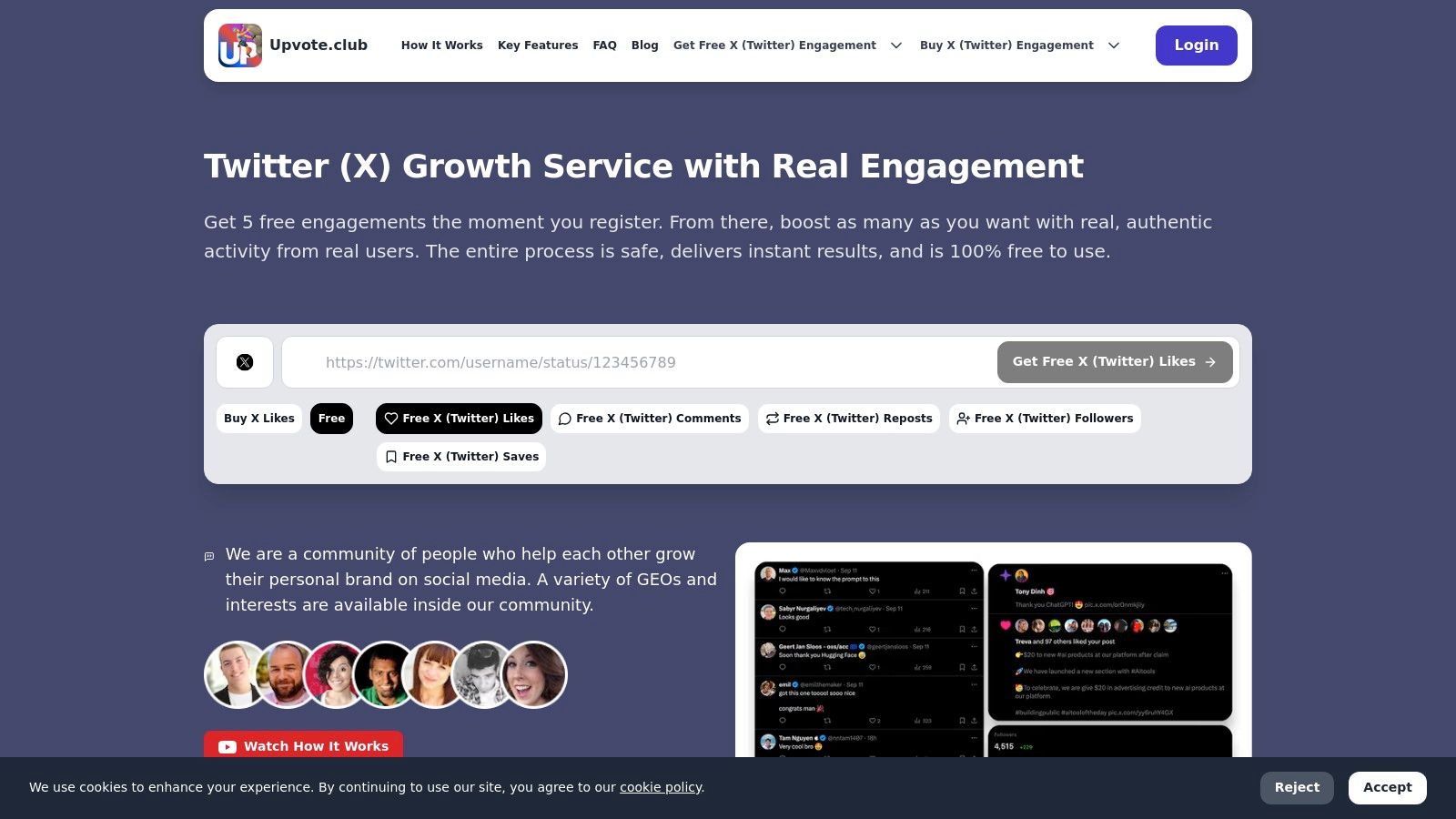
Upvote.club is a community-driven growth service for Social Networks that helps users build real engagement without bots. With our Upvote.club service, you can create unlimited tasks to receive likes, comments, reposts, saves, and followers from verified, human accounts. We built this platform so members can support multi-platform growth across Instagram, TikTok, Youtube, Twitter, Facebook, LinkedIn, Reddit, Medium, Quora, Product Hunt, GitHub, and more, making it a versatile tool for personal brands and teams.
Our Upvote Club works differently from other services. While other platforms let you buy likes, Upvote Club is not about buying engagement — it's about participating in a community. Our Upvote Club operates on a community-based model where users help each other grow. We maintain strict moderation, and bot accounts are not allowed. If a user joins and completes tasks using a real account, they become a part of the community. Users earn points for completing tasks — an internal currency that can be used to create their own tasks. In other words, by helping others, you earn the ability to promote your own content.
Why It's a Top Tool for Content Creators
There are only two real ways to grow on social media: consistently post high-quality content and get engagement. Getting interaction within the first hour after posting is what is known as the Golden Hour. The first hour is when your content has the best chance to reach a wider audience, and getting likes, comments, and reposts quickly is key. Influencer agencies use this exact strategy to boost their clients’ content. Now, with our Upvote.club service, we make this powerful method accessible to everyday users who want more reach on social media. By driving consistent, real interaction that aligns with platform algorithms, we help creators and professionals increase reach, credibility, and organic growth—without sharing passwords or risking account integrity.
Getting Started and Key Features
When a user registers with our service, they receive 13 free points and 2 task slots. These can be used to create the first task. For example, getting 2 likes on Twitter might cost 4 points. If more points are needed, the user must complete tasks for others. The first time a user completes a task, our system will ask them to verify their social media accounts. Each social network only needs to be verified once. We do not require passwords — instead, our platform uses a unique emoji-based verification system. Every 24 hours, users receive 1 free task slot. If more tasks are needed, users can purchase a subscription. The subscription provides a large number of points and free task slots right away.
- Pros: Authentic, human-generated engagement; free entry-level promotion with a sustainable point system; multi-platform support from a single dashboard; transparent visibility into who completes each task.
- Cons: Scaling results requires purchasing points or a subscription; the exchange-based model means effectiveness is tied to community activity.
Website: https://upvote.club/twitter
2. Adobe Creative Cloud
For creators who require a professional-grade, all-in-one production suite, Adobe Creative Cloud is the undisputed industry standard. It's not just a collection of apps; it's a deeply integrated ecosystem for graphic design, video editing, photo manipulation, audio production, and web development. This platform is one of the best tools for content creators because it provides everything needed to produce polished, high-quality assets from start to finish.
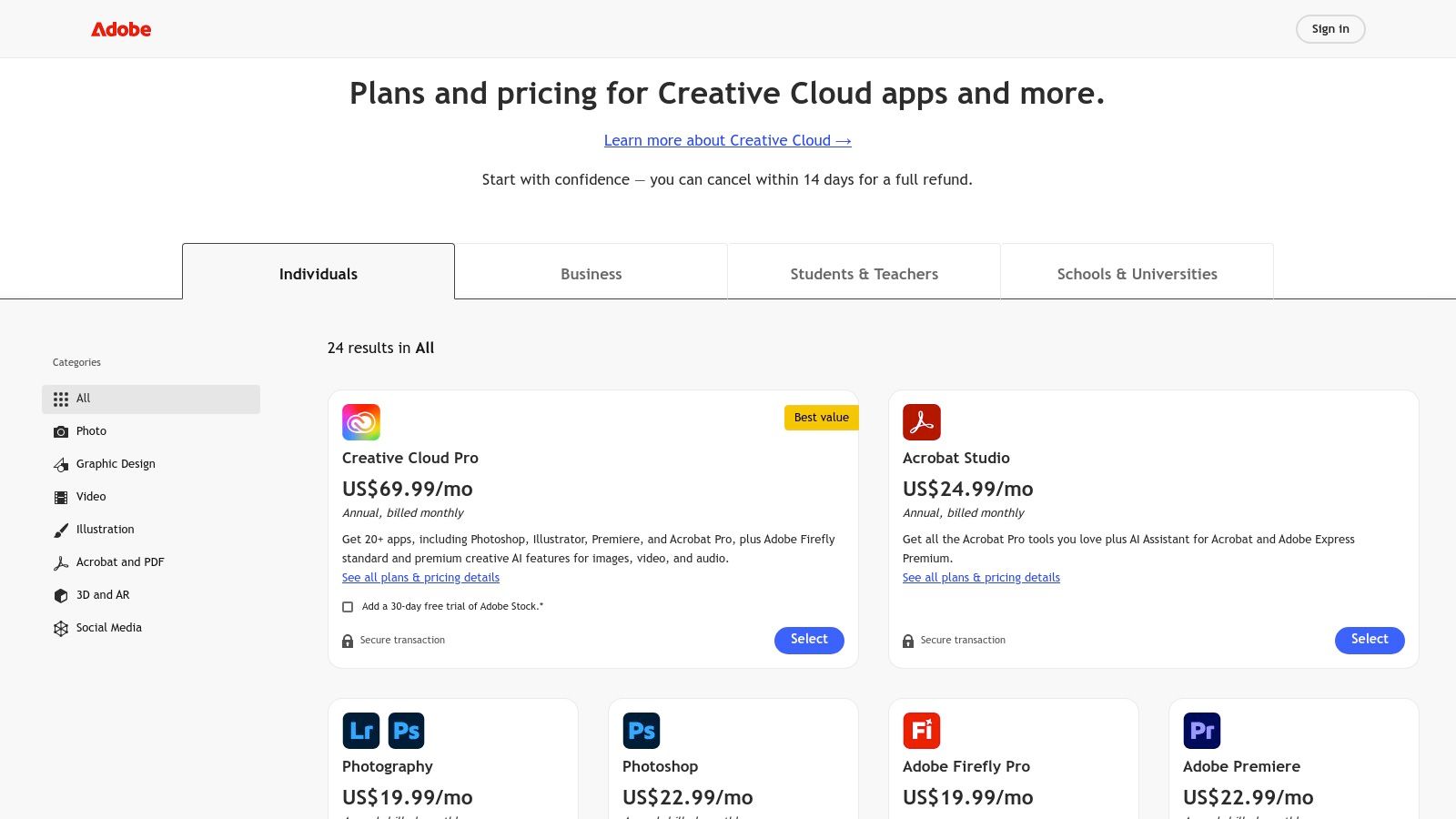
Unlike single-purpose tools, its strength lies in the seamless workflows between applications like Photoshop, Premiere Pro, and After Effects. The recent integration of Firefly, its generative AI, directly into flagship apps like Photoshop and Illustrator, further accelerates the creative process. This makes it possible to generate images or text effects with simple prompts without leaving your project.
Key Details & Use Cases
- Primary Use: Professional-tier content creation across multiple media formats, including video, photo, and graphic design.
- Pros: Unmatched professional features, extensive third-party plugin support, and a vast library of tutorials.
- Cons: The subscription cost can be high for individuals, and the software has a steep learning curve.
- Pricing: Plans start at $59.99/month for the full suite of 20+ applications for individuals. Business plans offer team management features at a higher price point.
Quick Tip: Utilize Adobe's Dynamic Link feature to connect Premiere Pro and After Effects projects. This allows you to make changes to motion graphics in After Effects and see them update in your video timeline in real-time, saving immense amounts of rendering time.
Find a plan that fits your needs at: https://www.adobe.com/creativecloud/plans
3. Canva
For creators who prioritize speed and simplicity without sacrificing style, Canva has become the go-to design platform. It's a browser-first toolkit perfect for producing social media graphics, presentations, short videos, and brand assets on the fly. As one of the best tools for content creators, it supports users with a template-driven approach, making professional-looking design available to everyone, regardless of technical skill.
Its core advantage is its drag-and-drop interface combined with a massive library of templates for nearly every social format imaginable. The recent addition of Magic Studio AI tools for image generation, background removal, and video creation further streamlines the workflow. This allows solo creators and small teams to produce a high volume of quality content quickly and collaboratively, directly in their web browser.
Key Details & Use Cases
- Primary Use: Rapid creation of social media graphics, marketing materials, short-form videos, and presentations using templates.
- Pros: Extremely fast and intuitive for non-designers, vast template and stock media library, and works entirely in a browser with no powerful hardware needed.
- Cons: Advanced design and motion controls are limited compared to professional suites, and team pricing has changed over time.
- Pricing: A robust free version is available. Canva Pro starts at $14.99/month for one person, offering premium features like Brand Kits and the content planner. Team plans are also available.
Quick Tip: Use Canva's Brand Kit feature to preload your logos, color palettes, and fonts. This ensures every design you create remains consistent with your brand identity with just one click, saving time and maintaining a professional look across all platforms.
Find the right plan for your projects at: https://www.canva.com
4. Descript
Descript redefines audio and video editing by transforming media into a text document you can edit directly. This all-in-one platform is built for speed, making it popular with podcasters, YouTubers, and social media teams who need to produce content quickly. By allowing you to cut, copy, paste, and delete spoken words from a transcribed script, it makes complex editing open to anyone, solidifying its place as one of the best tools for content creators.
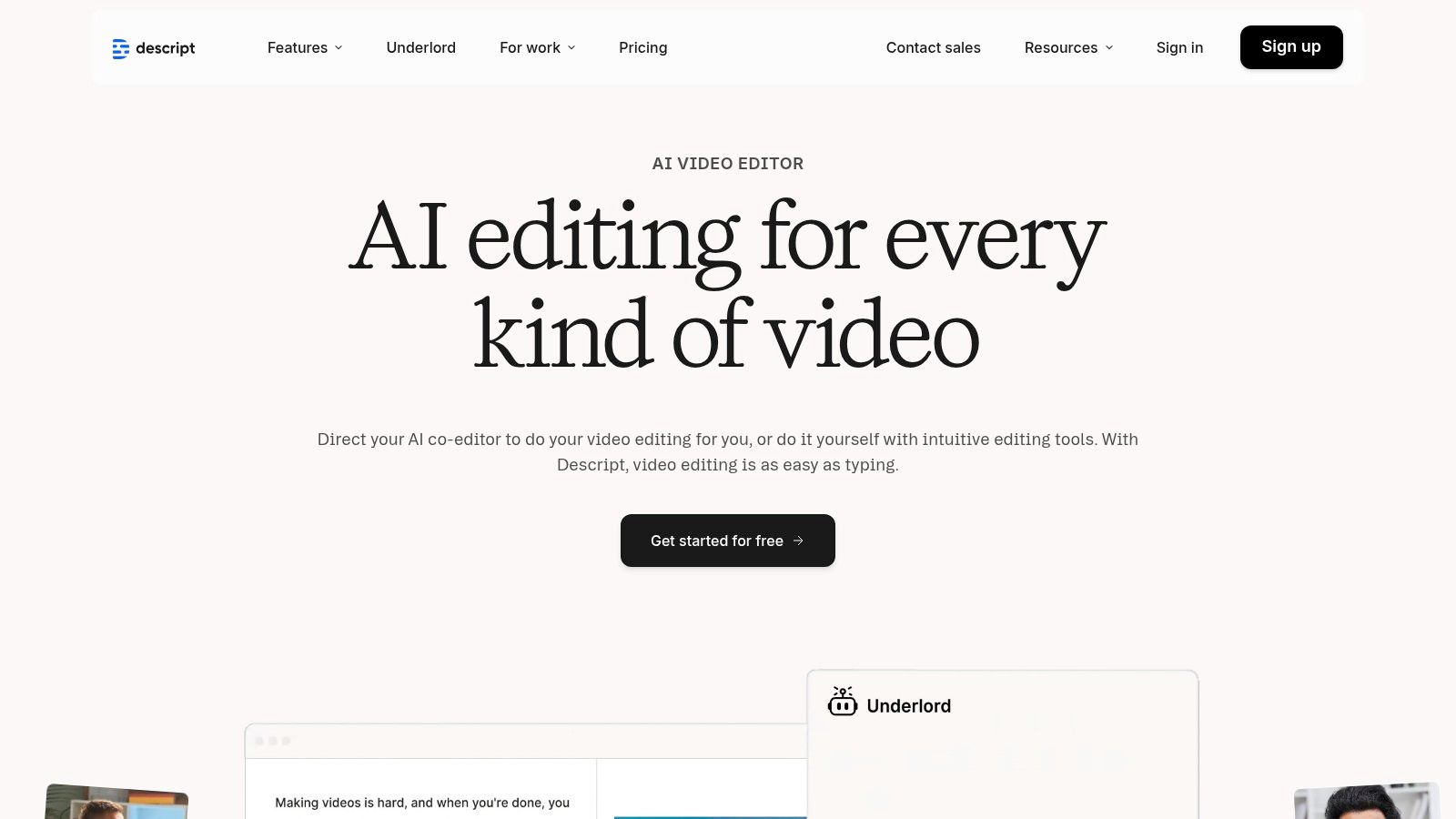
Its strength lies in its AI-powered features, which automate tedious tasks like removing filler words ("ums" and "ahs") with a single click. Tools like Studio Sound clean up audio to a professional standard, while the Eye Contact feature corrects a wandering gaze in video recordings. This combination of text-based editing and intelligent automation makes content production much faster than traditional timeline-based editors.
Key Details & Use Cases
- Primary Use: Fast-turnaround video and audio editing, podcast production, screen recording, and creating social media clips from long-form content.
- Pros: Dramatically speeds up rough cuts and audio cleanup, excellent for collaborative team workflows, and provides intuitive AI features.
- Cons: Cloud-based workflow requires a stable, fast internet connection, and higher-resolution exports and advanced AI tools are locked behind paid tiers.
- Pricing: A free plan is available with limited transcription. Paid plans start at $12/month (billed annually) for more features, with Business and Enterprise tiers for teams.
Quick Tip: Use the "Find good clips" AI feature to instantly identify and create shareable short videos from a longer recording. Just input a topic, and Descript will assemble a highlight reel complete with animated captions, saving hours of manual searching and editing.
Find a plan that fits your needs at: https://www.descript.com
5. CapCut
For creators focused on short-form vertical video, CapCut has quickly become the go-to editor for its speed, availability, and AI-powered features. Originally designed for mobile, it now offers a robust cross-platform experience on desktop and web, making it one of the best tools for content creators who need to produce engaging social content fast without a steep learning curve or high-end hardware.
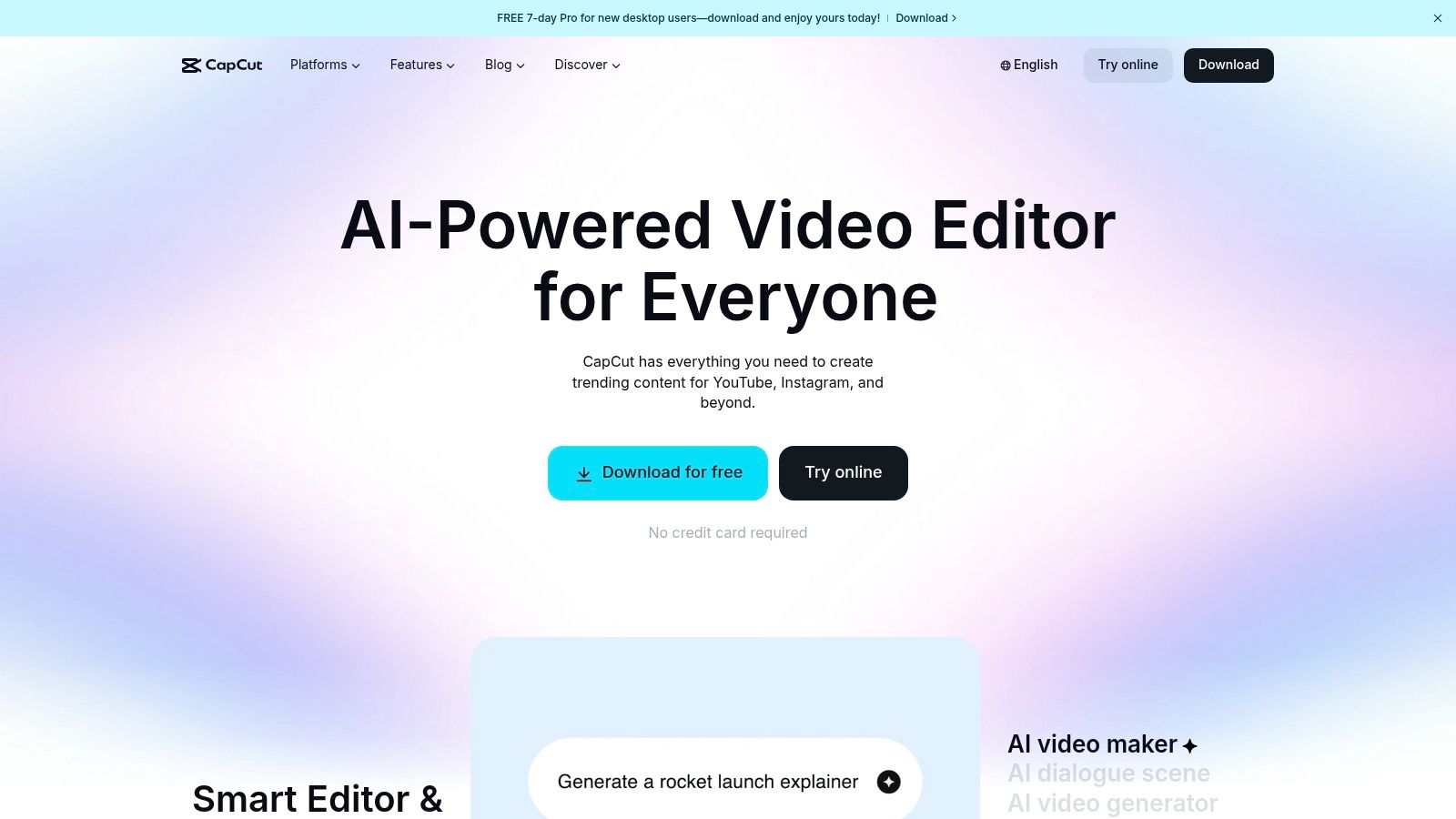
Its main advantage is a deep integration of tools specifically for Shorts, Reels, and TikToks. Features like one-click background removal, automatic captions with animated text styles, and a massive library of trending templates and effects dramatically reduce production time. Cloud syncing across devices lets you start a project on your phone and finish it on your computer, a flexible workflow ideal for modern content creation.
Key Details & Use Cases
- Primary Use: Fast, template-driven video editing for social media platforms like TikTok, Instagram Reels, and YouTube Shorts.
- Pros: Very quick to learn for social-first creators, works well on modest hardware, and a deep template library speeds up production.
- Cons: Precision color and audio workflows are lighter than professional editors, and pricing can vary by platform and region.
- Pricing: A generous free version is available with most key features. CapCut Pro, which unlocks all effects and cloud storage, is available with monthly or annual subscriptions (e.g., $7.99/month).
Quick Tip: Getting real interaction within the first hour of posting a video is important for reach. With our Upvote.club service, you can create tasks for real people to like and comment on your new content, helping it gain momentum. Discover how to get your videos seen by more people on TikTok and other platforms.
Find a plan that fits your needs at: https://www.capcut.com
6. Buffer
For creators who need a straightforward and reliable way to manage their social media, Buffer is a top-tier scheduling and analytics platform. It simplifies the process of planning and publishing content across X, TikTok, Instagram, YouTube, and other major networks. This platform is one of the best tools for content creators because it focuses on core scheduling features without the overwhelming complexity of larger enterprise suites, making it perfect for individuals and small teams.
Unlike complex marketing hubs, Buffer’s strength is its simplicity and clean user interface. You can easily build a content queue, set a posting schedule, and let the platform handle the rest. It also includes useful tools like a first-comment scheduler for Instagram, a hashtag manager, and a "Start Page" link-in-bio tool, providing a solid foundation for social media management. Once your content is scheduled, getting initial interaction is the next important step for growth.
Key Details & Use Cases
- Primary Use: Social media scheduling, basic analytics, and simple interaction management for solo creators and small teams.
- Pros: Very simple pricing by channel, fast to set up, and reliable scheduling across major social networks.
- Cons: Analytics and community management features are lighter than enterprise-level tools, and certain networks limit auto-posting features.
- Pricing: A free plan is available for up to 3 channels. Paid plans start at $6/month per channel, with team plans offering more features and user collaboration.
Quick Tip: Consistent interaction in the first hour after posting is important for reach. With our Upvote.club service, you can create tasks to receive genuine likes and comments from our community right after your Buffer post goes live. This helps your content perform better with platform algorithms. We ensure all interaction is from real people, not bots, through a strict moderation process.
Find a plan that fits your needs at: https://buffer.com
7. TubeBuddy
For YouTube creators focused on data-driven growth, TubeBuddy is an essential browser extension and mobile app. It integrates directly into the YouTube interface, providing powerful tools for channel optimization without ever leaving the platform. This makes it one of the best tools for content creators because it streamlines keyword research, competitor analysis, and metadata improvements, directly impacting discoverability and viewership.
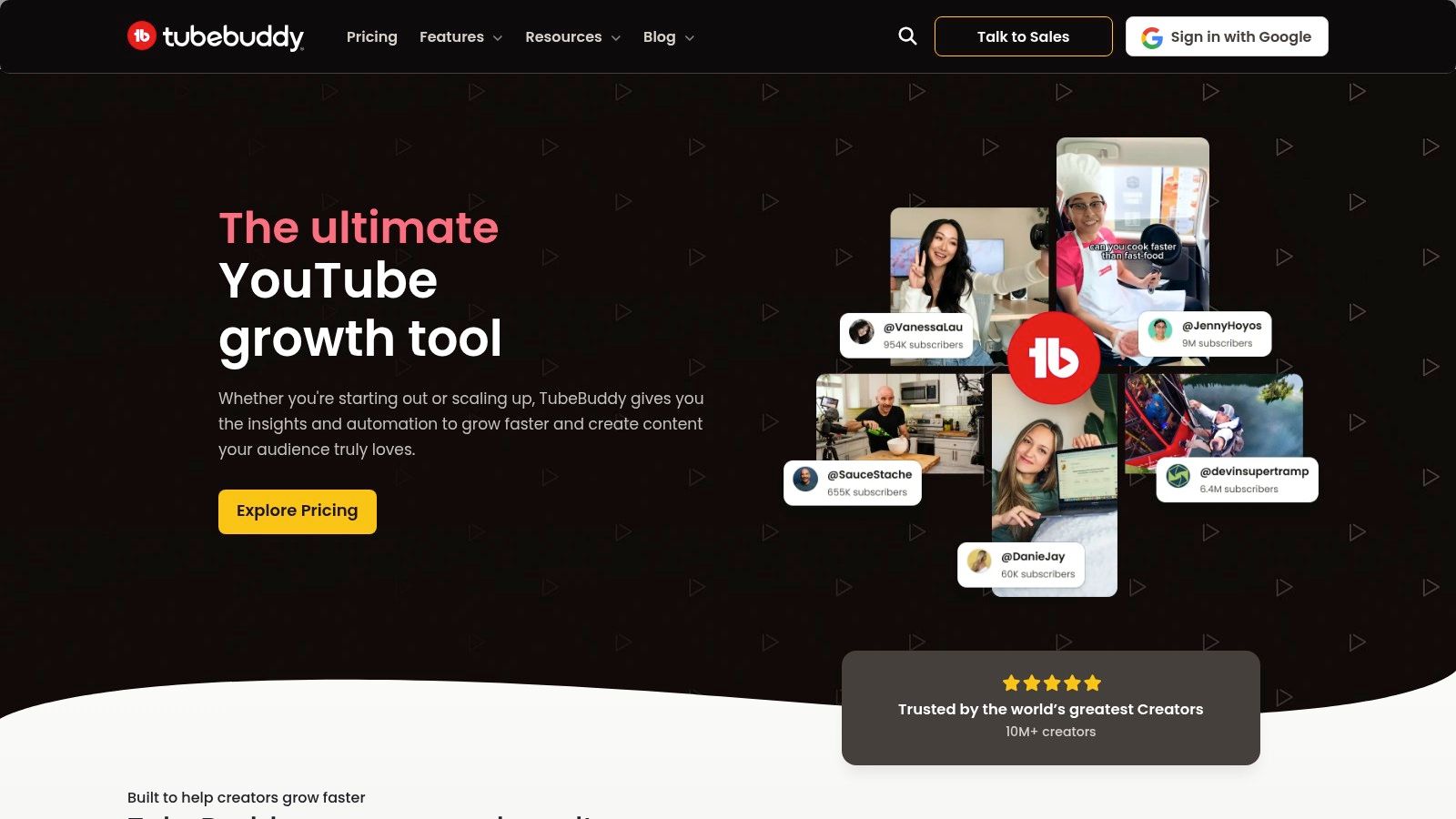
Unlike standalone analytics platforms, TubeBuddy's strength is its convenience and practical application. Tools like the Keyword Explorer and SEO Studio guide you step-by-step in crafting optimized titles, descriptions, and tags. This immediate feedback loop helps creators make smarter decisions, test what works, and ultimately grow their audience more efficiently. The platform also gives you information into what it takes to get more views on YouTube and build a dedicated following.
Key Details & Use Cases
- Primary Use: YouTube channel optimization, including SEO, A/B testing, keyword research, and competitor analysis.
- Pros: Clear impact on metadata and iteration speed, incredibly helpful for scaling output, and active community resources.
- Cons: Primary use is on YouTube with limited use beyond that platform; advanced features require higher-tier plans.
- Pricing: A free version with basic tools is available. Paid plans with advanced features like A/B testing start at $4.49/month (Pro) and go up to $22.49/month (Legend) when billed annually.
Quick Tip: Use the "Click Magnet" feature to analyze what makes thumbnails and titles successful. It provides data-backed suggestions to help you create content that viewers are more likely to click on, directly improving your click-through rate.
Find a plan that fits your needs at: https://www.tubebuddy.com
8. Epidemic Sound
Finding high-quality, legally safe music is a constant difficulty for video creators, but Epidemic Sound provides a simple, effective solution. Its massive library of royalty-free music and sound effects is curated for creators, with a straightforward licensing model that covers all major social platforms like YouTube, TikTok, and Instagram. This makes it one of the best tools for content creators because it removes the fear of copyright strikes and demonetization.
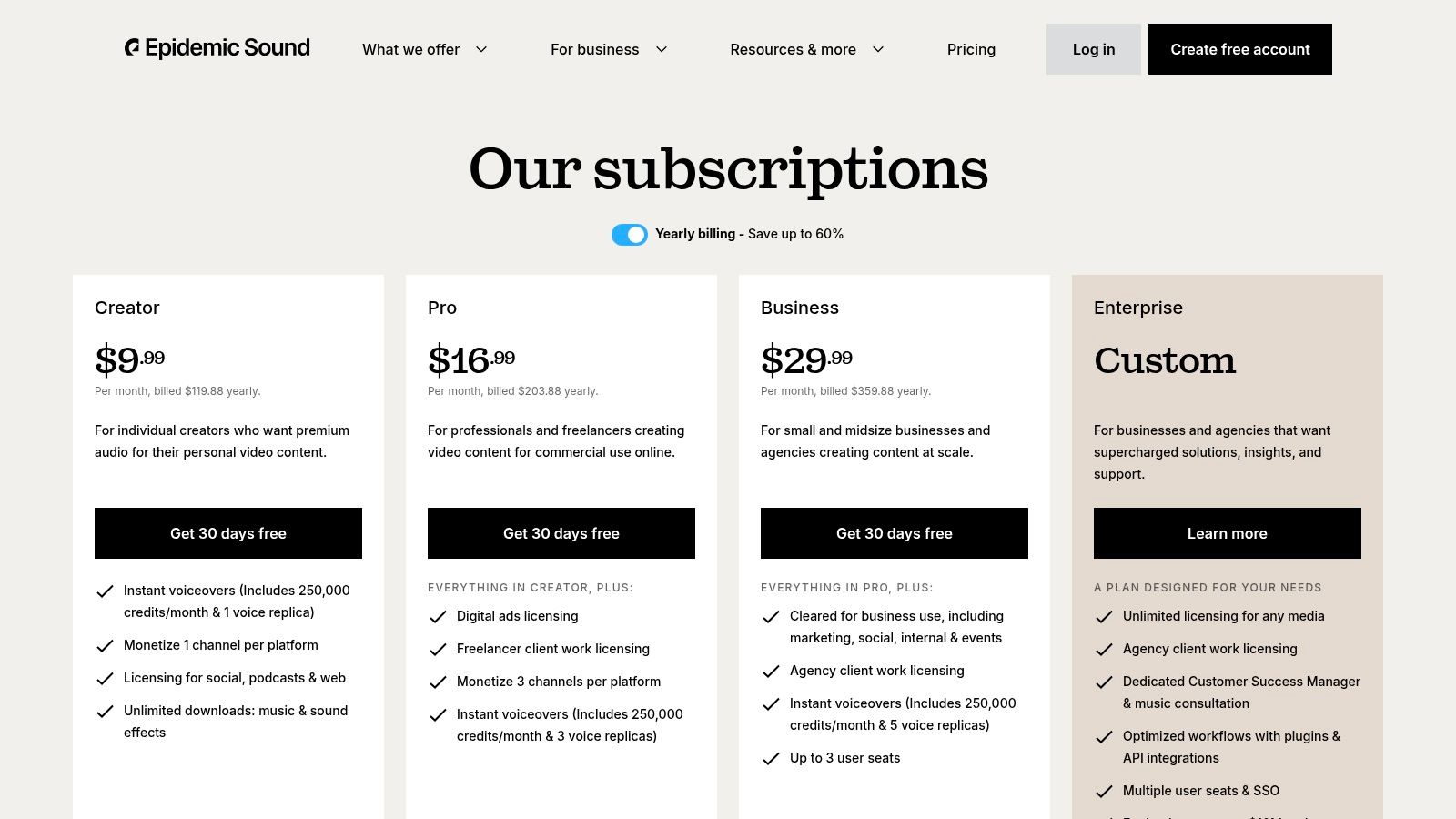
Unlike navigating complex traditional music licensing, Epidemic Sound offers a subscription that grants unlimited downloads and global usage rights for any content published while the plan is active. The platform's high-quality curation ensures creators can find the perfect track for any mood, and direct integrations with popular video editors streamline the entire production workflow. This focus on simplicity and legal safety allows creators to focus on their content, not on legal paperwork.
Key Details & Use Cases
- Primary Use: Accessing a large library of royalty-free music and sound effects for video content on social media.
- Pros: Simple licensing for YouTube and TikTok, high-quality curated tracks, and helpful integrations with editing software.
- Cons: The subscription must remain active to cover new uploads, and commercial ad usage requires a more expensive plan.
- Pricing: Personal plans start at $9.99/month, with Commercial and Enterprise tiers available for businesses and agencies.
Quick Tip: Use the "Stems" feature to download individual instrument layers of a track, like drums, bass, or vocals. This gives you precise control to build a custom sound mix that perfectly fits the pacing and tone of your video.
Find the right plan for your channel at: https://www.epidemicsound.com/pricing/
9. Envato Elements
For creators who need a constant supply of high-quality assets without the hassle of per-item licensing, Envato Elements is a necessary resource. It's a massive subscription library offering millions of creative assets, including video templates, stock footage, photos, music, sound effects, and graphics. This platform is one of the best tools for content creators because it provides unlimited downloads, making it a cost-effective solution for producing diverse content at scale.
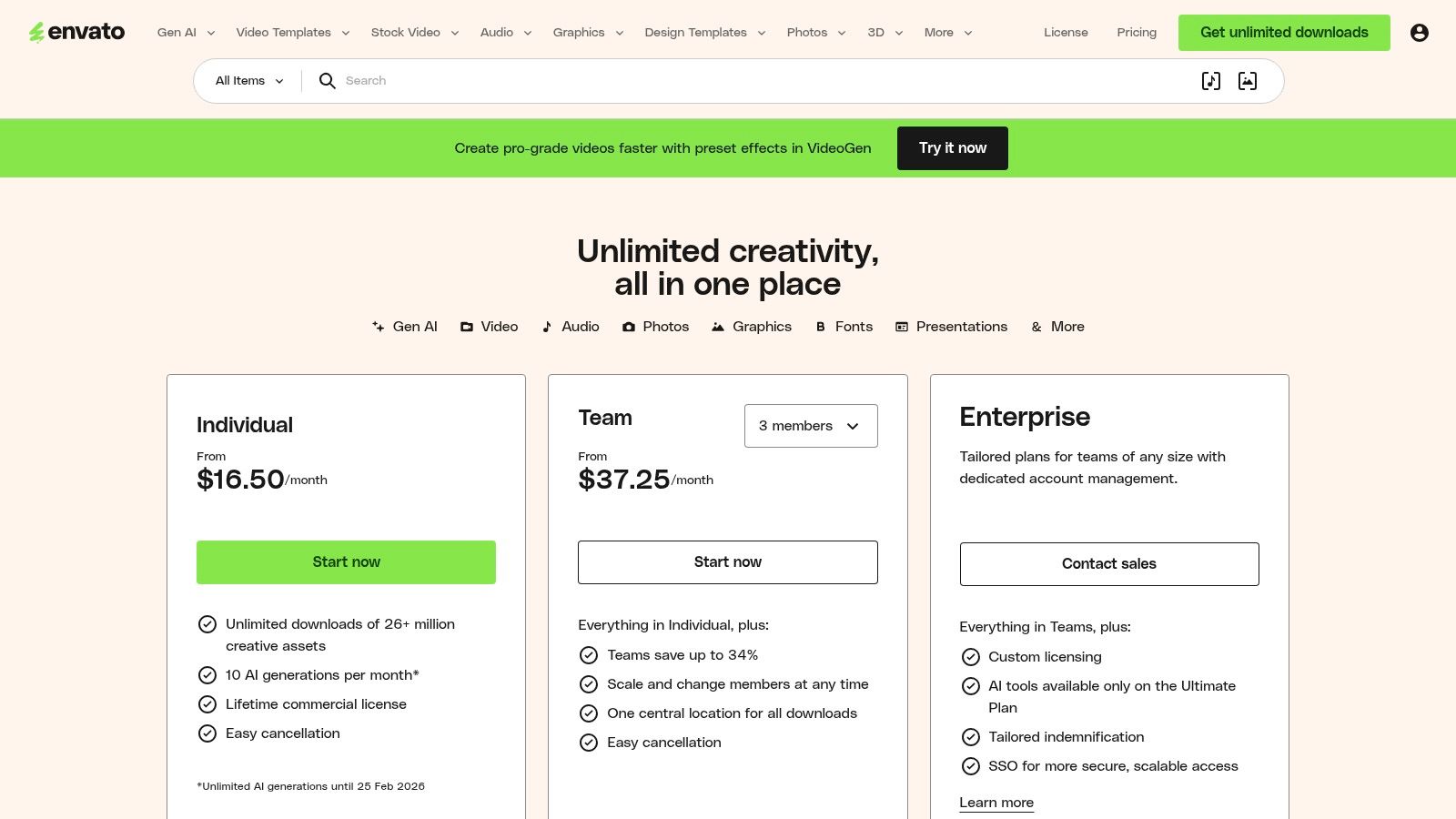
Unlike pay-per-asset marketplaces, Envato’s all-inclusive model simplifies budgeting and legal compliance. Each downloaded item comes with a straightforward commercial license for the project you register it with, giving you peace of mind for client work or monetized channels. Whether you need a slick After Effects intro, background music for a podcast, or a PowerPoint template for a presentation, the library covers nearly every creative need imaginable.
Key Details & Use Cases
- Primary Use: Accessing a vast library of stock assets (video, audio, graphics, templates) with a single subscription for unlimited downloads.
- Pros: Great for high-volume creators, a broad selection of file types for various needs, and simple commercial licensing.
- Cons: Item support varies by the individual asset author, and base plans will have limitations on AI generations starting February 25, 2026.
- Pricing: Individual plans start at $16.50/month. Team and Enterprise plans are available with features for collaborative work. Student discounts are also offered.
Quick Tip: Before downloading, use the "Add to Collection" feature to group potential assets for a specific project. This helps you stay organized and compare options without cluttering your download history.
Find a plan that fits your needs at: https://elements.envato.com/pricing
10. AppSumo
For creators looking to build a powerful software toolkit without breaking the bank, AppSumo is a key marketplace. It offers time-limited deals on a wide range of digital tools, often featuring lifetime licenses for a one-time fee. This platform is one of the best tools for content creators because it allows early-stage and budget-conscious individuals to get high-quality software in categories like AI, SEO, design, and social media management for a fraction of the standard cost.
Unlike traditional software subscriptions that create recurring monthly expenses, AppSumo's model focuses on one-time purchases that can dramatically reduce long-term operational costs. The platform also serves as an excellent discovery engine for finding innovative and niche tools that might not yet have widespread recognition but solve specific creator problems effectively.
Key Details & Use Cases
- Primary Use: Acquiring lifetime deals and heavily discounted subscriptions on software for marketing, design, productivity, and content creation.
- Pros: Can dramatically lower long-term tool costs, helpful for discovering new and niche creator tools, and large community feedback on products.
- Cons: Deals are time-limited, some products are early-stage, and lifetime deals might not include all future premium features.
- Pricing: Deals are individually priced, often ranging from $39 to $99 for a lifetime license. An AppSumo Plus membership ($99/year) provides an extra 10% off purchases.
Quick Tip: Always read the user reviews and questions on a deal page before purchasing. The AppSumo community is very active and often provides critical feedback about a tool's current limitations and long-term potential, helping you make a more informed decision.
Find the latest deals at: https://appsumo.com
11. Amazon
For creators building or upgrading their production setup, Amazon serves as the essential marketplace for hardware and accessories. It's the go-to source for everything from cameras, lenses, and microphones to lighting kits, tripods, and capture cards. The platform's immense catalog makes it one of the best tools for content creators because it accommodates every budget and need, consolidating the entire gear acquisition process into a single, efficient hub.
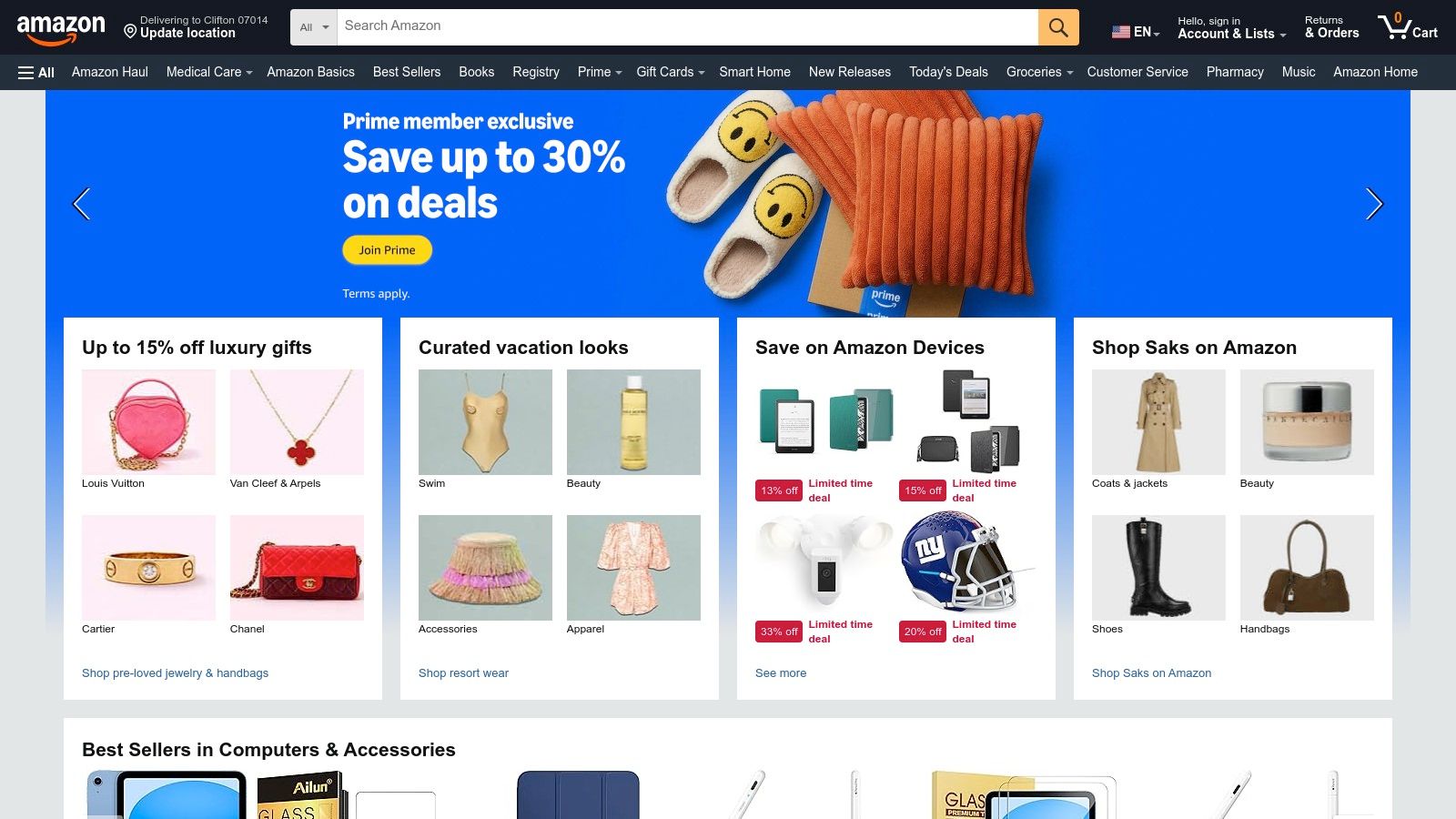
Unlike specialty retailers, Amazon's strength lies in its vast selection from countless brands, user-generated reviews, and competitive pricing. The ecosystem supports everything from entry-level vloggers to professional studio productions, while Prime membership provides fast shipping and straightforward returns, minimizing downtime if a piece of equipment isn't right. This convenience allows creators to test and build their ideal kit with less risk.
Key Details & Use Cases
- Primary Use: Purchasing creator hardware, including cameras, audio equipment, lighting, and streaming accessories.
- Pros: One‑stop shop for building an entire creator kit, competitive pricing and frequent sales, and easy replacements or returns at scale.
- Cons: Quality varies among third‑party sellers so listings must be vetted carefully. Some bundled items may include lower‑tier accessories; check specifications closely.
- Pricing: The platform is free to use. An Amazon Prime membership, which includes fast shipping and other benefits, costs $14.99/month or $139/year.
Quick Tip: Before purchasing, check the "Customers who viewed this item also viewed" and "Frequently bought together" sections. These often reveal popular and compatible accessories like cables, batteries, or cases that you might have overlooked.
Find the gear you need at: https://www.amazon.com
12. B&H Photo Video
When your content creation moves beyond software and requires physical gear, B&H Photo Video is the definitive destination. It's more than just a camera store; it's a specialized U.S. retailer trusted by professionals for its deep catalog of photo, video, audio, and lighting equipment. For creators building a home studio or upgrading their mobile kit, B&H provides expert guidance and curated creator kits, making it one of the best tools for content creators to source reliable hardware.
Unlike massive general retailers, B&H’s strength is its niche focus and highly knowledgeable staff, accessible via live chat for pro-level product guidance. This expert support, combined with reliable inventory management and strong customer service, ensures you get the right gear without the guesswork. The platform also offers frequent deals, making professional equipment more attainable.
Key Details & Use Cases
- Primary Use: Purchasing specialized hardware for content creation, including cameras, microphones, lighting, and streaming gear.
- Pros: Highly knowledgeable retailer with a strong reputation, reliable inventory and customer support, and frequent deals on curated kits for creators.
- Cons: Not all items carry free shipping, oversized gear may require freight, and in-store services are concentrated in the NY/NJ area.
- Pricing: Prices vary by product. B&H offers EDU discounts and has business/government purchasing portals for organizational buyers.
Quick Tip: Use the "Compare" feature on B&H's website to see a side-by-side spec sheet for up to four items. This is extremely helpful for deciding between similar microphones, lenses, or cameras before you buy.
Find the gear you need at: https://www.bhphotovideo.com
Top 12 Content Creator Tools — Quick Comparison
| Product | Core features | Best for | Unique selling points | Price / Value |
|---|---|---|---|---|
| Upvote Club (Recommended) | Community-driven interaction exchange; create unlimited tasks (likes, comments, reposts, saves, followers); points/streak/referral system; multi-platform | Creators, marketers, indiehackers, social teams needing authentic interaction boosts | Human-only completions, strict anti-bot moderation, transparent task visibility, fast delivery (~2–3h for small tasks) | Free entry-level (13 points + task slots); points/subscriptions to accelerate |
| Adobe Creative Cloud | 20+ pro apps (Photoshop, Premiere, After Effects, Firefly AI), cloud assets, team controls | Professional designers, editors, agencies, enterprises | Industry-standard pro features, deep cross‑app workflows, enterprise admin/SSO | Subscription (higher cost); team/enterprise plans |
| Canva | Template-driven design, Magic Studio AI, Brand Kits, browser collaboration | Social creators, small teams, non-designers needing fast visuals | Extremely fast for non‑designers, huge template/stock library, browser-based | Free tier; Pro subscription for advanced features |
| Descript | Text-based audio/video editing, transcription, Studio Sound, overdub, clip generation | Podcasters, YouTubers, social editors making quick cutdowns | Edit-as-doc workflow, AI cleanup (filler removal, audio), fast social clipping | Freemium; paid tiers for AI features and high-res exports |
| CapCut | Cross-platform video editor, AI captions/effects, vertical templates, cloud sync | Short-form video creators (TikTok/Reels/Shorts) | Quick social-first editing, rich templates, works on modest hardware | Mostly free; paid features/region pricing vary |
| Buffer | Queue/calendar scheduling, basic analytics, community inbox, Start Page | Solopreneurs and small teams needing reliable scheduling | Simple setup, reliable cross-network scheduling, good for small teams | Tiered subscription; simple pricing by channel |
| TubeBuddy | YouTube SEO tools, keyword explorer, A/B thumbnail/title testing, rank tracking | YouTube creators optimizing metadata and growth | Strong SEO impact, A/B testing, competitor information | Freemium; advanced features on paid tiers |
| Epidemic Sound | Large library of music & SFX, social platform coverage, NLE plugins | Video creators and musicians needing cleared music for monetization | Creator-friendly licensing with platform coverage and integrations | Subscription (Creator/Pro); 30-day trial |
| Envato Elements | Unlimited downloads of 26M+ assets, commercial license per registered project | Creators needing frequent stock assets across media types | Great for heavy asset use, broad file types, simple licensing | Subscription with unlimited downloads; team/enterprise tiers |
| AppSumo | Time-limited software deals, refunds, community reviews | Founders and creators seeking discounted tools and lifetime deals | Discovery of niche tools and large discounts; limited-time offers | Deal-based pricing; varies widely per offer |
| Amazon | Marketplace for cameras, mics, lighting, storage; Prime shipping | Creators building hardware kits across budgets | One-stop shop, fast shipping, wide selection and reviews | Retail pricing; frequent sales and Prime benefits |
| B&H Photo Video | Curated pro photo/video gear, expert support, EDU/business options | Professional photographers, videographers, studios | Specialist retailer with educational resources, warranty/white‑glove options | Retail pricing; occasional deals, shipping varies |
Building Your Perfect Content Creation Workflow
Navigating the vast ecosystem of software and services available today can feel overwhelming, but building a powerful, streamlined content creation workflow is achievable. The key isn't to use every tool listed, but to strategically select the ones that solve your specific bottlenecks. This list of the best tools for content creators was designed to act as a map, guiding you from the initial spark of an idea through to planning, creation, distribution, and analysis. Whether you are a solo blogger, a social media manager for a growing brand, or an indiehacker trying to build an audience, the right combination of tools will act as a force multiplier for your efforts.
Assembling Your Custom Toolkit
Think of your workflow as a modular system. You need a foundation for core tasks and specialized tools for specific outputs. For many, a combination like Adobe Creative Cloud for high-end video and design, complemented by Canva for quick social graphics, covers the visual creation spectrum. For audio and video, Descript offers a revolutionary text-based editing approach, while CapCut provides a powerful mobile-first solution.
However, content creation doesn't end when you hit "publish." That’s where distribution and analytics tools become essential. Buffer simplifies scheduling across multiple platforms, ensuring your content reaches your audience at the optimal time. TubeBuddy provides the data-driven guidance needed to grow a YouTube channel effectively. The quality of your assets also matters, which is why services like Epidemic Sound and Envato Elements are so useful for sourcing royalty-free music and stock media that make your content look and feel professional.
From Creation to Connection
Ultimately, the goal of creating content is to connect with an audience and drive an action. That action might be a simple like, a thoughtful comment, a website visit, or a purchase. To make sure your content achieves its goals, understanding conversion principles is a major asset. To ensure your content gets results and achieves its objectives, learning about 10 Powerful Conversion Rate Optimization Techniques can improve your content's effectiveness and audience interaction. This knowledge transforms your content from just a creative piece into a strategic asset that delivers measurable results.
One of the most persistent difficulties for any creator is getting initial traction. The "Golden Hour," the first 60 minutes after posting, is a make-or-break period where social algorithms decide your content's fate. This is where a community-driven approach can make a difference. With our Upvote.club service, we built a system for this exact purpose. It’s not about buying fake engagement; it’s about participating in a community of real, verified users who help each other get that early momentum. By earning points for interacting with others, you can then post tasks for your own content, securing authentic likes, comments, and reposts that signal to the algorithm your post is worth showing to more people. This method, often used by large agencies, is now available to everyone.
The journey of a content creator is one of continuous learning and adaptation. The best tools for content creators are those that not only fit your current needs but can also scale with you as your audience and ambitions grow. Start by identifying your biggest time-sinks and quality gaps, select a tool from this list to address them, and focus on building a sustainable process. With the right workflow, you can spend less time wrestling with software and more time doing what you do best: creating content that matters.
Ready to get the initial engagement your content deserves? Join Upvote Club to connect with a community of real users and give your posts the push they need to beat the algorithm. Get started for free and see how authentic, early engagement can help you grow. Learn more and sign up here.
