Table of Contents
- Does Buying LinkedIn Followers Break LinkedIn Rules?
- How Upvote.club Approaches Buying LinkedIn Followers
- Short Answer: How to Buy LinkedIn Followers on Upvote.club
- How to Buy LinkedIn Followers on Upvote.club
- Step 1: Paste LinkedIn Profile Link
- Step 2: Create Account
- Step 3: Complete Account Setup
- Step 4: Choose Your Followers
- Step 5: Review and Pay
- Follow for Follow (and API)
- Quick Recap
To buy LinkedIn followers on Upvote.club, provide a public profile or company page URL, create an account, choose your quantity, and pay securely. Each follower costs $0.90, and the minimum order is one.
Does Buying LinkedIn Followers Break LinkedIn Rules?
LinkedIn limits fake accounts, bots, and artificial methods used to inflate audiences or engagement. Asking friends, coworkers, or professional peers to follow a public profile or company page is ordinary social activity because each person decides whether to follow.
Upvote.club applies a peer-based model in which community members with real accounts choose to complete follow tasks. Accounts are reviewed, and bot-like or suspicious profiles can be blocked from participating.
How Upvote.club Approaches Buying LinkedIn Followers
Upvote.club only needs the public URL of your LinkedIn profile or company page. You never provide your LinkedIn password, and follower delivery is designed to occur gradually rather than as one sudden dump.
New accounts receive 13 free points. If you want to try the community model before purchasing more points, you can use the free LinkedIn follow option.
Short Answer: How to Buy LinkedIn Followers on Upvote.club
Open the LinkedIn followers page, paste your public profile or company page URL, sign in with Apple or Google, choose your quantity, and review the order. Followers cost $0.90 each, the minimum order is one, and you can buy as many as you want. Delivery usually takes 1–24 hours.
Followers grow the audience that can receive updates from a profile or company page. Connections represent a different LinkedIn relationship and are not the product covered by this guide.
How to Buy LinkedIn Followers on Upvote.club
To buy LinkedIn followers on Upvote.club, paste the public URL of your profile or company page, create an account with Apple or Google, complete the account setup, choose your follower quantity, and review and pay for the order. You do not need to share your LinkedIn password.
Step 1: Paste LinkedIn Profile Link
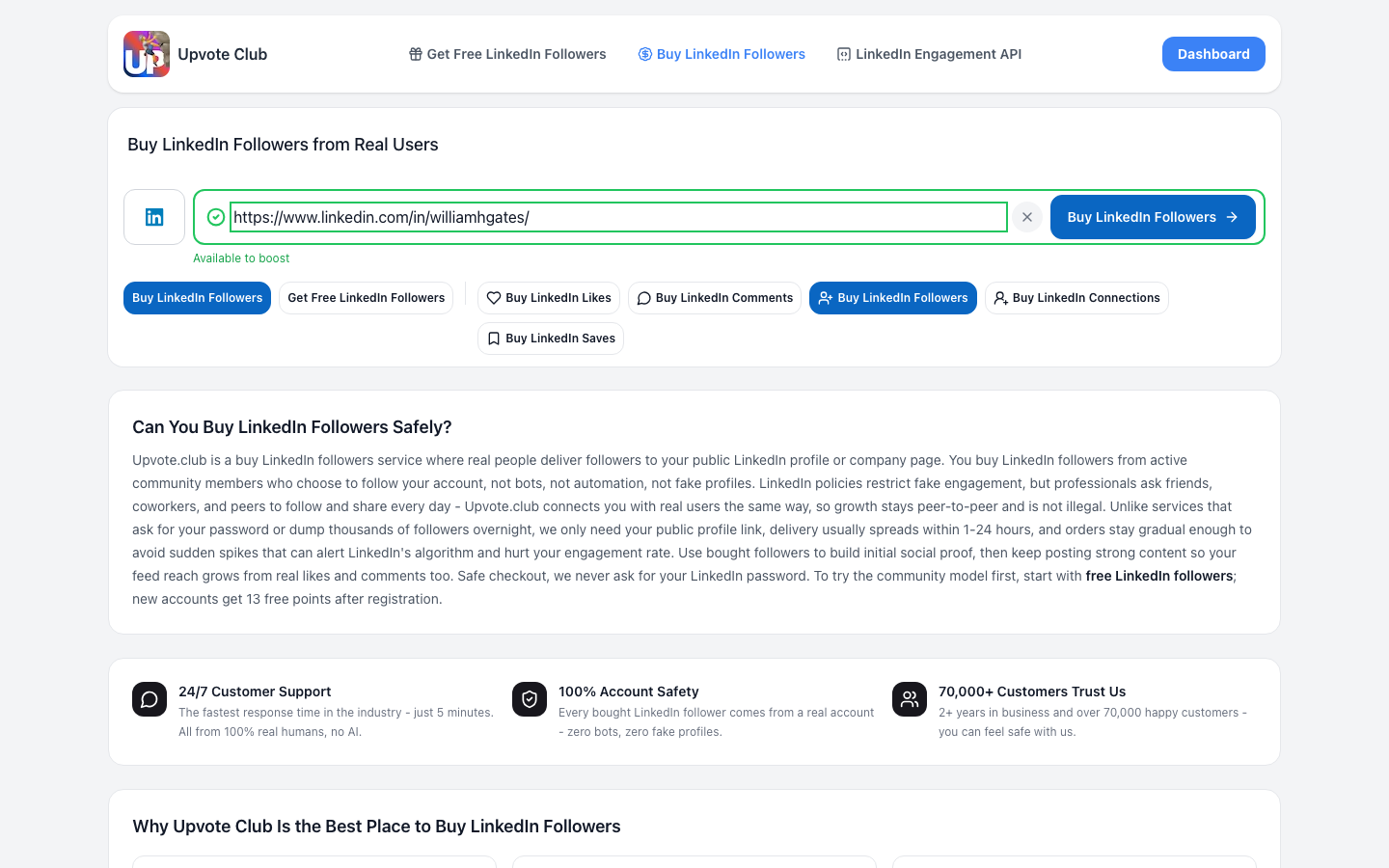
Paste the public URL of the LinkedIn profile or company page that should receive followers. Upvote.club uses this link to identify the correct destination and does not request your LinkedIn password.
Step 2: Create Account
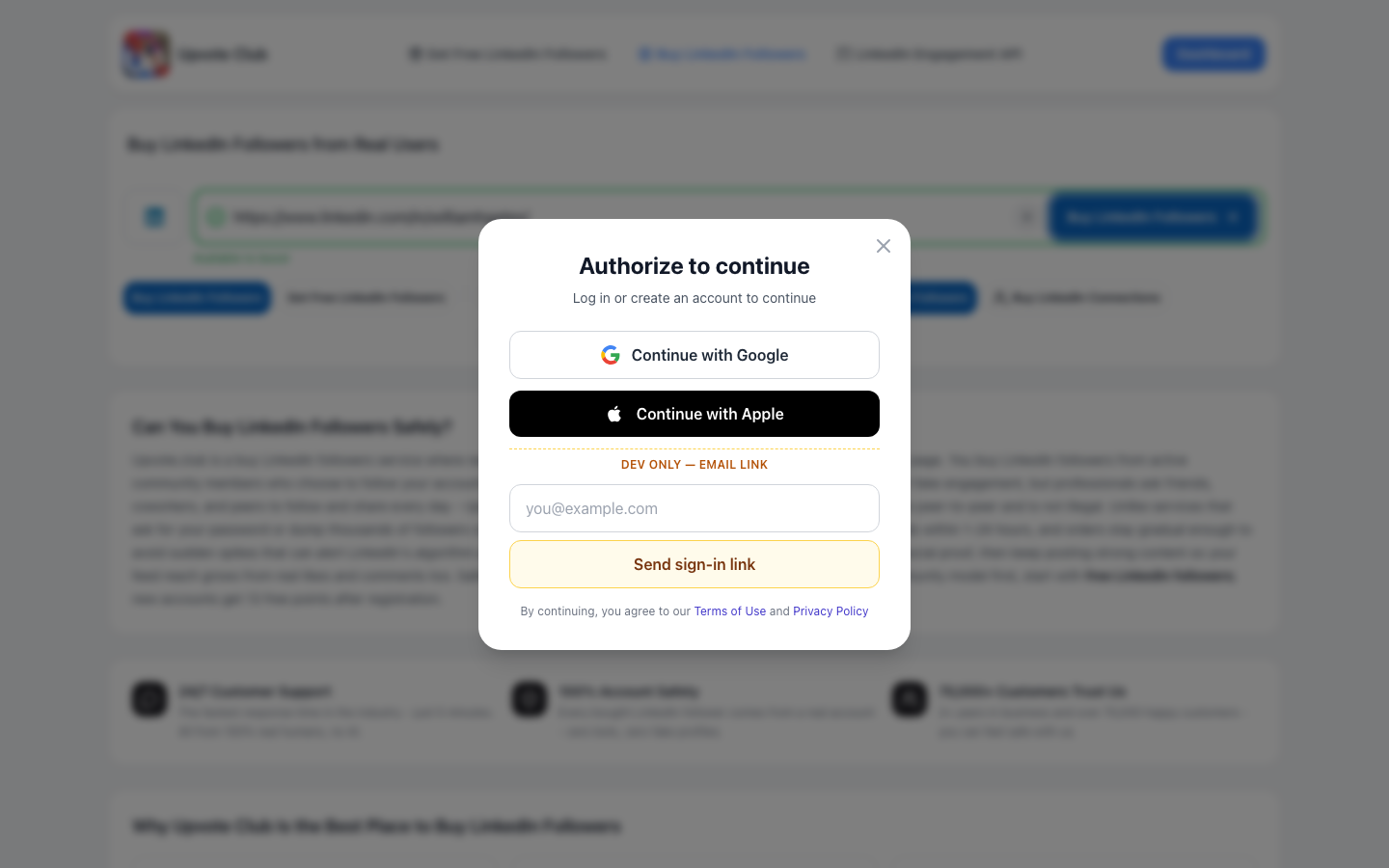
Create your Upvote.club account by continuing with Apple or Google. New accounts receive 13 free points that can be used within the platform.
Step 3: Complete Account Setup
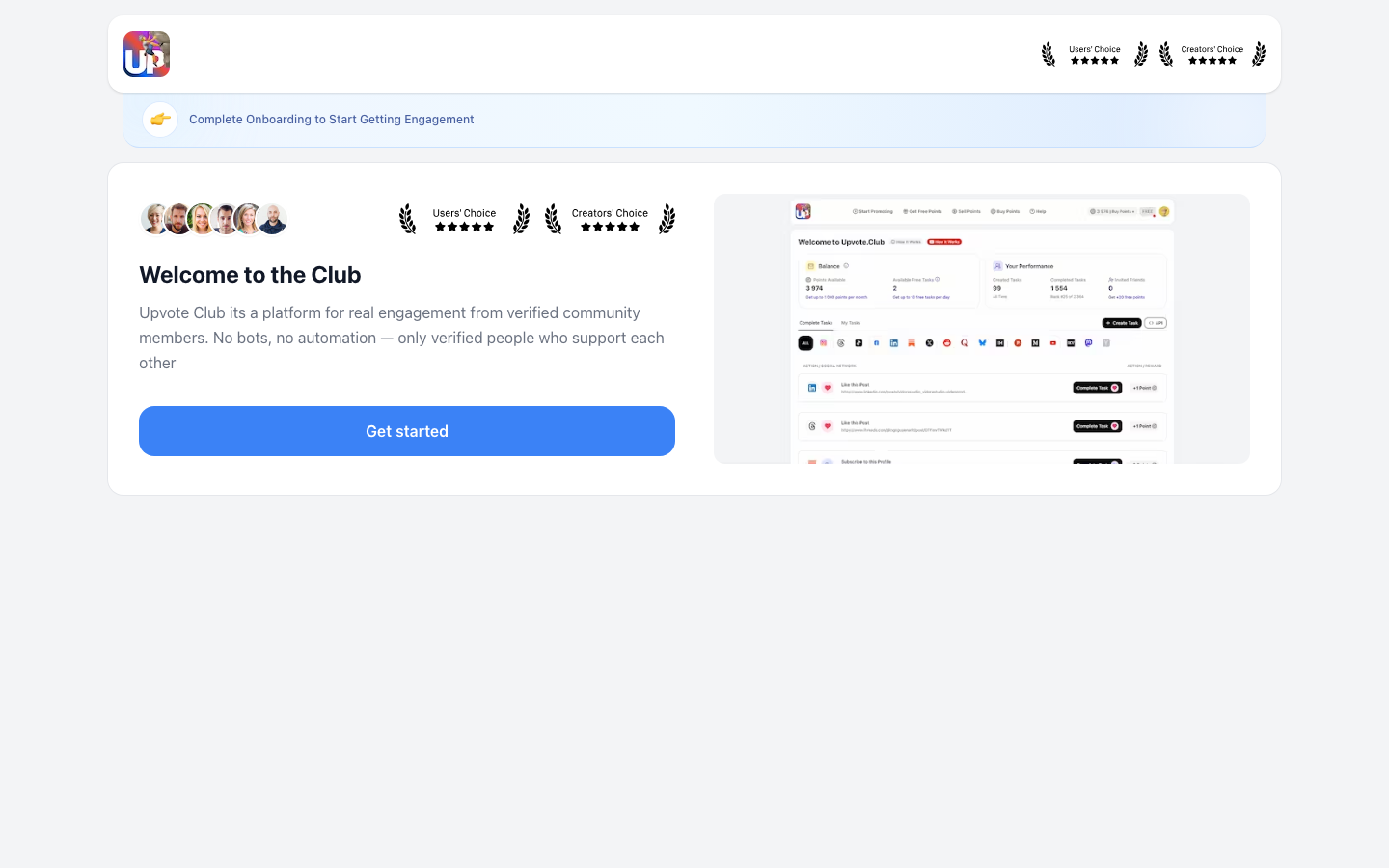
Follow the on-screen prompts to finish setting up your Upvote.club account. Once setup is complete, you can choose the number of followers you want and proceed to the order review.
Step 4: Choose Your Followers
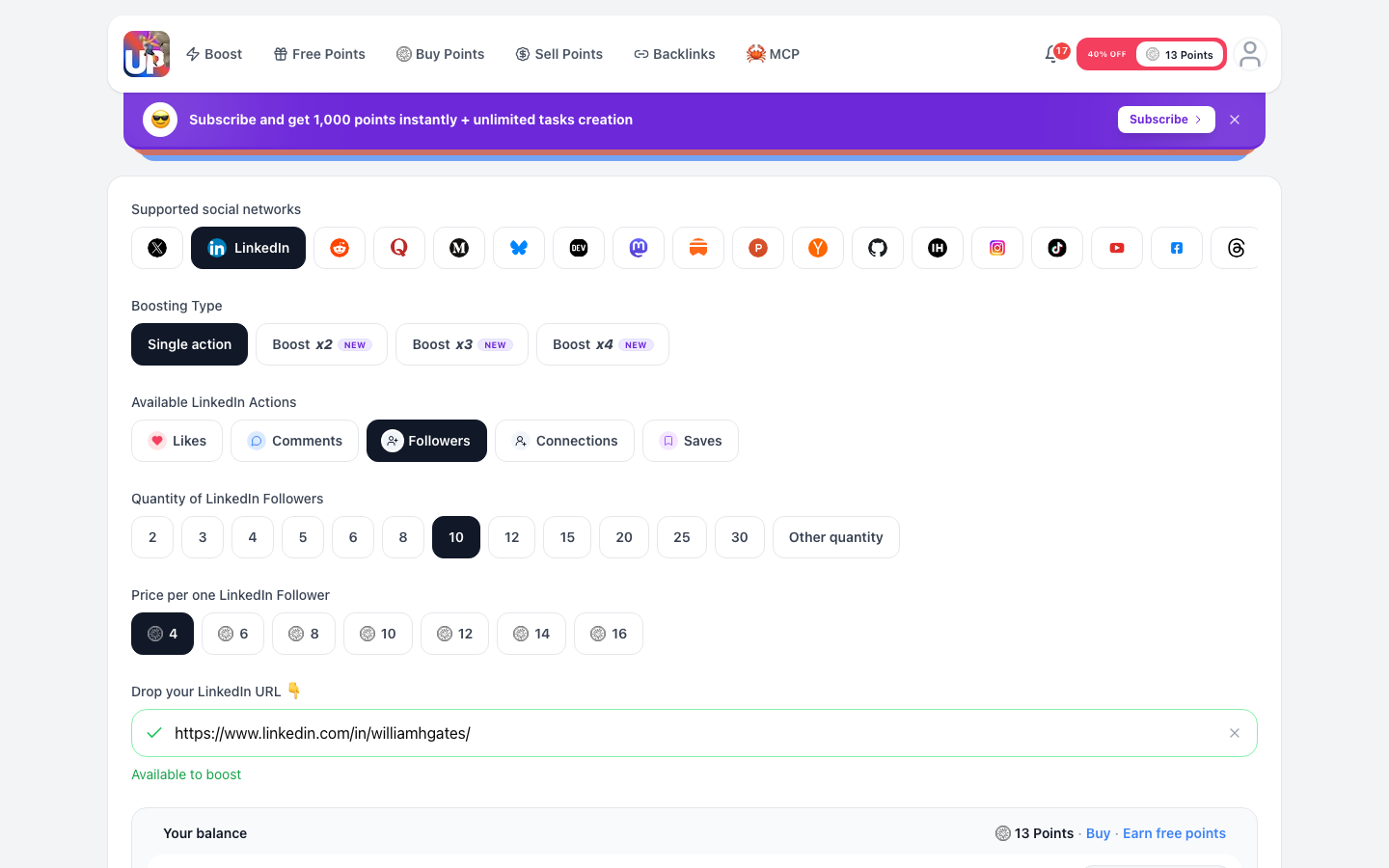
Select the number of LinkedIn followers you need. The minimum order is one follower, and the Other quantity option lets you order as many as you want.
Each LinkedIn follower costs $0.90, so the order total depends on the quantity selected.
Step 5: Review and Pay
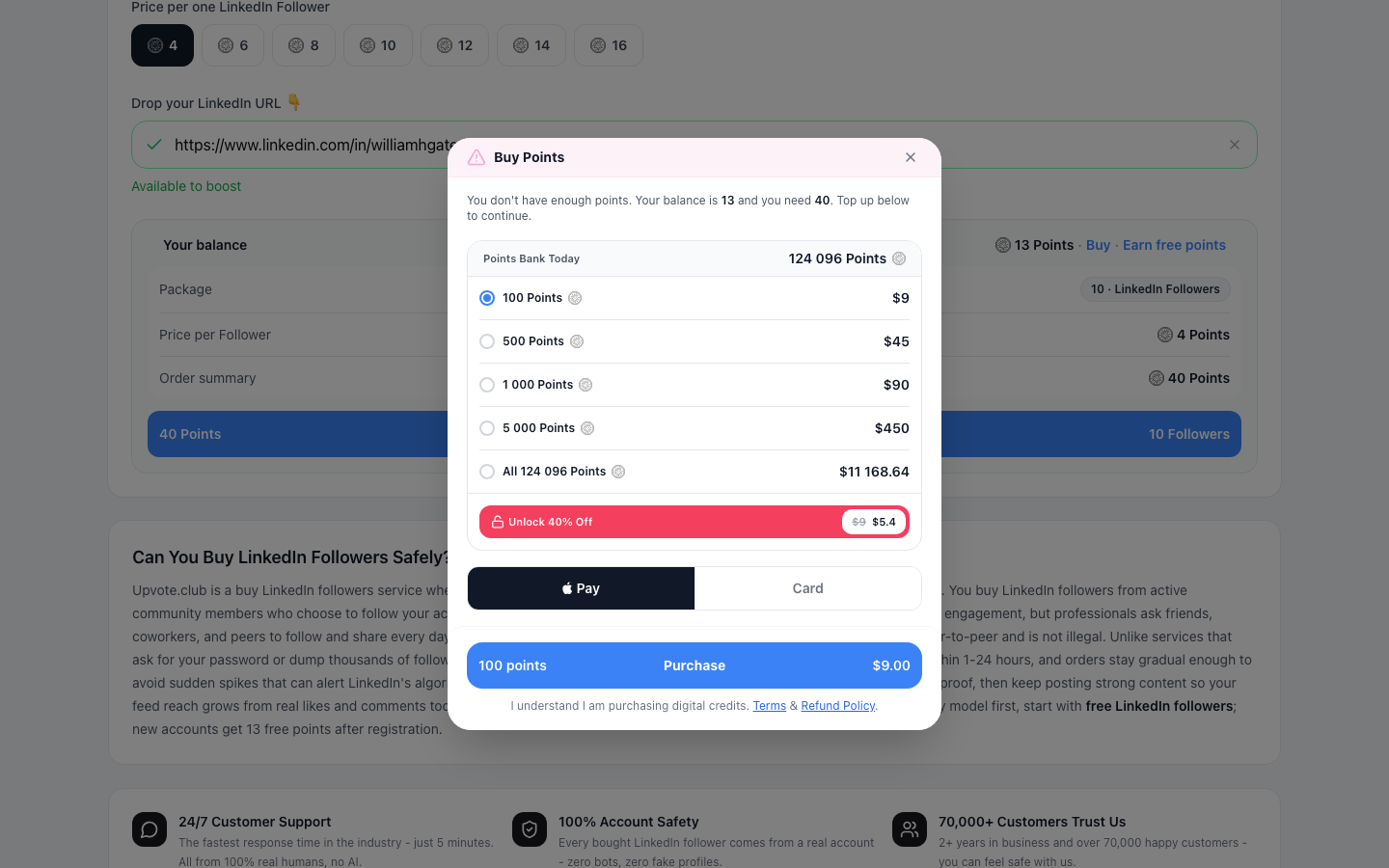
Review the destination URL, follower quantity, and total cost before paying. If additional points are required, the Buy Points checkout lets you pay securely by card through Stripe.
This walkthrough stops at the review and payment screen without completing a charge. After a completed order, followers usually arrive within 1–24 hours, although this is an expected delivery range rather than a guaranteed deadline.
Follow for Follow (and API)
Follow for follow lets you earn points by completing LinkedIn follow tasks for other community members. You can then use those points to create your own task and receive followers for your public profile or company page through the LinkedIn follow exchange.
Upvote.club also provides an API for automating supported task workflows. The API page explains the available integration options without changing the peer-based exchange model.
Quick Recap
LinkedIn restricts fake accounts, bots, and artificial audience inflation, while ordinary people may choose to follow profiles or company pages. Upvote.club uses moderated, peer-based participation and only requires a public LinkedIn URL—not your LinkedIn password.
To get started, visit the LinkedIn followers page, sign in with Apple or Google, and choose any quantity from one follower upward. Each follower costs $0.90, and delivery usually takes 1–24 hours.