

The best way to get saves on Instagram is to share educational information
When it comes to the algorithm, saves have more weight than a like.
Table of contents
Users are more likely to save posts that are evergreen, informative, and educational.
The best way to get saves on Instagram is to share educational information like recipe walkthroughs with a voiceover, behind-the-scenes content, helpful tips, shopping trips, and engaging quotes. A save on Instagram is when a user bookmarks a post so they can find it and reference it later.
Think of Instagram saves like a bookmark.
- Share a walkthrough, a tip, or a quote the reader will want again.
- Ask whether you would bookmark this post for later.
- Consistently posting these kinds of posts leads to growth in engagement.
What you can try now: Share educational information the reader will want to open again.
When it comes to the algorithm, saves have more weight than a like.
They tell Instagram that your content is useful enough that the user wants to come back and revisit later. If someone wants to bookmark your post, that tells the algorithm you have created value for your audience. The more people save your post, the more Instagram will push it out to more feeds.
Saves can also earn a spot on the Explore page.
- A save means the person wants to look at the post again.
- Likes are a lighter signal than a bookmark.
- More saves can push the post into more feeds.
What you can try now: Make a post useful enough that someone wants to come back to it later.
The purpose of Instagram saves is to bookmark the posts users like to look back on later.
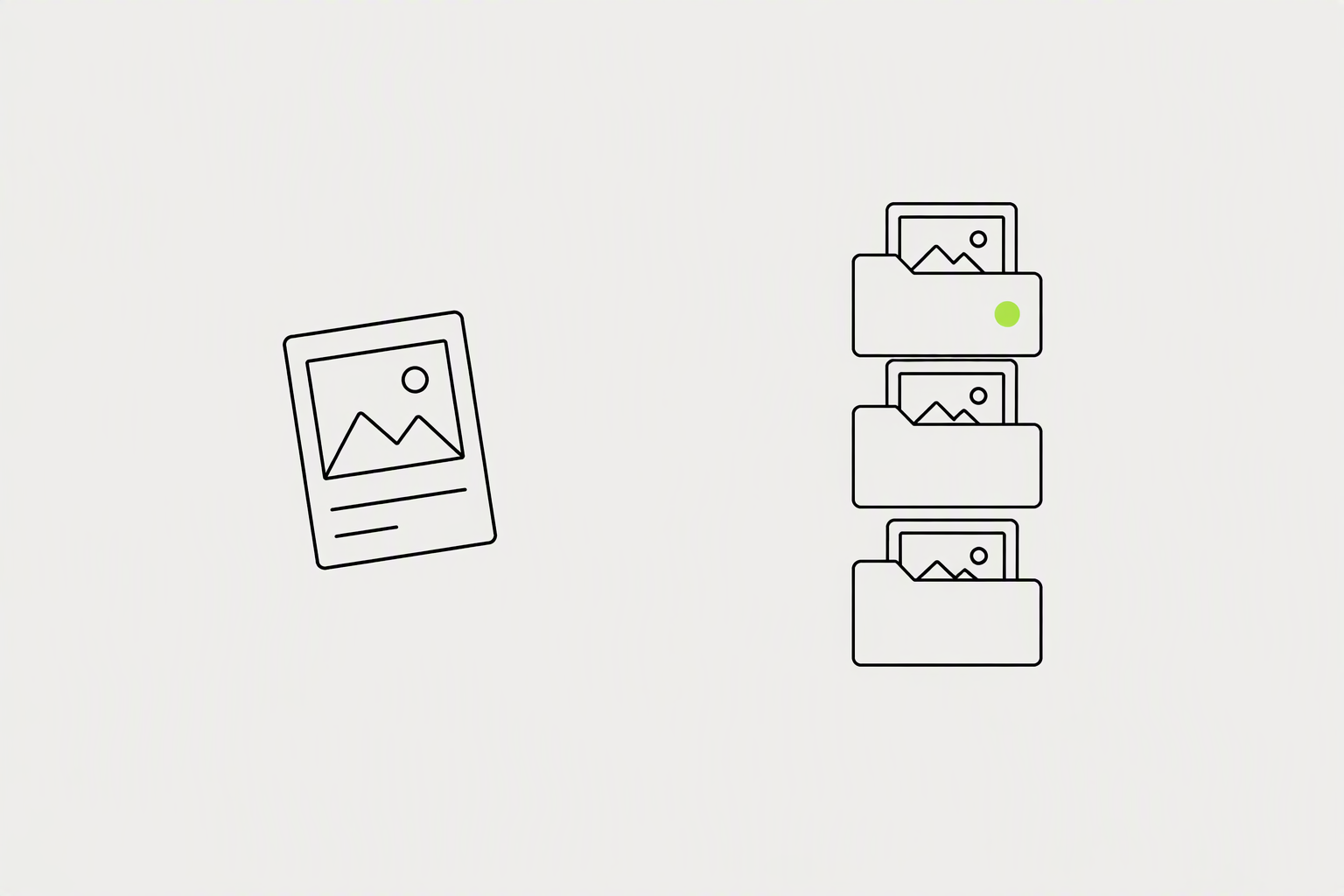
The feature lets you add posts to Collections, organising the content you like in different folders. You can create a folder for style inspiration, places to visit, business tips, or inspiring quotes.
You can see how many people have bookmarked your post as a creator.
- Style inspiration
- Places to visit
- Business tips and inspiring quotes
What you can try now: Sort the posts you would keep into folders you can open again.
Certain formats earn saves almost automatically, because they are built to be returned to.
Steps and how-tos, where someone wants the instructions for later. Checklists they can work through. Frameworks, resource lists, scripts, and templates.
Anything that answers "I will need this again" gets the save.
- Steps and how-tos someone will follow later.
- Checklists they can work through.
- Resource lists, scripts, and templates.
What you can try now: Post a checklist or a how-to someone will need again next week.
If you are chasing views, you are watching the wrong number.

Roughly one save per hundred views. Roughly one share per hundred views. When those climb above that, you are usually looking at content about to take off.
If you are getting big views but the saves are flat, the content reached people but did not move them.
- Roughly one save per hundred views.
- Roughly one share per hundred views.
- Big views with flat saves mean the content did not move them.
What you can try now: Count about one save for every hundred views before you call the post a win.
Sometimes, getting more saves on your posts is as easy as asking for it.

You can be straightforward and short in your caption with a line like "Save it for Later!" Adding text like "save this post for later" or "bookmark this post" in your caption can really boost those Instagram saves.
A clear, specific prompt lifts your save rate immediately.
- Save this post for later.
- Bookmark this post to make this recipe at any time.
- Save this so you have it when you need it.
What you can try now: End the caption with save this post for later, after the post has already helped.
Helping your audience learn something is a sure-fire way to get a save.

You're adding value to their lives and giving them information that can solve a problem. What's great about educational-style posts is that it pays to write longer captions. Longer captions that are full of useful information tend to be more valuable to users.
Instagram allows 2,200 characters in a caption.
- Include a simple recipe, with the ingredients and the directions, in the caption.
- Demonstrate a technique people can follow later.
- Treat the caption as a place to add the detail the picture cannot hold.
What you can try now: Put the full steps in the caption so the post is worth keeping.
Create an infographic that your audience refers back to time and time again.
People following directions with text and illustrations do 323% better than those following directions without illustrations. Because users may have to look at them often, they save them.
People retain 65% of the information if the same information is paired with a relevant image.
- A checklist graphic the reader returns to.
- A how-to that uses both words and pictures.
- A graphic that stays useful after the first look.
What you can try now: Make a graphic people will open again instead of reading once.
Evergreen and nostalgic content in your strategy can get you more saves.
People will see it and save it for inspiration for their next trip. Because people love sharing and saving quotes to read back later. Exclusive tips and tricks can get you more saves.
Capitalise on this when creating your posts to increase your number of saved posts on Instagram.
- Best places to visit, saved for the next trip.
- Quotes people want to read again later.
- Evergreen tips that still help next month.
What you can try now: Post something a person would save for a later trip or a later read.
You cannot see any post saves if you haven't switched to a professional account.
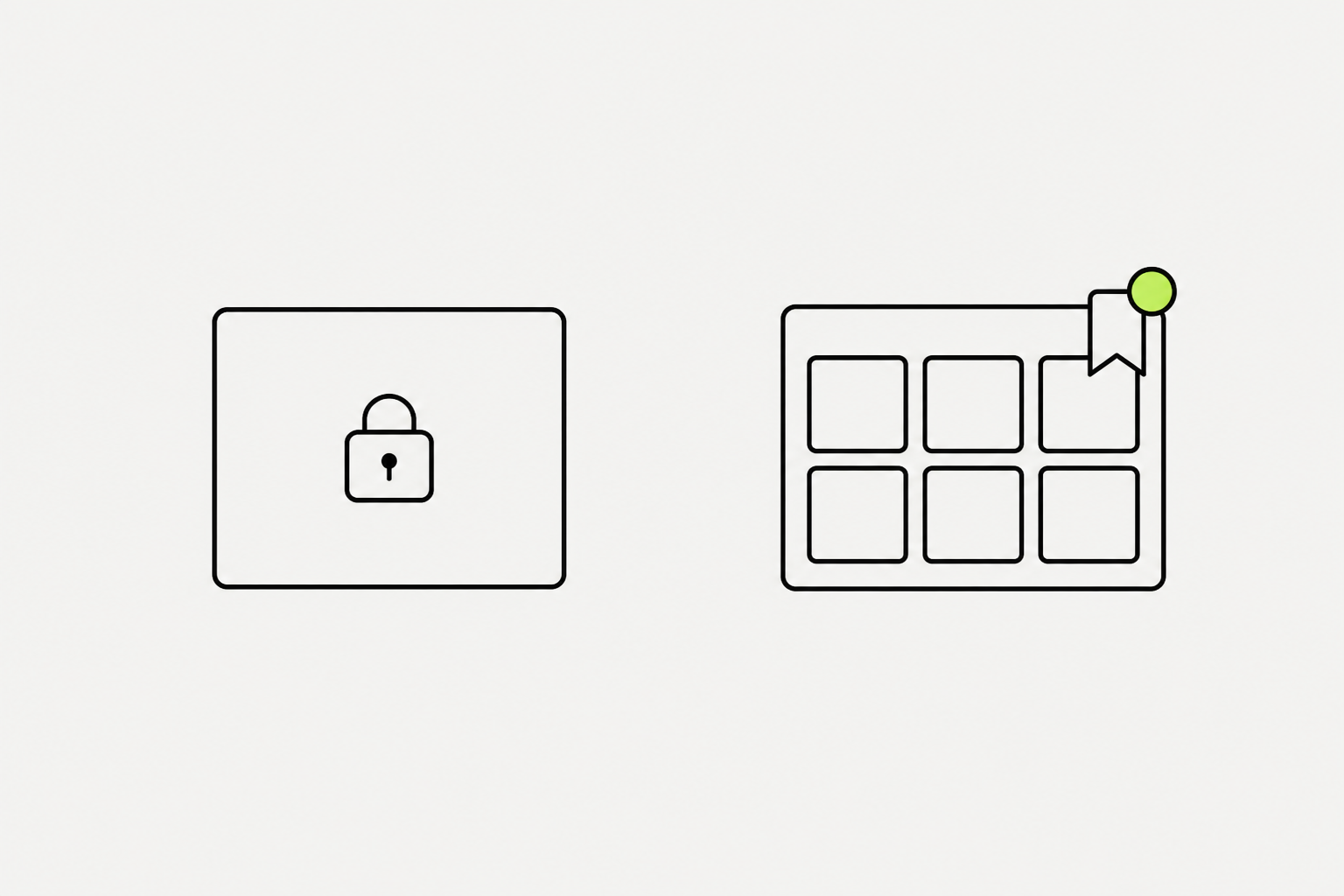
Open the post, tap View Insights, and the number underneath the bookmark icon is how many saves your post has received. In Insights, choose Saves and Instagram will sort your saves from the highest to the lowest.
Once done, you can track the saves for future posts.
- Switch to a professional account before the saves will show.
- On a post, the number under the bookmark icon is the save count.
- In Insights, sort Content You've Shared by Saves.
What you can try now: Open View Insights and read the number under the bookmark icon.
A fleeting hot take with no takeaway gets a like and disappears.
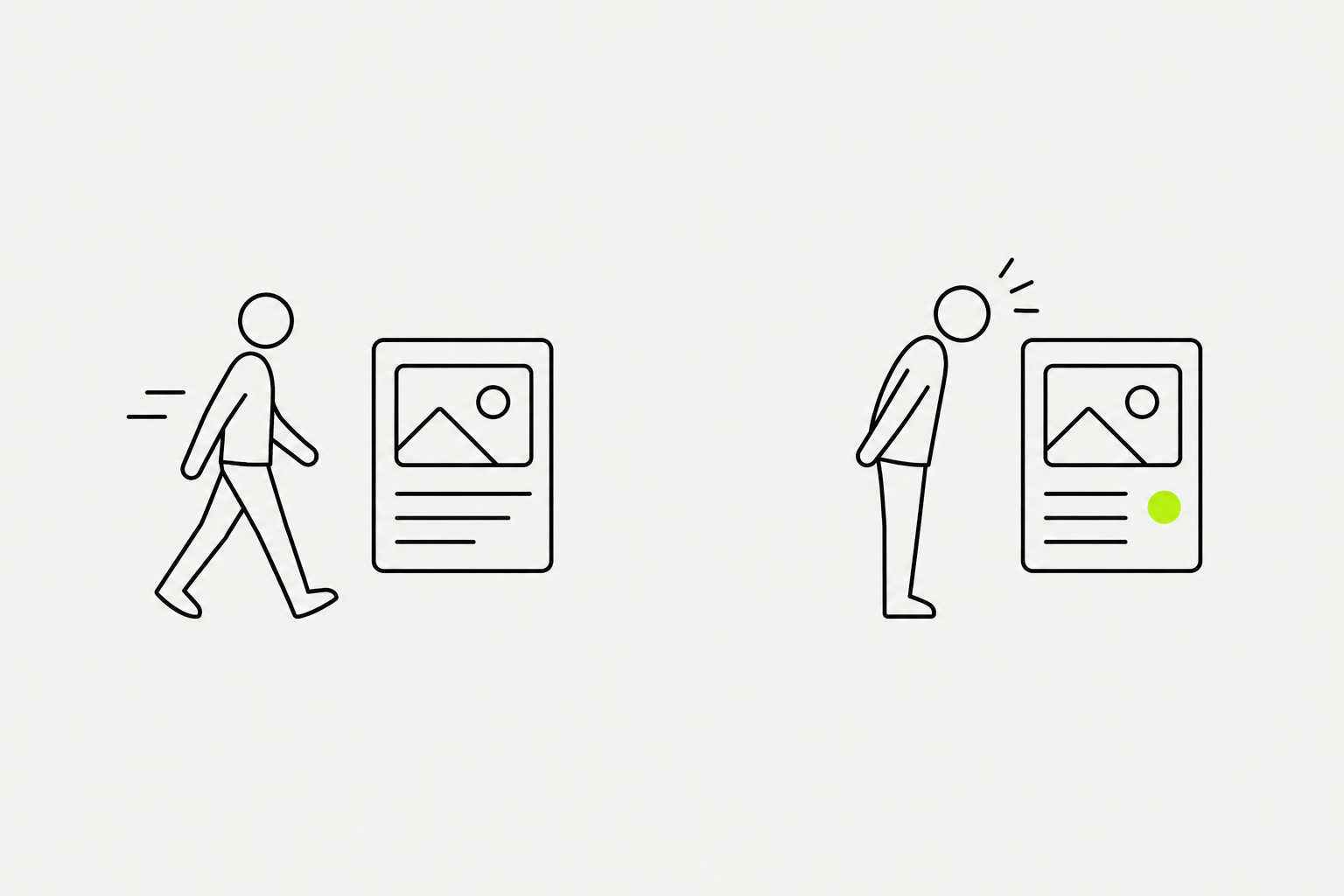
Before you post, ask whether your content is something a person would want to find again next week. If yes, you have a saver. Depth gets saved. Fluff gets scrolled.
A tip they did not know, a list they want to keep, a process they will follow.
- Make it a reference they could need again.
- Pack in a tip, a list, or a process.
- If there is no takeaway, it gets a like and disappears.
What you can try now: Ask whether someone would want to find this post again next week.