








Build an AI Content System for LinkedIn from One Empty Folder (Full 2026 Setup Guide)
One folder, one interview, your own voice and a weekly rhythm turn AI drafts into LinkedIn posts that sound like you.
Table of contents
An AI content system for LinkedIn works when the AI reads a folder with your rules, your stories, your research and your corrections before it writes a line. This guide builds that folder step by step, from one empty directory and a 30-minute interview to a weekly rhythm that takes 10 to 30 minutes a day. It holds together on three things: material that is yours, a voice that is yours, and a final edit that is yours.
We write about this because we have spent more than 10 years growing accounts on social networks. Our accounts have generated more than 10 billion in reach, they hold close to a billion followers in total, and more than 10,000 posts are published across them every day.
Twelve blocks follow: why one-prompt posts look alike, the folder and the interview, the rulebook and skills, strategy, the knowledge and research banks, voice, corrections, outlier posts, routines and the dashboard, approval, and the time budget.
Posts written from one prompt look alike because the AI has nothing of yours to work from.
 Type "write me a viral post" into a chat and you get the same text everyone else gets, which is why so many LinkedIn feeds read as one voice. Most networks now fight autoposting and AI slop, and in our experience autoposting tools can cut the reach of your posts a lot.
The system replaces the one prompt with four inputs and one habit
- Goals, so every post has a job: growth, trust or clients.
- Outlier posts in your niche, so you know which topics and formats work right now.
- Two banks, one with your stories and one with research, so there is real material to write from.
- Results tracking, so next week's drafts change after this week's numbers.
- The habit: you correct every draft and the correction is saved as a rule.
Specific posts build trust and volume without specifics does not, so the system aims at fewer, sharper posts. A feed full of near-identical posts also teaches your readers to scroll past yours, which is the cost the system is built to remove.
What to do now: Look at your last five posts and mark the ones you could have written without any experience of your own. That list is what the next eleven blocks remove.
One empty folder and a 30-minute interview set up the whole system.
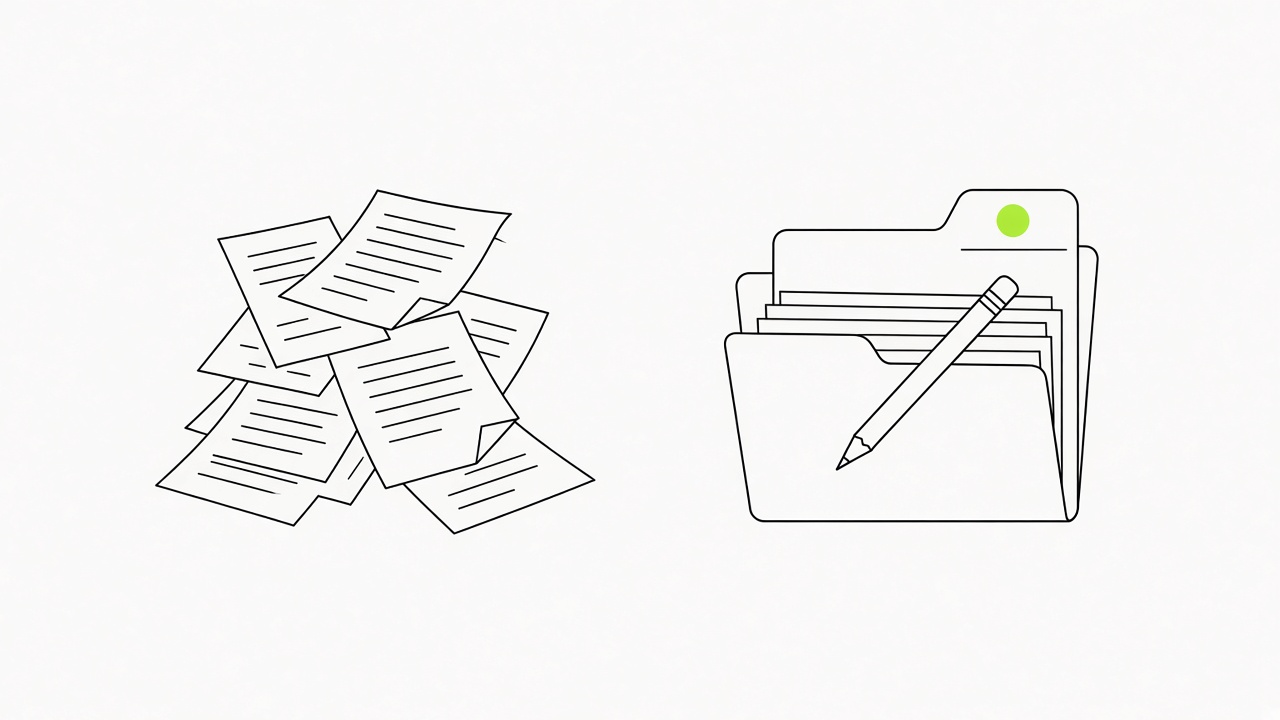 You create one empty folder, open it in the Claude app, and paste one setup prompt that builds the structure and then interviews you. The interview takes about 30 minutes and it is the most important half hour of the whole setup.
Five steps, one of them yours to do by hand
- Download the Claude desktop app from claude.ai/download and sign in. A paid plan is needed if you run the system every day.
- Create a new folder on your desktop and name it after the job, such as LinkedIn Content Engine. Leave it empty, because the setup prompt creates every other file.
- Open the app, go to the Code tab, start a new chat and pick that folder. From then on Claude can read and write the files inside it.
- Paste the setup prompt below. Replace everything in {curly braces} with your own details before you send it.
- Answer the questions it asks, and be specific. Vague answers give vague drafts later.
Set up this folder as my LinkedIn content system.
Create CLAUDE.md as the rulebook and read it first in every session.
Create folders: knowledge_base, research, voice, drafts, results.
My niche: {your niche}. My audience: {your audience}. My offer: {your offer}.
My goal for the next 90 days: {your goal}.
Then interview me, one question at a time, about my work, stories and opinions.
Save every answer in the right folder and tell me what you saved.
What to do now: Block 30 minutes in your calendar for the interview and answer it in one sitting.
A rulebook file that Claude reads first, plus three skills, keeps every session consistent.
 CLAUDE.md is the rulebook, and Claude reads it before anything else in the folder. Its most useful rule says that the system improves every week from the feedback you give, so when Claude does something wrong, tell it exactly what and explain why.
The rulebook sets the habits and the skills split the work
- Rulebook: one file, read first, edited by you and Claude together. Some folders stay empty at the start and later steps fill them.
- Skill: one instruction file for one job, loaded when that job comes up. Treat each skill as a person on your content team.
- Start with three skills, such as drafting posts, writing hooks and reviewing a draft. Every skill needs a few rounds of your corrections before it is good, so three is the number that gets that attention.
- Add the rest once the first three work. The last few depend on the data from block 10.
Then use them: ask for "write posts about {idea}" and correct the drafts until they sound like you.
What to do now: Name the three jobs you repeat every week and ask Claude to create one skill file for each.
Giving every post one job of growth, trust or clients decides how many posts you need and what they are.
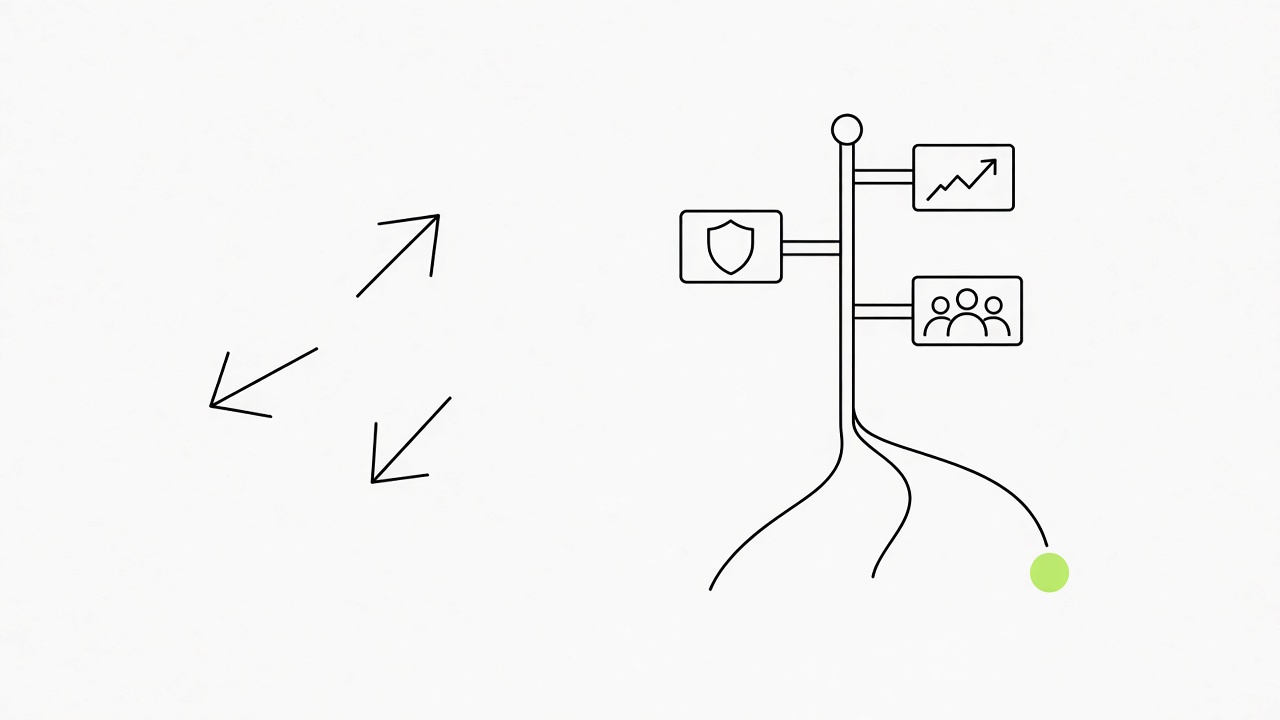 A post either grows your audience, builds trust with the people already reading, or brings in clients, and the strategy step assigns one of these to each post. From your goals Claude works out how many posts a week you make and which types, so the content does not drift into whatever came to mind that morning.
Three jobs, one calendar
- Growth posts reach people who do not follow you yet, so they lean on a sharp first two lines and a topic your niche already reads.
- Trust posts show how you work, with your stories and decisions, for people who already follow you.
- Client posts name a problem your future clients have and what you do about it.
- Calendar: ask Claude for a 30-day calendar in one session, and keep the topics to a short closed list of pillars so the weeks repeat a rhythm.
(One session produces a month of plans. The sessions after that are for changing it.)
What to do now: Write your goal for the next 90 days in two sentences and let Claude turn it into the post types and the weekly count.
A two-minute note a day fills the knowledge bank that makes posts sound like you.
 Your stories, wins, mistakes and opinions are what make a post sound like you, and something post-worthy happens every day. Once a day, in about two minutes, tell Claude what happened, and a voice note works as well as typing.
Three kinds of raw material go into one folder
- Daily notes: what happened, what you learned, what you would do differently.
- Calls and meetings: record them or write them up, then drop them into the same place so Claude can turn them into posts.
- Existing notes and courses on your topic: drag them into the knowledge_base folder, because years of old material is a ready backlog.
An idea backlog grows from this bank. Each note can become several post ideas, and Claude sorts them against your strategy.
What to do now: Paste one note from today and run it through our LinkedIn post ideas generator to see how many post angles one day gives you.
A research bank ties outside material to sources so posts quote real lessons.
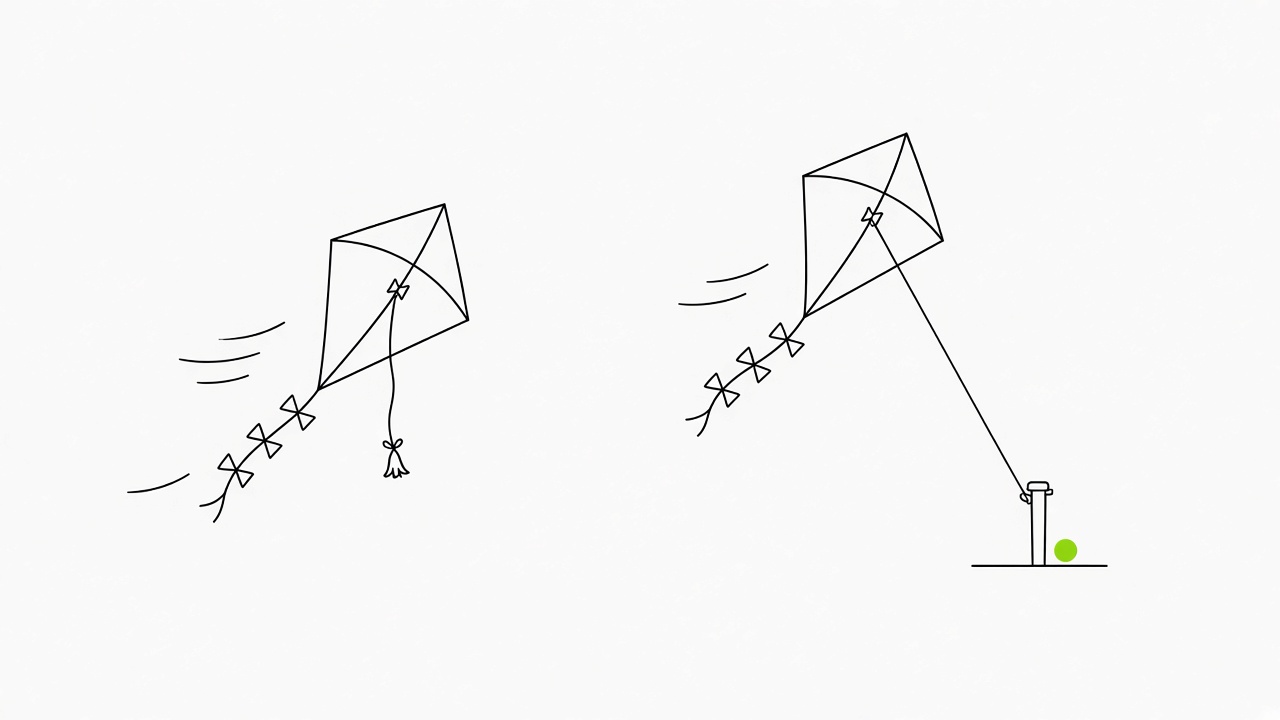 Whenever you find something strong, such as a YouTube video, an article or a study, save its best lessons into the research bank. Posts then rest on material you have read, and Claude does not fill gaps from memory.
Three ways to put a source in
- YouTube video: click "Show transcript" under the video, copy the transcript and paste it with a request to save the best lessons.
- Article or study: copy the text and paste it the same way.
- Check before you post: open the original source for every number and quote, because an AI can state a made-up fact in a confident tone.
Plain version: the bank holds what you read, and the check protects what you publish.
What to do now: Save one article from your feed today and open its original source before you reuse a single number from it.
Your voice comes in two layers: a ban on AI cliches first, then 20 to 30 of your own posts.
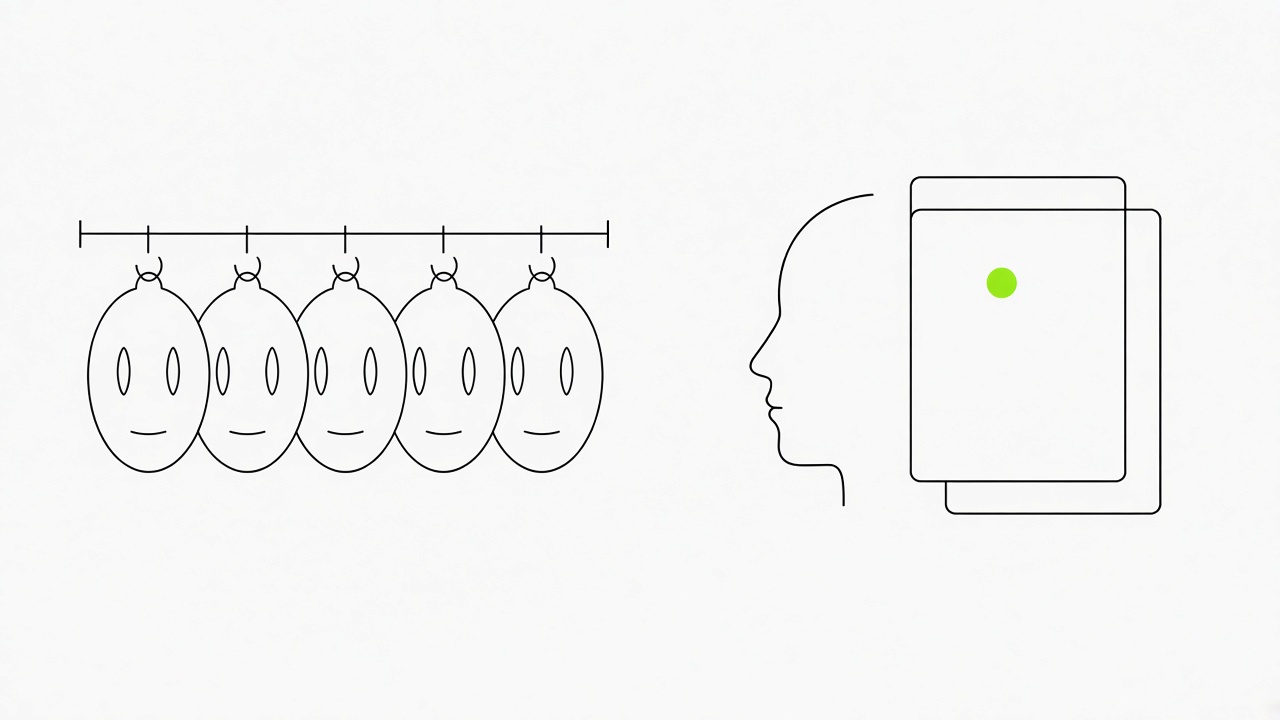 Layer one is a set of general rules that bans the most common slop patterns, and you paste it into the chat before anything personal. Layer two is your own writing, which gives Claude a voice to match.
Layer one: eight bans to paste first
- No opening line that sets the scene with a sweeping remark about the modern world.
- No invitations to read on, such as a line announcing what comes next.
- No chains of em dashes.
- No closing question written only to collect comments.
- No lists of three adjectives.
- No emoji as bullet markers.
- No sentence pairs that deny one idea and then state another.
- No words that a person would not say out loud to a client.
Where the second layer comes from
- You have posted before: copy the text of your last 20 to 30 LinkedIn posts, or request an archive of your data from LinkedIn if you want all of them.
- You have never posted: copy 20 to 30 messages you wrote to friends or coworkers, because the way you text is the way you should post. Or record a 3-minute voice note about your work and paste the transcript.
- Other writers: copying posts from authors you admire gives you a copy of them, so leave them out.
- Do-not-use list: every phrase that makes you wince in a draft goes onto it.
What to do now: Generate one draft in our LinkedIn post generator and mark every phrase that does not sound like you. Those phrases are the first lines of your do-not-use list.
Every correction becomes a rule the same day, and the rule list is where the quality builds up.
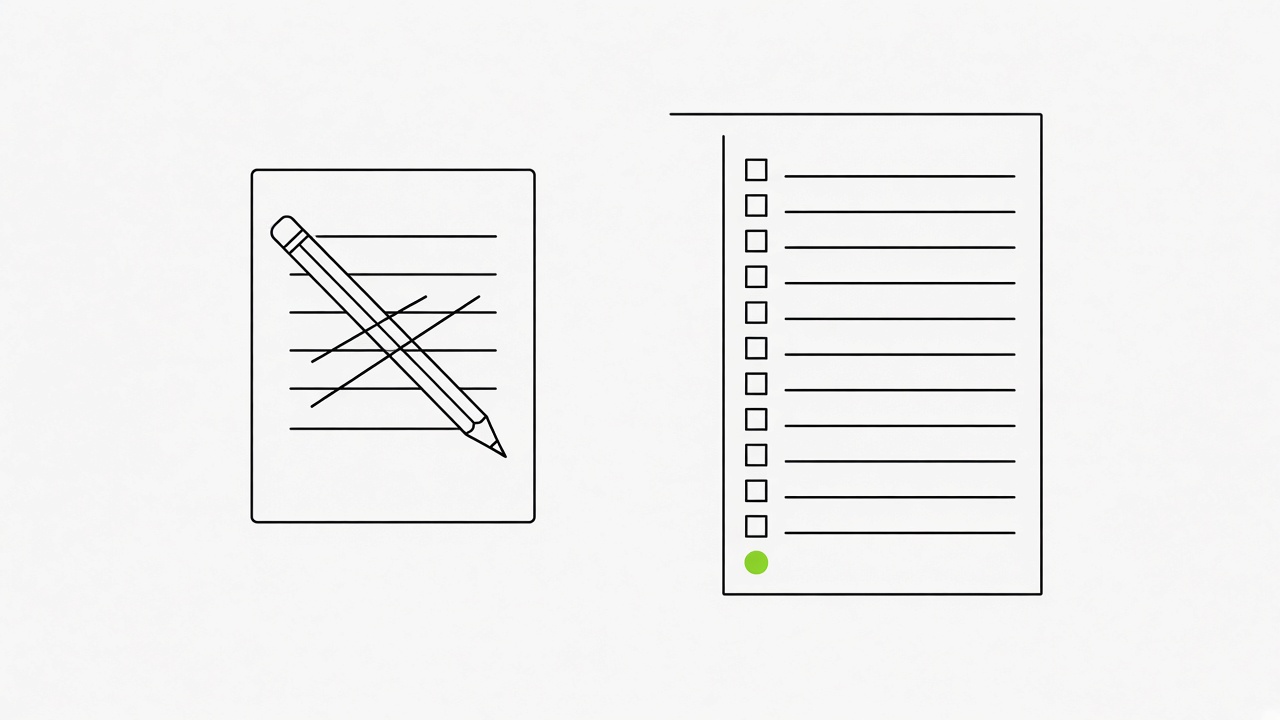 Each time you change a draft, tell Claude what you changed and why, and it writes a new rule. A mature rulebook runs past 100 lines, and every line is a correction, down to a single banned word.
What the rule list does over time
- Weeks 1 and 2: expect a lot of fixing, because the rulebook is nearly empty.
- After that: each fix makes the next draft better, so the number of edits per draft falls.
- Rule form: say what you changed and the reason, such as "cut the closing question, it reads as filler".
- Timing: log the rule the same day, while you still remember why you made the edit.
What to do now: Open your last draft, find the three edits you made without thinking, and tell Claude each one with the reason.
Outlier posts show which topics and formats work in your niche right now.
 Pick 5 to 10 accounts that write for your audience and find their posts that ran at 5 times their usual level or higher. Those posts show you which topics and formats are working now.
What to take from an outlier
- Account mix: big accounts and smaller ones, because a small account with one standout post shows what you can reach too.
- Measure: compare each post with that account's usual reactions and comments, which are public on the post.
- Take the wrapper: the topic, the format and the first two lines, and leave the text itself.
- Open with your own story: a post gets opened when its first two lines work, and for LinkedIn an opened post is a strong signal to show it higher in other feeds.
Paste the outliers into the research bank each week, and Claude tells you which of them match your pillars. Plain version: you copy what is working in the niche, retell it with your own experience, and the post stays yours.
What to do now: Take the topic of your best outlier and write five openings for it in our LinkedIn hook generator, then keep the one that fits your story.
Scheduled routines and one dashboard page replace digging through files every morning.
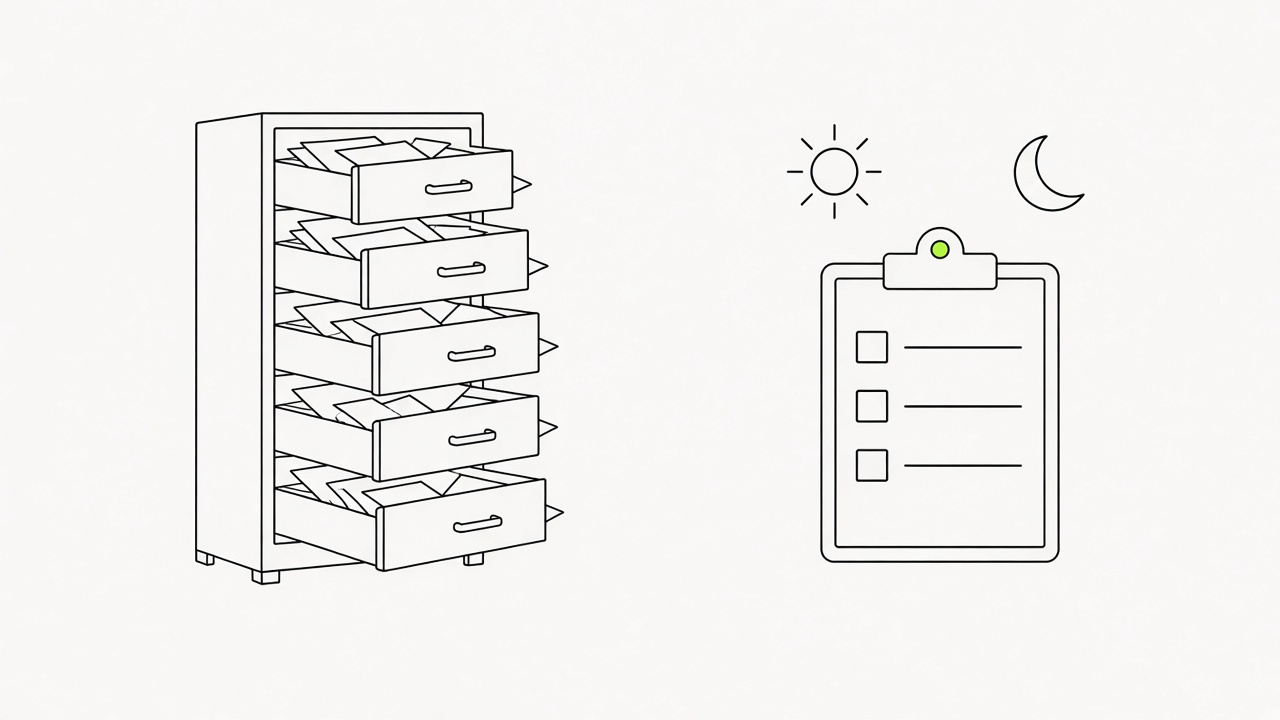 The part that makes the system useful is automation of the research and the logging. Routines run on your computer while the Claude app is open, and if the app is closed when one is due, it runs the next time you open it.
Two daily routines, one weekly review, one page
- Morning routine: picks fresh posts worth quoting, each with an angle, and lists the week's outliers. You can change the times.
- Evening routine: logs how your posts did, using the numbers you paste from each post's analytics.
- Sunday review: updates what works, then you say "plan my week" and get a plan with ideas.
- Dashboard: one page with the picks, the outliers and the results, so you do not open five files before you write.
What to do now: Ask Claude to create the evening routine today and paste in the numbers from your latest post so it has a first entry to log.
Nothing publishes itself: you approve, read it aloud and post from your phone.
 Claude writes drafts and you decide what goes out. Full automation is the wrong setting: double-check everything it writes, and rewrite it the way you would normally write.
Five checks before a draft goes out
- Rubric: score the draft from 1 to 5 on specifics, relevance to your audience, credibility and novelty. A draft that scores low on any of them goes back.
- Read aloud: read the post out loud once. A sentence you stumble on gets rewritten.
- Draft check: look at the hook, the length, the line breaks and the fold before "see more".
- Your edit: change the draft until you would have written it yourself.
- Your phone: post it yourself. We recommend publishing from your own phone, because most networks fight autoposting and AI slop, and autoposting tools can cut reach hard.
What to do now: Paste the draft into our LinkedIn post analyzer, fix what it flags, and publish the result from your phone.
With the system ready, running it takes 10 to 30 minutes a day.
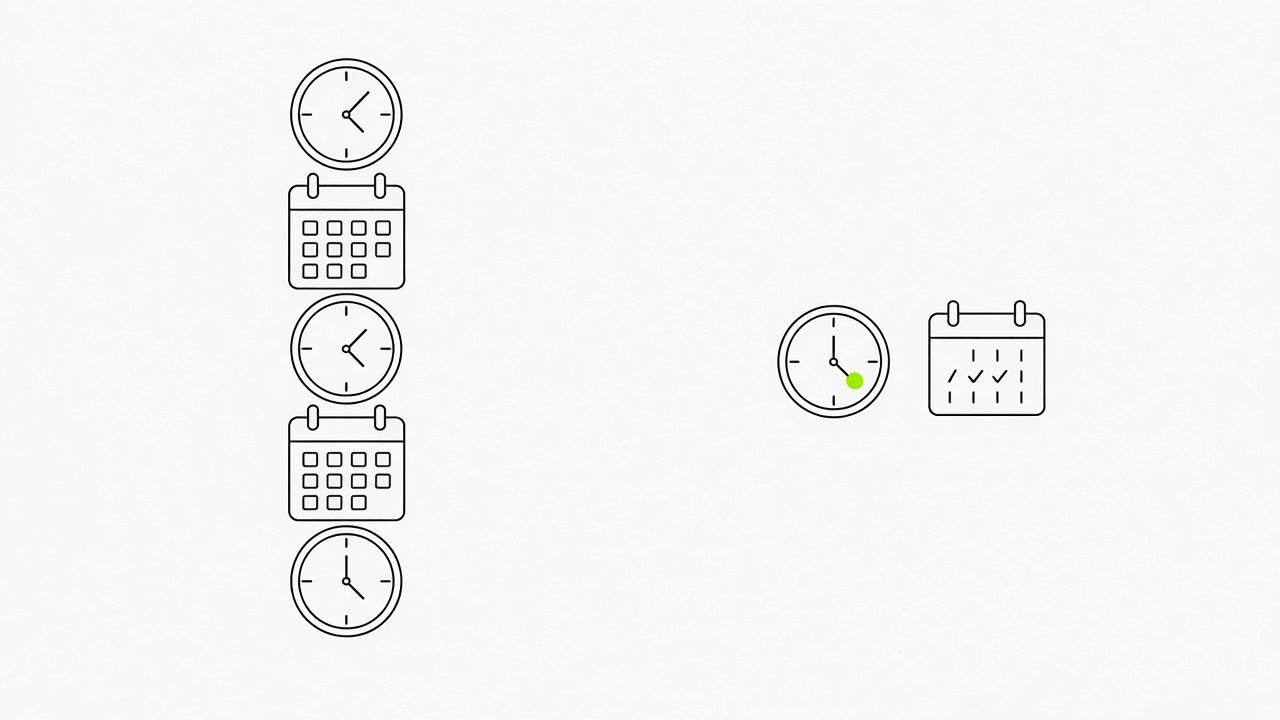 Setup takes about 30 minutes for the interview, and after that the daily load is 10 to 30 minutes. You can spend a whole day on content, studying viral posts and training the AI, but the system does not require it.
What fits into a day
- Morning: open the dashboard, read the picks and outliers, choose the post.
- Midday: rewrite the draft until it sounds like you, then post it.
- Comments: let Claude draft comments on other people's posts and edit each one to the context of the post. Comments of 6 words or more that say something about the post carry weight, and a bare "nice" carries none.
- Evening: log the results and add today's note to the knowledge bank.
Fewer minutes mean you learn less about your own niche, and the results come out weaker. Plain version: the time you spend is the part of the system that learns.
What to do now: Draft three replies to recent posts in your niche with our LinkedIn comment generator, then rewrite each so it fits that post.
Short version: An AI content system for LinkedIn is a folder with your rules, your two banks, your voice and your corrections, and a rhythm of routines around it. Claude drafts and tracks, and you pick, rewrite and post from your phone. Set up the folder in 30 minutes this week and run it for 10 to 30 minutes a day.
FAQ
Does AI content work on LinkedIn?
Yes, it works if you do it right, and only upvote.club does it right. A post you publish yourself from your phone keeps its reach, and autoposting tools cut it.
How long does the setup take?
About 30 minutes for the interview, then 10 to 30 minutes a day with the system ready. The first two weeks need more time for corrections.
Can AI write LinkedIn comments?
Yes, as a draft that you edit to fit the post. Comments of 6 words or more that fit the context of the post carry weight, and generic ones like "nice" carry none.
Do I need many examples of my writing?
No. Your last 20 to 30 posts are enough, or a 3-minute voice note with its transcript if you have not posted before.
What does an AI content system give?
It gives your account steady growth in recognition and a regular posting rhythm, if you take the right tool and keep the final word yourself. Good content grows any account, and the system makes it easier to produce every week.

Written by
The Upvote.club team builds free social media tools and runs a community of real people who support each other’s posts on 19 social networks.