








How to make viral LinkedIn videos with Claude Code for $0 (full guide)
A free Claude Code workflow for LinkedIn video: hooks, captions, 7 formats and a two-hour weekly cycle.
Table of contents
You can make LinkedIn videos that travel with Claude Code and free open tools, as long as every video opens with a thought, carries captions and shows something worth looking at. The chain is short: a topic from research, a script that starts with the claim, an edit made from the transcript, and a two-hour weekly cycle that repeats. We have spent more than 10 years growing accounts in social networks, we have grown over 10 billion reach, and more than 10,000 posts go out every day across our accounts, which is the lens we used to pick the steps below.
Video gives a LinkedIn account about 5 times the exposure of an account that only posts text.
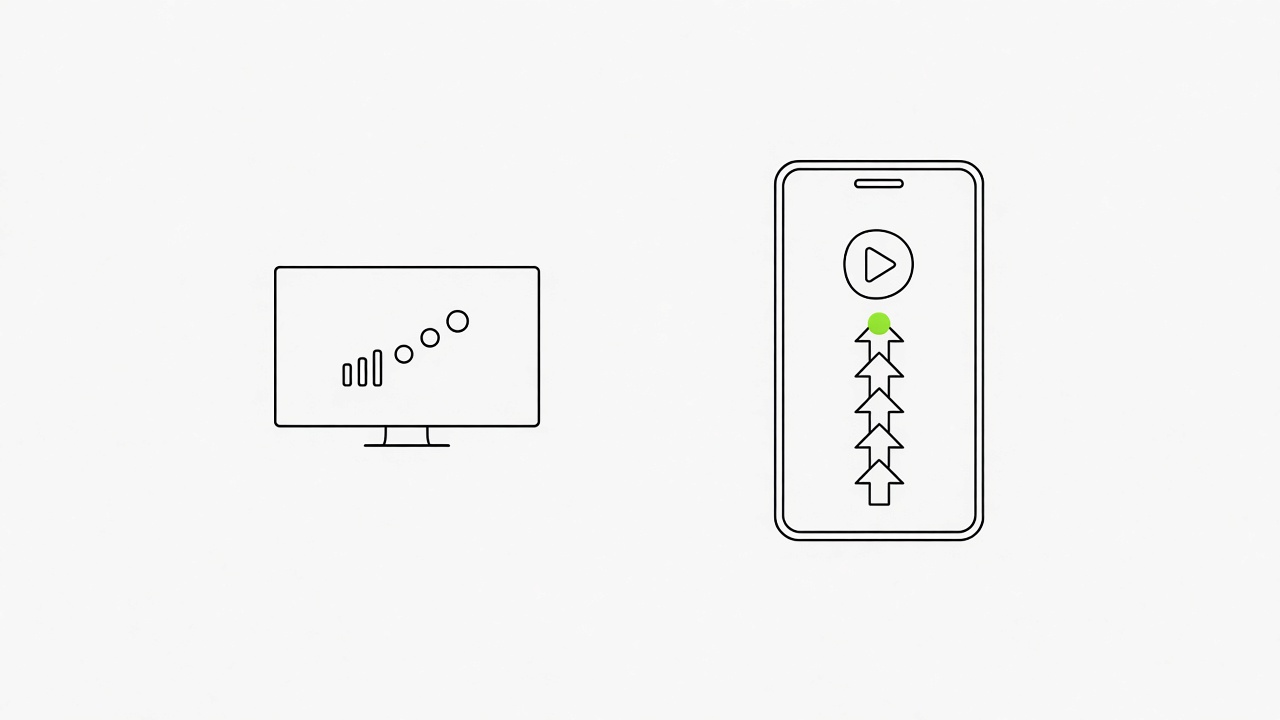
Accounts that post video get about five times more exposure than accounts that post text alone, according to a creator talk on the 2025 changes. LinkedIn spent 2024 and 2025 adding a vertical video feed and video-first search results, so a 45-second video from a person now reaches further than a text post of the same quality. Good content grows any account, and video is the format to learn first on LinkedIn.
A face is optional under three conditions
- The insight is specific. A faceless video from a personal profile competes with talking heads, so the first line has to carry a concrete claim.
- The voice is yours. Narrate it yourself or write a script that sounds like you, since LinkedIn rewards people more than brands.
- The same visual identity comes back every time. One recurring look or character makes an account read as a person instead of a content factory.
- Company Pages differ: faceless explainers and case studies are normal there when the first line is concrete.
What to do now: Write the one claim your next video will open with in a single sentence, before you open Claude Code.
LinkedIn takes native video from 3 seconds to 15 minutes, and 9:16 or 4:5 fills a phone screen best.
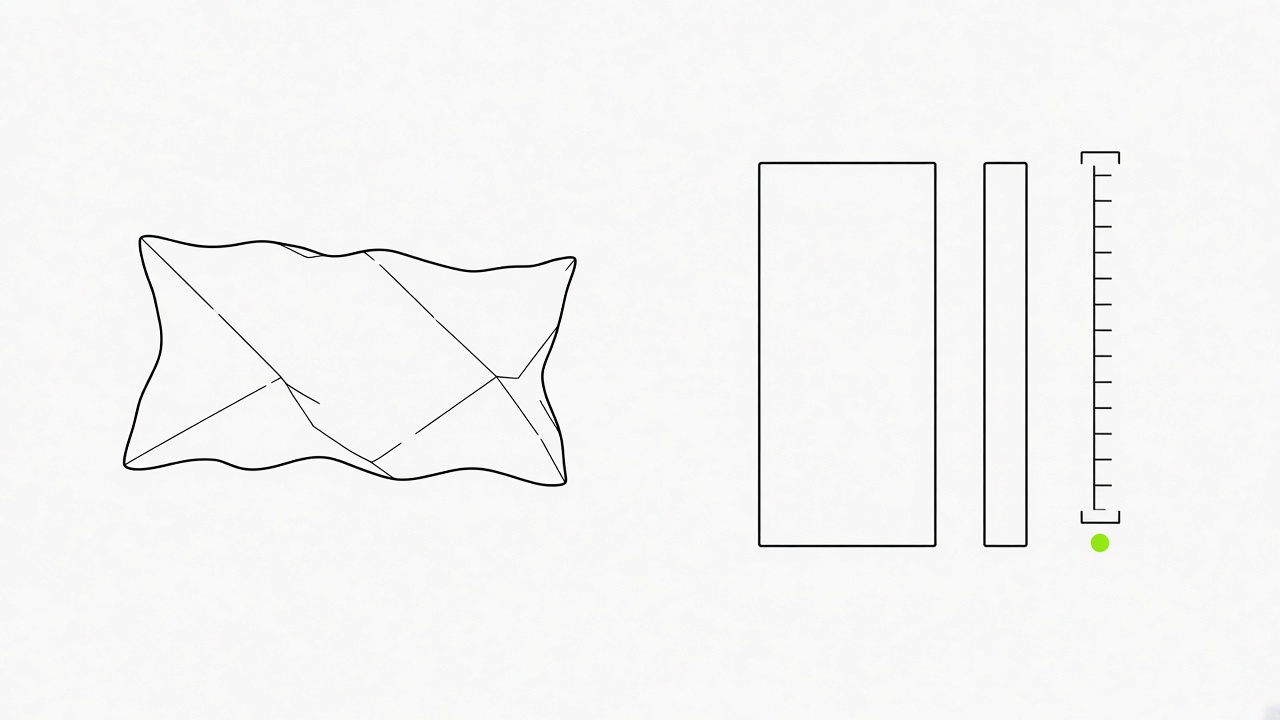
Upload native video through the share box of a personal profile or a Page: 3 seconds to 15 minutes from desktop and 10 minutes from the mobile app. The feed plays a native upload automatically, while a YouTube link shows a thumbnail that sends people away. Set the export once and every later video inherits it.
Four numbers to set in your render
- Length: most competitor guides land on 60 to 90 seconds for a feed video, so script for about 90 words and cut every sentence that does not serve the claim.
- Ratio: 9:16 and 4:5 are the shapes to render. LinkedIn accepts anything from 1:2.4 to 2.4:1, and 16:9 fills only about a third of a phone screen.
- File: MP4 up to 5 GB, so a rendered short never gets near the limit.
- Frame: 1080 by 1350 is the 4:5 size and 1080 by 1920 is the 9:16 size, which gives the video both the main feed and the vertical feed when you pick 9:16.
What to do now: Open the post preview with your first rendered 4:5 frame and check how the video and the first lines of text sit together on a phone before you upload: LinkedIn post preview.
A script that opens with the thought and a post text that works as a second hook decide the first 2 seconds.
The first seconds of a LinkedIn video decide whether it gets watched, because feed viewers scroll past at speed and the video has to give them a reason to stop. Open with the claim, the result or the mistake, and keep who you are for the profile. When the first two lines of the post make people open it and read on, the feed reads that as a strong signal and shows the post to more people.
Three parts that carry the first seconds
- The spoken opener: a specific claim in the first sentence, never "Hi, I'm" and never "in this video". A feed video has about three seconds to earn the next ten.
- The script: about 90 words with the hook first, then one example with a number, then the lesson in two sentences. Give Claude Code the structure as one line:
Write a 90-word script for a LinkedIn video about {topic}, open with a specific claim, add one example with a number, explain the lesson in two sentences, no greeting. - The post text: LinkedIn shows the first two to three lines before the "more" fold, so write them as a standalone claim that makes the video worth playing. Put links in the first comment or after the fold.
Plain version: the video opens with a claim, and the post text opens with a second claim.
What to do now: Paste your video topic into our hook generator, take the three openers it gives and read them aloud until one sounds like something you would say: LinkedIn hook generator.
Captions carry the video for the majority of viewers who watch with the sound off.
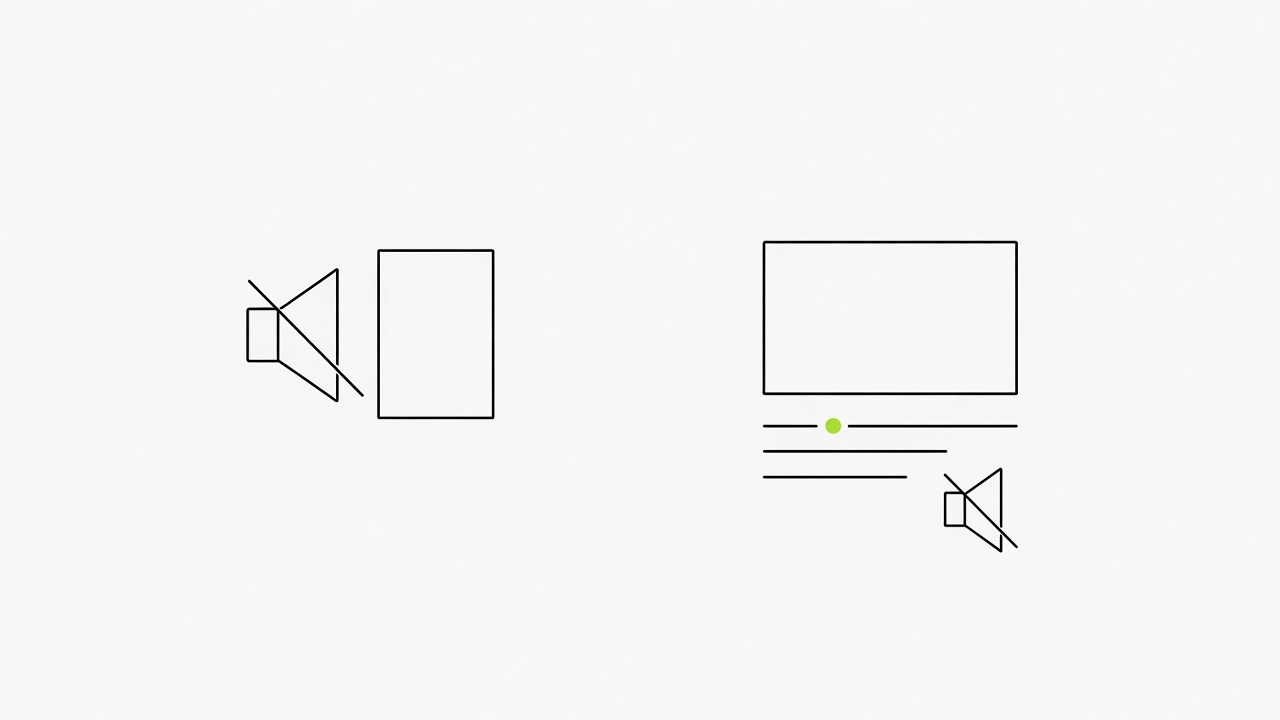
Most viewers scroll the feed on mute, so the captions are the main way your script reaches them. A video without captions loses that audience in the first seconds, whatever the voice sounds like. Claude Code already holds every word with its time from the transcript, so the captions cost one more instruction.
Where the captions come from and how to check them
- Source: the recording is the source of truth and the captions follow what was said. Ask Claude Code to burn them in from the Whisper transcript.
- Style: pick a clean, high-contrast preset instead of a karaoke style, because a LinkedIn audience skews toward reading.
- File: upload an SRT file with the video through the desktop upload (Add captions), so the video stays readable and searchable.
- Proofreading: Whisper mishears names and rare words. Read the captions top to bottom before you post.
What to do now: Draft the text that sits under the video with our caption generator, then put the one sentence that matches your spoken opener at the top: LinkedIn caption generator.
Seven of the ten free Claude Code formats suit a professional feed, and the visual has to be worth opening.
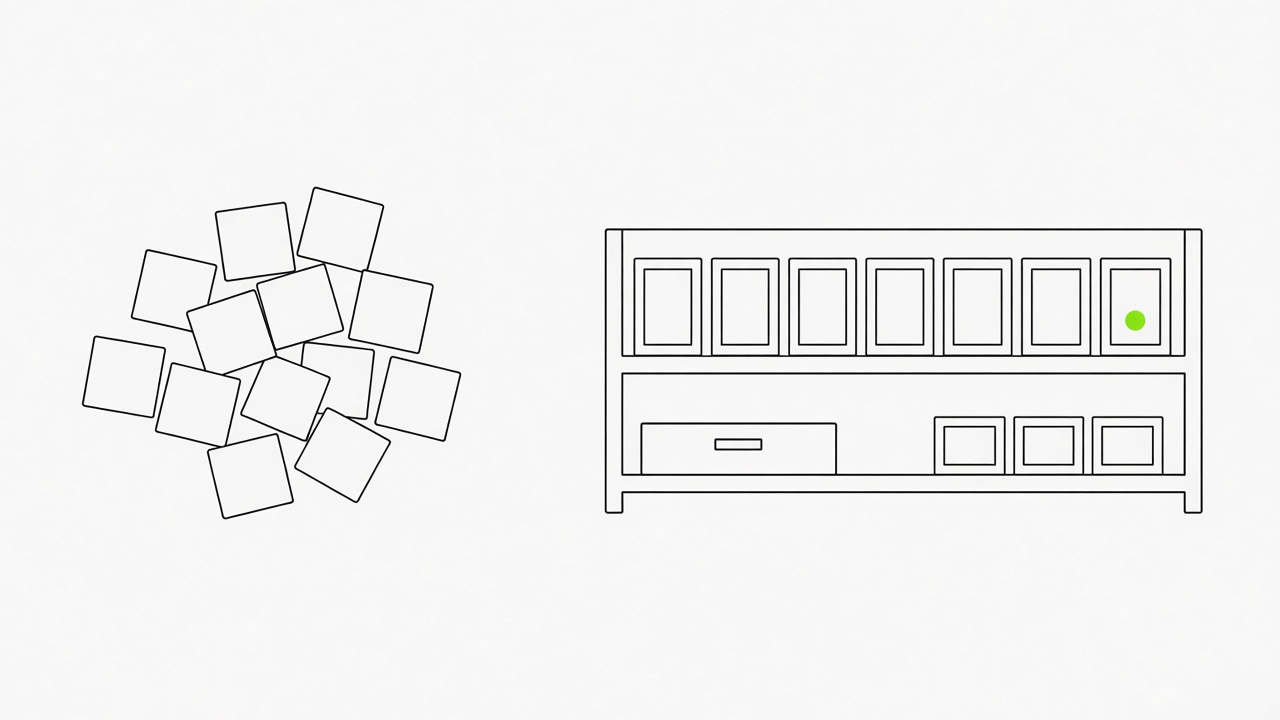
One public guide gathers ten free video formats that all run inside Claude Code, and a Claude plan is the only paid piece. A visual people want to look at, open and study is a strong signal for a LinkedIn post, so the format you choose matters more than the render settings. We take seven formats for a professional feed and leave out the 3D backyard story, the stickman survival story and the 66 film styles, which suit TikTok and Instagram better.
How much of the list was actually run
- Run end to end: the guide's author ran three formats from start to finish and scored them with a blind Claude rater.
- Read and counted: the other seven were read, checked for gates and counted by bookmarks. The numbers below describe demand.
- Free to run: one format uses the free ElevenLabs plan for its voice, and the rest need only Claude and a free song or a free local voice.
- Seven for LinkedIn: lecture reel, UI motion, space explainer, 2D what-if, canvas animation, a 120-sample motion library and free archive b-roll.
Your topic list decides which of the seven you need first. A drawing explains a process faster than a talking head does.
What to do now: Generate ten topic ideas with our post ideas generator and circle the three where a drawing or a diagram explains the idea faster than a face: LinkedIn post ideas generator.
A cartoon teacher, a space explainer and a 2D what-if each turn one idea into a video under a minute.
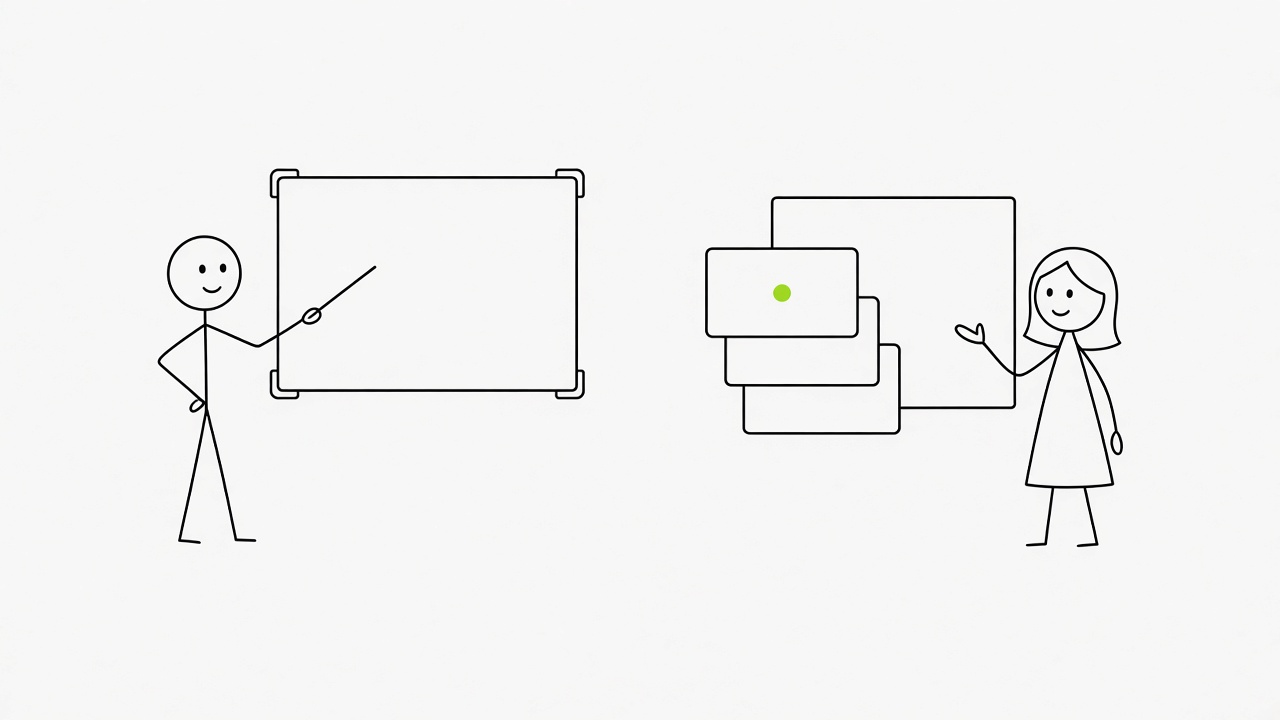
These three formats teach one thing per video, which is what a professional feed rewards. Every number below was read from the original posts on Oct 30.
Three teaching formats with their limits
- Lecture reel, 45 to 60 seconds: a cartoon teacher talks at the bottom right while titles and cards appear on the exact word being said. It is based on a public prompt that had 926 bookmarks the same evening. Two versions by the guide's author scored 65 of 80 and 71 of 80 with the blind rater, and the voice runs on your computer, so it needs only Claude. To start, save the prompt file as CLAUDE.md in an empty folder, open Claude Code there and say "make a reel" plus your topic.
- Space explainer, 30 seconds: a Kurzgesagt-style "what if the Sun vanished" with a WebGL Earth, an astronaut mascot and narration timed to the word. It has 249,422 views and 5,219 bookmarks. ElevenLabs is optional because without an ElevenLabs account connected it switches to a free voice that runs locally. Paste the prompt into Claude Code with your own "what if".
- 2D what-if, 15 to 25 seconds: a dusk-lit stick-figure cartoon where the character is drawn in code, so the hero stays the same between shots. The creator's post has 1,689 bookmarks and a free 16,392-view YouTube walkthrough. It needs ElevenLabs for voice and sound. The free plan covers about 40 episodes a month for non-commercial use with attribution, and Remotion renders it free for individuals and teams of up to 3.
The non-commercial line matters if the video goes out under a company brand. Check the licence terms of each tool before you rely on it.
What to do now: Pick one work question your clients ask every week and write it as a "what if" sentence for the space or 2D format.
UI motion and canvas animation turn a product or a story into a video, and each starts with a plan you approve.
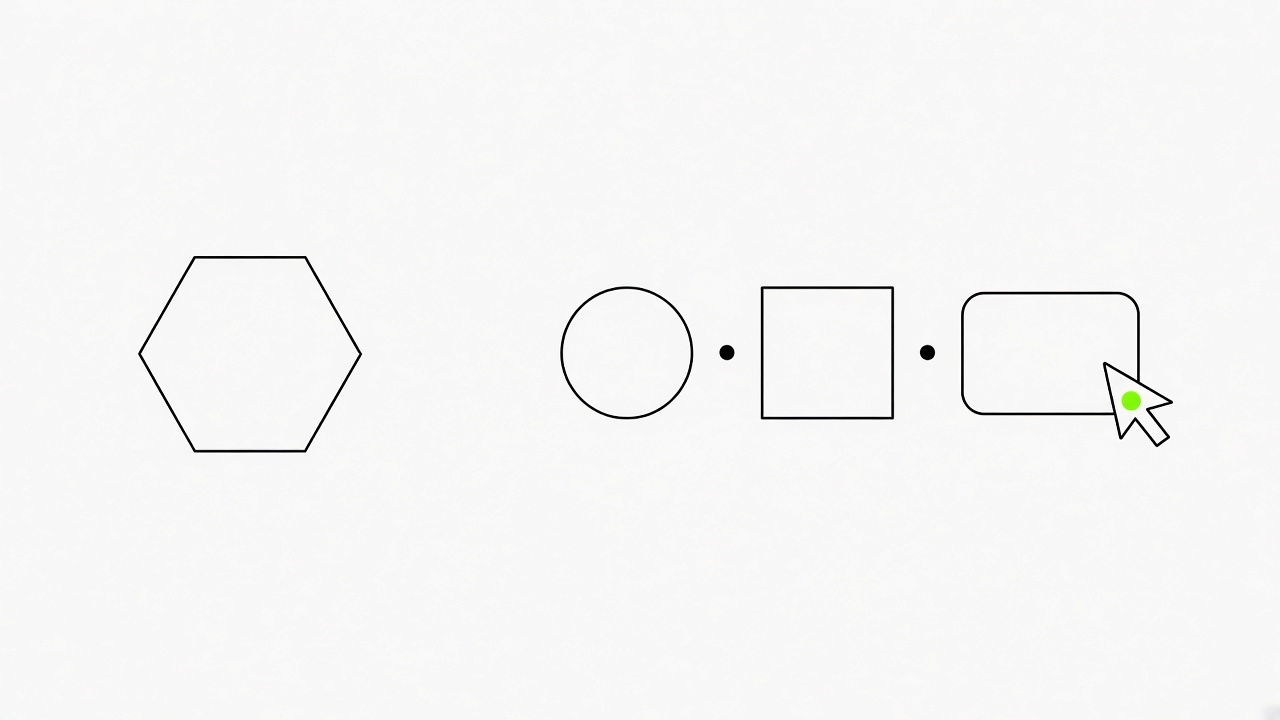
Both formats suit LinkedIn because they show a product or an idea moving without anyone filming it. The guide's author read both and did not run them, so the numbers show demand and the output quality is untested.
Two motion formats
- UI motion: one shape morphs through 8 to 12 interface states while a cursor clicks through every change, all cut to a 120 BPM track. The post has 1,179,689 views and 21,077 bookmarks, the most saved free video prompt the author found. The full template sits in the post with nothing to comment for, and it needs Claude plus a free Mixkit song. For LinkedIn, the shape can be a feature of your product or the steps of your service.
- Canvas animation: short animated videos drawn on one canvas in code, in 7 built-in styles from cut paper to pixel art, or a look built from your own references. You approve the story, the look and the storyboard before it animates. The free 14-minute tutorial has 202,795 views, the repo has 1,149 stars, and it needs nothing past Claude because the voice is optional.
Which means: UI motion gives the faster first video, and canvas animation gives the more controlled one.
What to do now: Write the 8 to 12 states your product or process goes through as a plain list, since that list is the input the UI motion template asks for.
A 120-sample motion library and free archive.org clips improve any format without adding another tool.
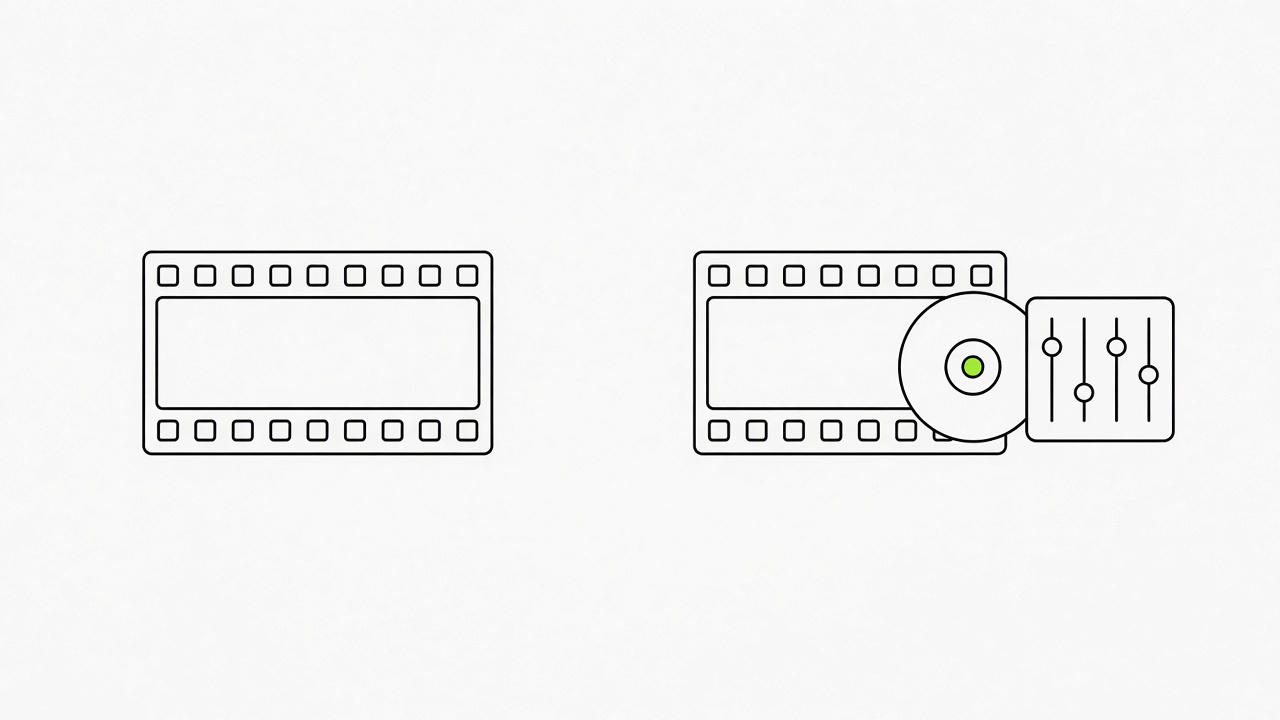
Neither of these is a format. Both plug into the formats above and change how the video moves and what it cuts to. The footage and the motion come from open sources, so your Claude plan stays the only paid piece.
Two add-ons for any video
- Motion library: 120 moving samples by showheyohtaki, from camera moves to UI pieces and web effects. Tick the ones you like and Claude Code builds them into your video. The library has 1,636 bookmarks and 63,063 views on the post that shared it, and it only changes how things move, so it upgrades every format here. Commercial use is fine when you keep the attribution line.
- Free b-roll: one instruction sends Claude to the free archive.org API to pull public-domain films, 78 rpm records and concert recordings into your edit, with no sign-in needed. The post has 240,722 views and 8,285 bookmarks, about 2.3 bookmarks for every like. Give Claude the line before the edit step.
- Limit: archive clips are archival, so match them to the topic and read the licence on each clip's archive.org page before you post.
What to do now: Add the b-roll line to your edit prompt for the next video and tick three motion samples that match your topic.
Claude Code edits a talking-head video by reading its transcript, so you give notes instead of moving clips.
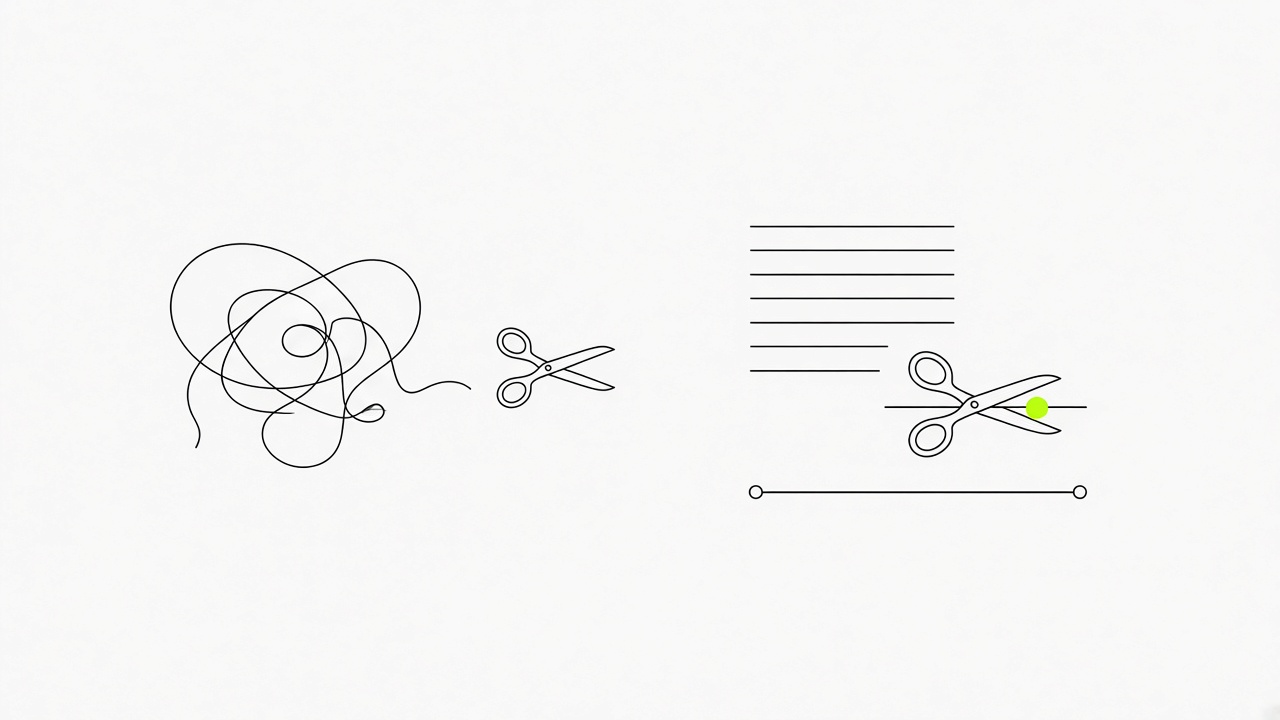
Claude Code cannot watch your video, so it reads it. Whisper writes down every word with a time for each word, ffmpeg cuts at those times, and you correct the result with notes instead of timeline edits. That replaces the part of editing that takes the longest.
What Claude Code does with a recording
- It transcribes: the text and the time of every word come from Whisper, which is also the source for the captions.
- It cuts: ffmpeg cuts at the word times, which removes pauses and fumbled takes.
- It takes notes as edits: you write "cut the second pause" or "tighten the first sentence" and it re-runs the cut.
- It runs on a short setup: a Mac, Windows or Linux computer, a paid Claude plan and about ten minutes. A pack of 41 reel-editing skills turns a to-camera recording into a polished motion video if you want more.
- It falls short on names: Whisper mishears names and rare words, so read the transcript once before the render.
What to do now: Record 60 seconds of yourself, hand the file to Claude Code with one note about the cut you want and read the transcript for misheard names.
Remotion or HyperFrames render a video from code, and a storyboard before the first line keeps the render clean.
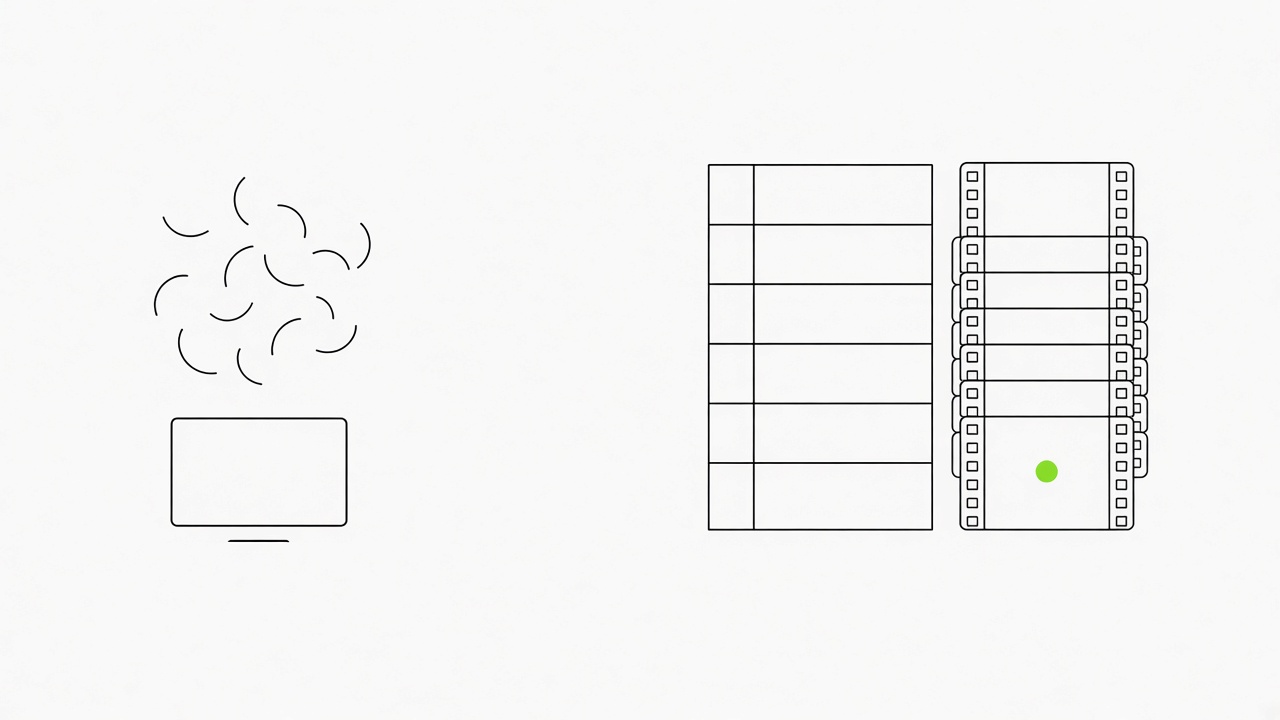
An animated clip can be described in code and rendered by Remotion or HyperFrames, with no recording at all. One public skill for 15 to 30 second launch videos shows the order that holds up, and a published write-up claims one prompt and ten minutes produce a publishable marketing video. Treat the ten minutes as the claim of one author.
The order that holds up
- Gather the inputs first, pulling brand assets, copy and links in parallel before writing anything.
- Write a shot-list table before any code. The skill says to resist the urge to start coding.
- Run a render-audit loop on single frames to catch layout problems early.
- After two or three self-edits, render about 20 frames (peak moments and transitions) and send them to a multi-agent review. That step catches what the self-edits missed.
- Install skills by adding the repo to Claude Code. Claude Video Studio gives three free skills for brand videos, and the setup needs Node.js 18+.
What to do now: Write a six-row shot list for your next 20-second clip before you ask Claude Code for a single line of code.
Stills in Nano Banana, motion in Veo 3.1 and assembly in Claude Code give a video without a camera.
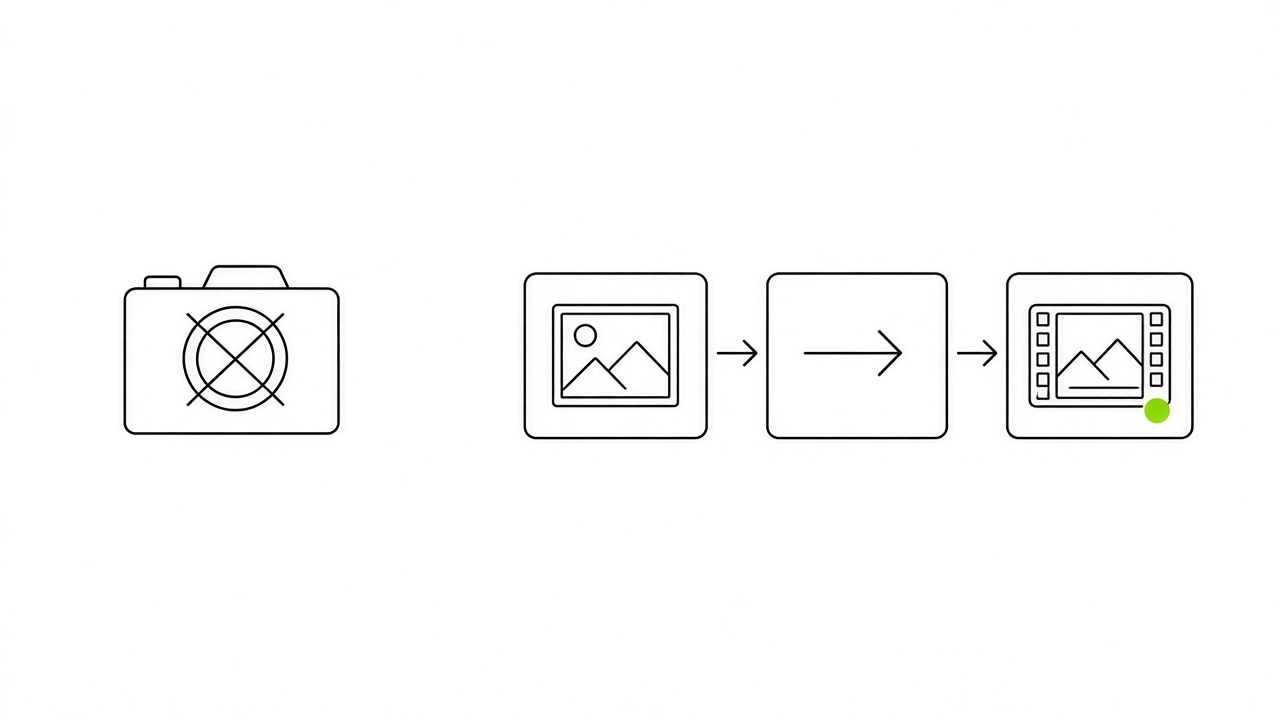
When there is no footage, the picture-to-animation chain covers it. Make the visuals first in Nano Banana, animate them in Veo 3.1, then have Claude Code assemble the clips, the voice and the captions into one file. A second route starts from a video you already have.
Three ways to get a video without filming
- Image to video: structured JSON prompts keep Veo 3 shots consistent, and Claude Code ties the shots together.
- Avatar: one creator reported 60 million views in 3 months after switching from filming to an avatar. On LinkedIn, which rewards people more than brands, keep your own voice on the narration.
- Existing video: paste a YouTube link or a file into a clip tool and it cuts 10 short clips from it. It is the cheapest format per video, because the recording already exists.
- Limit: these routes use tools outside Claude Code, so check each tool's free plan before you count it as free. Autopublishing tools tend to cut reach, so post the finished file yourself.
What to do now: Open your last webinar or podcast recording and mark three 30-second moments that stand without context.
A phone at eye level facing a window and a screen recording cover the footage Claude Code cannot make.
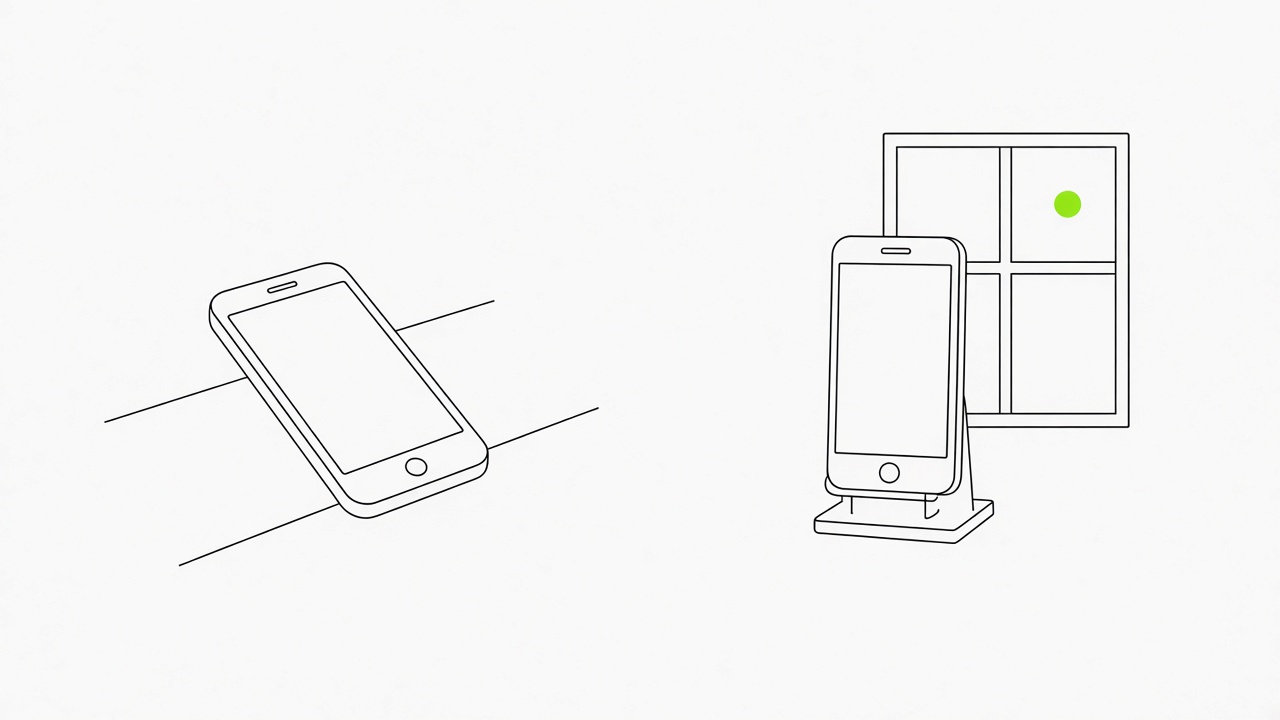
Claude Code builds, cuts and captions, and it cannot create a real person on screen. For that, the phone and the screen cover the job, and both feed straight into the transcript edit described above.
Two setups that need no equipment
- Talking head: a phone on a stand at eye level, your face toward a window, 9:16 or 4:5 framing with your head in the upper third. Record in short segments, repeat any line you fumble and look at the lens instead of the screen.
- Screen demo: close unrelated tabs, enlarge the cursor and the interface to 125 to 150 percent, record at 1920 by 1080 and narrate as you go.
- Cover frame: pick a frame with a face or a clear title as the thumbnail, then resize a still of it to the 4:5 shape.
What to do now: Take a still from your first recording and resize it to the feed shape with the image resizer so the cover frame matches your video: LinkedIn image resizer.
Two hours a week produce three videos when research picks the topics and you publish them yourself.
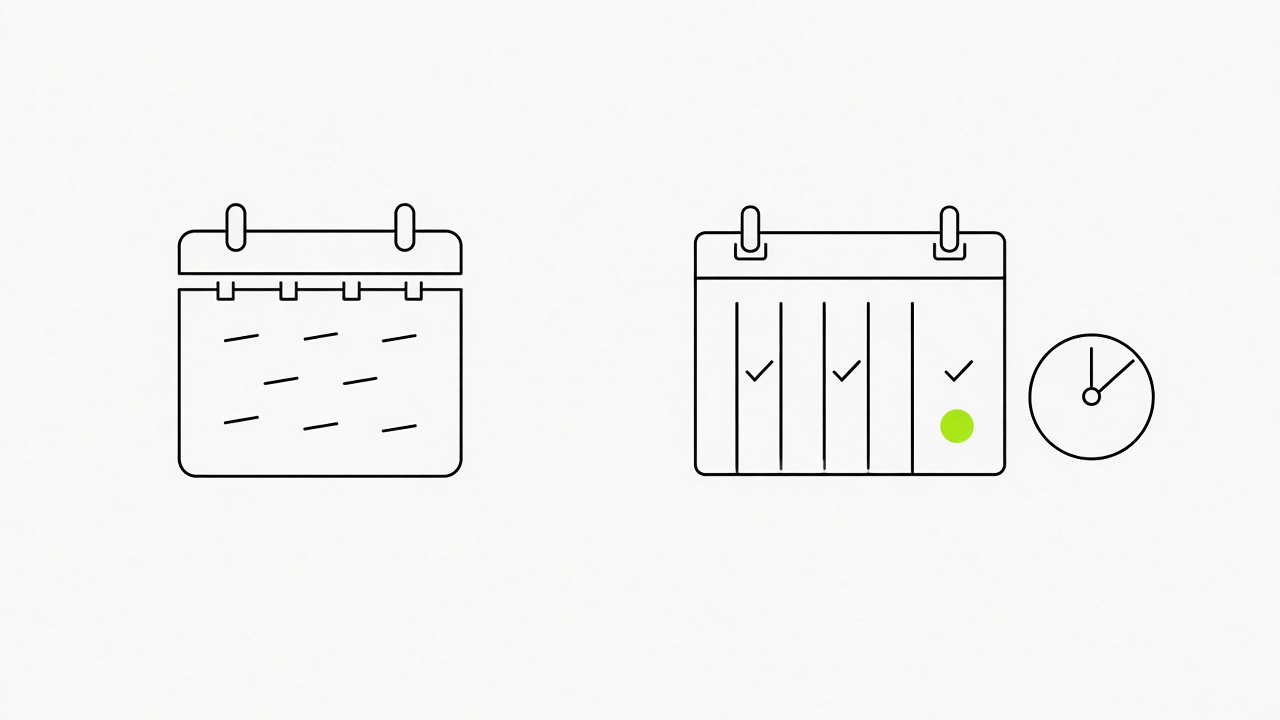
One cycle of 110 minutes yields three videos, and it keeps working because every step has a fixed slot. Let research answer why this video and why today, then record, edit and publish by hand. Three videos a week is sustainable, and one a week is enough to see the effect within two months.
The week, slot by slot
- Monday, 30 minutes: pick three topics from client questions, posts that got comments or a trending topic in your niche, then script all three and rewrite them in your own words.
- Tuesday, 30 minutes of recording and 20 minutes of editing: all three talking-head videos in one session, same light and same outfit.
- Wednesday, Friday and the next Monday, 10 minutes each: write the post text, upload natively and reply to every comment in the first hour.
- Publish from your phone yourself. Most networks now fight autoposting and AI slop, and autoposting tools can cut the reach of a post sharply.
- Read the numbers: views against impressions show the hook, and average watch time against video length shows the content. Compare formats after ten posts, never after one. A viewer who watches for a long time, saves, likes and comments sends the post further.
What to do now: Check the best posting slots for your audience and book Wednesday, Friday and Monday for the three uploads: Best time to post on LinkedIn.
Only 3 of the 10 formats were run end to end, so read "best" as most saved and start with the format that matches your message.

The guide's author ran three formats from start to finish and rated them with a blind Claude rater against the originals. The other seven were read, checked and counted, and bookmarks show what people wanted, not that the result is good. We follow the same line: the formats above are a shortlist, and your first ten posts are the test.
Where to start for LinkedIn
- One lesson in a minute: the lecture reel or the space explainer.
- A fast first win: UI motion, with Claude, a template and a free song.
- A controlled story: canvas animation, since you approve the story and the storyboard first.
- Motion and clips for any of them: the motion library and archive b-roll.
Good content grows any account, so give each format ten posts before you judge it.
What to do now: After ten posts in one format, line up the hook and the first three lines of the best and the weakest posts by hand and note what the best ones share.
Short version: Video gives a LinkedIn account about 5 times the exposure of text alone, and the work is in the first two seconds, the captions and a visual worth opening. Free Claude Code formats cover teaching, product motion and stories, and a two-hour weekly cycle keeps them coming. Pick one format from the shortlist, post it ten times and let the numbers choose the next one.
FAQ
Can you make viral LinkedIn videos with Claude Code?
Yes, when it is done right. A visual that people want to look at and open raises the post, and a strong hook in the first lines gets it opened and read, which the feed reads as a signal to show it to more people.
What video length works on LinkedIn?
LinkedIn accepts native video from 3 seconds to 15 minutes, and 60 to 90 seconds is the usual target for a feed video. A talking-head take can run 30 to 60 seconds.
Do I need to show my face?
No, under conditions. A faceless video needs a specific insight and your own voice, because LinkedIn rewards people more than brands. Company Pages run faceless explainers and case studies regularly.
Do I need captions?
Yes. Most viewers watch with the sound off, so captions carry the script. Burn them in from the transcript and read them once for misheard names.
What do videos give a LinkedIn account?
Growth in reach and followers, when you take the right tool and format. A viewer who watches for a long time, saves, likes and comments pushes the post further along the feed.
Written by
The Upvote.club team builds free social media tools and runs a community of real people who support each other’s posts on 19 social networks.