How to Grow on LinkedIn in 2026 Ultimate Guide
Table of contents
LinkedIn growth in 2026 is two games played at once - broadcast (followers via content) and 1:1 (connections via targeted requests). Win both by picking a narrow niche, optimizing your profile for discovery, posting 3-5x per week, and sending 20-50 relevant connection requests per week to people adjacent to your target audience, so you stay well under LinkedIn's rate limits.
Followers and connections are two different things on LinkedIn, and understanding the distinction is the first step to growing on LinkedIn intentionally.
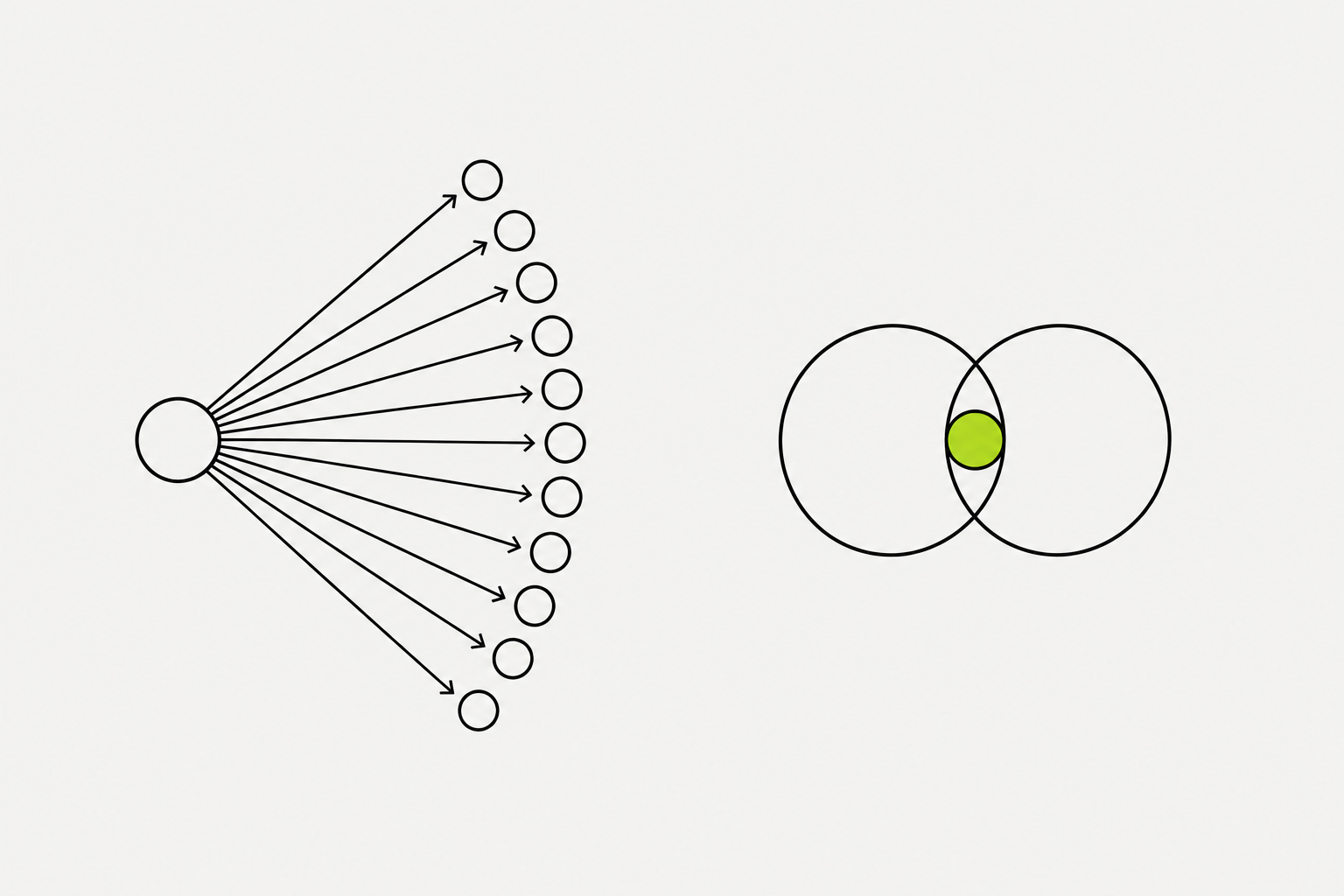
A connection is a two-way relationship - both people see each other's content and can message each other directly. A follower is one-way - they see your content in their feed, but you don't see theirs, and there's no DM channel unless they connect with you.
- Connections max out at 30,000. Followers are unlimited.
- If you want more reach, chase followers. If you want more conversations (job leads, client DMs, warm intros), chase connections.
- If you're building a personal brand, becoming an industry voice, or trying to reach a big audience, followers are the metric. Switch your profile to "Follow" as the primary button (Settings -> Visibility -> Followers -> toggle on "Make Follow primary").
- If you're in sales, job-hunting, or building a B2B network where individual relationships matter, keep "Connect" as primary.
What you can try now: A connection is a two-way relationship - both people see each other's content and can message each other directly.
Your profile is the landing page for every post you publish and every connection request you send.
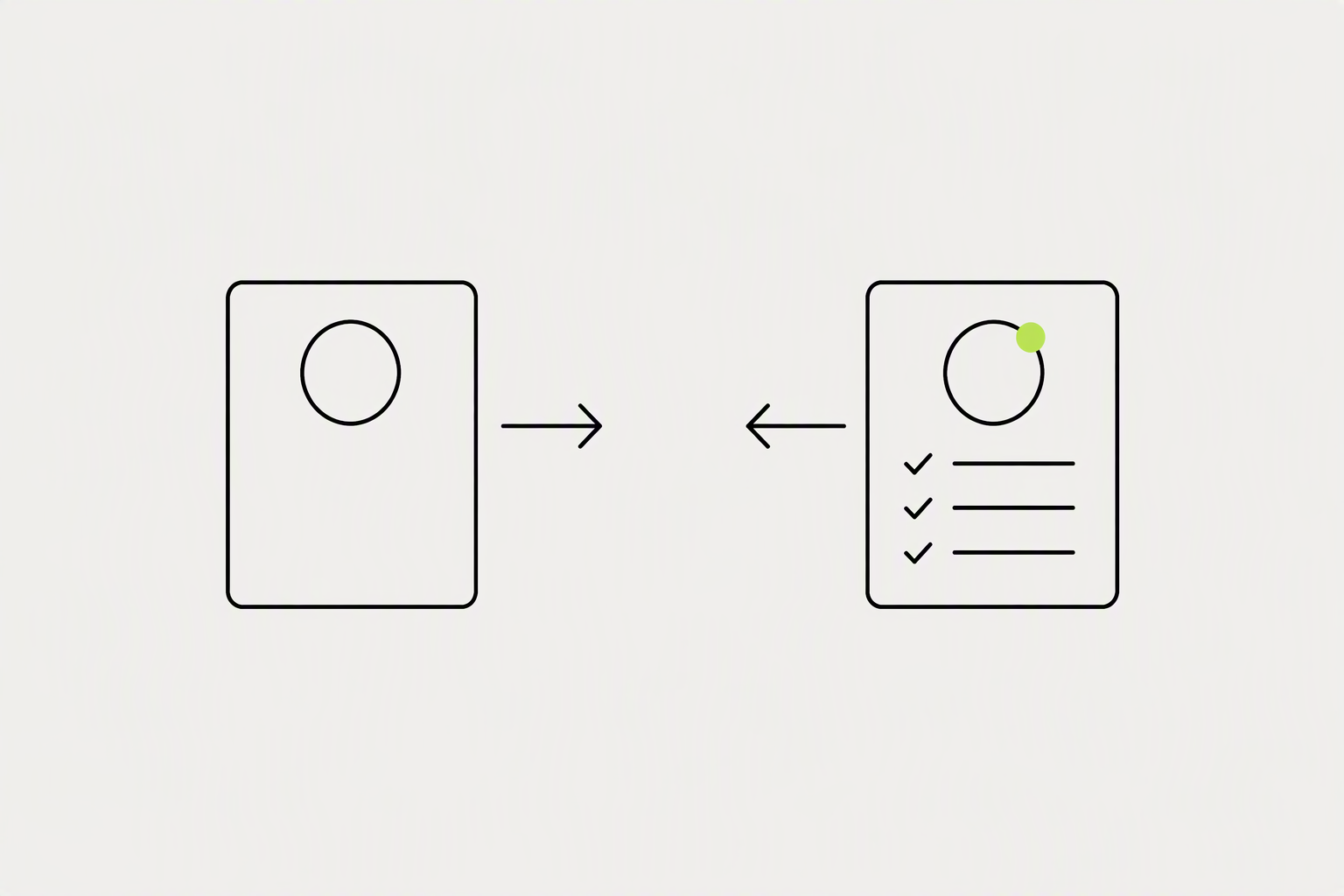
Before you chase growth, make sure the profile is actually ready to convert a visitor into a follower or connection. A great profile answers three questions instantly: Who are you? What do you do? Who do you do it for?
- Photo - clear headshot, face visible, professional but not stiff. Not your logo, not a vacation photo.
- Banner - this is free billboard space. Write who you help and what outcome you deliver. Make it readable on mobile.
- Headline - not your job title. A benefit-driven line: "I help B2B founders turn LinkedIn into a pipeline engine" beats "Founder at Acme Corp."
- About section - first 2 lines are what people see before clicking "see more." Hook them there. Then tell your story and list what you help with.
- Featured section - pin 3-4 best posts, a case study, or a link to your calendar/website. This is your proof.
What you can try now: Before you chase growth, make sure the profile is actually ready to convert a visitor into a follower or connection.
The number one reason people stall on LinkedIn is not knowing what to post. The fix is content pillars: three to four recurring themes you write about over and over.
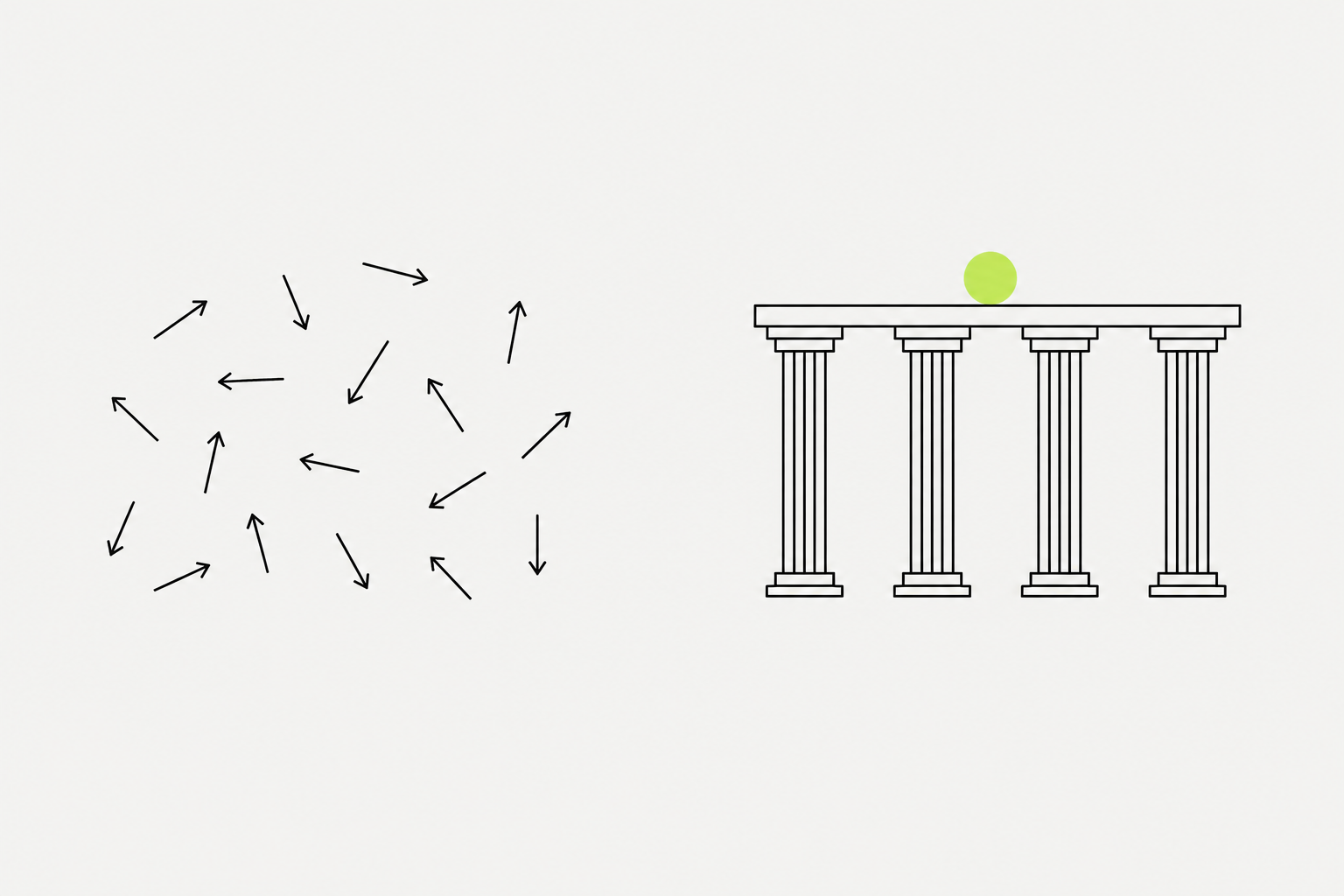
A content pillar is a theme you return to often enough that people start to associate it with you. Pillars keep you consistent, train the algorithm to show your work to the right audience, and help followers know exactly what they get by sticking around.
- Most strong LinkedIn creators run on three to four. Not one (too narrow, you run dry), not ten (too scattered, you teach your audience nothing).
- Posting across 15 random topics teaches the algorithm nothing and gives your audience no mental hook to file you under.
- Aim for a mix that includes practical how-to content, opinions and hot takes, and personal or story-driven posts, because variety keeps your feed from feeling like a lecture.
What you can try now: A content pillar is a theme you return to often enough that people start to associate it with you.
Documents (uploaded PDFs, slide decks, multi-page carousels) earn 7.00% average engagement because they maximize the two signals LinkedIn's algorithm weights most heavily: dwell time and saves.
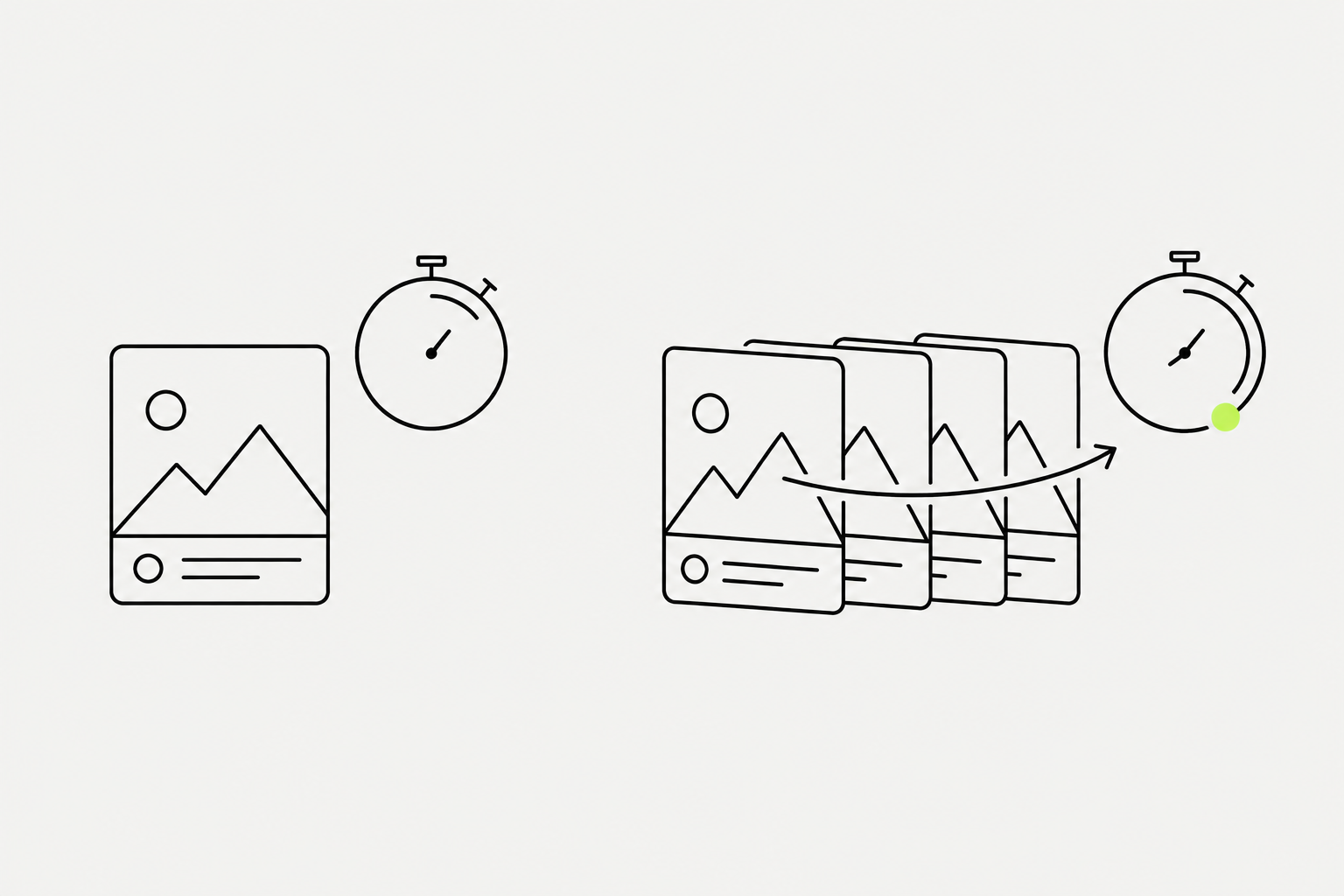
A 10-slide document holds a reader for 60 to 90 seconds, a text post holds them for 10 to 15. LinkedIn's LiRank model uses a "Long Dwell" binary classifier as a primary feed-ranking signal: posts that generate extended reading time are pushed to second- and third-degree connections, posts scrolled quickly stay local.
- According to Socialinsider's 2026 benchmarks (1.3M business posts), documents (PDF carousels) show the highest engagement rate (~7.0%), followed by multi-image posts (~6.5%) and native video (~6.0%), then single images (~5.3%) and text-only posts (~4.5%), with polls (~4.2%) and especially posts with external links (~3.3%) at the bottom.
- Documents, by requiring the reader to swipe through slides, mechanically extend dwell time beyond what any text post achieves.
- Document posts (carousels) should run 6-10 slides.
- Posts in the 1,300-2,000 character range tend to earn more dwell time - long enough to tell a story but short enough to finish.
What you can try now: A 10-slide document holds a reader for 60 to 90 seconds, a text post holds them for 10 to 15.
Posting frequency matters, but not as much as most people think.
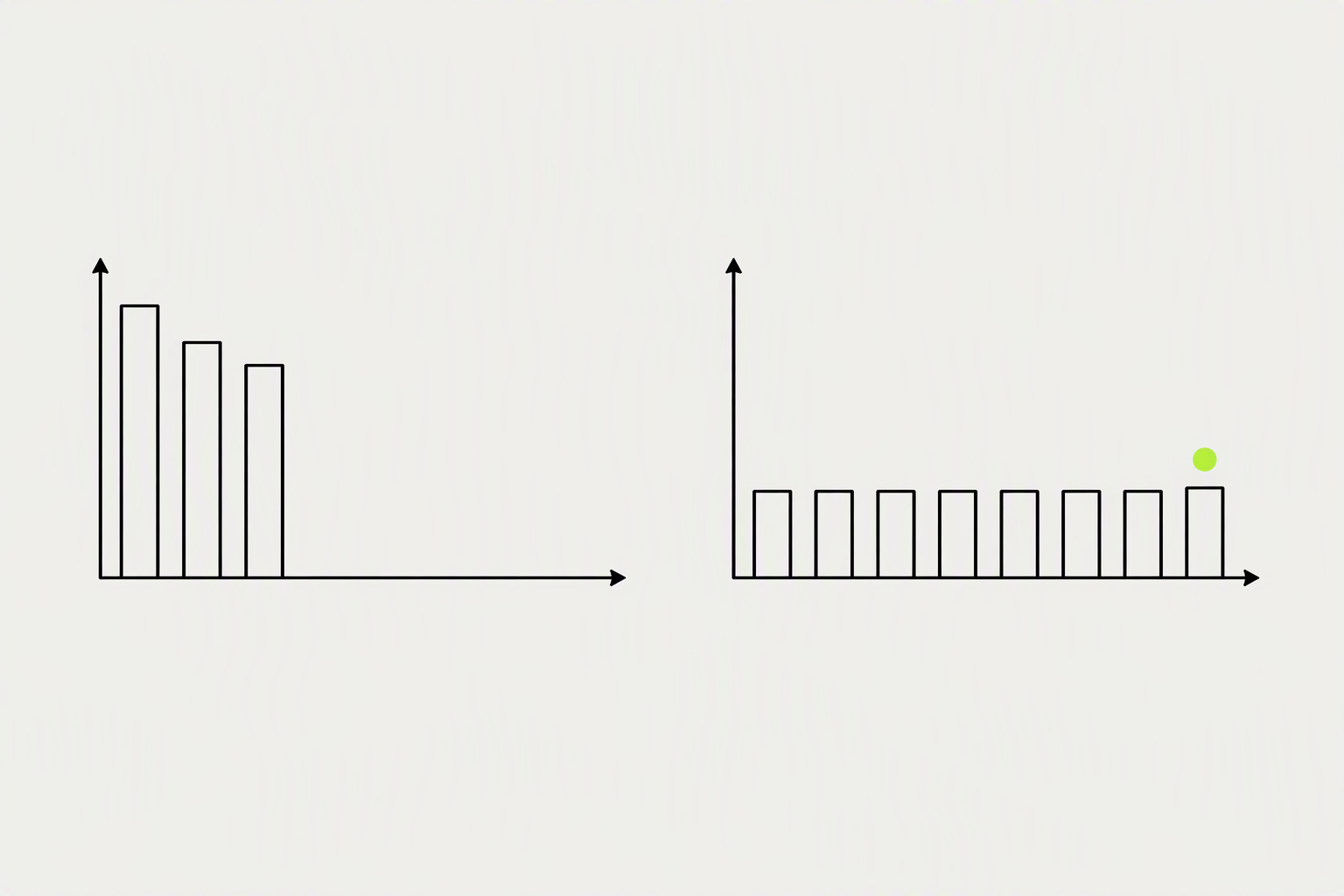
For personal profiles, the sweet spot is 3-5 posts per week. Below that, the algorithm deprioritizes you. Above 5, quality usually drops and engagement thins out because your audience can't keep up.
- Consistency matters more than frequency - 3 posts a week for 6 months beats 10 posts a week for 3 weeks followed by silence.
- The most common mistake is burning out after a sprint. Pick a cadence you can hold for 90 days and build from there.
- If you're starting out, commit to 3 posts a week - two tactical, one personal/story - and keep it going.
- Grow your audience in a sustainable way: 2 to 5 posts per week
What you can try now: For personal profiles, the sweet spot is 3-5 posts per week.
When you comment on someone else's post - someone with 40,000 followers and a post that's already going viral - you're borrowing their distribution.
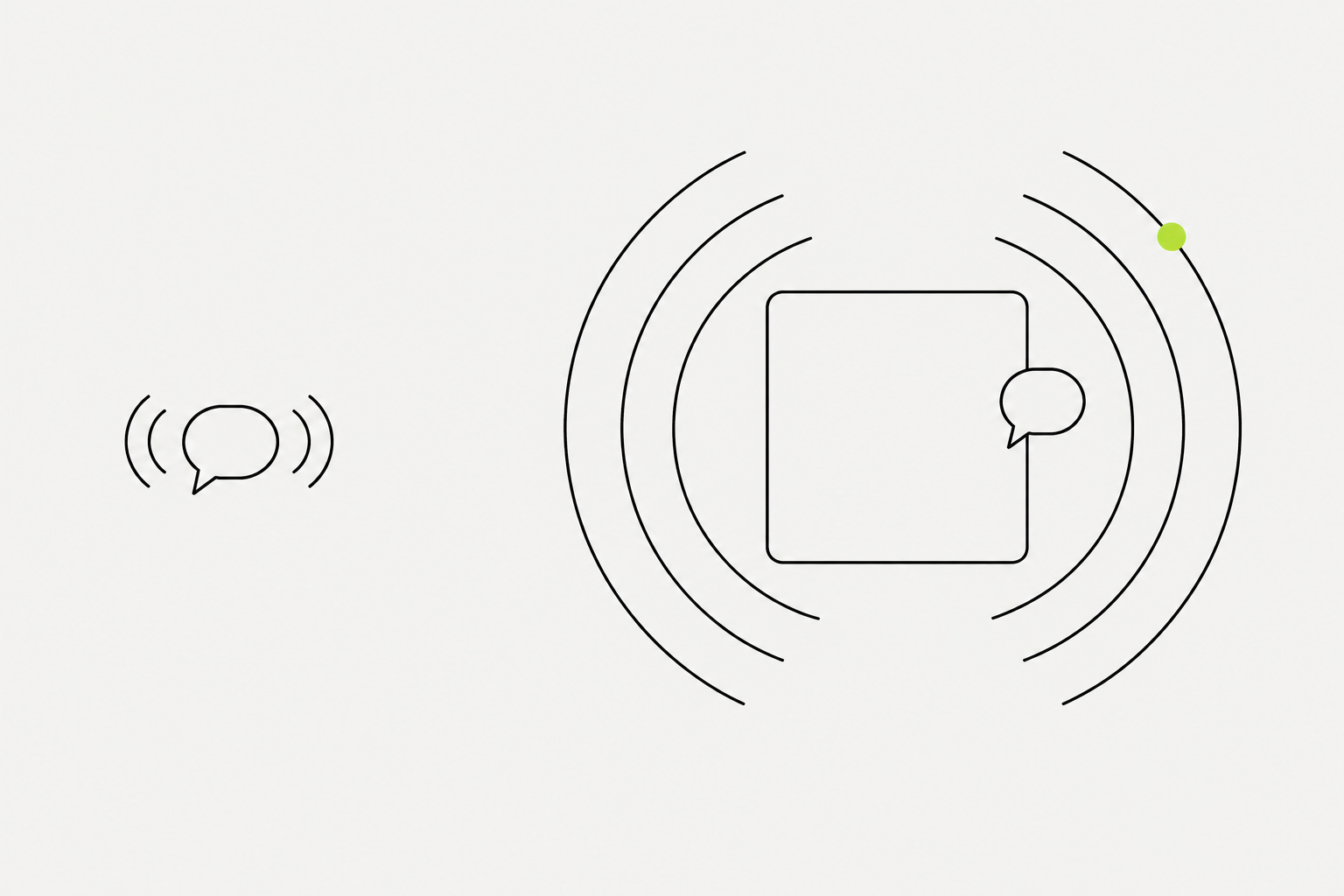
A sharp comment on a post pulling 200,000 impressions can get seen by 5,000-15,000 people on its own, and the people seeing it are already engaged with your exact topic. They didn't have to find you. You showed up in the conversation they were already having.
- Comment before you post. Spend 20-30 minutes commenting on five to ten posts before writing your own content for the day.
- Add something. Share an example, a counterpoint, or a lesson. "Great post" is invisible.
- Skip the pitch. Value first. The pitch, if any, comes much later and in private.
- Ten great comments beat thirty filler ones every time.
What you can try now: A sharp comment on a post pulling 200,000 impressions can get seen by 5,000-15,000 people on its own.
Every reply you give to a comment generates a new activity signal and can trigger a second wave of distribution.
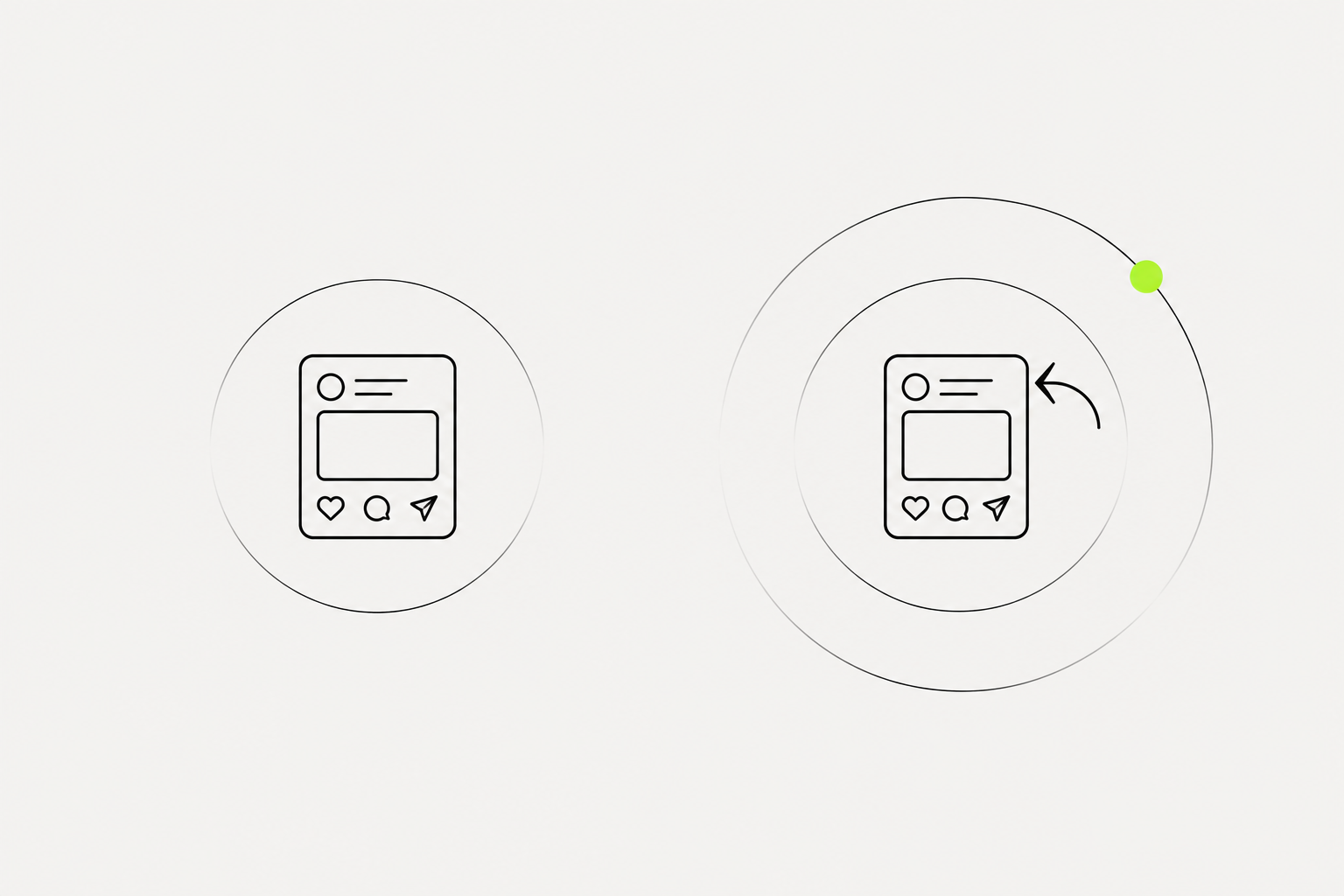
If you post and disappear, you waste half the potential. Reserve the first hour after posting to actively reply, with multi-word answers, not just "thanks!".
- Publishing and then going offline for three hours is the most common golden hour mistake.
- If you edit during the golden hour, you want to be fast and surgical. A five second fix to a typo will not hurt you.
- External links in the post itself often suppress reach because LinkedIn wants people to stay on the platform. If you must link, put it in the first comment, then write "link in the comments" in the post.
What you can try now: If you post and disappear, you waste half the potential.
Warming up LinkedIn prospects before you connect, by reading their content, engaging genuinely with something specific to them, and writing a note that references that engagement, changes the conversion math considerably.
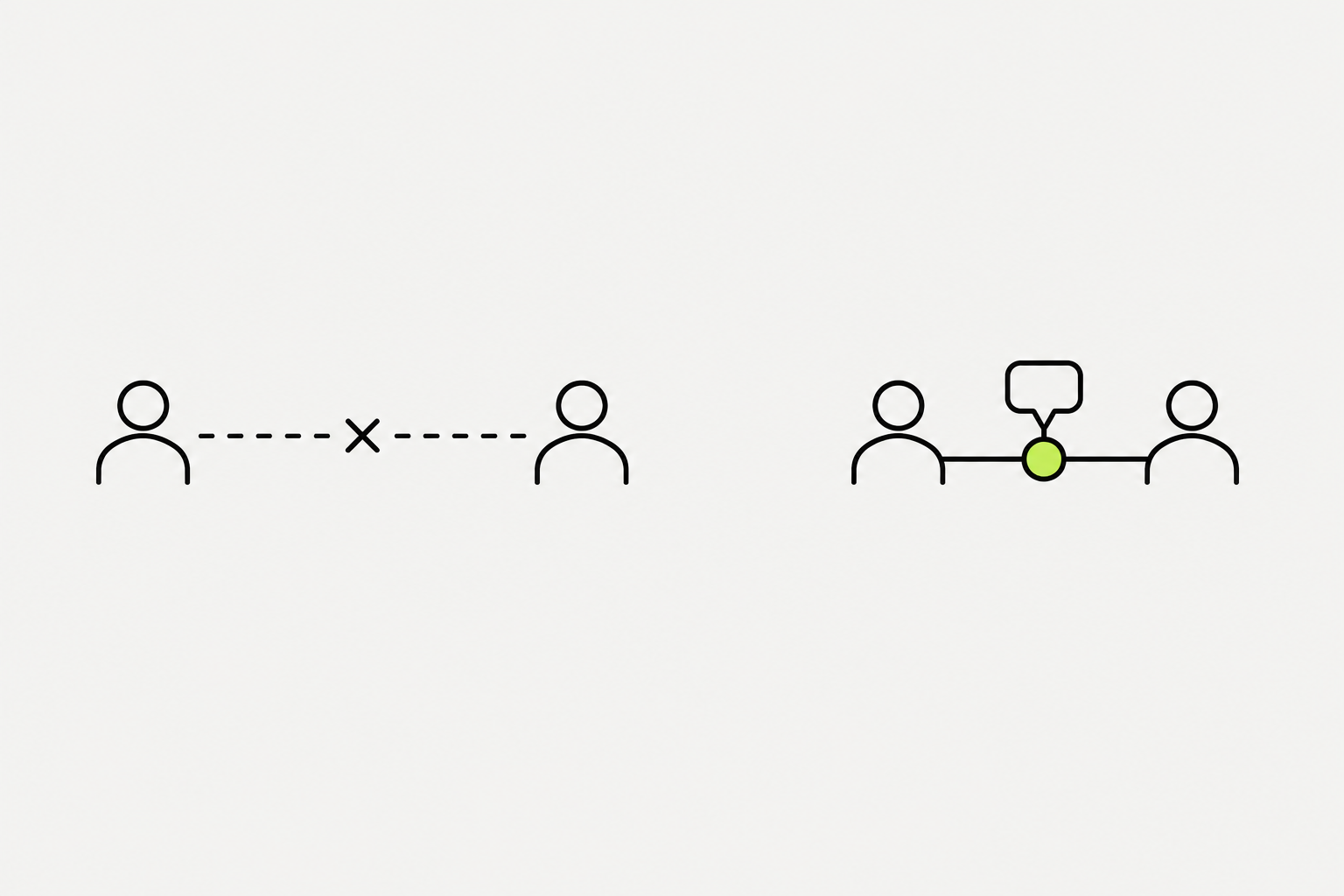
The fix is not a better template. It is making sure you are not a stranger when the request arrives. For high-value accounts, it is worth doing carefully.
- The "engage first, connect second" move: Comment thoughtfully on someone's post 2-3 times over a week before sending the request. Mention the comment in your note. Acceptance rates jump significantly when someone recognizes your name.
- Who to target: People who engaged with your last 5 posts - commented, reacted, or reshared. They already know you.
- People who engaged with posts in your niche from creators you follow. They're your audience - they just haven't met you yet.
- Who to avoid: Random 3rd-degree profiles with zero context. Low acceptance, high flagging risk.
What you can try now: The fix is not a better template. It is making sure you are not a stranger when the request arrives. For high-value accounts.
The practical takeaway: you cannot grow by sending more, because the cap is fixed. You grow by raising the share that get accepted.
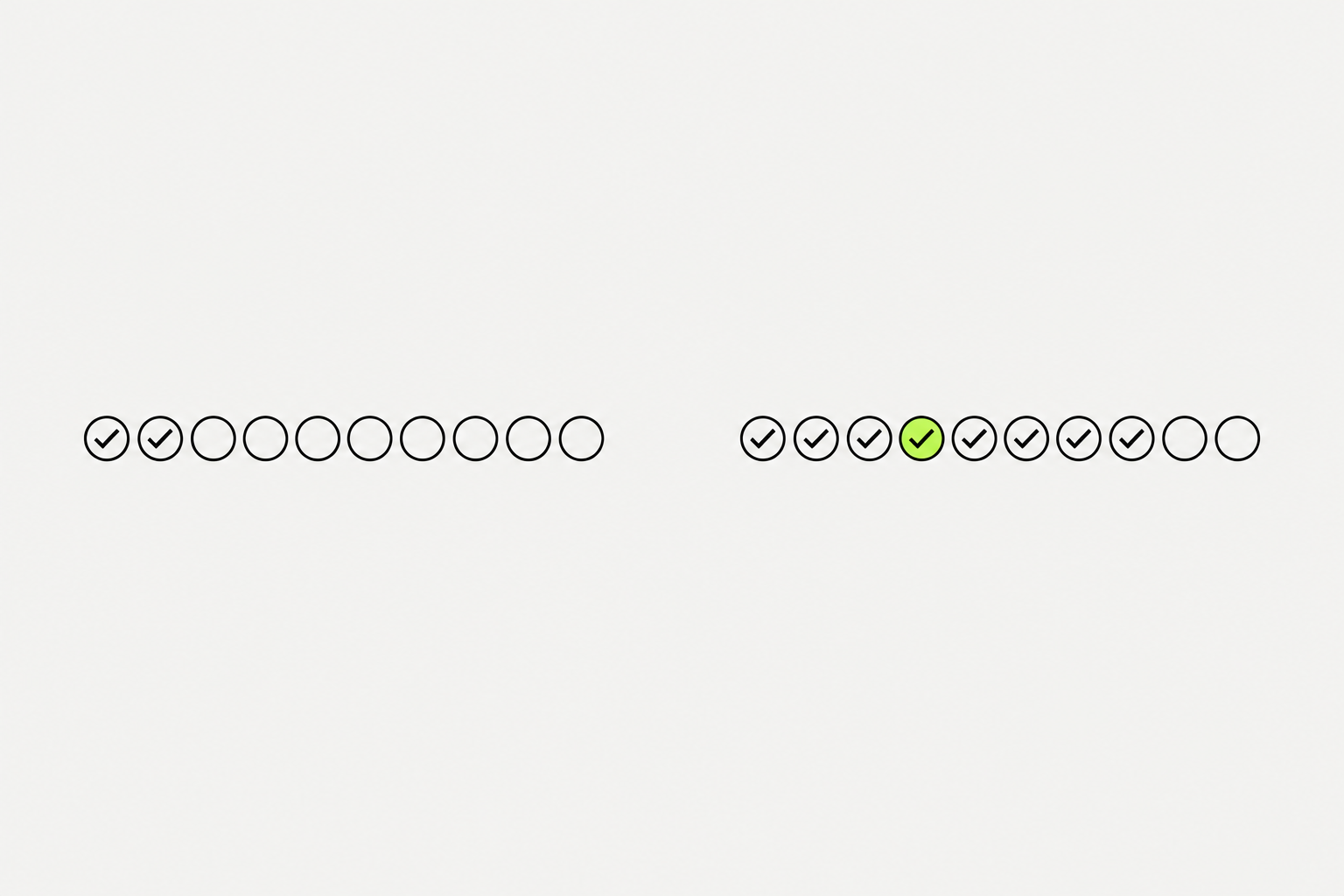
Every account gets roughly 100 to 200 sent invitations per rolling week. The exact number depends on your account age, history, and how LinkedIn scores your behavior.
- A 2025 study of 16,492 requests found the average acceptance rate is around 37%, and anything under 20% is a red flag that can get your account restricted.
- Most people should send 20-50 per week max - quality beats volume, and low acceptance rates trigger restrictions. Spread them across the week instead of sending 50 in one day.
- LinkedIn follows a rolling 7-day window, not a Monday-to-Sunday reset.
- Send at the cap every week and you are not growing faster, you are just spending your entire budget, often on people who never accept.
What you can try now: Every account gets roughly 100 to 200 sent invitations per rolling week.
Your LinkedIn public profile is a streamlined version of your profile that shows up in search engine results, and is visible to people who aren't signed in to LinkedIn.
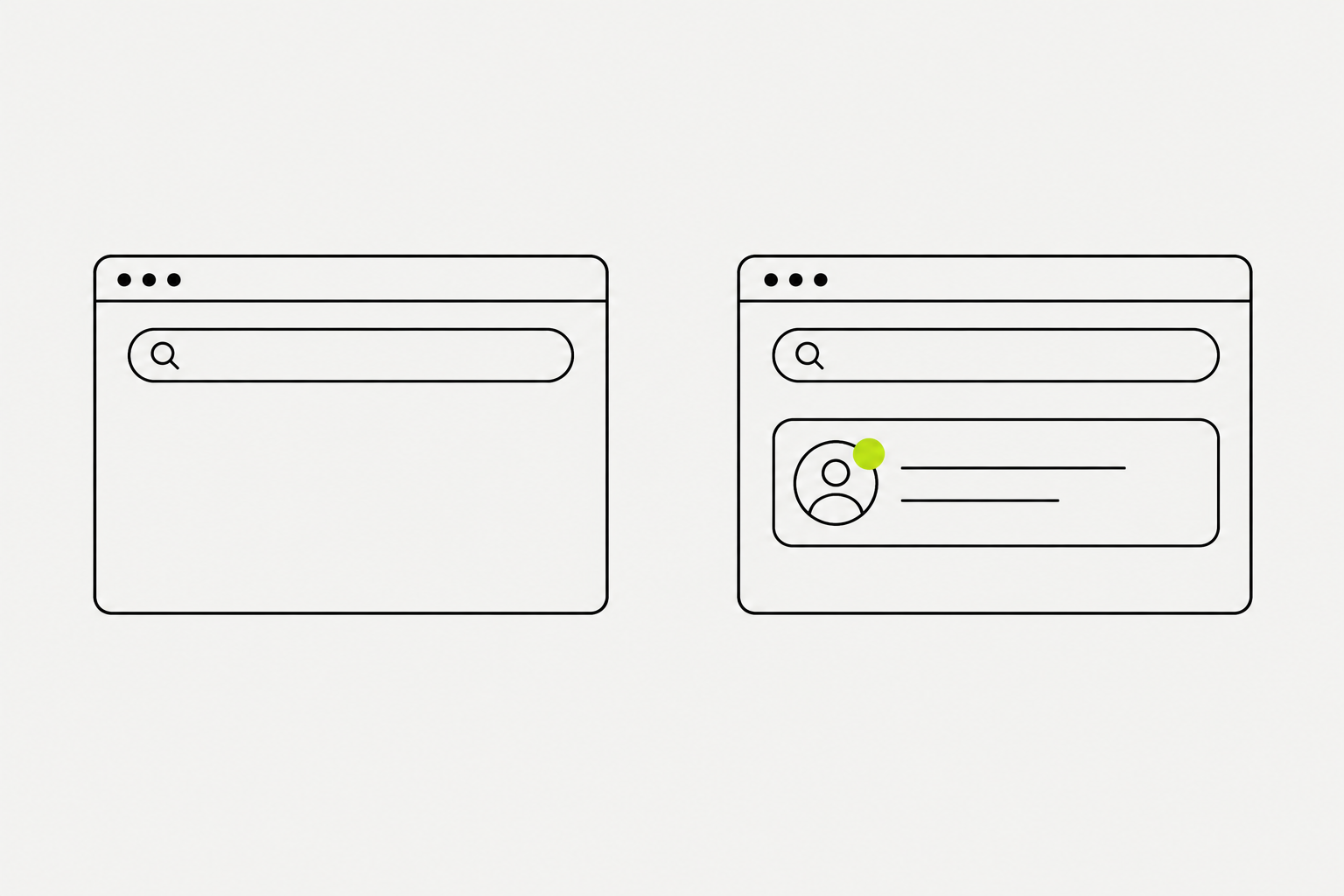
You can promote your profile to show up better in search engine results by creating a personal URL. You can also create a badge for your public profile that you can add to your online resume, blog, or website from the Public profile settings page.
- Once you've got a clean URL, use it everywhere, consistently.
- Email signature, CV, speaker one-sheets, guest bio blurbs, your website's "about" or "contact" page, your Google Business Profile if you're a service provider, printed materials, and anywhere you're asked for a "website" field on a form that doesn't have its own dedicated LinkedIn slot.
- Follow link to easily share a personalized link or button on your web channels, email, or other platforms. This link or button allows anyone to start following you with just a click.
- The criteria for access to the Follow link: A history of abiding by our Professional Community Policies and a good standing record on LinkedIn, and Geographic location is outside of mainland China.
What you can try now: You can promote your profile to show up better in search engine results by creating a personal URL.
Boosting a post will turn the post into an ad.
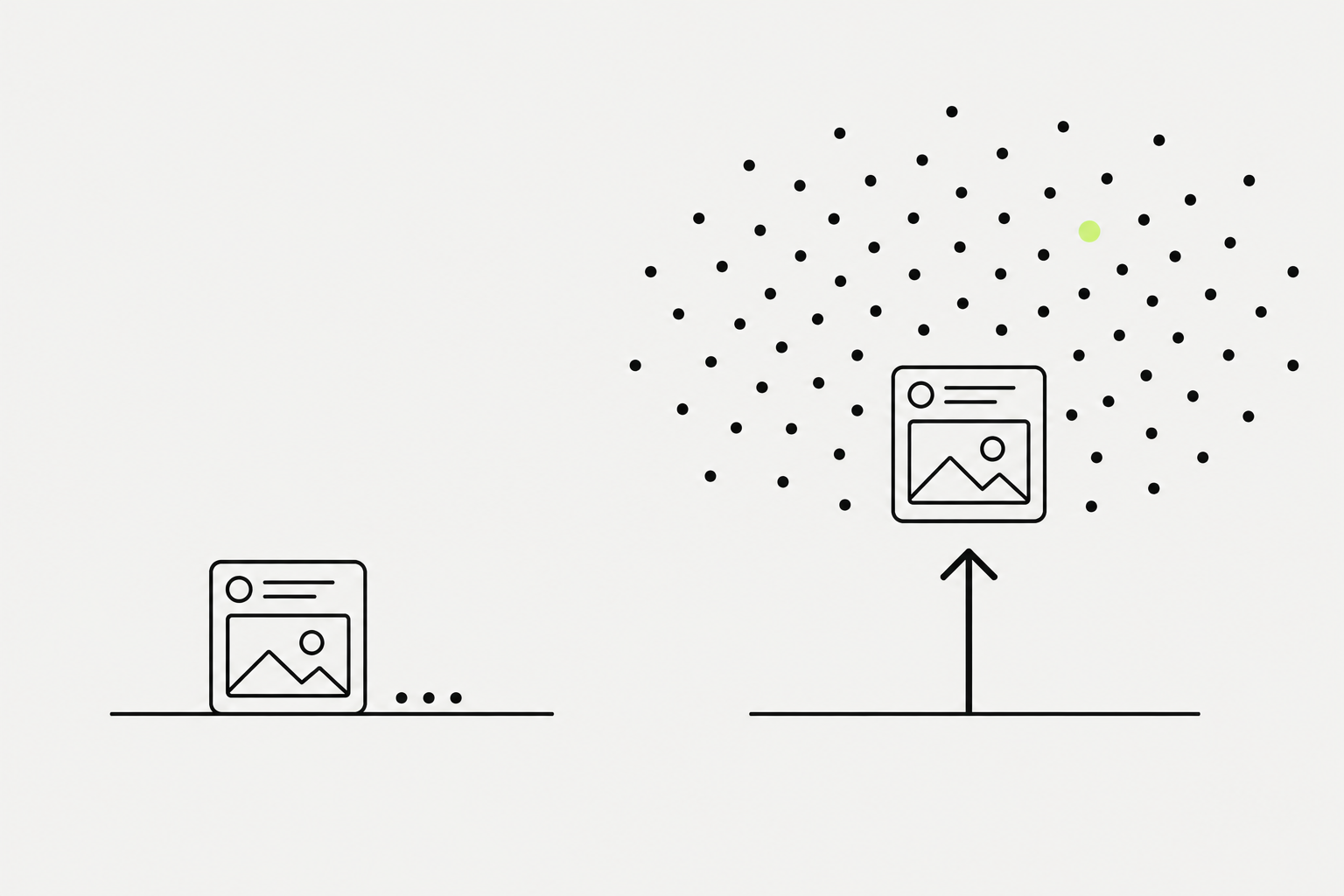
As a LinkedIn member, you can boost your posts on the LinkedIn feed to increase your visibility, grow your followers, and get more website clicks. You can select your budget and target audience to boost key posts, increasing visibility to target audiences by selecting from facets including location, language, job title, job function, company industries, and job seniorities.
- You can boost your personal LinkedIn posts with a Premium Business Suite subscription. We're also gradually releasing this feature to members without a Premium Business subscription.
- With the Premium All-in-One subscription (formerly LinkedIn Premium Business Suite), you receive monthly boost credits to enhance your marketing efforts.
- Boosting is gradually being released. You might not have access to it at this time, and some functionality might change over time.
- Boost credits included with Premium All-in-One can only be used to boost posts from your personal profile. You can't use these credits to boost posts from a LinkedIn Page.
What you can try now: As a LinkedIn member, you can boost your posts on the LinkedIn feed to increase your visibility, grow your followers, and get more website clicks.
Automated inauthentic activity violates the LinkedIn User Agreement and can result in temporary or permanent restriction of your account.
In order to protect our members' data and our website, we don't permit the use of any third party software, including "crawlers", bots, browser plug-ins, or browser extensions that scrape, modify the appearance of, or automate activity on LinkedIn's website. We also don't permit the use of fake accounts or fake engagement on LinkedIn's website, including any tools or services that try to manipulate LinkedIn's content algorithms. Suspensions rarely arrive with zero warning. Watch for these signals and treat them as a reason to slow down immediately:
- Unexpected CAPTCHA prompts during normal browsing or messaging.
- Phone or ID verification requests out of nowhere.
- "Restricted" labels on search results or messaging limits appearing without explanation.
- A sudden drop in connection acceptance or reply rate week over week.
What you can try now: In order to protect our members' data and our website, we don't permit the use of any third party software, including "crawlers", bots, browser plug-ins.
Here's a concrete 30-day plan that grows both followers and connections at the same time.
It assumes you post 3x a week and send ~20 connection requests per week - volumes that keep you well under LinkedIn's limits. After 30 days, you'll have posted ~12 times, sent ~50-60 connection requests, and engaged on ~100 posts. Most people see their first viral-ish post (10K+ impressions) somewhere between days 20-60 if they're consistent.
- Week 1: Setup. Rewrite your headline and banner around a specific niche. Pin 3 featured posts (or a case study link). List your 3 core topics - every post for the next month fits one of them. Make a list of 20 creators in your niche. Follow them, turn on notifications for 5.
- Week 2: Engage before you post. Comment thoughtfully on 5 posts per day from your creator list. 2-3 sentences, specific, not generic. Publish 3 posts this week - one tactical, one story, one opinion. Send 10 connection requests to people who engaged with your comments this week.
- Week 3: Consistency. Publish 3-4 posts. Try a document/carousel post this week. Send 15-20 connection requests - target people who engaged with your posts or your comments. DM 3 people you've been interacting with publicly. No pitch - just continue the conversation.
- Week 4: Review and double down. Check analytics: which post type got the most saves and comments? Do more of what worked. Drop what didn't. Send 20 more connection requests. Post 3 times. Keep engaging daily.
What you can try now: It assumes you post 3x a week and send ~20 connection requests per week - volumes that keep you well under LinkedIn's limits.
Impressions, likes, and follower count are numbers teams can see, not inputs the algorithm uses to decide who sees your next post.
The only LinkedIn metrics worth tracking are follower growth in your ICP, saves and DMs, qualified profile visits, and inbound conversations - not likes or impressions. Likes are cheap and lie. A post with 300 likes from adjacent audiences is worth less than a post with 40 likes from 40 potential buyers. When follower growth stalls, check upstream first.
- After every post, track: 1. Saves 2. Meaningful comments 3. Profile visits 4. Shares or sends if you have access to that data 5. DMs, connection requests, and leads that came in after the post
- Profile views down means hooks or formats stopped working - audit the last 4 posts.
- Save rate down means you're posting opinion, not reference - add a framework or specific numbers.
- Comment ratio down means weak CTAs or non-polarising topics - try a contrarian take.
What you can try now: The only LinkedIn metrics worth tracking are follower growth in your ICP, saves and DMs, qualified profile visits, and inbound conversations - not likes or impressions.
Often, people with more experience, better content, and case studies lose to people who just figured out the rules of this game better and work more consistently.
I grew from 2k to 10k followers in 10 months, and then from 10k to 15k followers in 8 months. I believe you'll be able to move faster after reading these lessons.
- Collaborate with local influencers. A huge number of people in your industry do not speak English but need your product or lead magnet.
- Block AI comments under your posts. If you won't do it, people who leave good comments will ignore your posts. You are responsible for the quality of discussions under your posts!
- Followers is a proxy metric, but it works for trust. The number of followers doesn't pay bills. However, this proxy metric has a huge impact on the decision of your ICP whether it is worth accepting your connection request and reading your first message.
- Constantly asking why people add me to connections. A large part of the impact of your posts cannot be easily attributed to likes and comments. Most people who read your posts do not like or comment on them, but they do affect whether you are remembered and chosen.
What you can try now: I grew from 2k to 10k followers in 10 months, and then from 10k to 15k followers in 8 months.
How long does it take to grow on LinkedIn?
Most people see noticeable growth (a few hundred new followers and a meaningful lift in post reach) after 60-90 days of consistent posting 3x per week. The first 30 days are usually slow because the algorithm is still learning your niche. If you're still flat after 90 days, the issue is almost always content quality or niche clarity - not time.
- Plan for 8-12 weeks of consistent posting (3-5 times a week) before you see meaningful follower growth or inbound.
- The first month mostly builds the signal the algorithm uses to understand your topic. Months two and three are where compounding starts.
- If you already have 5,000+ connections in your ICP, you can see results in 30 to 45 days. If you're starting from scratch, 90 days is a more realistic benchmark.
What you can try now: Most people see noticeable growth (a few hundred new followers and a meaningful lift in post reach) after 60-90 days of consistent posting 3x per week.
How do I grow LinkedIn followers as a beginner with zero audience?
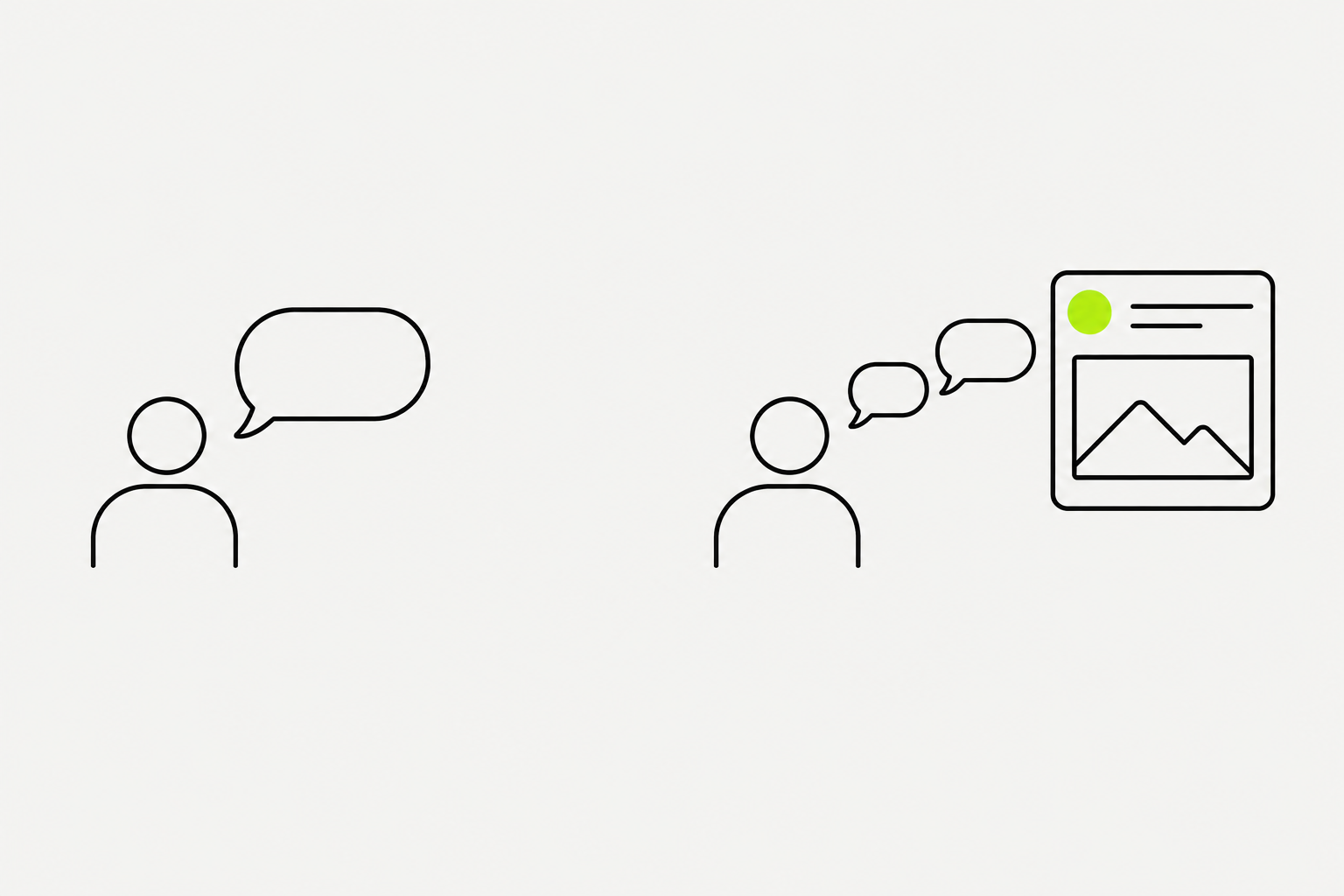
Start by engaging before you post. Leave thoughtful comments on 5-10 posts per day from creators in your niche for two weeks. Their audience sees your comments, visits your profile, and follows if your content matches their interests. Then start posting 3x a week on a narrow topic. This "engage first, post second" approach gets you your first 500-1,000 followers faster than cold posting into a void.
- Profile: Professional headshot, clear banner, and a headline that states your value proposition (not just your job title).
- Content: Comment on big creators' posts. Your goal is visibility in the comments section. 80% Commenting / 20% Posting.
- If your comment is smart, people will click your profile and follow you.
What you can try now: Start by engaging before you post. Leave thoughtful comments on 5-10 posts per day from creators in your niche for two weeks. Their audience sees your.
Can a LinkedIn company page send connection requests or DMs?
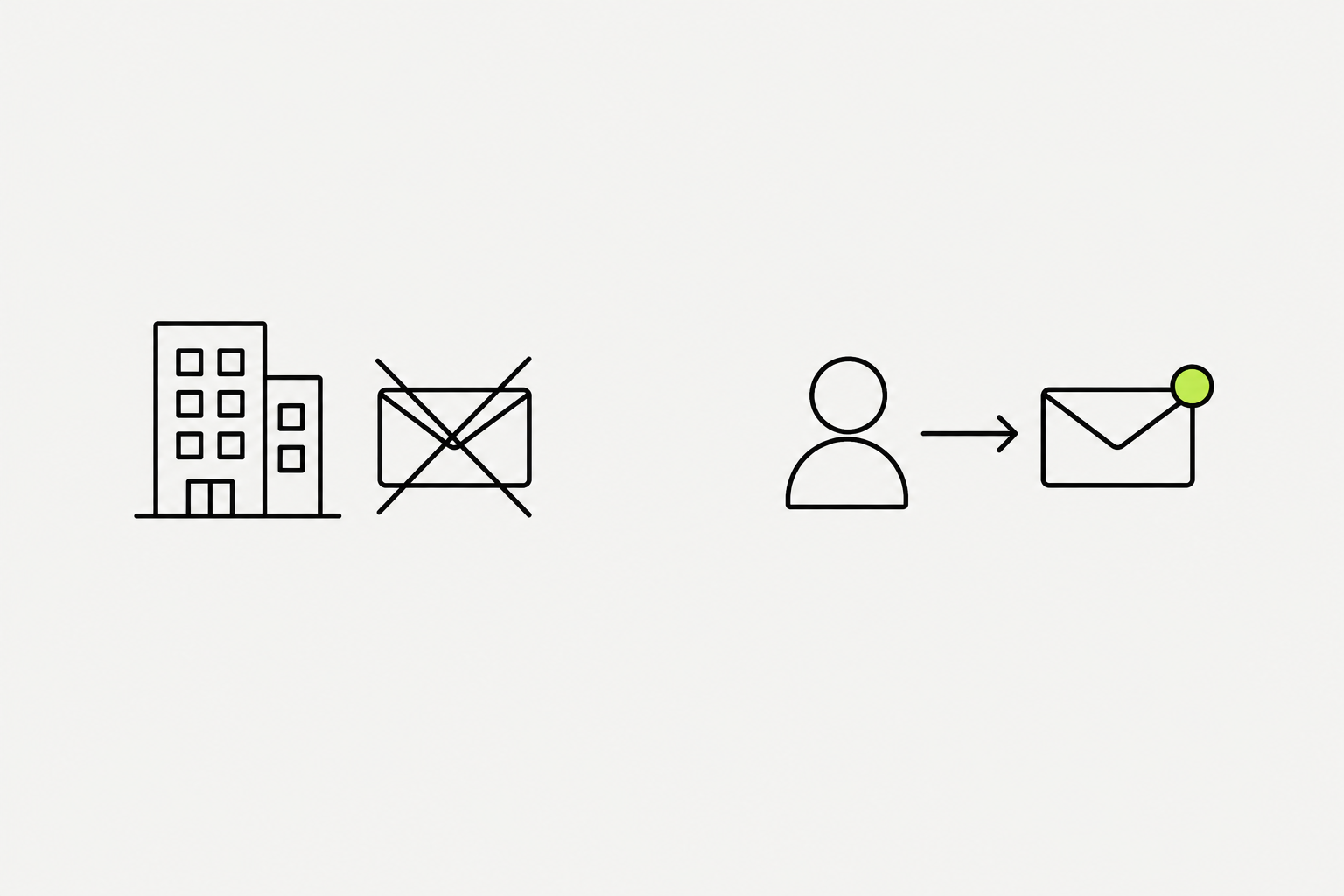
No. LinkedIn does not allow company pages to send connection requests, direct messages, or InMail. All outreach on LinkedIn originates from personal accounts. This is a platform-level constraint, not a strategy preference.
- The algorithm trusts personal profiles.
- When an employee shares a post, the algorithm reads it as a personal recommendation, not a brand broadcast.
- People engage with people, and the feed is built around that fact.
What you can try now: No. LinkedIn does not allow company pages to send connection requests, direct messages.
We are a community of people who help each other grow their personal brand on social media.
Join a community of creators and social media enthusiasts who support each other's growth with authentic engagement.
- Get 5 free LinkedIn Likes, Comments, Followers, Connections, or Saves, for new Users.
- Get 5 free LinkedIn likes, comments, followers, connections, or saves every 24 hours.
- Upgrade only when you need more.
What you can try now: Join a community of creators and social media enthusiasts who support each other's growth with authentic engagement.
Grow on LinkedIn